

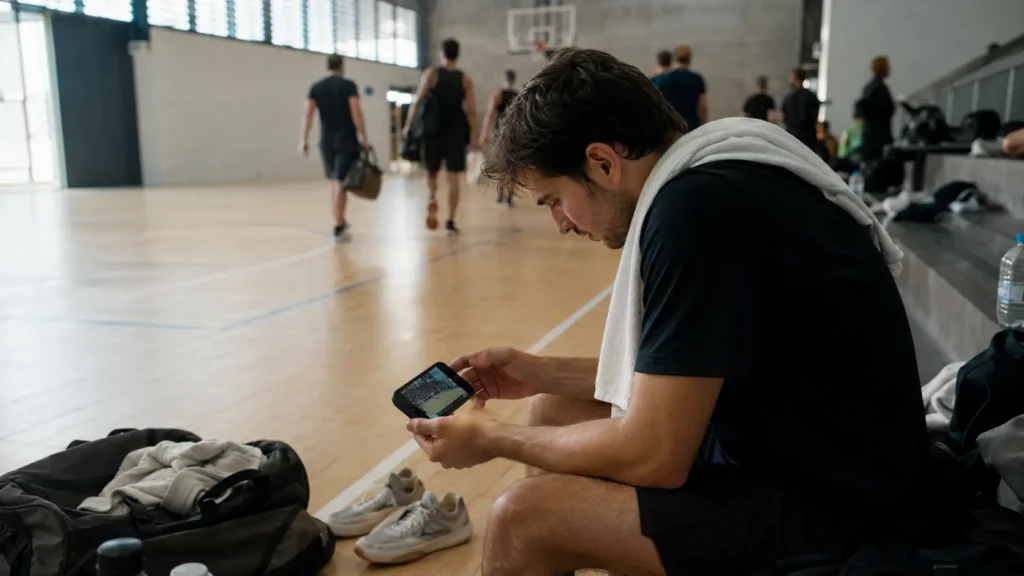
Recording the game is the easy half. What happens in the hour after you leave the court decides whether those clips become something you use, or forty untitled files you scroll past for a year and eventually delete.
This page is the short version of the whole chain: review, pick, save, share, keep. Each step links to the longer piece if you want the detail.
The Play Is Already Recorded
A court that films itself hands you the clip before you have left the building. Nothing to set up, nothing to remember.
Watch It Once, Properly
There is a difference between rewatching a clip and reviewing it, and the first is the easier habit to fall into. Rewatching means looking at the ball. Reviewing means looking at everything that is not the ball: where you were standing, how long it took you to recover, which decision you made before the one that went wrong.
The useful window is small. Watch within a day or two, while you still remember what you were thinking during the point. A week later you are watching a stranger and guessing at their reasons.
The reason this matters is that the memory and the footage answer different questions. The footage shows what happened. The memory holds why you did it: that you were expecting the ball to come back short, that you had already decided to cover the line, that your legs were gone by the third game. Reviewing while both are available lets you check one against the other. Reviewing later gives you only the first half, and the first half on its own mostly produces regret rather than adjustment.
One pass is enough. The detail on how to do that pass without turning it into a chore is in the sport-specific guides: reviewing your own soccer game covers positioning and the moments before the moment.
Pick the Two That Are Worth Keeping
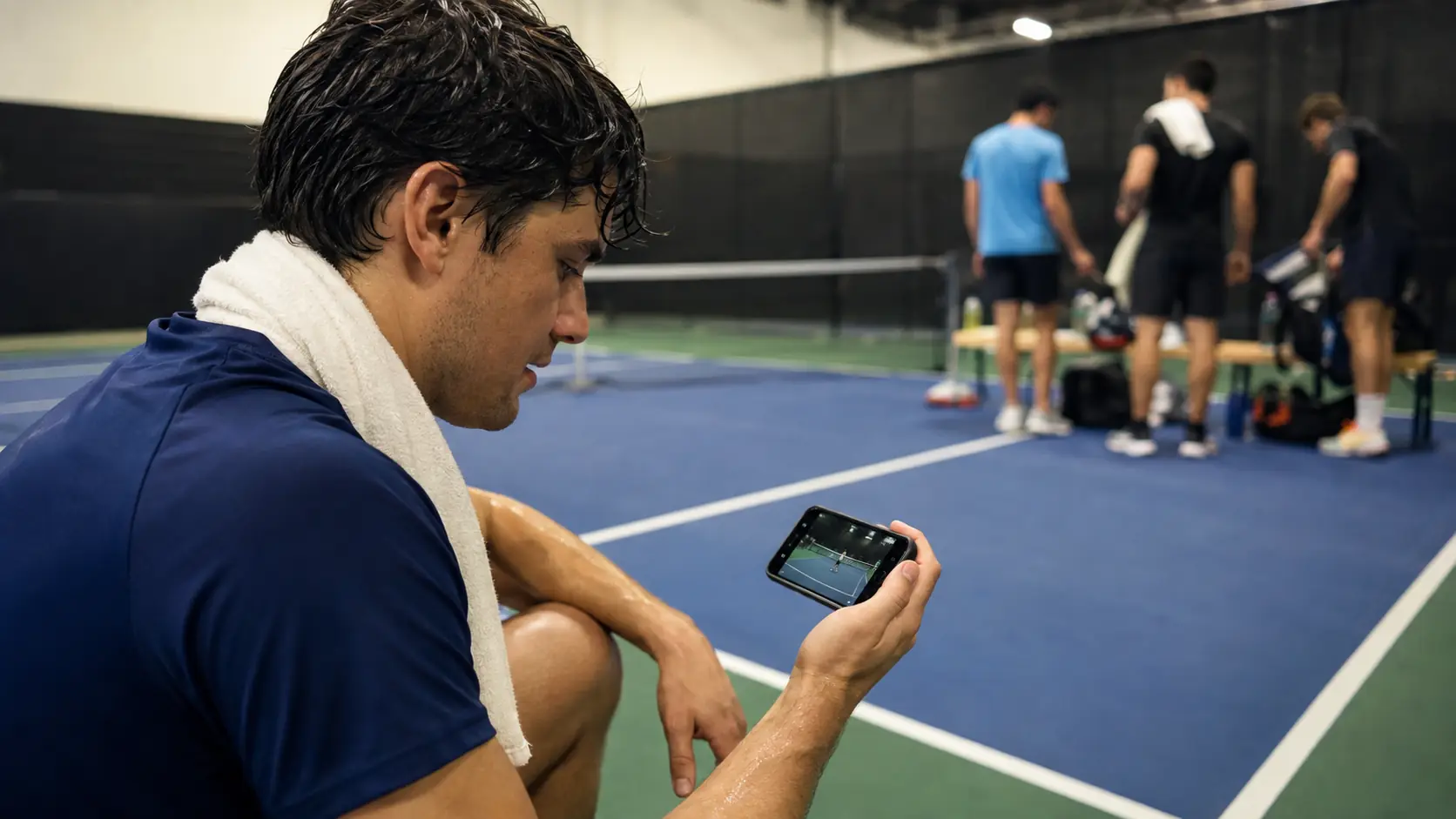
A session produces more footage than you are likely to watch again. The instinct is to keep all of it, on the theory that storage is cheap. Storage is cheap; attention is not. An archive of forty clips per session is one you are unlikely to scroll to the end of, which makes it worth about as much as keeping none.
A useful rule is two per session. One that shows something you did well, one that shows something worth fixing. Everything else can go, and going is better than staying: an archive you actually revisit beats a complete one you never open.
What makes a clip worth keeping is not the same as what makes it dramatic. A well-framed rally where the positioning is legible is more useful than a spectacular finish shot from behind a fence. What makes a sports clip good goes through the specifics.
There is a second filter worth applying, and it takes about five seconds per clip: would you send this to someone who was not there? If the answer is no, it is a clip for you, and it belongs in the review pile rather than the keep pile. Those are different jobs. A clip that shows a positioning error is valuable precisely because it is not shareable, and treating both categories the same is how sessions end up producing forty files.
Keep the Play, Not the Whole Match
Retroactive clips mean you save the thirty seconds that mattered instead of ninety minutes you will never open.
Save Them Somewhere That Is Not Your Camera Roll
The camera roll is where clips go to disappear. Not because anything fails, but because a phone reaches capacity, gets replaced, or buries a clip under three thousand photos taken since.
The minimum that works: one folder, named for the season, somewhere that survives the phone. Cloud storage, an external drive, anywhere that is not the only copy on the only device. Rename the files with the date and what happens in them, because "IMG_4471" tells you nothing in November.
This takes about two minutes per session and is the step most likely to be skipped. Where to store sports clips covers the options and their trade-offs.
Clips That Arrive Already Trimmed
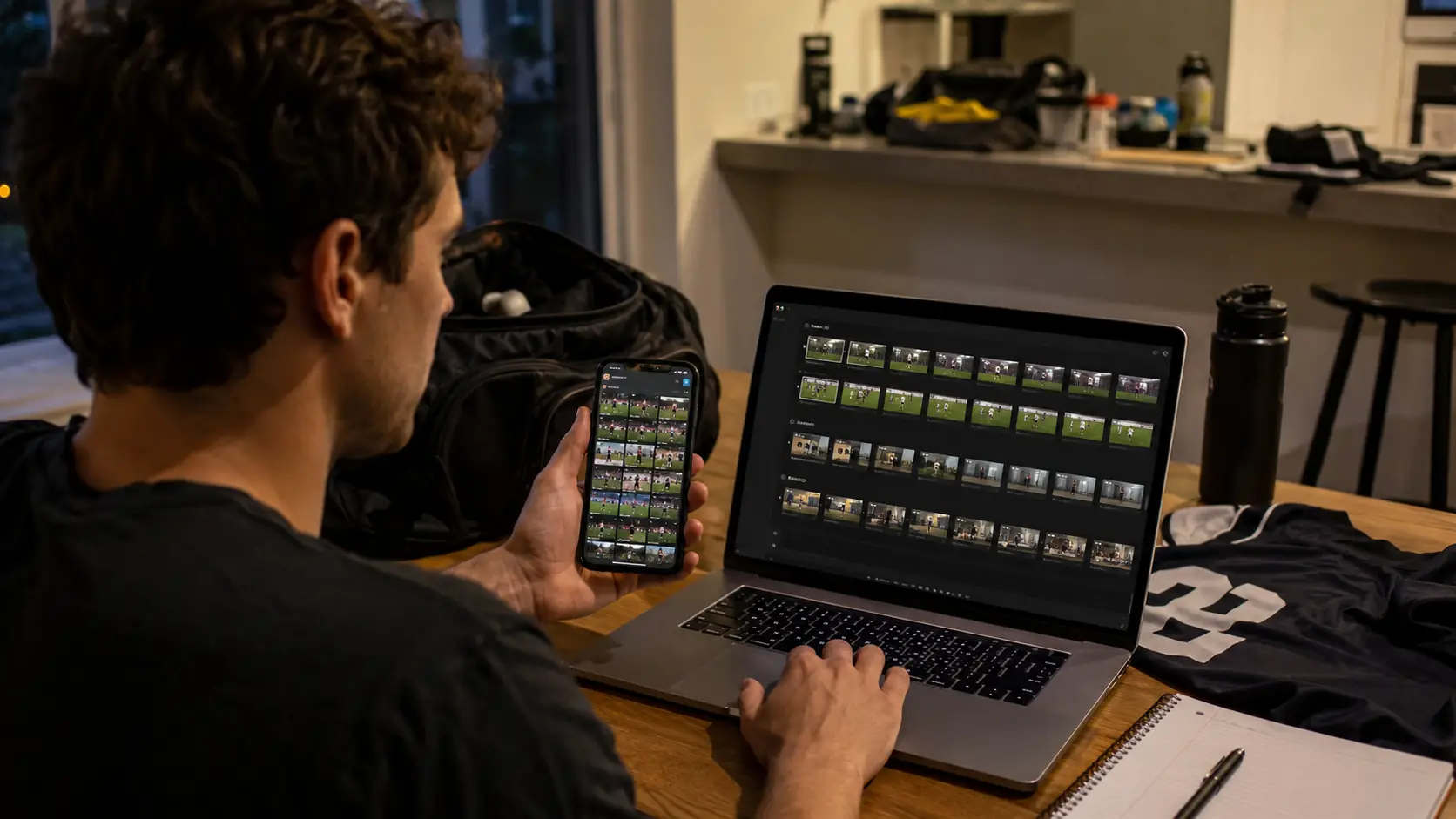
When the court records, the clip is short, named and ready before you have left. Nothing to sort later.
What Survives a Season
At the end of a season, the part of the archive worth having tends to be small: a handful of clips that mark progress, one or two that are just good to watch, and any footage that ended up serving a purpose beyond the group chat.
That last category is worth thinking about early, because it is the reason to be deliberate rather than to keep everything by default. Footage that shows how you play is what goes to a coach, into a trial application, or into a highlight for a team you want to join. It is hard to assemble that in April from clips you never labeled in September.
There is a version of this that costs nothing extra and pays off later: keep one clip per month that is simply representative, whether or not anything notable happens in it. A normal rally, filmed the same way each time. Those are the clips that show change, because change is invisible when you only keep the highlights. Eight months of best moments look like eight good days. Eight months of ordinary points look like a different player.
The practical version of all of this is one folder, two clips per session, named as you go. A couple of minutes each time you play, and the difference between having an archive and having a phone full of files.
If your court records automatically, most of this collapses into a much shorter routine, because the clip already exists and is already trimmed. How the replay button works explains the mechanism.
FAQ
How many clips should I keep from one session?
Two is a workable rule: one that shows something that worked and one worth fixing. The limit is attention rather than storage. An archive of forty clips per session goes unwatched, which makes it equivalent to keeping none.
When should I watch my own footage?
Within a day or two, while you still remember what you were thinking during the point. After a week you are guessing at your own reasons, which is a much less useful exercise.
Where should sports clips be stored?
Anywhere that is not only the camera roll. One folder per season, in cloud storage or on a drive, with files renamed to the date and what happens in them. The camera roll is where clips are lost by accumulation rather than by failure.
Does sharing a clip quickly actually matter?
Yes, and more than the effort suggests. A clip sent the same evening arrives while the people who were there still remember the point. Three days later it competes with whatever the group has moved on to, and the reaction is the reason for filming in the first place.
What should I do with clips at the end of a season?
Keep the small set that shows progress and anything that might serve a purpose outside the group chat, such as footage for a coach or a trial. That selection is far easier if clips were labeled as they were saved rather than assembled retroactively from unnamed files.
Is it worth filming if I never watch it back?
Then filming is not the problem, the routine after it is. Recording without a habit of reviewing, picking and saving produces storage rather than value. Deciding in advance what happens to a clip is what turns it into something you use.