

The amateur sports video guide makes a promise in one line: storing your clips is unglamorous, and it saves the ones you will want in five years. This article is that promise, paid. And it starts by widening the question almost everybody asks first. The question is not only where more of your clips will fit. It is which of them will still be there in five years, because a free tier has limits on size and conditions on time.
Saving is not archiving. Services set storage limits, and they also set retention and inactivity rules. Miss one of those conditions and the goal you filmed in 2026 can disappear from an account that was never full.
The Clip That Starts Outside Your Phone
At a court with VISU Replay, the camera runs continuously and the clip is generated after the play, so it never depended on free space on your phone at the moment it happened.
Running out of Space Is Only One Way to Lose a Clip
Ask anyone why they lost a video and you will hear a story about a full phone. A full phone is real, and it is one of the ways this goes wrong. It is not the only one, and in practice it is not the one that catches people out.
There are three ways an amateur sports clip dies, and only one is about capacity.
The device. Lost, dropped in a pool, stolen, or factory reset before a trade in. Nothing exotic. It is the most common cause and it has nothing to do with gigabytes.
The account. The free tier hit its ceiling, or it expired on you for a reason nobody reads about until it happens. This is the failure mode this article is really about.
The app. The clip survived, but not the version you filmed. It went through a chat, got recompressed for delivery, and the sharp copy was never uploaded anywhere. Recompression does not run backwards.
Organize storage around those three and the decisions get simple. Organize it around "which service gives me the most gigabytes" and you have answered the wrong question.
What a Clip Actually Weighs
Before choosing where clips live, it helps to know what you are actually moving. Most people wildly overestimate it.
The numbers below are an estimate from reference bitrates, not a measurement of any particular phone. The formula is visible so you can check it: megabytes equal megabits per second times seconds, divided by eight. The bitrates come from YouTube's recommended upload encoding settings (8 Mbps for 1080p at standard frame rates, 12 Mbps at 60 fps).
A 30 second clip, the unit this whole cluster works in:
| Resolution | 30 fps | 60 fps |
|---|---|---|
| 720p | about 19 MB | about 28 MB |
| 1080p | about 30 MB | about 45 MB |
| 4K | about 131 MB | about 199 MB |
Now the same math on an hour of raw game, which is what people actually film: roughly 2.2 GB at 720p, 3.5 GB at 1080p, and about 15.4 GB at 4K, all at 30 fps.
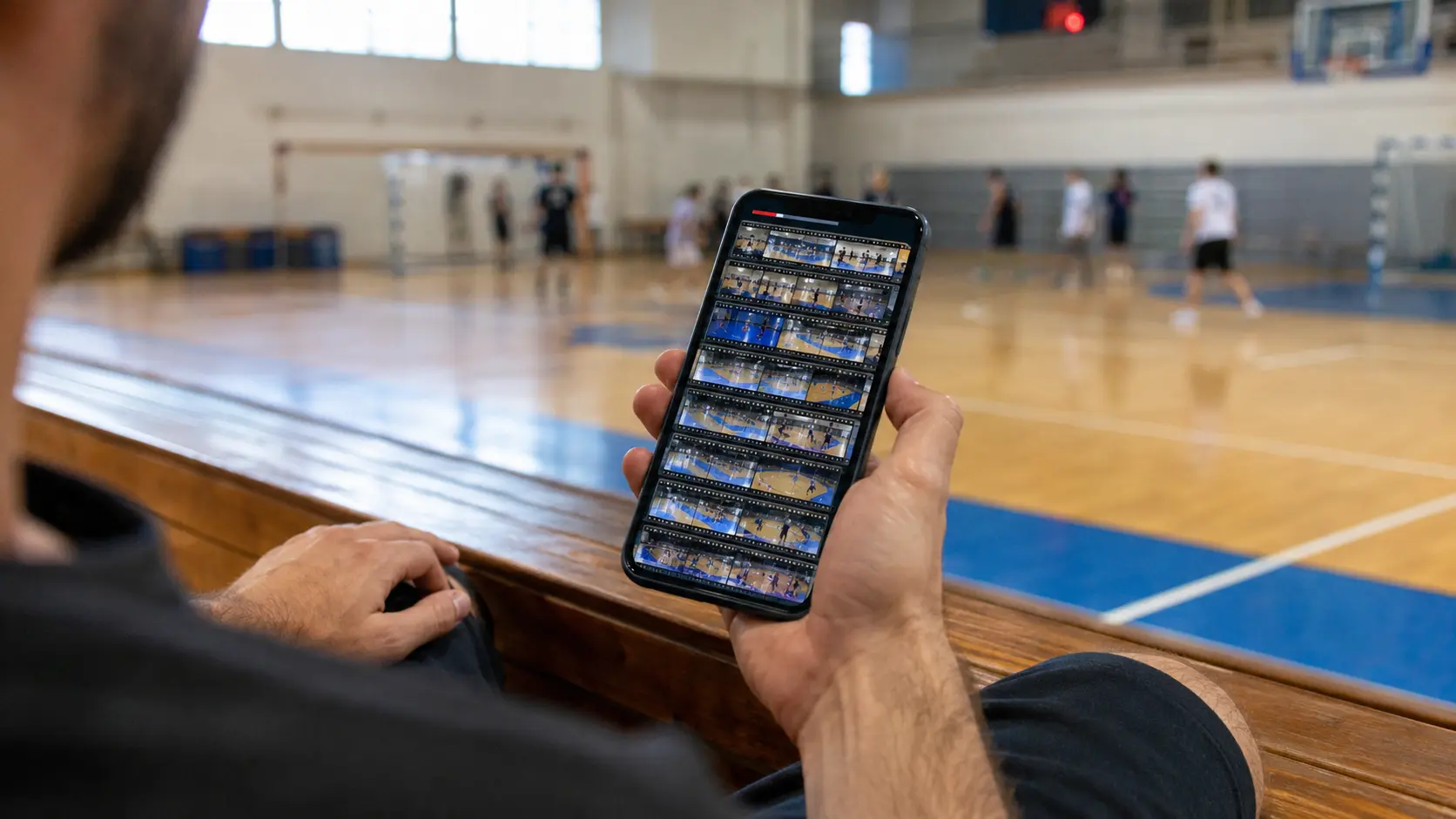
Read the two together and the conclusion writes itself. Thirty clips of 30 seconds at 1080p come to about 900 MB, less than a gigabyte for a season of moments. One hour of 4K raw is over fifteen. Keeping the game is the expensive habit. Keeping the plays is not.
Which plays are worth keeping, and how long each should run, are separate questions answered in how long a sports clip should be and what makes a good sports clip. This article picks up after you have chosen.
Free Storage Has Two Limits, and the Second One Gets You
Everybody knows the first limit. Almost nobody knows the second, and the second is the one that deletes things.
Limit one is size. Google gives you up to 15 GB, and the "up to" is theirs, so treat it as a ceiling rather than a guarantee. The detail that matters is that the number is shared across Drive, Gmail and Photos. One bucket, three services.
Google's help page spells out what happens when it fills: no uploads to Drive, no sending or receiving email in Gmail, no backing up photos or videos. Filling your account with match footage takes your inbox down with it.
Apple's free tier is 5 GB of iCloud storage. From the tables above, that is roughly 85 minutes of 1080p footage if the account were empty, which it never is, because it also holds your device backup.
Limit two is activity, and it has a clock. Google Photos states plainly that if you do not use Google Photos for two years or more, your photos and videos might be deleted. Not archived. Deleted.
Read that again with a clip in mind. You upload the goal in 2026, you switch to a different photo app, and two years of not opening one application is enough. The account was never full. You just stopped showing up.
Google does warn first: notice at least three months before, and deleted items sit in the trash for 60 days. If those emails land in an address you no longer read, the warning is technically true and practically useless.
There is one clean exception. Google states that with a Google One membership and an account in good standing, photos and videos will not be deleted. That is the honest shape of the deal. Paying does not only buy space. It buys permanence. Prices vary by country, which is why none appear here.
Clips That Are Not Only in Your Camera Roll
VISU Replay generates the clip after the play from a camera fixed at the court, so the moment does not depend on you remembering to film it.
Downgrading Quality Buys Space, Not Permanence
The obvious response to a full account is to make the files smaller. It works, and it solves the wrong limit.
Google Photos offers a Storage saver mode, and its help page is specific about the trade: videos higher than 1080p will be resized to 1080p. If you filmed in 4K to get a clean crop of a play at the far end of the court, that detail is what you are spending.
Two things people get wrong here. First, files backed up in Storage saver still count toward your account storage. It stretches the quota, it does not exempt you from it. Second, the unlimited free backup people remember is history: only uploads made in High quality before June 1, 2021 sit outside the quota. That is why some old accounts feel roomier than they are.
And recompression is one directional. Once the 4K version is gone from the phone and the 1080p copy is what remains in the cloud, nothing brings the original back.
The Group Chat Is Not a Backup
The team group is where most amateur clips actually go, which is why so many people treat it as their archive. It is not one, for two reasons.
The first is quality. Send a video as a video and the app decides the quality for you so it can deliver quickly, so what arrives is a recompressed copy. Check it yourself: save a clip back out of a chat and compare it to the original. Sending it as a document or file preserves what you filmed. Most people have never done that once.
The second is structural. A chat is a distribution channel, not an archive. Whoever clears the conversation clears the clip. Someone leaves the group, someone changes phone without a backup, someone deletes a year of messages to free space, and the play is gone from the only place it lived.
Telegram sits differently. Its FAQ states you can share an unlimited number of photos, videos and files of up to 2 GB each, and that the app needs less than 100 MB on your device because the media stays in the cloud. Useful for moving big files off a phone. What Telegram does not publish is a retention commitment with a term attached, so treat it as excellent transport with no promise of permanence.
Unlisted on YouTube: The Free Archive Nobody Uses
There is a free service with no gigabyte quota for video, and amateur players almost never think of it as storage.
YouTube's ceilings are generous here: the maximum file is 256 GB or 12 hours, whichever is less. A default account uploads videos up to 15 minutes long, and verified accounts go beyond that. For 30 second clips, none of that will ever be your problem.
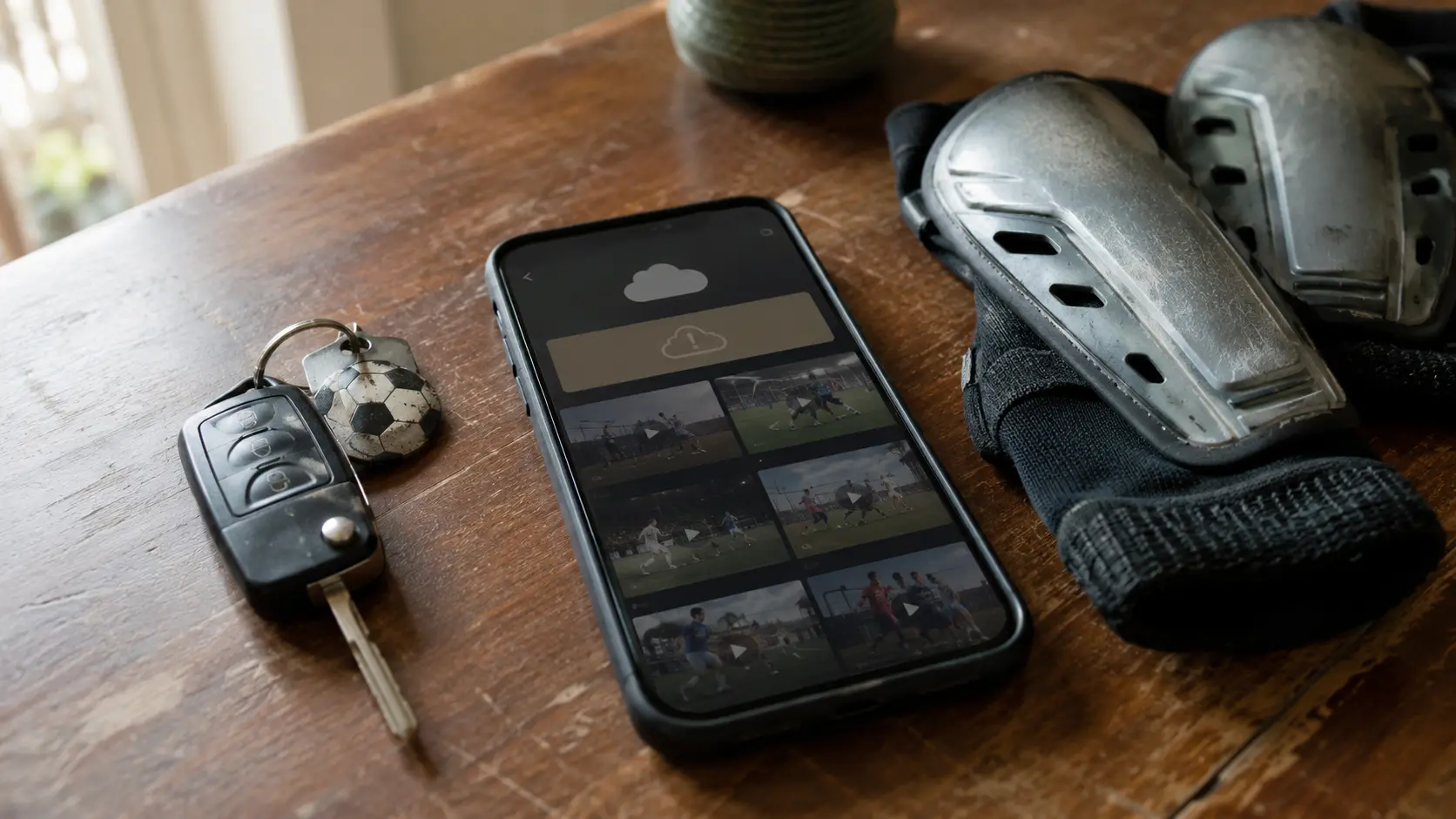
Now the honesty this needs. Unlisted is not private. YouTube's own documentation says unlisted videos can be seen and shared by anyone with the link, and that they will not show up in search results unless someone adds your unlisted video to a public playlist. That "unless" is the whole caveat.
If you need real privacy, the Private setting restricts the video to you and people you choose, with comments unavailable. That is the correct trade for footage of a minor or anything you would not want indexed.
Used sensibly, an unlisted archive is the strongest free permanence available. It is an account you already open constantly, so no inactivity clock is ticking.
Where the Clip Is Born Changes Where It Lives
Everything above is about moving a file that already exists on your phone. There is another order of operations.
At a court with Replay, the camera is fixed and records continuously, and the clip is generated after the play. It is born outside your device. That removes two of the three failure modes at the source: you did not have to remember to film, and you did not need free space on the phone at that moment.
The limitation belongs in the same paragraph. Replay only exists where it has been installed. It is a choice about where the clip is born, not a substitute for your own copy. Everything in the next section still applies.
The Routine That Survives Five Years
Four habits, and none of them require a subscription.
Keep the play, not the session. The biggest single win, and it costs nothing. An hour of raw 4K does not even fit in Google's free tier. Thirty clips from the same season fit ten times over.
Keep one copy off the phone. The device is the most likely thing to fail, and it is the one place almost everybody stores exclusively. Cloud, computer, external drive, unlisted upload, any of them. Two copies, two places, one of them not in your pocket.
Make sure the free account is used. A free tier is not a vault, it is a service with conditions, and one condition is that you show up. If your archive is a photo app you no longer open, move the archive somewhere you touch weekly.
Name it and date it. Five years out, "IMG_4471" tells you nothing, and you will not scrub 400 files to find one goal. A folder per season, and a filename with the date and the sport.
None of that is glamorous. It is exactly the unglamorous thing that decides whether the clip you want in 2031 still exists.
Find a Court With Cameras
Recording continuously at the venue changes what you have to store afterwards. See how the clip is produced and where it already lives.
FAQ: Storing Sports Clips
Where should I keep my sports clips?
In two places: a cloud account you genuinely open on a regular basis, and one copy outside the phone, such as a computer or an external drive. The criterion is permanence rather than size. A service with a large free tier that you never sign into is a worse archive than a smaller one you use every week.
How much storage does a sports clip use?
About 30 MB for 30 seconds at 1080p, and about 131 MB for the same clip in 4K. Those are estimates derived from YouTube's recommended reference bitrates rather than measurements of a specific phone, using megabits per second times seconds divided by eight. An hour of raw 1080p footage is roughly 3.5 GB, which is why keeping plays is cheap and keeping whole games is not.
Can Google Photos delete my videos?
Yes. Google Photos states that if you do not use Google Photos for two years or more, your photos and videos might be deleted. The policy includes a warning at least three months in advance, and deleted items stay in the trash for 60 days before being removed permanently. Google also says that with a Google One membership and an account in good standing, photos and videos will not be deleted.
Does WhatsApp reduce my video quality?
Sending a clip as a video means the app decides the quality for you so it can deliver it quickly, and the copy that arrives has been recompressed. Sending the same clip as a document or file is the route that preserves the original. Recompression does not run backwards, so if the chat copy is the only one you kept, the sharp version is gone.
Is an unlisted YouTube video private?
No. YouTube states that unlisted videos can be seen and shared by anyone with the link, and that they will not appear in search results unless someone adds the unlisted video to a public playlist. If you need actual privacy, use the Private setting, which limits the video to you and people you specifically choose and disables comments.
Does saving space in Google Photos protect my clips?
It buys room, not permanence. Storage saver resizes videos higher than 1080p down to 1080p, and those files still count toward your account storage. It also does not exempt you from the inactivity rule. Only uploads made in High quality before June 1, 2021 are outside the quota, which is why some older accounts feel roomier than they are.