

One page on visu.to, the Local tab and a QR ready for the counter.
VISU builds the business page with the links it already uses, the Local tab with address, map, opening hours and phone, and the QR as a print file. The artwork for the pieces comes ready for the industry.

Public profile of O Lenhador Burguer · September 2026
Ten industries, the same base assembled another way.
The page, the Local tab and the QR change piece and copy depending on where the customer finds the business.
Today's menu

Point your camera at the code
Food trucks
One QR on the truck: menu, today's stop and ordering on the phone of everyone in line.
See the industry
Cardápio completo
Aponte a câmera para o código
Restaurants
One QR in the venue: menu, ordering and hours on the guest's phone.
See the industrySee our work
Point your camera at the code
Beauty and aesthetics
One QR in the salon: portfolio, services and contact in the hands of the client in the chair.
See the industryInformation
Hours, address and phone
Health and wellness
One QR at reception: hours, address and contact channel without a queue at the desk.
See the industryYOUR BRAND
About the brand
Point your camera at the code
Retail and packaging
One QR on the packaging: from the shelf to the brand channel without typing anything.
See the industry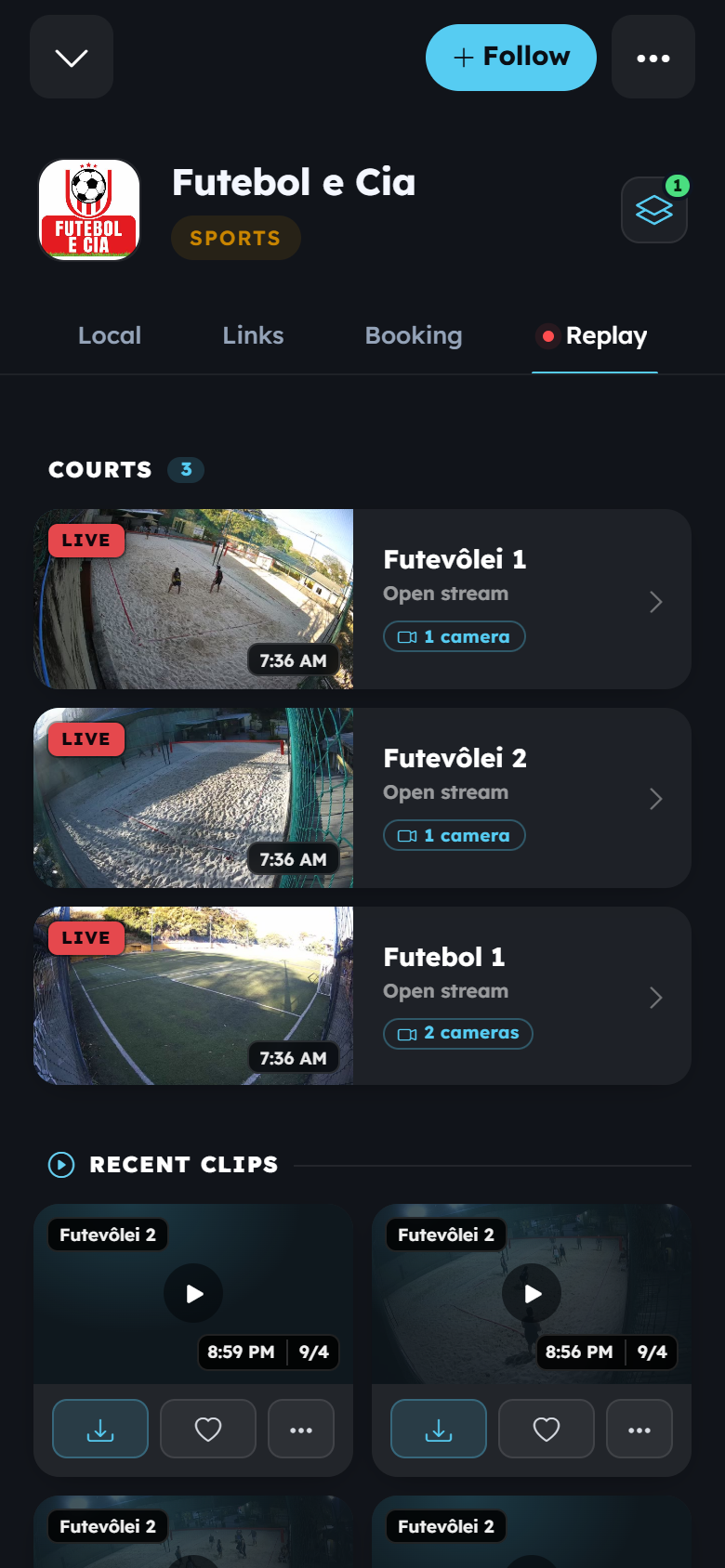
Public profile of Futebol e Cia · September 2026
Events and activations
One QR at the event: program before, content during, clips after.
See the industry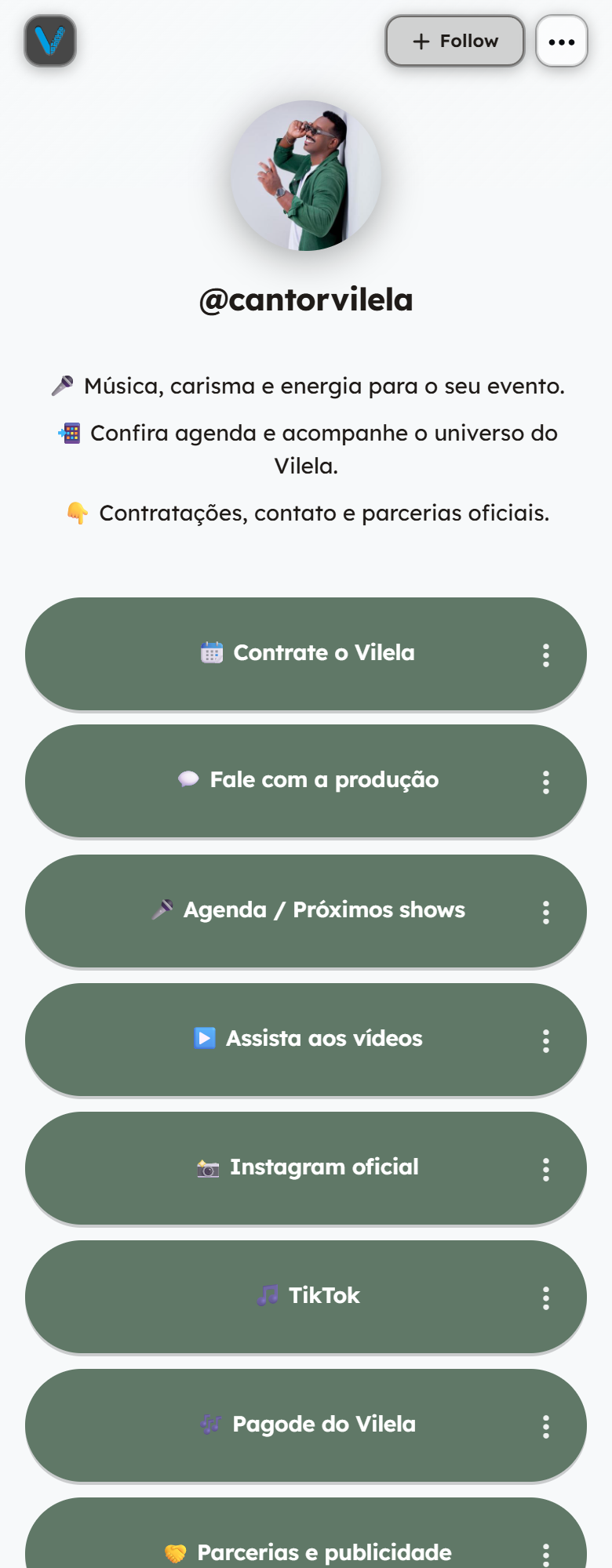
Public profile of Cantor Vilela · September 2026
Creators and influencers
One link and one QR: dates, videos, hiring and partnerships on a page of your own.
See the industrySee the property
Photos, details and contact
Real estate
One QR on the sign: photos, details and contact before the call.
See the industryYour practice
Services
Services and contact
Point your camera at the code
Professional services
One QR on the card: practice, cases and contact without depending on a social network.
See the industry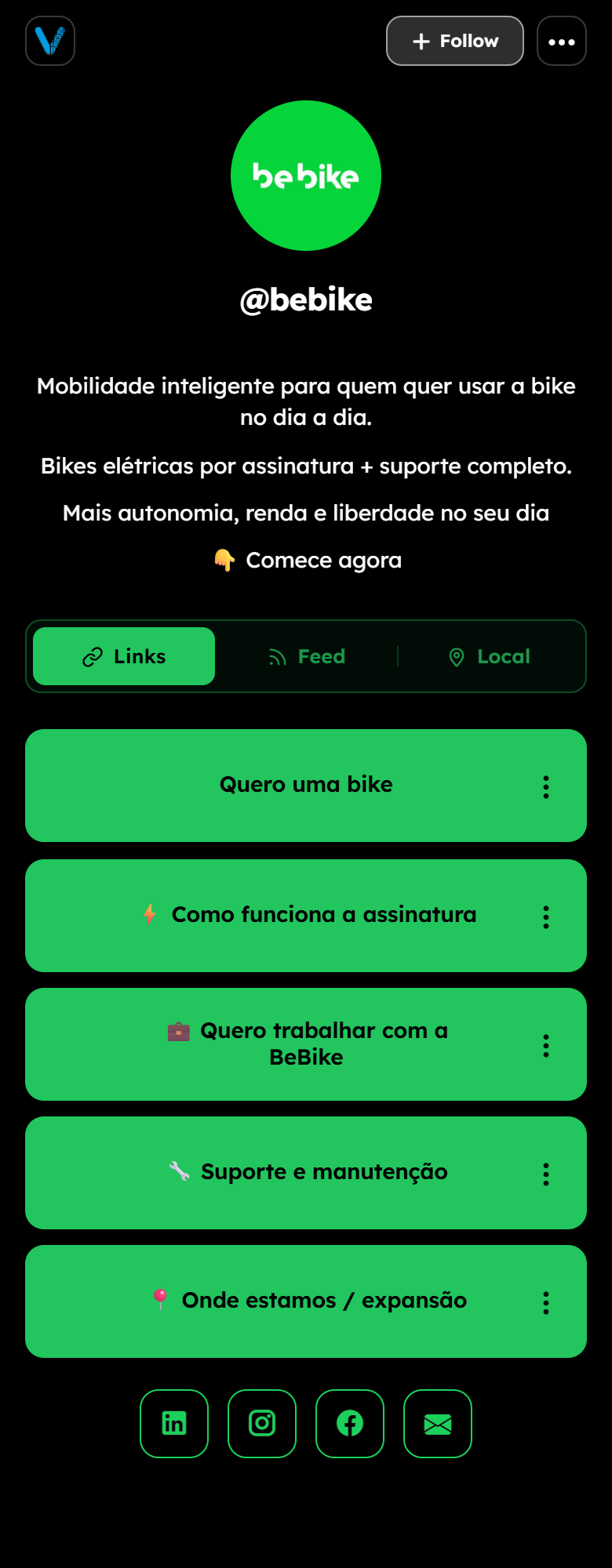
Public profile of bebike · September 2026
Corporate and franchises
One brand, several fronts: one page per location, one QR per point of contact.
See the industryWhat VISU builds and what stays with the business.
VISU builds
- The page on visu.to: cover, bio and the links the business already uses.
- The Local tab with address, map, opening hours and phone.
- The business QR, as a print file.
- The artwork for the pieces of the industry, ready for print.
- The copy and the order of the links, from first to last.
Stays with the business
- The content: menu, catalogue, portfolio, property details or program.
- The channels it already uses for orders, appointments or contact.
- The photos of the business and of the work.
- Sign off on the pieces before print.
- Printing, to be arranged.
Presence, occasion or network.
Open each scope to see what the work covers.
Presence
The base: the business gets an address of its own on the customer's phone.
- Page on visu.to, with the links the business already uses.
- Local tab with address, map, hours and phone.
- Business QR as a print file.
- Artwork for the pieces of the industry, ready for print.
Occasion
A date, a launch or a different service window gets its own piece and its own copy.
- Copy and link order for the occasion.
- A printed piece on the subject of the occasion.
- A QR pointing to the content of the occasion.
- The page returns to its previous state when the occasion ends.
Network
Several locations, professionals or fronts on the same base, with what changes at each one.
- A shared base of copy, links and pieces.
- One page and one QR per location.
- Local tab with the address and the hours of each location.
- Variation per location in the printed pieces.
Scope and investment are defined in a proposal.
Three direct questions.
Do these scopes have a fixed price?
No. The scope describes what the work covers. Scope and investment are defined in a proposal, after the conversation about the business.
Do I need to use every VISU product?
No. The business starts with the page and the QR. The rest comes in if and when it changes something in the operation.
I already have a page or a QR from another service. Can we use it?
Yes. The page on visu.to can point to what already exists, and the new QR becomes the one for the house. What is already printed stays valid until the next print run.
What is your industry and what is on the counter today?
Tell us how the business serves customers today and point to what already exists. From there we define what needs to be produced.
- The industry and what the business does.
- The channels it already uses for orders, appointments or contact.
- Whether a QR is already printed and where it leads.
Prefer to talk on WhatsApp?
Talk to VISU