

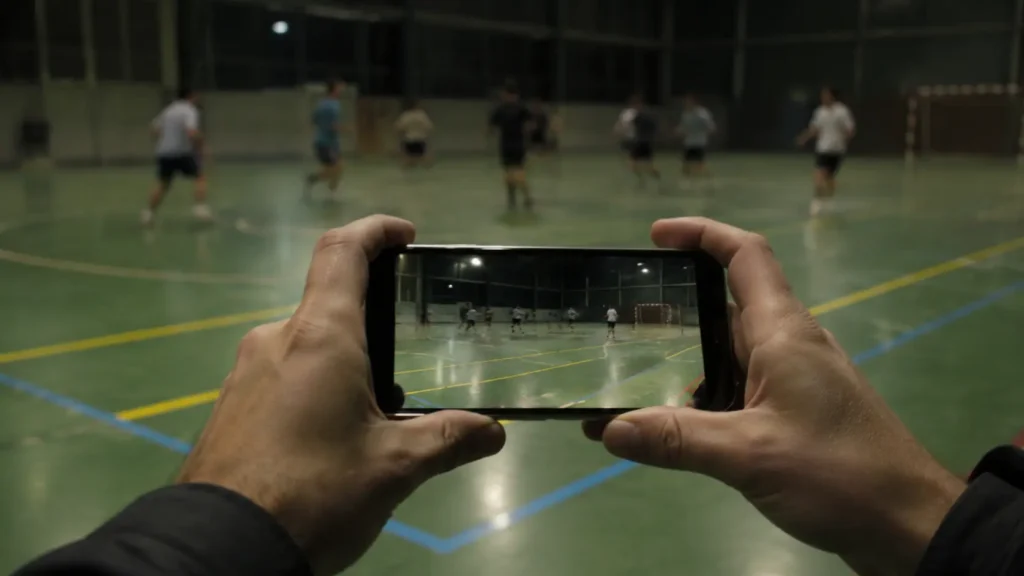
You filmed the game, you watched it back, and it was disappointing. The players are small, the ball smears when it moves, the indoor footage has strange bands rolling through it, and the focus keeps breathing in and out. It is tempting to conclude that you need a better phone. Mostly you do not. Almost every one of those problems is physics rather than product, and knowing which is which tells you exactly what you can fix and what you cannot. For the wider picture, start with the guide to filming amateur sports.
Short version: your phone is a wide-angle camera with a small lens, standing too far away, usually in less light than your eyes believe. Everything that annoys you about the footage follows from those three facts.
The Camera That Is Already in Position
A court with VISU Replay solves the two problems a phone cannot: it is mounted close and high, and it is already recording. Press the button after the play and the clip is there, cut and ready.
Your Main Lens Is a Wide Angle, and Zoom Is Just a Crop
The lens your phone uses for video is wide. Apple lists the iPhone 17 main camera at twenty-six millimetres equivalent, the 17 Pro at twenty-four millimetres, and the ultra wide at thirteen millimetres with a hundred and twenty degree field of view. Those are choices made for versatility, not for reach.
A wide lens is excellent for a room and poor for a pitch. From the sideline of a full-size pitch, a player forty meters away occupies a very small share of the frame. That is geometry, and no setting in the camera app changes it.
The obvious response is to zoom, and this is where most footage is quietly ruined. Pinch-zoom on the main lens is digital zoom, which is a crop rather than magnification. As the plain definition puts it, the image is cropped "down to an area with the same aspect ratio" and the optics are not adjusted, so no optical resolution is gained. You are enlarging fewer pixels, not collecting more detail.
A real telephoto lens is different, because it is a different piece of glass. Apple lists a two times telephoto at fifty-two millimetres on the iPhone 17, and on the 17 Pro a four times at a hundred millimetres and an eight times at two hundred millimetres. Worth noting that Apple describes some sensor-crop modes as "optical-quality", which is the manufacturer's characterisation rather than an independent measurement.
So the first honest conclusion: the single most effective thing you can do is stand closer, and the second is to use a genuine telephoto if your phone has one. Everything else is working around a problem you did not have to have.
Why Fast Motion Smears: Shutter, Frame Rate and the 180-Degree Rule
Motion blur is not a malfunction. Any object moving relative to the camera "will look blurred or smeared along the direction of relative motion", because the frame represents everything that happened during the exposure rather than a single instant.
How much smear you get is set by exposure time, and film convention ties exposure to frame rate through shutter angle, where shutter angle divided by three hundred and sixty equals exposure time divided by the frame interval. A hundred and eighty degree shutter angle "is considered normal", which works out to one sixtieth of a second at thirty frames per second, and one hundred and twentieth at sixty.
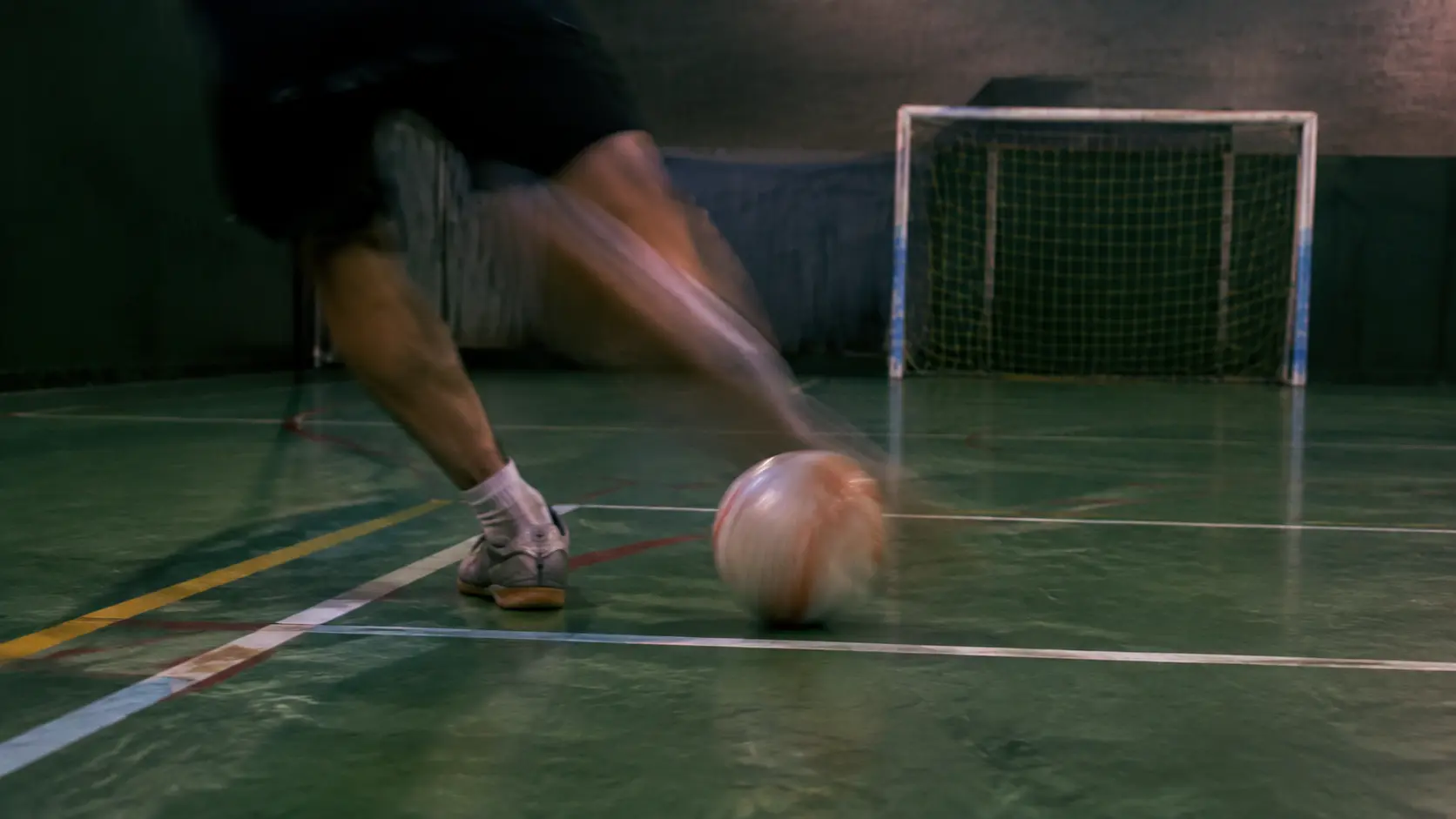
Here is the hinge of the whole problem. Halving the exposure to freeze the ball also halves the light reaching the sensor. Indoors there is not enough light to give away, so the camera makes the opposite choice automatically: it keeps the shutter open longer, produces a brighter image, and accepts the smear. Your phone is not failing at this. It is choosing brightness over sharpness, silently, on your behalf.
The same trade is stated plainly in professional camera documentation: in low light "the shutter needs to stay open longer in order for the sensor to receive enough light", and a possible side effect is motion blur on moving objects.
The Gym Is Much Darker Than Your Eyes Think
This is the cause people find hardest to believe, because human vision hides it. Your eye adapts across an enormous range and reports back that the sports hall is "well lit". The sensor cannot adapt in the same way, and it is working with a fraction of what it would get outdoors.
The scale is worth seeing laid out. Office-level interior lighting sits in the hundreds of lux. An overcast day is around a thousand. Full daylight, without direct sun, runs from ten thousand to twenty-five thousand lux, and direct sunlight goes from thirty-two thousand to a hundred thousand.
So daylight is roughly twenty to fifty times an interior lighting level, and direct sun can be a hundred times or more. That is the entire reason your footage from a Sunday morning pitch looks clean and the same phone indoors on Tuesday night looks noisy and smeared. It is not the camera changing. It is the light disappearing.
Once light is short, the camera has only bad options: open the shutter longer and accept blur, or raise sensitivity and accept noise. It usually does some of both.
No Setting Fixes Distance
A camera fixed at the court is close to the play and mounted high, which is the one thing a phone on the sideline can never be, not even a phone on a tripod. If your venue has VISU Replay, that framing is already there waiting.
Those Flickering Bands Are Your Lights and the Power Grid
If your indoor footage has horizontal bands of brightness rolling through it, that is not a broken phone and it is not compression. It is the lighting, and the cause is documented precisely in camera platform documentation.
Many light fixtures "flicker at the rate of the power supply frequency (60Hz or 50Hz, depending on country)". The important part follows: "While this is typically not noticeable to a person, it can be visible to a camera device." If the exposure time does not line up with that flicker, it shows up "as a set of variable-brightness bands across the image".
Phones fight this automatically with antibanding routines that pick exposure values matched to fifty or sixty hertz. Brazil settled on sixty hertz nationally, after a 1938 law that tried to move the country to fifty hertz failed and a later law in 1964 unified the standard. Most of Europe and Asia run at fifty.
Focus Hunting, Wobble and Skew: What the Sensor Does While You Pan
Three separate artefacts get blamed on shaky hands. Only one of them is.
Focus breathing is the camera doing its job. Continuous autofocus for video is defined as a mode where the algorithm "modifies the lens position continually" to keep the image in focus. A player crossing in front of you, or a pan across a bright doorway, hands it a new decision, and you see that decision as focus pulsing and exposure stepping. It is not indecision, it is the design.
Skew and wobble come from how the sensor reads. Most phone sensors capture a frame "not by taking a snapshot of the entire scene at a single instant in time but rather by scanning across the scene rapidly". Because different parts of the frame are recorded at slightly different moments, fast movement during that scan bends the image diagonally, an effect called skew. The related wobble, often called the jello effect, "appears when the camera is vibrating, in situations such as hand-held shots", which is exactly a phone held at the side of a pitch.
This is a property of the sensor architecture rather than a defect in your device, and faster readout is one of the real differences between cheap and expensive cameras.
Stabilization Helps Your Hands, Not the Distance
Stabilization is genuinely good now, and it is also routinely expected to do something it cannot.
Optical stabilization corrects angular movement, the small tilts of a hand holding a device, and it "prolongs the shutter speed possible for handheld photography by reducing the likelihood of blurring the image from shake". What it does not do is move you closer, and it does not correct displacement. Walking while filming is not shake, and stabilization will not save it.
Electronic stabilization goes further and costs something concrete. It works by warping frames, and the documentation states it "can modify the crop region" to keep the video stable. That is field of view you are giving up. Apple's own specification for Action mode on the iPhone 16 tops out at 2.8K rather than 4K, which is a clean illustration that aggressive stabilization is paid for in resolution.
What You Can Actually Fix, and What You Cannot
The useful split. Some of this is genuinely in your hands, and some of it is not, and pretending otherwise wastes your evening.
Genuinely fixable. Get physically closer, which is the only real answer to focal length. Use the true telephoto lens if your phone has one instead of pinching the main lens. Lock focus and exposure before the play starts so the camera stops re-deciding mid-action. Shoot at sixty frames per second when there is enough light. Film horizontally. Brace the phone with two hands, elbows against your ribs, or rest it on something solid. Wipe the lens, which is trivial and more often the culprit than people admit. And avoid fast pans, since they trigger skew and focus hunting at the same time.
Not fixable, honestly. Distance, because no setting creates focal length or photons. The light level of a covered court at night. The conflict between freezing motion and avoiding banding indoors, which is documented rather than a matter of skill. Rolling shutter on a handheld phone during fast movement.
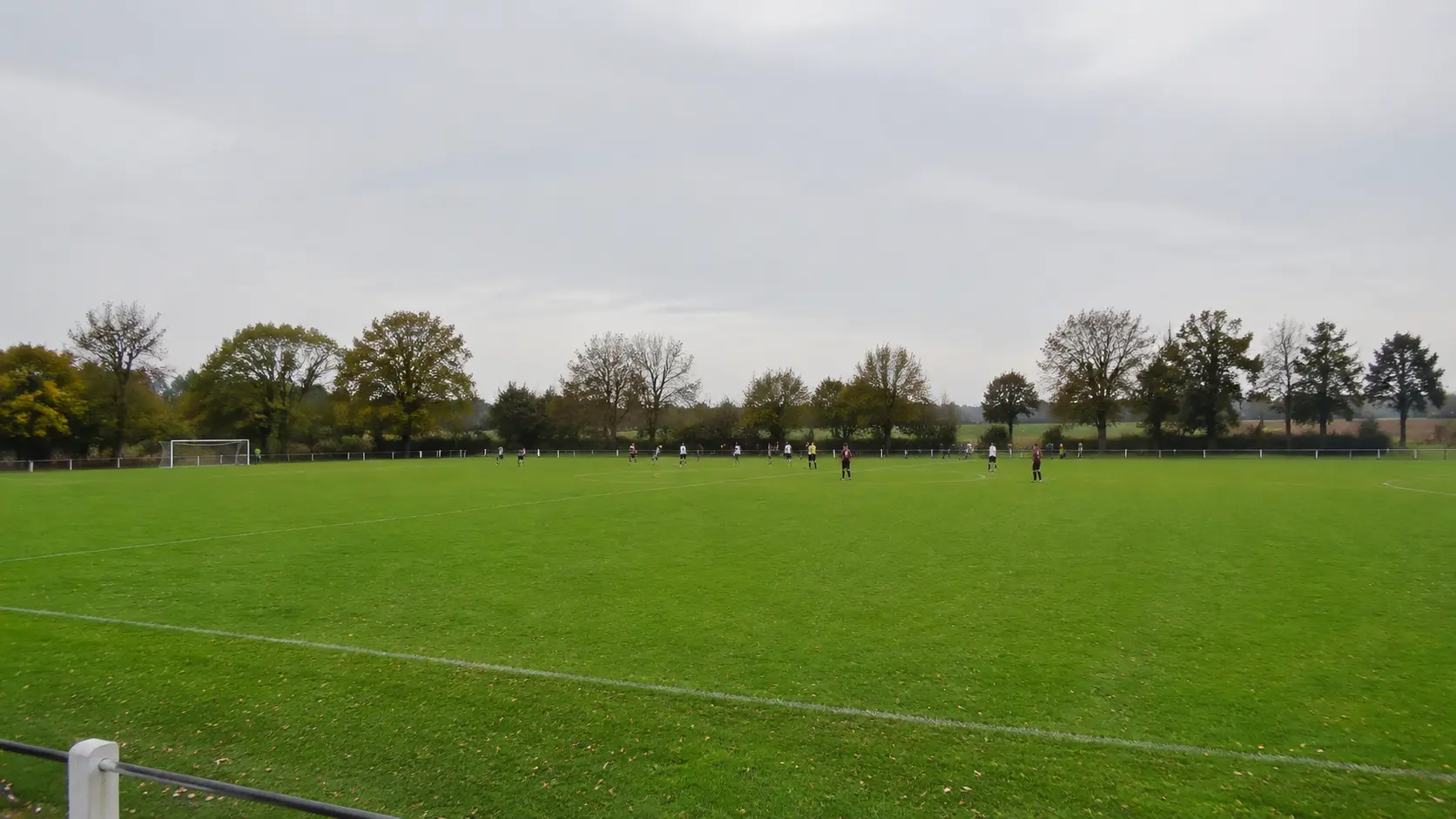
And one more that belongs on the unfixable list, though it is not optical at all: you cannot film your own play. If you are in the game, you are not holding a camera, and the moment worth keeping is the one you were busy creating. That is a fact about the situation rather than a claim about equipment, and it is the reason cameras fixed at the venue exist. They are close, they are high, they are already recording, and nobody has to sit out to run them.
If you want the positioning side of this in detail, that is covered separately in the piece on camera angle, and the practical routine for a full match is in how to record your game.
Stop Filming, Start Playing
The best footage of your game is the footage nobody had to stay off the pitch to capture. Press the button after the play and the clip is already cut.
FAQ: Filming Sport With a Phone
Does a more expensive phone fix this?
Partly, and less than you would hope. A genuine telephoto lens is real extra reach, and Apple lists up to a hundred millimetres at four times on the 17 Pro. But a better phone does not make the sports hall brighter and does not move you closer to the play. The two causes that dominate amateur footage are distance and light, and neither is bought at the till.
Why does my video look fine outside but bad in the gym?
Because the difference in light is far larger than it feels. Full daylight runs to tens of thousands of lux while interior lighting sits in the hundreds, so outdoors the camera can use a short exposure and still get a bright frame. Indoors it cannot have both, so it lengthens the exposure and you get smear, or raises sensitivity and you get noise.
Why are there moving bands across my indoor video?
The lights are flickering at the frequency of the electrical supply, sixty hertz in Brazil and much of the Americas, fifty in most of Europe and Asia. Your eye does not notice it but the camera can, and when the exposure time does not match the flicker it appears as bands of varying brightness rolling through the frame.
Should I film at 30 or 60 frames per second?
Sixty if there is enough light, because the shorter frame interval means less smear per frame and it gives you room for slow motion. In a dimly lit hall, sixty frames per second forces shorter exposures and you pay for it with a darker or noisier image, so thirty may genuinely look better there.
Is pinch-zoom the same as zooming with a real lens?
No. Pinch-zoom on the main camera crops the image to a smaller area and enlarges it, and no optical resolution is gained in the process. A telephoto lens is separate glass with a longer focal length, which genuinely collects more detail from far away.
Why does the image wobble or lean when I pan quickly?
The sensor scans the scene rapidly rather than capturing one instant, so anything moving fast during that scan gets recorded at slightly different times across the frame. That produces diagonal bending on quick pans, called skew, and a wobble often described as the jello effect when the camera is vibrating in the hand.
References
- Apple: iPhone 17 Pro technical specifications
- Android Camera2: CaptureRequest (antibanding, exposure lock, video stabilization)
- Android Camera2: CameraMetadata (continuous video autofocus)
- Rolling shutter: skew and wobble artefacts
- Shutter angle and the 180-degree convention
- Lux: illuminance levels for daylight and interior lighting
- Digital zoom: cropping without optical gain
- Utility frequency: Brazil's standardisation at 60 Hz