

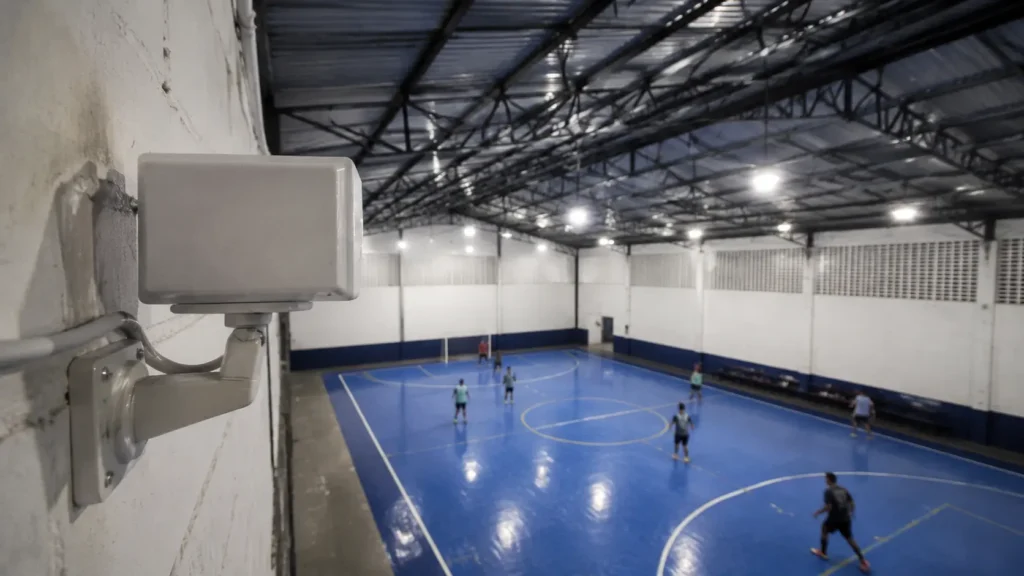
The clip arrives, the play is there, and the sound is a wash of wind with a shout somewhere behind it. Almost every guide about audio in sports video answers this with capture advice: move the microphone, buy a windscreen, get closer. This article starts from the opposite place, because for a fixed camera on a court that advice mostly does not apply.
The honest answer is that the audio on a court camera clip is going to be poor, and most of the time that does not matter. It does not matter because the clip starts muted anyway, wherever you send it.
So the job is not saving the audio. The job is making the clip work without it, and knowing the handful of moments when sound is genuinely worth the trouble.
A Clip That Reads Without Sound
A fixed camera on the court is always in position, so the play is framed and readable before anyone thinks about audio.
Why Court Audio Arrives Broken
The first thing to understand is that this is physics, not a defective camera. Sound pressure falls off with distance according to a formula you can run yourself: the level at distance r2 equals the level at r1 plus 20 · log10(r1 / r2) decibels.
Put a doubling of distance into it. You get 20 · log10(1 / 2), which works out to about −6 dB. Every time the sound source gets twice as far from the microphone, roughly six decibels of it disappear. That is not a vendor claim, it is the arithmetic of the formula.
One caveat has to travel with that number. The relationship holds in a free field, meaning open space with nothing to reflect off. A covered court has walls and a ceiling that bounce sound back, so the real falloff is gentler than the clean calculation suggests. Treat the six decibels as a way to think, not as a reading.
Now the second fact, which is where intuition breaks. Decibels are logarithmic. The National Park Service puts it plainly: an increase of ten decibels causes a doubling of perceived loudness and represents a ten-fold increase in sound level. Losing six is not a trim off the top, it is most of the way to halving how loud something seems.
The third fact anchors it. A normal speaking voice sits under 60 dB, by the same source. A shout starts higher, but not dramatically so, and it is still a modest level before distance takes its cut on the way to a camera bolted to a wall.
Then there is wind, and here I have to be straight with you. I could not find a primary study quantifying wind noise on a fixed camera microphone at a sports court, so there is no number here at all.
The mechanism is well understood even without one. A built-in microphone has no foam or fur cover and sits exposed on the camera body, so moving air turbulates across the capsule and generates broadband noise on top of a signal that distance has already weakened. Two problems stacking, not one.
The Thirty Second Test for a Noisy Court
Before you blame the camera, find out how loud the room already is. There is a pocket test for that, borrowed from an occupational noise guideline.
OSHA states that if you need to raise your voice to speak to someone about three feet away, noise levels might be over 85 decibels. Stand on the court during normal play, at about a meter from someone, and try a normal speaking voice.
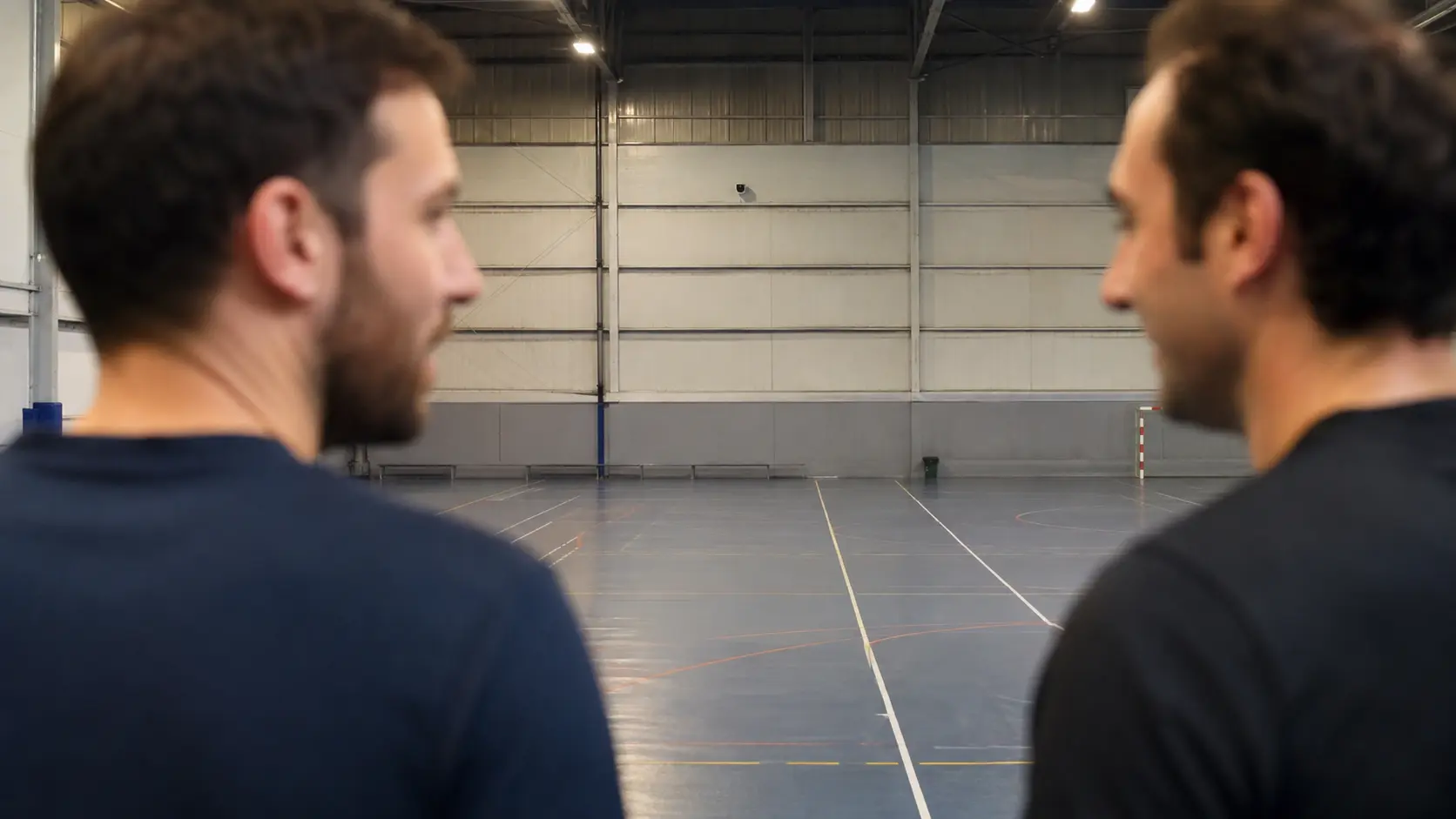
That is a workplace health guideline, not a video standard, and nothing here suggests a court is hazardous to your hearing. It borrows one narrow thing: a rough sense of whether the background will swallow whatever a distant microphone picks up.
If you had to raise your voice, stop trying to fix the clip's audio. The background is winning and no camera setting changes that. If you passed comfortably, a shout near the camera side might survive.
The Clip Starts Muted, and That Changes Everything
This is the section that decides how to think about all of it. Wherever your clip ends up, its first moment is very likely silent, and that is a platform behavior rather than an accident.
On the web, the rule is documented. Chrome's own developer blog states that muted autoplay is always allowed, while autoplay with sound is conditional: the user has to have interacted with the domain, or crossed a media engagement threshold on desktop, or added the site to their home screen.
MDN describes the same expectation across browsers, saying you can assume media will only autoplay if the audio is muted or the volume is zero, or if the user has interacted with the site. It is not a Chrome quirk, it is how the web works now.
Now the limit of what I can tell you. Those are browser policies, covering video on a web page. Inside the native Instagram and TikTok apps I could not verify a citable policy, because the official help pages on this are rendered by JavaScript and return nothing readable.
So I will not tell you what those apps do as if I had a source for it. The safe assumption is that behavior varies by app, by version and by whatever the viewer has toggled, so design for the worst case and treat the first second as silent.
That assumption is liberating rather than limiting. If the opening moment carries no sound, it has to carry meaning visually: the play legible in frame, the action starting almost immediately, and nothing important depending on a shout the viewer will not hear.
Framed for the Silent First Second
The clip is cut around the play from a camera that never left its position, so the action is readable the moment it opens.
When the Sound Actually Matters
Sound is not worthless. It is just rarely rescuable from a wall-mounted camera, so it pays to know which moments justify a different approach.
There are three that genuinely earn it. The celebration shout after a goal, which carries emotion no visual replaces. The distinctive impact noise of a sport, like the padel ball off the glass. And a voice, either commentary from whoever is filming or a short reaction from a player afterwards.
For all three, the distance formula points at the only variable you control. You cannot amplify what the microphone never received, but you can shrink the gap between source and microphone, and every halving buys back roughly what a doubling cost.
In practice that means recording the sound you want separately and close. Hold a phone at arm's length for a ten second reaction after the match, and you have clean audio no fixed camera across the court was going to give you.
Pair that with the fixed camera clip rather than choosing between them. Each device did the thing it is good at: the wall camera framed the play, the phone in your hand caught a voice from thirty centimetres away.
Music on a Clip: What Really Happens
The obvious move when the audio is bad is to bury it under a track. That works, with consequences worth understanding before you upload.
On YouTube, a Content ID claim is generated automatically when an upload matches something in the system. YouTube documents three outcomes chosen by the rights holder: block, monetize, or track. Any of them can be geography-specific, so the same clip can behave differently by country.
One detail lands directly on short sports clips. YouTube states that for Shorts between one and three minutes, claimed videos will be blocked if there is an active claim applied, regardless of policy. That is the exact band a match highlight falls into, and there the outcome is not reduced reach, it is the video not playing.
Worth knowing alongside that: YouTube also states you will not receive a copyright strike for videos containing active claims. The claim and the strike are different things.
Legitimate routes exist. YouTube's own guidance lists fair use, permission from the owner, a Creative Commons licence, and for music specifically, sourcing from the YouTube Audio Library or Creator Music. The same page carries a warning that is easy to skip: none of those options guarantee avoiding copyright issues.
That is where this article stops, deliberately. YouTube itself suggests you may want to get legal advice before uploading, and nothing here substitutes for it.
Captions Help, up to a Point
If the audio is unusable, captions look like the free fix. They help, and they help less than most people assume, for a reason that is almost funny.
YouTube warns that automatic captions might misrepresent the spoken content due to mispronunciations, accents, dialects, or background noise, and that you should always review them and edit anything that has not been transcribed properly.
Read that list again. Background noise is the same thing that ruined your audio in the first place. The conditions that make a court clip sound bad are precisely the conditions that make automatic transcription unreliable, so the fix inherits the problem.
YouTube's own troubleshooting is even more specific, listing poor sound quality and multiple speakers whose speech overlaps as reasons captions fail. That is a description of a busy court: several people shouting at once, over each other, at distance.
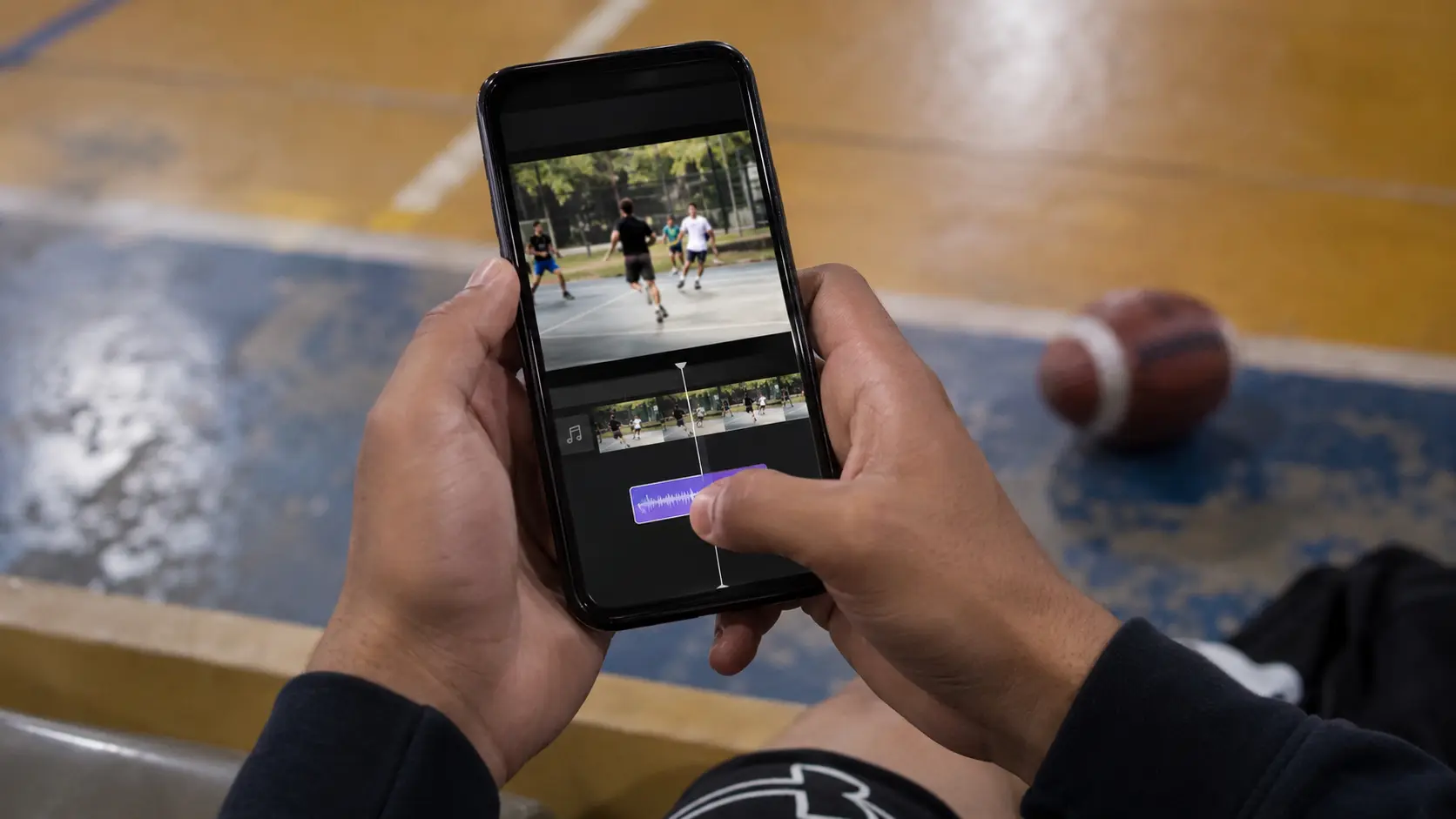
None of which means skip captions. YouTube notes that subtitles and captions let you share videos with a larger audience, including deaf or hard-of-hearing viewers and viewers who speak another language. That value is real and independent of whether your audio was good.
So use captions as accessibility, reviewed by hand rather than trusted blind on a noisy court. But for a clip that has to land in the first silent second, a short line of text on screen naming the play does more work than a transcript of people yelling.
The Fixed Camera Limit Nobody Mentions
Replay is a fixed camera installed at the court. It records continuously and gives you the clip. Fixed means it is always in position, and it also means it is far from the action, which the first section of this article already established is exactly where audio dies.
That is not a flaw specific to one product. It is the physical consequence of any fixed installation, from any brand, and anyone telling you their wall-mounted camera captures intimate court audio is selling you something the distance formula does not support.
What a fixed camera does solve is framing and continuity. It is there for every point, nobody stands on the sideline holding a phone instead of playing, and the play is in frame because the camera was aimed once and never moved.
Which is why a clip from a fixed camera is designed to work muted. Clear visual reading of the play, short duration, and a first second that already delivers the information. The related question of how long a sports clip should be pushes in the same direction for the same reason.
If you want the sound of the celebration, record it close on a phone and treat it as a companion piece. Do not wait for the camera on the wall to catch it, because the arithmetic says it will not.
Short version to take away. Assume the clip plays silent and make it readable without sound. Run the voice test before blaming equipment.
Record any audio you actually want from close range, on a phone. Check the music implications before uploading a clip you care about, especially in the one to three minute band. And use captions for accessibility, reviewed by hand, rather than as a repair for bad audio.
Start With Footage Worth Sharing
Framing and continuity come from the camera being permanently in place. Everything else is editing.
FAQ: Audio in Sports Video
Why does the audio on my court camera clip sound so bad?
Distance and background noise, not a broken camera. Sound pressure falls with distance following 20 · log10(r1 / r2), so doubling the distance costs about six decibels. A camera on a wall is many doublings away from the play, and the court's own noise is already competing. In a covered court the reflections make the real falloff gentler than the free field calculation, but the direction is the same.
Do sports clips play with sound on Instagram and TikTok?
Assume the first second is silent. On the web the policy is documented: Chrome allows muted autoplay always, while autoplay with sound is conditional on user interaction or engagement, and MDN describes the same expectation across browsers. Inside the native apps the behavior varies by app, version and the viewer's own settings, and there is no citable policy page to point at. Design the clip so it works with no sound at all.
Can I put music on my sports clip?
You can, with consequences. On YouTube, Content ID claims are generated automatically when an upload matches a track, and the rights holder chooses whether that blocks, monetizes or tracks the video, potentially differently by country. For Shorts between one and three minutes, YouTube states that claimed videos will be blocked if there is an active claim, regardless of policy. Legitimate routes exist, including the YouTube Audio Library, but YouTube itself says none of them guarantee avoiding copyright issues.
Do automatic captions fix bad audio?
No, and the reason is circular. YouTube warns that automatic captions can misrepresent speech due to background noise, accents and mispronunciation, and lists poor sound quality plus overlapping speakers among the reasons captions fail. Those are the exact conditions on a busy court. Captions remain worth adding for accessibility, but they need manual review rather than blind trust.
Does a fixed court camera record sound?
It depends on the installation, and even when it does, distance sets the ceiling on what it can capture. A fixed camera earns its place through framing and continuity, being permanently aimed at the court so nobody has to film instead of play. It was never going to deliver close-range audio, and honest guidance is that a clip from one should be built to work muted.
How do I record the celebration shout properly?
Close, on a phone, as a separate recording. The distance relationship works both ways, so halving the gap between the voice and the microphone recovers roughly what doubling it costs. A ten second reaction recorded at arm's length after the match gives you clean audio, and it pairs with the fixed camera clip rather than replacing it.
References
- Chrome for Developers: autoplay policy in Chrome
- MDN: autoplay guide for media and Web Audio APIs
- YouTube Help: learn about Content ID claims
- YouTube Help: use automatic captioning
- National Park Service: understanding sound
Platform policies change. Sources above verified 2026-08-11.