

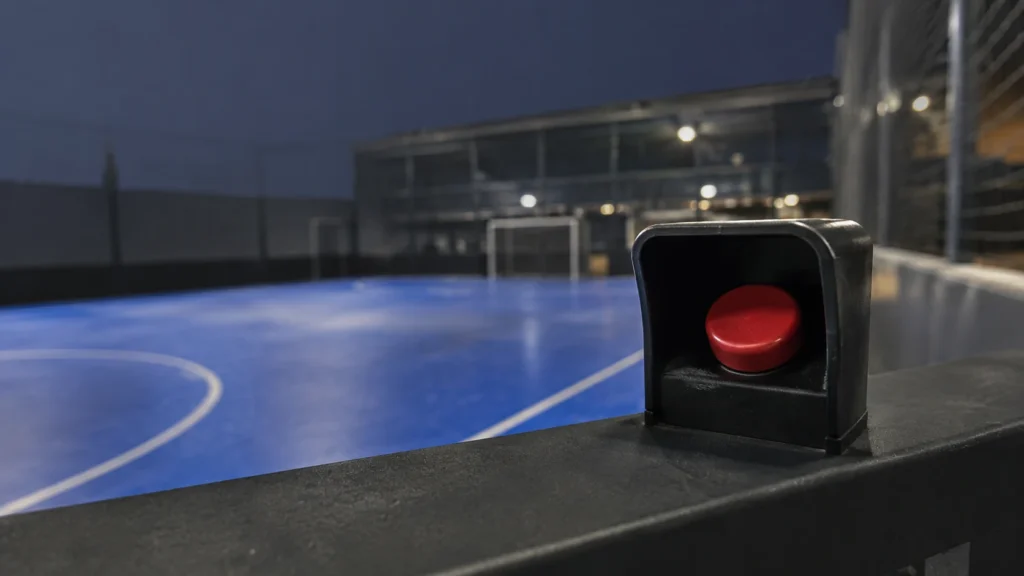
You press the button after the play is over, and the clip still contains it. That is the whole trick, and it is the part that sounds impossible the first time somebody explains it. The button does not start a recording. It marks a moment that the camera has already been holding, and it keeps the seconds that were about to be thrown away.
This page is about the button itself: where it lives, who can press it, what happens in the seconds around the press, and what to do when the clip is not what you expected.
Press It, Then Look at Your Phone
At a court with VISU Replay, the cameras run continuously and the button decides what gets kept. The clip is waiting on your phone by the time you sit down.
What the Button Actually Is
It is a physical button at the court, wired to a small computer at the venue. Where exactly it sits varies by venue, and the sport decides what is practical. It is not a camera. It is not a remote control. It is a marker.
The camera above the court is already recording, continuously, whether anyone touches anything or not. What it is not doing is keeping that footage. It runs a rolling buffer: the last few minutes exist, and everything older is overwritten. Press the button and you convert a slice of that buffer into a file that survives.
This is why the sequence feels backwards. In a phone recording, you decide before the play and hope it happens. Here you watch the play, see that it was good, and then decide. The mechanism behind retroactive clips covers the hardware side of that in more depth; what follows is what happens from the moment your finger lands.
Why it is a physical button and not an app: the moment you want to keep is over in about two seconds. Unlocking a phone, finding an app and tapping the right control takes longer than that, and it happens while you are still on court. A button you can reach takes one movement and no attention.
The Window: 25 Seconds Back, 5 Seconds Forward
The clip is 30 seconds long, and the press sits near the end of it, not at the start. The system keeps the 25 seconds before your finger landed and the 5 seconds after.
That split is deliberate, and both halves earn their place:
- The 25 seconds back are the play itself. A rally, a counter-attack, the build-up before the shot. Almost everything you actually wanted is in this half.
- The 5 seconds forward are the end of the movement and the start of the reaction. The ball finishing its path, the celebration, the hands going up. A clip that stops exactly at the press feels amputated, because the reaction is often the part people watch twice.
The practical consequence is a rule you can hold in your head: the play has to have happened within the last 25 seconds. Press while it is still fresh and it is inside the window. Wait a minute and the play has already fallen off the back of the clip, even though the button still works and still produces a file.
When to Press It
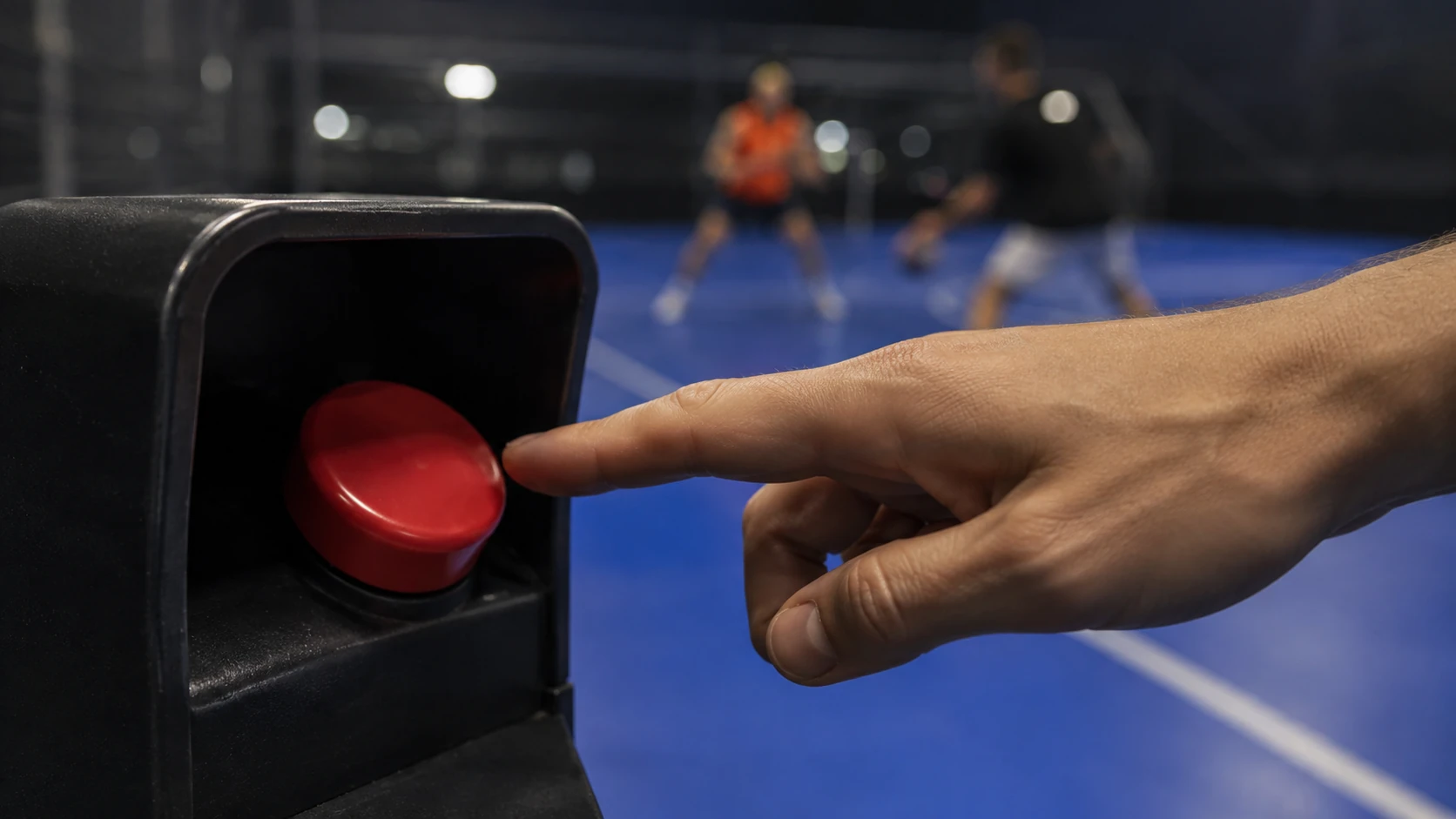
The window does the work, so the timing that matters is looser than people assume. Press it when the play is done and you are sure it was worth keeping, not while it is happening.
Three habits that come from watching people use it:
- Let the point finish. Pressing mid-rally puts the press in the middle of the window, which means the end of the play lands in the 5 seconds of post-roll or falls outside entirely.
- Do not sprint to it. The play only has to be inside the last 25 seconds. Walking there while the other team collects the ball is well inside the window and keeps you from pressing out of breath during the next point.
- One press for one play. Pressing repeatedly does not extend the clip and does not improve it. What it does is covered below.
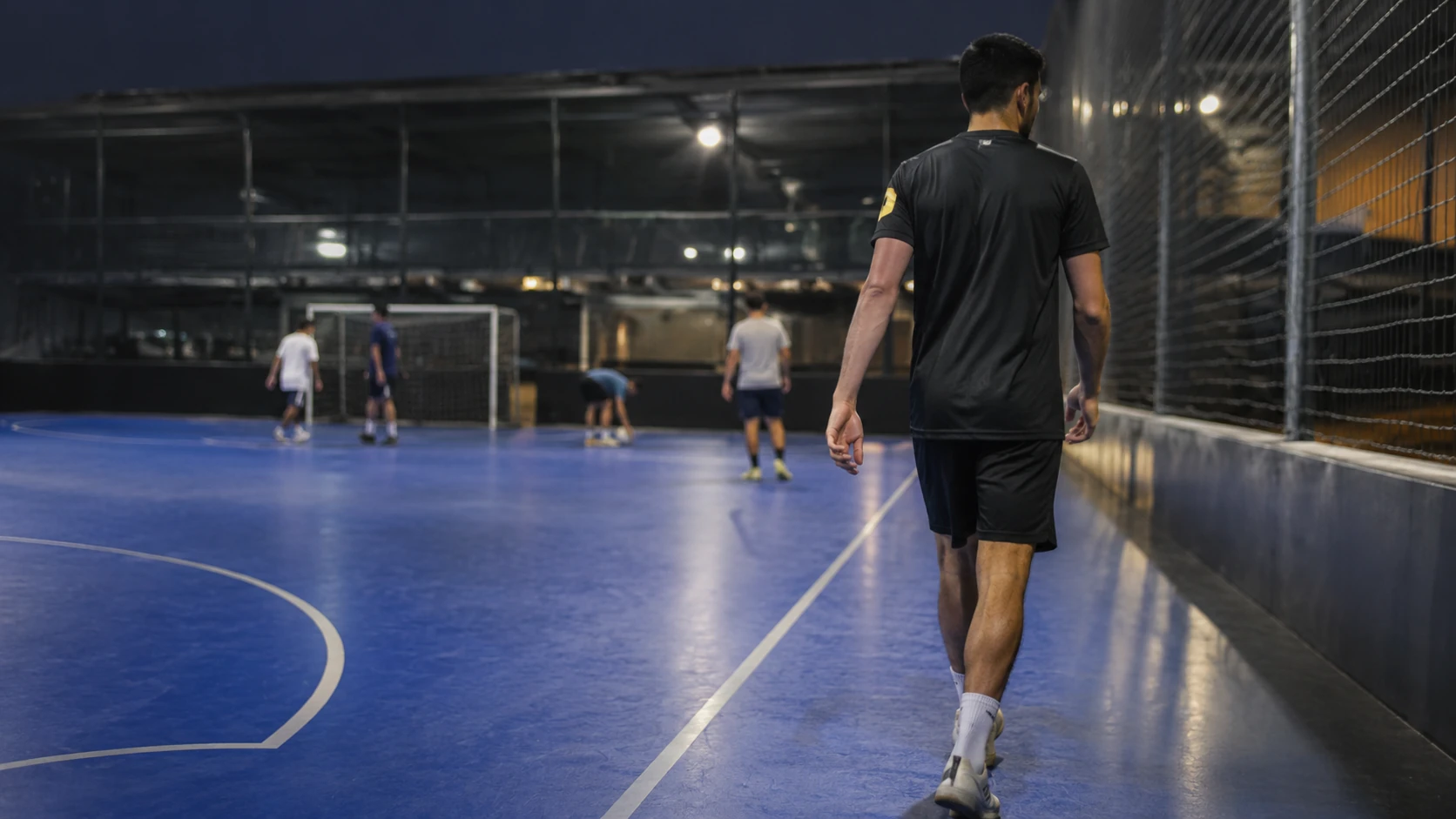
Different sports change the rhythm rather than the rule. Rallies in padel can run long enough that the start of a point leaves the window before the point ends; a goal in five-a-side is over in three seconds and sits comfortably inside it.
Who Can Press It, and What Happens to Everyone Else
Anyone on court can press it. There is no login at the button, no code, no owner permission for the press itself. That is a design decision, not an oversight: a button that needs authentication is a button nobody uses in the two seconds available.
The consequence is worth understanding before you play: the clip is filed under the court, not under the person who pressed. The press carries no personal identity with it, so the person who pressed does not get a private copy that the others cannot reach. Who can then open that clip depends on how the venue runs its clips, which is worth asking about if it matters to you.
In practice this makes the button a shared resource rather than a personal one. If four people are playing and one presses, the clip does not belong to whoever reached the button first.
The Court Already Has the Camera
Nothing to bring, install or set up. If the venue has VISU Replay, the only thing you do is press the button after the play.
What Happens If You Press It Twice
Nothing bad, and usually nothing at all. The system treats a second press within roughly the same moment as the same intention and ignores it.
The reason is arithmetic rather than politeness. Two presses a few seconds apart would produce two clips whose windows overlap almost completely, and you would end up with two near-identical files of the same rally cluttering the court's list. So a press that arrives shortly after another one is absorbed instead of duplicated.
The threshold sits at about a dozen seconds, which is long enough to absorb a nervous double-tap or a second person pressing for the same play, and short enough that a genuinely new rally still gets its own clip. Two different plays a minute apart give you two clips, as expected.
There is also a protection you will probably never see. If a button starts firing many times in under a minute, faster than any human presses, the system treats that as a fault rather than enthusiasm, stops accepting signals from it and flags it to the venue. A shorted switch or a damaged cable can otherwise generate hundreds of clips overnight.
After the Press: Where the Clip Goes
The press is instant. The clip is not, and knowing the order of operations saves a lot of standing next to it wondering whether it worked.
- The press is registered at the court, along with the exact moment it happened. This is the only part that has to be immediate, because that timestamp is what anchors the window.
- The system waits for the footage to exist. The last five seconds of your clip had not been recorded yet when you pressed. The recorder also needs a moment to index what it just wrote.
- The clip is cut from the buffer, thirty seconds anchored to your timestamp.
- It appears in the court's clip list, where you open it on your phone.
So a clip that has not appeared ten seconds after the press is not a failure. Give it the time the recorder needs before assuming something went wrong. Once it is there, keeping it is a separate decision: a clip that lives only in the court's list is not archived.
When the Clip Is Not What You Expected
Most complaints about the button are not faults. They are the window doing exactly what it does, and they have specific shapes:
- The play is missing and the clip starts too late. You pressed more than half a minute after it ended. The button worked; the play had already left the window.
- The clip ends right as the good part starts. You pressed during the play rather than after it. Everything after the press is limited to those five seconds.
- Nothing appeared at all. Wait longer than feels reasonable before concluding this. If it truly never arrives, the press may have been absorbed as a duplicate of a press somebody else made seconds earlier, which means the clip exists under that press, not yours.
- The clip exists but it is dark or blurred. That is not the button. Indoor lighting and camera placement decide image quality, and a covered court is a harder lighting problem than it looks.
One case genuinely is worth reporting to the venue: a button that does nothing at all, repeatedly, for different people on the same court. That pattern suggests the button has been cut off after a fault, and only the venue can bring it back.
Find a Court With the Button
VISU Replay only exists where it has been installed, so the useful first question is whether the place you already play has it.
FAQ: How the VISU Replay Button Works
How can it record the play if I pressed the button afterwards?
The camera is recording continuously into a rolling buffer, but it is not keeping that footage. Pressing the button converts a slice of the buffer into a file that survives. The clip covers the 25 seconds before your press and the 5 seconds after it, so the play you already watched is inside the window.
How long is the clip?
Thirty seconds: 25 seconds before the press and 5 seconds after it. The press sits near the end rather than at the start, which is why you press after the play rather than before it. The 5 seconds of post-roll exist to keep the end of the movement and the reaction that follows.
How long do I have to press it after the play?
The play has to fall inside the last 25 seconds, which is more room than it sounds. There is no rush to reach it: walking over while the other team collects the ball is fine. Wait a full minute and the play will have fallen outside the pre-roll, so the button still produces a clip, but not the one you wanted.
What happens if two people press it for the same play?
The second press is absorbed rather than duplicated. Presses that arrive within roughly a dozen seconds of each other are treated as the same intention, because their windows would overlap almost entirely and produce two near-identical files. The clip still exists, filed under the first press.
Do I need an account to press the button?
No. There is no login at the button. The press carries no personal identity, and the clip is filed under the court rather than under whoever pressed, so it is not a private copy belonging to that person. Who can open it afterwards depends on how the venue runs its clips.
Why has my clip not appeared yet?
The last seconds of the clip had not been recorded when you pressed, and the recorder needs a moment to index the footage before it can be cut. A short wait is normal. If a clip never appears and the same thing happens to other people on that court, tell the venue: a button can be disabled automatically after a hardware fault.