

You filmed the play. You cut it. You sent it to the team group. And then nothing happened. No reactions, no replies, just the next person changing the subject. It is easy to assume the clip was the problem. Usually the clip was fine, and something happened to it between the moment you pressed send and the moment it reached somebody else's phone.
That gap is the subject here. Not where the clip is stored, and not how long it should run. What happens to it in transit, and what the group does with it when it lands.
Two of those neighbouring questions already have their own answers: where the clip is kept afterwards, and how long a clip should run for each destination. This article picks up the part in between.
The Clip That Is Already Cut
At a court with VISU Replay, the camera runs continuously and the clip is generated around the play, so there is nothing to trim before you send it.
The Clip You Send Is Not the Clip They See
The file that leaves your phone and the file that arrives on your teammate's phone are not the same file. A messaging app is built to deliver fast, and delivering fast means re-encoding.
WhatsApp's own help pages are unusually specific about this. The maximum file size for a video sent or forwarded is 64MB on all platforms. For a user on a faster internet connection, the default video size limit is 100MB and 720p resolution. For a user on a slower connection, the default is 64MB and 480p.
The consequence is not obvious. The quality that arrives is shaped by the connection of the person sending. The same clip sent from the car park on a weak signal and from home on Wi-Fi is not the same clip on the other end.
There is a second setting, and it is the most useful thing here. HD is a choice you make per item, and it is not the default.
You tap and select Standard quality or HD quality as you send, and you can make HD the default in Settings, then Storage and data, then Media upload quality. Most people have never opened that screen, so most clips go out in standard quality by omission rather than by decision.
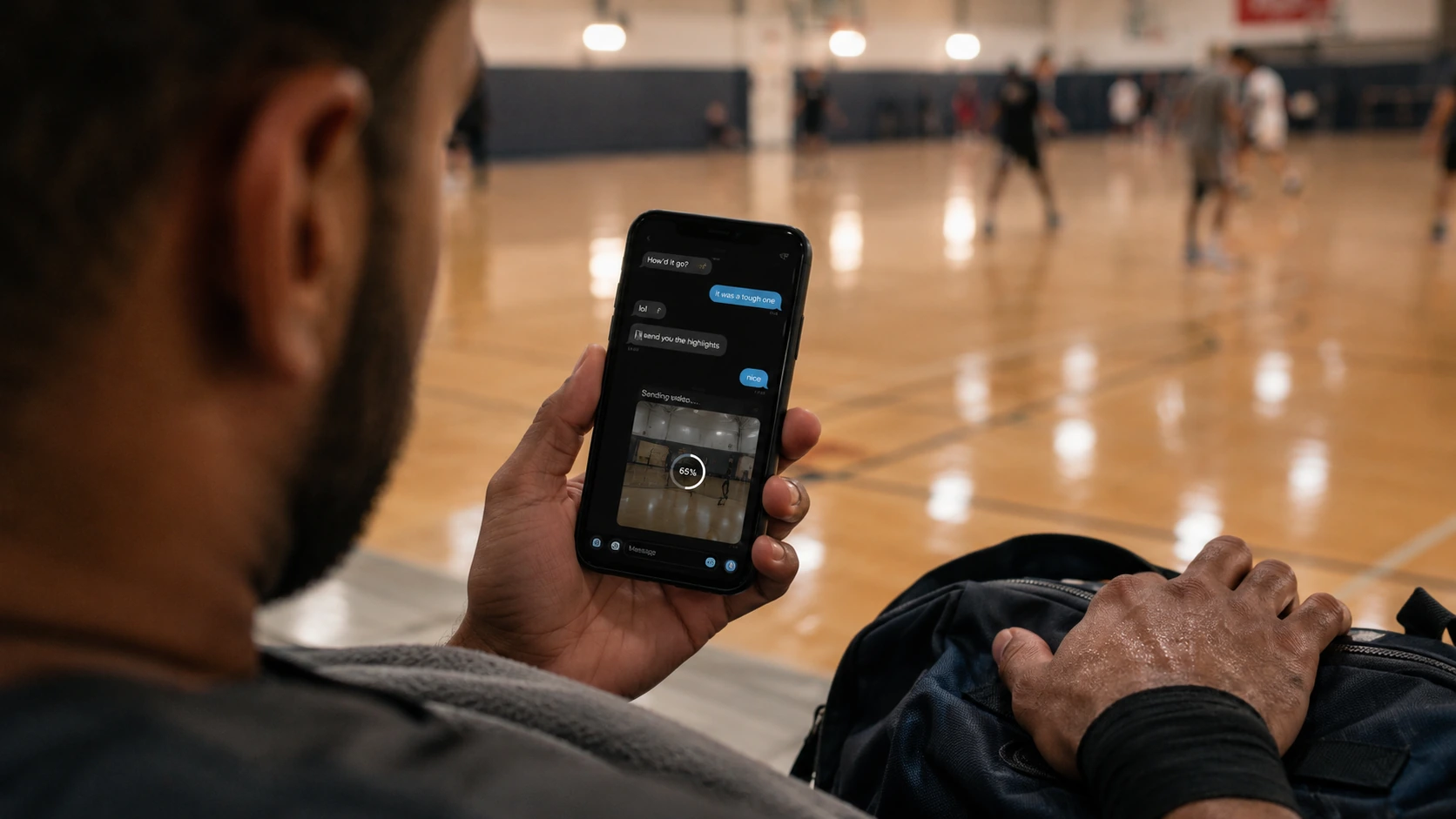
And it cannot be fixed afterwards. The documentation is blunt: you cannot upgrade the quality of something already sent, only send it again in HD. It also warns that the connection affects quality even when media is sent in HD.
One route preserves the original, and that is sending the clip as a Document rather than a video, where the ceiling is 2 GB. That belongs to the archiving question, covered in where your clips are stored afterwards.
For the group, the rule is smaller than all of that. Decide HD or standard before you send, because afterwards there is no decision left to make.
Why Nobody Opened It: The Gray Rectangle
Here is the failure that gets misread most often. You send a clip, and it gets no reaction at all. You conclude the play was not interesting. Frequently, nobody actually watched it.
Messaging apps let each person decide what downloads automatically. WhatsApp lets you set photos, voice messages, videos and documents to download automatically on mobile data, on Wi-Fi, and while roaming, each configured separately.
Those are separate switches for a reason. Video is the heaviest of them, and it is the one people most often turn off on mobile data.
So picture the person you sent it to. They are on the bus, on mobile data, with video auto-download off. Your clip does not arrive as a clip. It arrives as a gray rectangle with a download arrow, and opening it costs them a deliberate tap and some of their data allowance.
They scroll past. Not because the play was boring, but because at that moment it was a chore rather than a video.
I want to be careful here, because this is where blog posts start inventing numbers. There is no published statistic for how often this happens, and the documentation explains how to configure the setting rather than declaring what it is by default. So treat this as a mechanism, not a measurement: it depends entirely on each person's configuration, and you cannot see theirs.
What follows from it is simply this. Silence in a group chat is ambiguous evidence. It can mean the clip did not land, and it can equally mean the clip never rendered.
One Clip at a Time
A group chat is a queue, not an album. That single fact explains most of what goes wrong with volume.
When you send twelve clips in a row, you have not given the group twelve chances to react. You have given them one obligation, and made each individual clip worth less than it was on its own.
The mechanism is mechanical rather than mysterious. Each new message pushes the previous one up the screen. By the time somebody opens the chat, the first clip is far above the fold, and the notification count tells them there is a backlog waiting. A backlog invites scrolling to the bottom, which is exactly the behavior that skips everything you sent.
There is a social layer on top of the mechanical one. A single clip is a contribution. A dump of twelve reads as a demand on everyone's attention, and groups are quietly resistant to that.
Both effects point the same way. Send the best one. Keep the rest for someone who asks.
If you genuinely have several worth sharing, space them out rather than batching them, and let each one finish its life in the conversation before starting the next. Which plays deserve that treatment is a separate question, answered in which moments are actually worth sending.
See How the Clip Is Produced
A camera fixed at the court records the whole session and produces the play as a short clip. See how it works.
The Window Closes Faster Than You Think
A team group has a state. It is talking about something right now, and that something changes through the day.
A clip sent while everyone is still walking to their cars lands in a conversation that is already about the game. Everybody has the context loaded. They know the score, they remember the passage of play, and half of them saw it live from the other end of the court.
The same clip sent two days later lands in a conversation about who is paying for the pitch on Thursday. It is not worse footage. It is an interruption, and it arrives with no shared memory to attach itself to.
This is also why a clip sent after two hundred intervening messages tends to die quietly. It is not competing with other clips. It is competing with whatever the group has moved on to.
I am not going to invent a magic number of minutes, because no primary source publishes one and anyone quoting one is guessing. The honest version is directional and still useful: same day beats next day, and still at the court beats already home.
If you have missed the window, give the clip its context back. A single line saying which game and which moment does most of the work that immediacy would have done for free.
Who Tags Whom
Once the clip has arrived and people are actually watching, one operational question remains: who is named in it.
Tagging is not decoration. It is what converts a video that people watch into a video that people respond to, because it tells a specific person the clip concerns them.
The most common mistake is tagging only the obvious person. Whoever finished the play gets named, and the person whose pass created it does not. The pass is usually the better piece of football and the more surprising thing to watch a second time.
So name the build up, not just the finish. It costs nothing and it is more accurate.
Then the harder case, which every group eventually meets. You have footage of somebody's mistake, and it is funny.
Two operational rules cover almost all of it. The person in the clip gets a say before it travels anywhere beyond the group, and if you would not send it with them standing next to you, do not send it. Asking first costs one message.
And be careful about the difference between the group and everywhere else. A clip that is affectionate inside a group of twelve people who were there can read very differently once it leaves that context and the shared history goes missing. The cultural side of this habit is explored in the wider amateur sports video guide.
The simple version: tag the people who made the play, ask the person who is the joke.
The Clip That Arrives Ready for the Group
Everything above assumes a clip that already exists, cut by you, waiting on your phone. There is another way the clip can come into being.
At a court with Replay, the camera is fixed and records continuously, and the clip is produced around the play itself rather than as a session you still have to trim.
Three things that changes, stated without exaggeration. It removes the editing step in the changing room, which is the moment the clip most often simply never gets made. It arrives short by construction, so it is not the long video nobody opens. And the person who always holds the phone is in the footage for once.
Now the limits, in the same breath. Replay does not change how a messaging app delivers video. Everything in the first section still applies exactly as written: the same re-encoding, the same standard quality default, the same connection dependency. Nothing about where the clip was born exempts it from the trip.
It also only exists where it has been installed, and it will not make the group react to a play they do not care about. It changes what you are holding when you open the chat, which is a smaller claim than it sounds and a real one.
What to Check Before You Press Send
Six things, none of which take longer than a few seconds.
Pick HD or standard deliberately. It is a choice per item and there is no fixing it afterwards, only resending.
Send one. The second clip devalues the first, and the twelfth guarantees nobody watches any of them.
Send it today. Preferably before everyone has left. The context is free while the game is still the subject.
Tag the build up, not just the finish. The pass is usually the better watch and the person who made it never gets named.
Ask before the clip leaves the group. Especially when the clip is somebody's mistake, and always if it is going anywhere public.
Send as a file only when the point is keeping it. For the group, a video is the right format. For preserving the original, see how to store your sports clips.
None of that makes a bad clip good. It stops a good clip from disappearing for reasons that had nothing to do with the play.
Find a Court With Cameras
Recording continuously at the venue changes what you have to send afterwards. See where VISU Replay is already installed.
FAQ: Sharing Clips in Your Team Group
Should I send my clip in HD or standard quality?
Decide before you send, because you cannot change it afterwards. WhatsApp lets you select Standard quality or HD quality per item, and you can set HD as the default in Settings, then Storage and data, then Media upload quality.
The documentation states that you cannot upgrade the quality of something already sent and can only send it again in HD. It also notes that the internet connection affects the quality of media sent and received even when the media is sent in HD.
Why did my clip arrive as a gray rectangle instead of a video?
Because it never downloaded on their phone. Messaging apps let each person configure automatic downloads separately for mobile data, Wi-Fi and roaming, and video is the setting most commonly switched off on mobile data.
Someone on the move sees a gray rectangle with a download arrow rather than your clip, and skips it. Volume compounds this: several clips in a row create a backlog, and a backlog invites scrolling straight to the newest message.
Should I send the clip as a video or as a file?
For the team group, send it as a video, because that is what plays inline and gets watched. Sending it as a Document preserves the original rather than a delivery copy, and the maximum document size is 2 GB.
But a file people have to download deliberately is a worse thing to put in a chat. Use the document route when the goal is keeping the original, which is covered in how to store your sports clips.
How many clips should I send at once?
One. This is observed practice rather than a measured figure, because no primary source publishes engagement statistics for group chats, but the mechanism is straightforward. A chat is a queue, so each new message pushes the previous one out of view.
A batch of clips also reads as a demand on everyone's attention rather than a contribution. If you have several worth sharing, space them out and let each one finish its life in the conversation first.
Should I ask before sending a clip of a teammate?
Ask whenever the clip is unflattering, and always before it leaves the group for anywhere public. The working rule is that the person in the footage gets a say, and that if you would not send it with them standing beside you, it does not go.
Asking costs one message. A clip that reads as affectionate among people who were there can read very differently once it travels without that shared context.
Why did my clip arrive blurry for one person and fine for another?
Because delivery quality depends on connections rather than on the file you cut. WhatsApp states that on a faster connection the default video size limit is 100MB and 720p resolution, while on a slower connection it is 64MB and 480p, with a maximum of 64MB for videos on all platforms.
The connection of the person sending shapes what gets produced, and the receiving side has its own conditions, so the same clip genuinely can look different on two phones.