

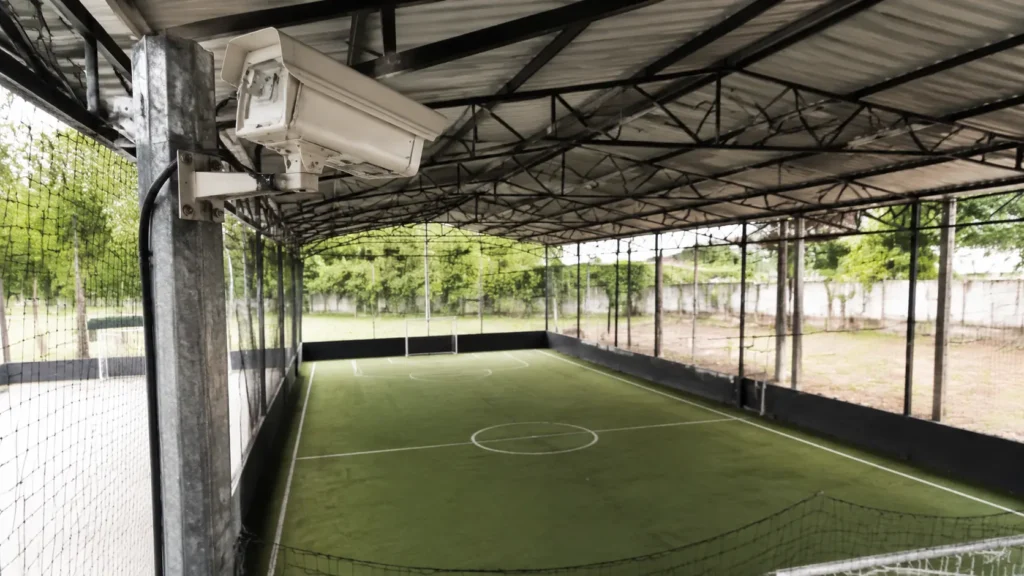
A replay system for sports courts is not a camera. It is a fixed camera, a button, automatic clipping, delivery to the player's phone, and the venue's identity working together without an operator. Buy only the camera and you buy the whole problem back: somebody still has to start recording, search a long session for one play, edit it, and send it. At a busy sports facility, that somebody does not exist.
This guide is for venue owners and facility managers who want to understand what makes these parts a system, how they interact during an ordinary booking, and what the site needs before installation. It does not settle price or camera count. Those questions belong in the guide to replay camera costs and the guide to camera coverage for a sports venue.
The Play Is Already Recorded
At a court with VISU Replay, the cameras run continuously. You press the button after the play and the clip is already there, cut and ready, without anyone leaving the game to film.
What a Replay System Has That a Camera Alone Does Not
The word "system" often gets used as a marketing flourish. Here it is literal. Five connected parts turn footage into a clip a player can actually receive. Remove any one of them and the missing work lands on the front desk, the facility manager, or the group that booked the court.
1. Fixed, continuous capture. A camera is mounted high, permanently aimed at the court or pitch, and records the whole session. It is not simply the security camera already watching an entrance. What a replay camera is explains why purpose, framing, height, and motion matter. Even so, the camera is only the first component, not the finished service.
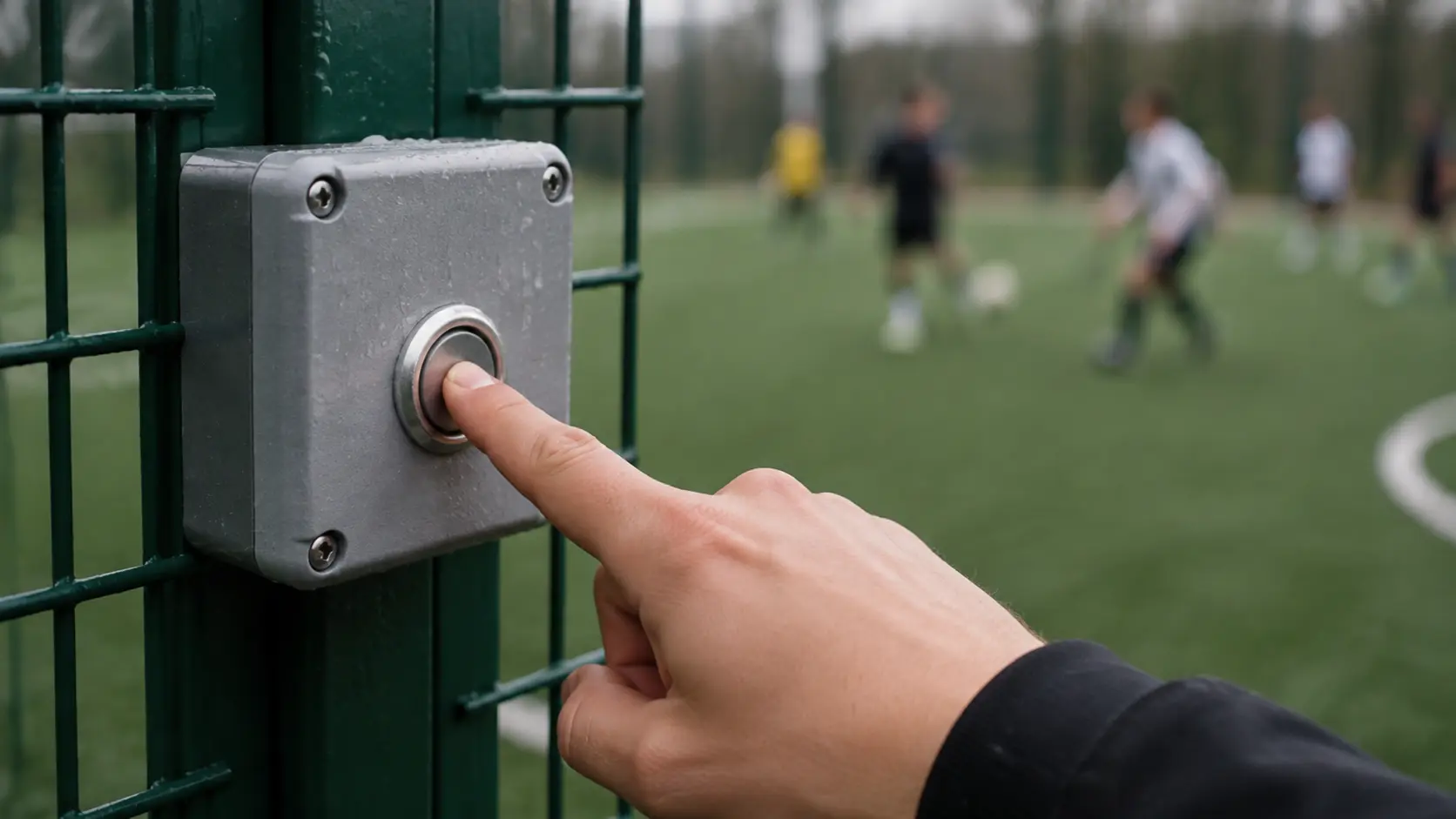
2. The trigger. A physical button beside the playing area, or a tap in the app, lets a player mark a moment after it happens. The system keeps roughly twenty-five seconds before the press and five seconds after it. That single action turns a long recording into the play worth saving. The mechanics are covered in how the replay button works. Without a trigger, somebody must review the entire booking later.
3. Automatic clipping. The output has a beginning before the move and an ending after the result. Nobody opens editing software, drags a timeline, exports a file, or guesses what the player meant. This is the component that removes the quiet workload usually hidden behind the phrase "we record the games."
4. Delivery to the player's phone. The clip appears in the app, identified by venue and session, ready to download or share with the group. If reception has to locate a file, ask for a phone number, and send the video manually, the technology has turned into a staff service. Delivery is part of the system because it closes the distance between the camera and the person who wanted the moment.
5. The venue's identity on the clip. The video leaves with the name of the place where the play happened. A goal shared in a group chat then shows the venue instead of looking like footage from an anonymous camera. Branding your venue in every clip looks at how that identity can stay visible without getting in the way of the action.
If a supplier provides capture and clipping but expects your team to handle the trigger, delivery, or naming, it has supplied camera equipment with a workflow attached. A replay system is the complete chain. The practical test is simple: can a player save a play and receive it while the match and the staff's normal work both continue?
How the Parts Work Together Day to Day
The most useful way to judge the setup is to follow a normal weekday booking at a five-a-side pitch or indoor futsal court, with no employee assigned to the camera and no special event production around the game.
The session begins and the fixed camera is already recording. Nobody starts it for the match because capture is continuous and built into the venue. A player scores from outside the area. On the way back to halfway, the player or a teammate presses the courtside button. The system saves the window around that press, including the move that created the goal rather than only the celebration after it.
The game carries on while the footage is processed. The finished clip reaches the player's app with the venue and session identified. By the break, it can already be in the group's chat. At the end of the booking, the saved clips represent the moments the players chose. There is no long raw file waiting for somebody to search, because selection happened on the court at the moment it still made sense.
Notice what never entered the workflow: reception did not walk to the pitch, a manager did not open a laptop, and nobody messaged the venue asking it to find the goal. Continuous recording versus triggered clips explains the distinction in depth. Operationally, it is what decides whether recording stays invisible or becomes another task during every booking.
What the System Requires From the Venue
A replay system asks very little of the venue while a game is under way, but it needs several things resolved before the first session. None is unusual for a sports facility. Each one affects whether the chain from capture to delivery remains dependable when the schedule is full.
A high, fixed mounting point. The camera needs a clear view of the playing area from somewhere a ball, net, or spectator cannot reach it. A post, roof structure, or high wall may provide that position. Height decides whether the clip reads as a play or as a row of overlapping backs. Placement varies by sport and court shape, so the coverage decision belongs in a proper site plan rather than a guess.
Power at the installation point. Continuous capture means equipment remains on throughout the venue's operating period. The electrical requirement may be straightforward, but power must reach the place where the camera needs to sit. A convenient outlet on the opposite side of the building does not solve a mounting-point problem.
A stable internet connection. The clip travels from the facility to the player's phone over the network. The useful question is not the advertised speed of the plan. It is whether the connection stays available during peak bookings, when the venue is busy and many phones may share its network. Ask every supplier what happens during an outage, whether recording continues, and how queued clips are delivered after service returns.
A clear image-use policy. The venue will produce video of people playing. Visible notice, a practical rule for anyone who does not want to appear, and a named contact for removal requests are operating responsibilities for the facility. This is not a legal conclusion or a substitute for local advice. It is basic preparation for running a space that records its users.
These requirements should not add work at the front desk once play starts. They shape the installation and the support plan beforehand. For the budget categories involved, including hardware, installation, and service, use the dedicated replay camera cost guide. Camera quantity also depends on the site and sport, so it should be assessed separately rather than assumed here.
Find Out If Your Court Has It
VISU Replay only exists where it has been installed, so the useful first question is whether the place you already play has cameras.
What Changes for the Staff
During the game, almost nothing should change. That is a useful acceptance test. If an employee has to start a recording, press a control, edit a file, send a message, or remember a step for each booking, the installation has created a new duty rather than removed the filming problem.
The small changes sit around the game. At the start of the day: confirm the camera is online, usually through a status view or alert. At reception: know how to explain in one sentence where players receive a clip. Each week: check that clips show the correct venue identity and that the lens is clean and unobstructed. If a clip does not arrive: have one support route and give the player a clear answer instead of promising that staff will search the full recording.
There is also a shift in what the venue can show. A photo of the entrance says little about the experience on the pitch. A real play, seen from above and carrying the venue's name, shows what happened there. That wider value belongs in the guide to cameras as a venue differentiator, not in a technical system checklist. Here the important condition is that clips leave automatically. If staff must manufacture every one, the flow will fade as soon as the week gets busy.

Questions to Ask Any Supplier
The answers reveal whether you are evaluating a connected replay system or a camera followed by manual work. Take the list into every supplier conversation, including one with VISU, and ask for contract terms in writing where ownership, retention, or exit conditions are involved.
- Is recording continuous, or does somebody start each session? Continuous capture with a player trigger is what removes the operator. Session-by-session recording puts a recurring task back at reception.
- Who marks the clip, and where? A player pressing a button by the court or using the app keeps the game self-service. An employee using a computer does not.
- Does the player receive a finished clip or the entire file? A long file is the problem the system is meant to solve. Ask what happens between the trigger and the delivered result.
- How does the player receive it? Whether the route uses an app, a link, or another channel, it should not pass through your staff. Otherwise every popular clip becomes a service request.
- How does the venue identity appear? Check what players see in the app, what stays on the downloaded clip, and whether the venue can still be identified after sharing.
- Who owns the video, and how long is it available? Do not infer either answer from the interface. Ask for the exact contract language and the process for a removal request.
- What happens when the internet connection drops? Find out whether capture continues locally, whether clips wait, and what users see until the connection returns.
- What happens when the agreement ends? Clarify equipment, data, and existing clips under each commercial structure. Buying, subscribing, or using loan-for-use terms compares the questions attached to those models.
A credible supplier can answer all eight without turning a product feature into a vague promise. If an answer amounts to "your team can handle that," the missing component has been assigned to you. Price and camera count cannot compensate for a broken handoff in the chain.
Signs Your Venue Is Ready, or Not
A replay system has something to work with where games already happen and players already want to remember or share them. Before discussing a proposal, look at the booking pattern, the groups using the space, and the readiness of the busiest playing area.
Favourable signs: recurring groups that return each week and already organise themselves in a group chat; busy peak slots on at least one court or pitch; players who already try to film through the fence with a phone; and sports built around short, visible plays, such as five-a-side soccer, futsal, padel, beach tennis, or basketball. These signs show an existing habit that easier clips can serve.
Reasons to wait: consistently low use across the schedule, because replay can extend an existing experience but does not create demand from nothing; no staff contact who can own the supplier relationship; or unresolved power and connectivity at the playing area that would be the first candidate. Readiness is operational, not a claim that every facility needs the system immediately.
A sensible rollout starts with the busiest court, observes how players use the clips, and only then considers expansion. The mechanism by which sharing may introduce a venue to another player is explored in whether replay cameras attract more players. That is a separate business case. The readiness decision here is simply whether your venue can support a complete, low-touch workflow.
If You Run the Venue
A fixed camera means every group that books gets the clip without bringing equipment, and every clip leaves carrying the name of your court.
Frequently Asked Questions
What is a replay system for sports courts?
It is a fixed camera recording continuously, a trigger used by the player, automatic clipping, delivery to the player's phone, and the venue's identity on the video. A camera by itself is only the first of those five parts.
Does it need an operator during the game?
No. That is the defining operational test. Recording continues without a person managing it, and the player creates the clip by pressing the button or using the app. If a supplier requires an operator for every booking, it is offering a filming service rather than this kind of replay system.
Can it be used for futsal, five-a-side soccer, padel, and beach tennis?
It can be used where a short play is visible from a fixed, elevated view, including those sports. Camera position and quantity vary with the activity and the shape of the space. Those decisions belong in a site-specific coverage assessment rather than a universal number.
Does the player have to download an app?
That depends on the system. Where clips are delivered to a phone through an app, the app is where the player finds and shares them. Ask the supplier to show the first-use journey so reception can explain it clearly without becoming part of each delivery.
Who owns the images?
Whatever the contract says. Ask it to state who controls the video, how long it remains available, what happens after the agreement ends, and how requests are handled. The venue also needs its own clear policy for the people who play in a recorded space.
How long does a clip remain available?
Retention varies by supplier and contract, and this article does not assign a period. Put the question in the written evaluation and make sure the answer covers both normal access and what happens when the commercial relationship ends.