

The hardest part of filming your child's soccer game is that you also want to watch it. Every parent who has held a phone through a full match knows the trade: shaky footage of a goal you barely saw, or you see the goal and have nothing afterward.
This guide is for the adult on the touchline, not the player. Where you can safely stand, how to hold the phone, why filming moments beats filming the match, what changes when the field has a fixed camera, and the part parents ask about last: sending the clip to family without putting somebody else's child in the middle of it.
The Goal Is Already Recorded
At a field with VISU Replay, fixed cameras record the session. You press the button after the goal and the clip is already there, cut and ready, without anyone stepping away from the game to film.
Why Filming Your Kid's Game Is Harder Than It Looks
Filming a youth game is not a smaller version of a professional broadcast. You stand at ground level, at the same height as everything you are trying to see through, holding an unsupported device, with no idea which of the next ninety seconds will matter. You cannot predict the goal, and neither can anyone else.
You are also not a camera operator. You are a parent. You will shout, step forward when your child gets the ball, and drop the phone reflexively at the exact instant something happens. That is not a discipline failure. It is the real condition of the job, and any method that ignores it fails every weekend.
Scale is the other problem. A youth field is large relative to the children on it. The IFAB Laws of the Game describe an adult field of play with a touchline of minimum 90 m and maximum 120 m, and a goal line of minimum 45 m and maximum 90 m. Youth and small-sided formats are played on reduced pitches set by the local competition, but the geometry does not change: a small player at the far end of any of those rectangles occupies very little of your frame.
None of this means you should stop filming. It means the target should be modest: two or three clips your child actually wants to rewatch, and a game you saw with your own eyes while it happened.
Where to Stand, and Where Not To
Start with what is not yours to use. The area beside the benches is regulated for the people running the match. IFAB Law 1 states that the technical area "relates to matches played in stadiums with a designated sitting area for team officials, substitutes and substituted players," that it "should only extend 1 m (1 yd) on either side of the designated seated area and up to a distance of 1 m (1 yd) from the touchline," and that "the number of persons permitted to occupy the technical area is defined by the competition rules." Even at a small youth field the coaching and substitution zone is functionally the same thing, and a parent with a phone is not who it exists for.
The field itself is even clearer. Law 3 defines who belongs on it: "The coach and other officials named on the team list (with the exception of players or substitutes) are team officials. Anyone not named on the team list as a player, substitute or team official is an outside agent." As a filming parent you are an outside agent. Stay behind the touchline, out of the run-off space where a player chasing a ball ends up, and never put yourself or a tripod where a child can collide with it.
Within those limits, the best parent position is usually the halfway line on the side opposite the benches. The field opens in both directions, you are not panning past a wall of standing adults, and both goals sit at roughly the same distance.
Height is the biggest improvement available to you and it is usually free. One step of a stand, a slope beside the field, a raised walkway: any of these lifts you above the parents in front and separates near players from far ones. Raising your position helps more than moving closer, a point covered in more depth in the guide to the best camera angle for soccer.
Holding the Phone: Horizontal, Steady, No Zoom
Turn the phone sideways. Soccer is wide, and a vertical frame throws away the two things that make a clip readable: the space the ball travels through and the players arriving into it. A vertical goal clip often shows the net and the celebration and loses the pass that created it.
Hold it with both hands, elbows braced against your ribs, forearms resting on a rail or fence post if one is near. Frame for the ball with room in front of it, not for your child: a parent framing on their own child loses the ball, swings the phone to find it, and the swing ruins the shot. Do not zoom. Phone zoom at distance usually crops rather than reaching further, so you lose detail while multiplying every tremor. A wide, stable shot of a small child scoring is a keepsake. A shaky close-up that loses the ball is not. If you want the player larger, pick a better position before kickoff.
Check the basics before you leave the house: enough battery, enough free storage, and a clean lens. A smeared lens causes more soft, hazy youth-game footage than any camera setting and takes two seconds with a shirt to fix. If the footage still disappoints, the explanation is often the device itself, the subject of why your phone films sports badly.

Find Out If the Field Has It
VISU Replay only exists where it has been installed, so the useful first question is whether the field where your child already plays has fixed cameras and a replay button.
Film the Moments, Not the Match
Recording the entire game is the default parent strategy and the one that produces the least usable material. It drains the battery, fills the phone, and leaves a long file nobody will ever scrub through. Worse, it commits you to holding the phone up for the whole match.
The alternative is to film in short bursts around what you can actually anticipate. Some moments in a youth game are genuinely predictable. Kickoff, a corner, a free kick near the box, a penalty, a substitution bringing your child on, the line-up before the match, the handshake afterward. Those are announced by the game itself, and you have several seconds of warning.
Everything else, including most goals, arrives without warning, and it is better to accept that than to hold the phone up all afternoon insuring against it. A parent who missed a goal but saw it is in a better position than one who recorded it badly through a gap between two other parents.
When you do record, record for a few seconds longer on both ends. A clip that begins at the moment of contact reads as an accident, and one that stops the instant the ball crosses the line loses the part your child cares about most, which is what everyone did next.
When You Are the Parent and the Camera at the Same Time
There is a specific and very common failure that no filming technique solves: your child gets the ball, you react as a parent, and the phone reacts with you. You step forward. You shout. Your arms drop. The recording of the most important thirty seconds of the afternoon is a lurching view of the grass and the audio of your own voice.
Do not treat that as a discipline problem. You cannot fully cheer and fully film at once, so decide per passage of play which one you are doing. If you are filming, lock your elbows before the play and let the reaction happen in your voice rather than your arms. Shouting is fine in a clip. A swinging camera is not.
If you are watching, put the phone away completely, not down at your side still recording. A phone propped on a bag or a small tripod is a partial escape: it keeps a wide frame running while your hands are free, but it still gives you one fixed angle over part of a large field, and someone still has to start and stop it.
The conflict is structural, not personal. It does not disappear when you get better at filming. It disappears when the recording stops depending on you holding the camera.
A Fixed Camera at the Field: Press After the Goal
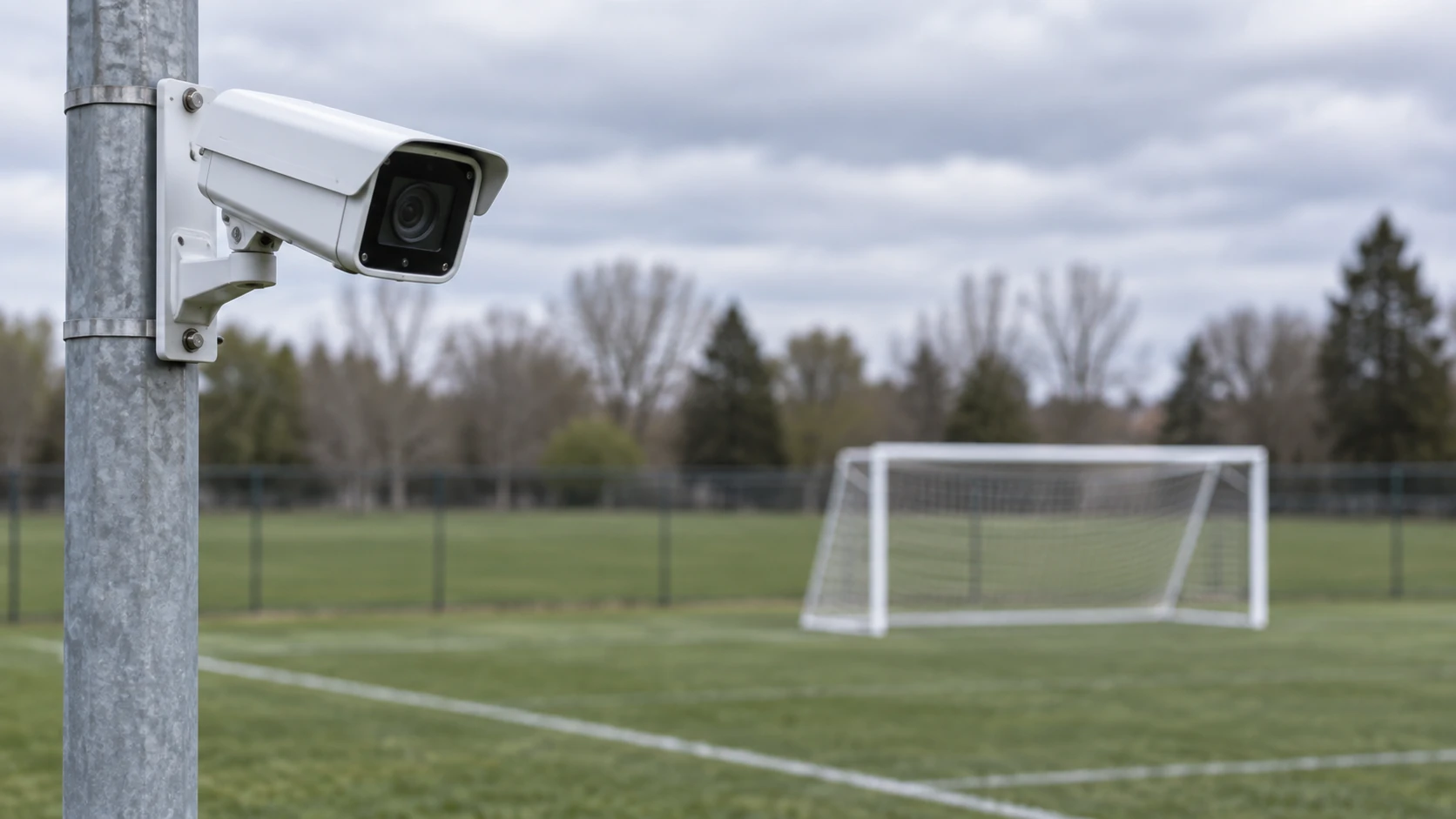
A fixed camera at the field inverts the problem. Instead of a parent deciding in advance what is worth recording, the camera records the session from its mounted position and the decision moves to after the fact.
At a field with VISU Replay, that decision is a button. The cameras run continuously through the session. When something happens, a player presses the replay button and the system saves a clip of the action that has already occurred, cut and ready. Nobody has to predict the goal, because the goal is already in the recording when the button is pressed.
The order surprises parents, so state it plainly: the button does not start recording, it saves backward. You watch the goal with your own eyes, finish shouting, then reach for the button, and the play is still there. That retroactive window is explained in how the replay button works.
A fixed camera does not solve everything. One mounted view is one angle: it will not produce a close-up of your child's face, follow a single player, or cover what happens outside its frame. What it removes is the trade this guide opened with. You no longer choose between seeing the game and having it.
Sharing With Family Without Exposing Other Kids
The clip is rarely for you. It is for the grandparent who could not come, the parent who was working, the cousins in another city. That audience is why the phone came out, and why a moment of care before sending is worth it.
The practical starting point is to ask, not to assume. Rules about photography and video at youth games are set by the club, the school or the league, and they differ from place to place. Ask your child's club what they allow and whether there is a form parents have already signed. This is not legal advice and it does not replace what your club tells you, but it is the question that saves the most trouble.
A short list of habits covers most situations. Keep the clip in the family group rather than on a public profile. Send the specific moment, not a long file sweeping across every child at the field. If another family's child is prominent in something you want to post widely, ask them, crop, or pick a different clip. Leave out what identifies where and when the game happens: a club name on a sign, a shirt number beside a full name, a fixture list in the background.
If another parent asks you to take something down, take it down without negotiating. You will want the same courtesy eventually, and it costs you a clip you can replace next weekend.
If the Field Already Has VISU Replay
Separate the three roles, because parents routinely conflate them. Installing the system is the club or field owner's decision. Pressing the button happens during the session. Sharing the clip afterward is the family's call. You are involved in the third, sometimes the second, rarely the first.
VISU Replay only exists where it has been installed, so the useful first question is whether the place where your child already plays has cameras. Do not assume that a field has it because a neighbouring one does, and do not promise your child a clip before you have asked. One question to whoever runs the school or the field settles it.
If your child's field does not have it, the rest of this guide still stands on its own. Pick your spot, hold the phone horizontally with both hands, film the moments you can anticipate, and put the phone away for the rest. The technique matters more than the equipment, which is the point of the companion guide to recording your own soccer game.
If You Run the School or Field
A fixed camera means every group that books gets the clip without bringing equipment, and every clip leaves carrying the name of your field.
FAQ
Where should I stand to film my child's soccer game?
Behind the touchline, on the side opposite the benches, near the halfway line. Stay out of the coaching and substitution zone and out of any run-off space where a player might end up. If a safe rise, step or raised walkway is available, use it: height separates near players from far ones better than moving closer does.
Should I film the whole match?
Usually not. A full recording drains the battery, fills the phone and produces a file nobody rewatches. Short bursts around predictable moments, kickoff, corners, free kicks, your child coming on, give better clips and let you watch the rest.
Vertical or horizontal?
Horizontal. Soccer is wide, and a vertical frame cuts out the pass and the run that make a goal readable. Vertical is only worth it when the subject is a single person close to you, like your child holding a trophy after the game.
Should I zoom in on my child?
No. Phone zoom at distance generally crops the image instead of reaching further, so you lose detail and multiply every hand tremor. Frame wide on the ball with space in front of it and let your child move in and out of the shot.
How do I film and cheer at the same time?
Realistically you do not do both fully at once. Decide per passage of play. If you are filming, brace your elbows before the play and react with your voice rather than your arms. If you are watching, put the phone away rather than leaving it recording at your side.
Can I post my child's game video online?
Ask the club, school or league first, because rules differ and many have a form parents already signed. Beyond that, prefer the family group over a public profile, avoid clips where another family's child is prominent unless you asked them, and leave out captions that name other children or give away the location and schedule. Practical courtesy, not legal advice.
What if the field has a fixed replay camera?
Then the recording stops depending on you. The cameras run through the session and the button saves the play that already happened, so you can watch the goal and then save it. Ask whoever runs the field whether it is installed and where the button is, because a system like this only exists where it has been put in.
References
- IFAB Laws of the Game, Law 1: The Field of Play. Official field dimensions and the definition and limits of the technical area beside the benches.
- IFAB Laws of the Game, Law 3: The Players. Who counts as a team official and the definition of anyone else at the match as an outside agent.
- The Football Association: Law 1, The Field of Play. National federation restatement of the field markings and technical area limits.