

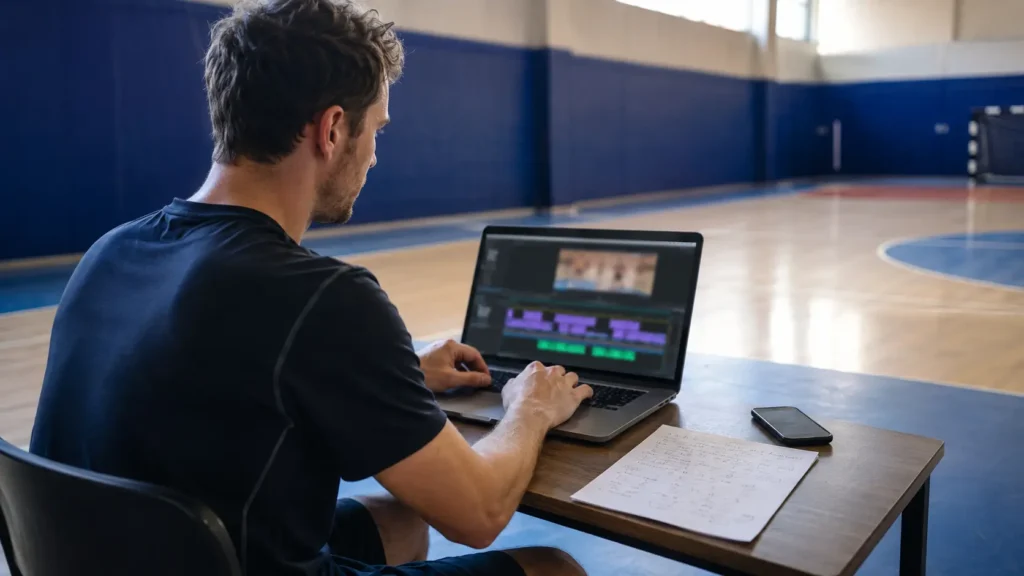
A highlight reel is not a folder of good plays with music under it. It is one short video with a clear audience, a deliberate order and no clip that is only there because you were proud of it.
If you have forty clips on your phone or saved from a court camera, the hard part is not finding an editing tool. The hard part is deciding what the reel should say, which moments earn a place and what to remove. This guide takes you from that pile of files to one finished video you can send.
Before you touch a timeline, make a few decisions on paper. That small pause separates story choices from button choices. It also gives anyone helping you a way to review the same plan, instead of arguing about individual plays while the whole reel keeps changing.
Start the Reel From Clips That Arrive Already Cut
At a court with VISU Replay, a fixed camera records the whole session and produces each play as a short, named clip. Your longlist starts clean instead of buried in a camera roll.
Decide Who the Reel Is For Before You Open a Single Clip
The audience decides the edit. Without one, every clip argues for a different version and the reel grows until it serves nobody.
For the team or family, make the shared day visible. Include the big finish, but also the assist, recovery, celebration or rally that people remember together. Names and a date can be enough context. This version can feel warm and collective because the audience already knows the players. Deciding which moments carry the story is easier once you know what makes a good sports clip.
For yourself, make the reel about a pattern. It could be a month of finishing, a run of defensive recoveries or a sequence showing how your padel points developed. This is not the same as a review file. The reel still needs momentum, but its story may be progress rather than spectacle.
For an evaluator or coach, make your role unmistakable. Lead with a representative strong play, identify yourself plainly and favor actions that reveal decisions, movement and repeatable involvement. Do not claim that a reel will produce a roster place, a reply or any other outcome. Its job is smaller: let someone understand who you are and what the selected footage shows.
Write the audience at the top of a note before you begin. When two clips compete for one place, that line makes the decision.
Pull Together Every Clip From Every Source
Build one working folder before you edit. Copy in phone videos, clips created by a court recording system and footage another person has given you permission to use. Do not start cutting while files are still scattered across conversations, downloads and camera rolls. You will keep rediscovering the same play and lose track of the best copy.
Use a plain naming pattern that sorts naturally: date, opponent or session, then action. A filename such as 2026-08-14-futsal-left-side-assist tells you more than a device number. If two people sent the same moment, keep the cleaner or wider copy and move the duplicate out of the working folder.
Create three subfolders: possible, selected and source masters. Possible is the longlist. Selected holds only the files currently in the reel. Source masters stay untouched, so an aggressive trim never destroys the only copy.
If a court produced the clip for you, treat that as another source rather than a special format. A replay camera changes how a moment is captured, but the reel still needs the same audience, selection and order as footage from a phone.
Pick the Plays That Tell One Story
Start with clips that are already understandable on their own. If the player cannot be identified, the ball leaves the frame at the decisive instant or the outcome is missing, editing cannot repair the underlying moment. Use the quick tests in what makes a good sports clip, then make a second selection for the reel.
A good individual clip is not automatically a good sequence. Five similar goals may be impressive, but the fifth adds less than the first. Look for variety that supports one idea: a finish after movement, a pass that creates space, a defensive action, a recovery and another finish from a different situation. In basketball, that might mean scoring, creating and defending. In pickleball or padel, it might mean a serve pattern, net play, recovery and a closing point. The grouping logic also sets the length, and how long a clip should be depends on where the reel is going.
Use these as editorial planning ranges, not research findings or platform rules:
| Planned Reel Length | Working Longlist | Likely Final Selection |
|---|---|---|
| About one minute | Ten to fourteen clips | Six to nine plays |
| About two minutes | Eighteen to twenty-four clips | Twelve to sixteen plays |
| About three minutes | Twenty-six to thirty-four clips | Eighteen to twenty-two plays |
The longlist is intentionally larger than the final selection. Some clips will be cut because they repeat an action, break the pace or need too much explanation. If every candidate survives, you did not really select.
Give every selected clip a one-line reason for staying. If two reasons are effectively the same, keep the clearer play. If a reason talks only about how the moment felt to people who were there, decide whether that feeling serves this audience or belongs in a different family-and-team version.
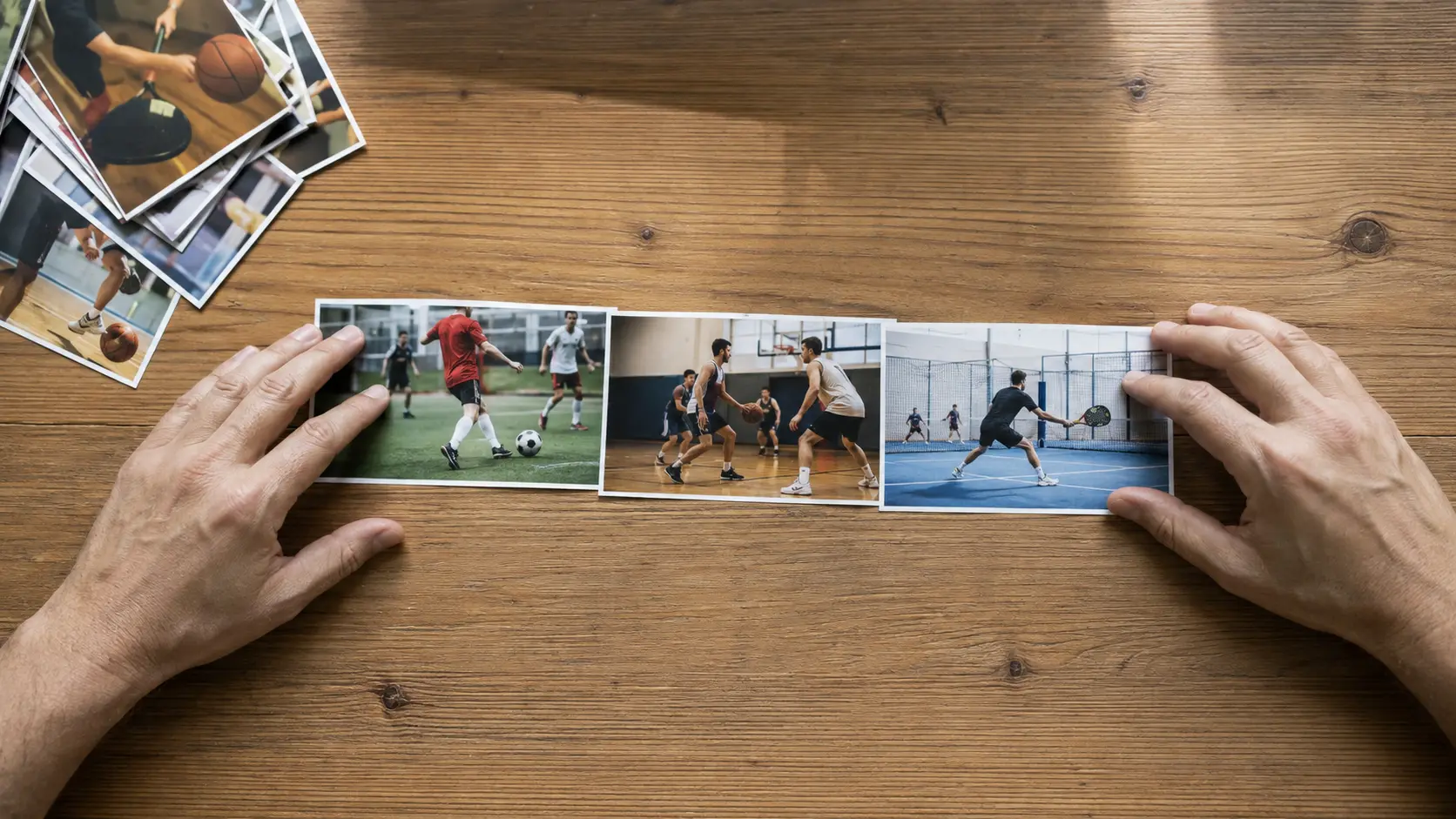
The Play Is Already Trimmed Around the Action
Retroactive clips from a court camera capture the seconds that mattered, framed from a fixed angle, so selection is about the story and not about rescuing footage.
Put Them in an Order That Holds Attention
Open with one of your strongest and clearest plays. Not necessarily the most emotional one, and not a title card that asks the viewer to wait. The first clip should immediately show the subject, the action and the result. Save another strong moment for the end so the reel finishes rather than merely stops.
Between those points, choose one organizing logic. Grouping by action works when an evaluator needs to compare like with like: creation, finishing, defense, transition. Chronological order works when the story is a tournament, a season or visible progress. Mixing both usually feels accidental, so pick the structure that matches the audience you wrote down earlier.
Within a group, change the visual rhythm. Follow a wide soccer build-up with a closer finish, or a long basketball possession with a quick steal. Two clips from the same angle can sit together if the actions differ. Two nearly identical actions from the same angle feel like a replay of information the viewer already has.
Use slow motion only when it helps someone read a detail that normal speed hides. If every finish slows down, slow motion stops emphasizing anything and the reel loses the pace created by the original action.
Watch the rough order once without making edits. Mark the moment your attention drops. The problem is often the clip immediately before that point, not the one after it.
Trim, Cut and Label Without Overdoing It
Trim each clip so the viewer arrives just before the action becomes meaningful and leaves after the result is clear. Do not cut so late that the play begins mid-motion, and do not preserve a long walk back into position for context. The detailed clip-level choices belong in the guide linked above. Here the extra test is whether the end of one clip creates a clean handoff to the next.
Use direct cuts. Decorative transitions consume time, interrupt the sport and make mismatched clips more obvious. A brief fade can separate major chapters, such as attack and defense, but every ordinary change of play can be a cut.
Keep labels factual and readable. For a personal or evaluator reel, the opening can include name, number, position and season or date range. On the first play, a simple arrow or circle may identify the player if your editing tool allows it. Remove the marker as soon as the action starts. A permanent ring following the player competes with the play.
For a family or team reel, a date, event name or score context may be more useful than a position. Do not fill the screen with sentences. If a clip needs a paragraph to make sense, it probably belongs outside the reel with an explanatory note.
Make one pass devoted only to consistency. Check spelling, capitalization, label placement and how long each marker remains visible. Then make a separate pass for the cuts. Separating those jobs makes errors easier to see and keeps you from changing the story every time you notice a label that sits too close to the edge.
Sound, Music and Rights
Listen to the natural sound before adding anything. Shoes on the court, teammates reacting and the contact of the ball can make clips feel connected even when they came from different sources. If the sound is distorted, dominated by wind or full of private sideline conversation, lower it or mute that clip.
Music is optional. A reel for family may feel complete with it, while an evaluator may prefer to hear the play. If you add a track, keep it below any useful game sound and cut the pictures for the action, not for every beat. A sports sequence should still make sense when muted.
Use only music you created, licensed or otherwise have the rights to use. Do not assume that owning a recording or hearing a track in another video gives you permission to place it under yours. This article does not attempt to interpret copyright exceptions. When the rights are unclear, choose silence or a track whose permitted use you can confirm.
Export Settings by Destination
Create one master in the orientation that preserves the play, then make destination copies from it. For wide team sports, horizontal footage usually keeps more of the action. A vertical destination may justify a separate crop, but that crop can remove teammates, passing lanes or the ball. The geometry and tradeoffs are covered in vertical versus horizontal sports video.
These are editing targets, not technical limits:
| Destination | Working Length | Export Priority |
|---|---|---|
| Team or family group | About forty-five to ninety seconds | Easy opening, manageable file, shared moments |
| Personal season recap | About ninety seconds to three minutes | Story and variety |
| Evaluator or coach | About two to three minutes | Clear identity, representative actions, simple labels |
Export at the source resolution when practical. Raising the resolution above the original does not create detail. If the file is too large for its destination, make a smaller delivery copy and keep the master. Do not repeatedly re-export an already compressed copy, because each round moves you farther from the source.
Watch the exported file from beginning to end, not only inside the editor. Check that labels are readable, no clip is accidentally muted, the last play is complete and the file opens away from the editing device.
Send It and Keep the Source Clips
Name the final file so another person can recognize it without opening it. Include the athlete or team, the season and the destination or version. Keep a master and make shorter delivery copies when the audiences genuinely differ. The team group may want the compact shared version, while an evaluator may need the complete sequence with identification.
Send a link when you want everyone to open the same current file and its supporting clips. If you send directly into a conversation, preview what arrives and add one line of context. The practical delivery problems are covered in sharing clips in your team group.
Do not delete the source masters after the reel is finished. The edit reflects one audience and one moment. A later version may need a horizontal crop, a clean natural-sound clip or a different opening. Keep the sources apart from exports and follow the fuller backup routine in how to store your sports clips.
The finished reel is the result, but the reusable asset is the organized set beneath it. If the next request arrives, you should be choosing from labeled originals, not pulling compressed copies back out of an old conversation.
Keep the Source Clips Where They Were Made
When the venue records, every play stays available as its own clip after the reel is done. The next version starts from originals, not from a compressed export.
FAQ
How Long Should a Highlight Reel Be?
Match the length to the audience. As an editorial starting point, use about forty-five to ninety seconds for a team or family group, ninety seconds to three minutes for a season recap, and about two to three minutes for an evaluator. These are working edit ranges, not platform limits or research findings. If the strongest story ends earlier, stop earlier.
How Do You Make a Highlight Video on Your Phone?
Gather copies of every source clip into one working folder, choose the audience, build a shortlist, place a strong clear play first, trim each clip around the action, add only essential labels, check sound and export one master. The controls differ between editing tools, but the decisions do not.
What Should Be in a Sports Highlight Reel?
Include plays that support one story and show useful variety. A soccer or futsal reel might combine movement, creation, finishing and recovery. A basketball reel might mix scoring, passing and defense. A racket-sport reel can show serve patterns, net decisions, recovery and point construction. Remove repeated actions that add no new information.
Do College Coaches Watch Highlight Reels?
A reel may be sent to a coach or program, but this guide makes no claim about who will watch, how long they will watch or what result the video can produce. Put a strong representative play first, identify the athlete clearly and place current contact information in the message or description that accompanies the link.
Should Highlight Reels Have Music?
They do not need it. Natural game sound can carry the action, and silence is better than a track that competes with useful audio. If you use music, use only a track you have the rights to use and keep the reel understandable with the sound off.
How Many Clips Should Be in a Highlight Reel?
For planning, six to nine plays can fill about a minute, twelve to sixteen can fill about two minutes, and eighteen to twenty-two can fill about three minutes. Those are editorial ranges based on the workflow in this guide, not measured rules. The right count is the smallest set that tells the story without repetition.