

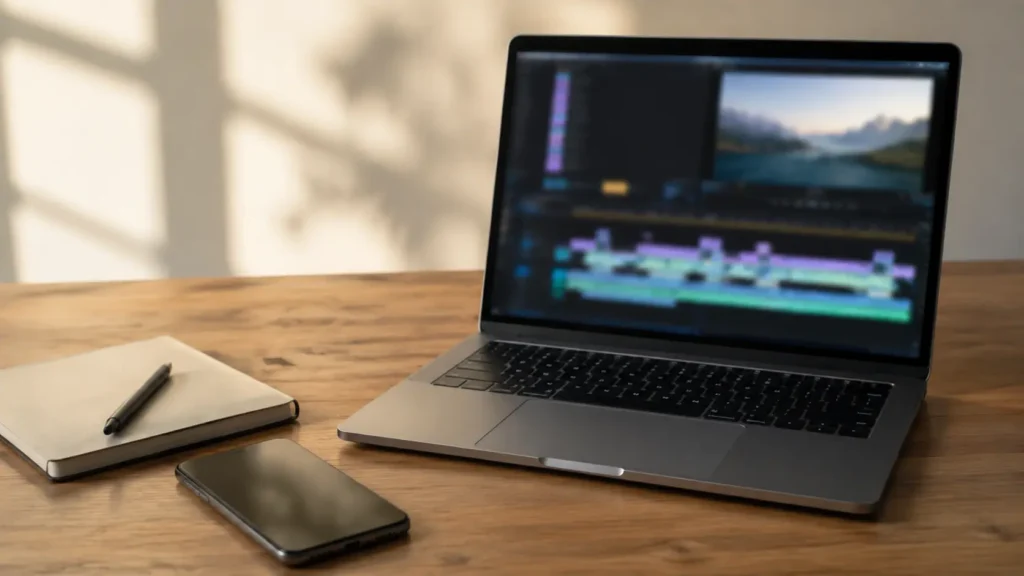
A sports highlight video maker is judged by four jobs: getting the clips in, trimming around the action, putting them in an order that tells a story, and exporting for wherever the video is going. Most of the time you spend is in the first job, hunting for the play inside a long recording, and that is the one job a camera at the court can remove entirely.
This guide does not rank apps. It explains what a highlight video maker has to do, compares the four kinds of tool people actually use by how well they do each job, and helps you pick a kind based on who you are: parent, player, coach or venue. If you already have a tool and want the editorial process, from choosing the audience to the final export, how to make a highlight reel covers that step by step.
Start From Clips That Arrive Already Cut
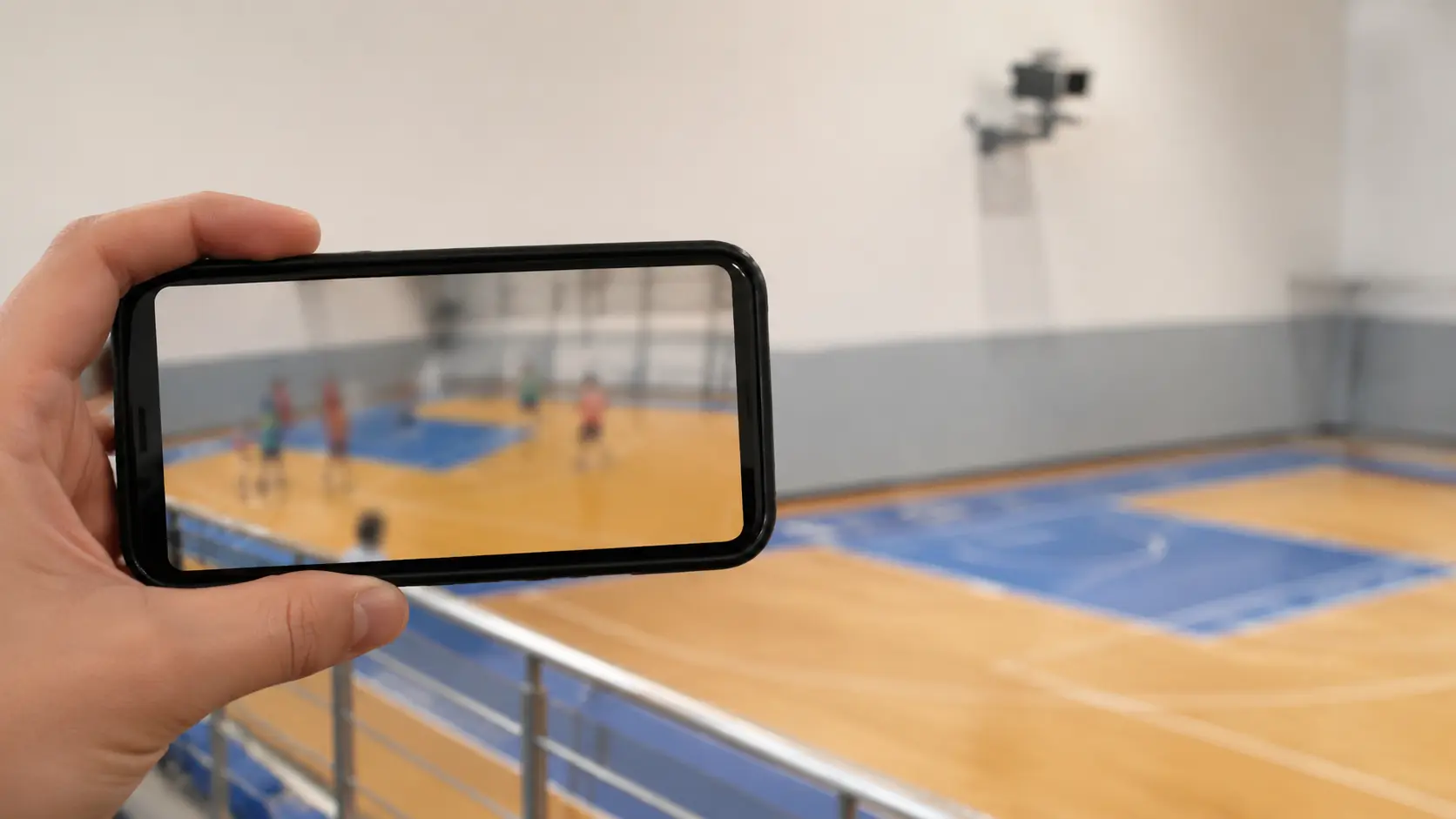
At a court with VISU Replay, the cameras run continuously and a button press after the play produces a short, named clip. The first and slowest job of any highlight maker is done before you open one.
What a Highlight Video Maker Actually Has to Do
Strip away the marketing and every highlight tool performs the same four jobs. Judge any of them, free or paid, phone or desktop, on these and nothing else.
Job one: get the clips in. Import from the phone, from a card, from a message thread, from a court camera. If the source is a full-game recording, this job also includes finding the plays inside it, which is where the hours go.
Job two: trim around the action. Cut each clip so it starts just before the play becomes meaningful and ends once the result is clear. Precision matters here: a trim that lands half a second late turns a goal into a celebration. What makes a single clip readable is covered in what makes a good sports clip.
Job three: order the clips into a story. A strong opening, grouping by type or by time, variety of angles and actions, a real ending. This is the only genuinely creative job and, oddly, the one most tools help with least.
Job four: export for the destination. Orientation, length and file size for a team chat, a story format, or a longer file for a coach. How long a sports clip should be for each destination is a separate decision that the export step has to respect.
Keep those four in mind and the comparison below stops being about brands and starts being about which job you personally struggle with.
Four Kinds of Tool, Compared Honestly
No product names. Within each kind, the differences that matter for sports footage are the ones described here.
1. The Editor Already on Your Phone
Every phone ships with a way to trim a video and, usually, to stitch a few together. Where it shines: jobs two and four for a single clip. Trim, export, send. No install, no account. Where it stalls: job three. Multi-clip timelines are clumsy or absent, and ordering twelve plays becomes an exercise in patience. For: someone who wants to send one or two plays to the group tonight.
2. A Mobile Editing App
Dedicated editors on the phone add a proper timeline, multiple tracks, captions and export presets. Where it shines: jobs two, three and four together on the device where the footage already lives. Good for a two-minute reel assembled on the sofa. Where it stalls: job one with a long recording. Scrubbing through ninety minutes on a phone screen to find six plays is slow and easy to get wrong, and large files strain storage. Many also push effects and transitions that sports footage does not need. For: players and parents who already have short clips and want a finished reel without a computer.
3. A Desktop Editor
Editing on a computer gives you a large timeline, precise trimming, easy handling of big files and full control of export. Where it shines: jobs two, three and four at any scale, including a season recap from dozens of sources. Where it stalls: friction. Files have to be moved from phones to the computer, the learning curve is real, and the result has to travel back to the phone to be shared. For: coaches, clubs and anyone assembling long or recurring reels.
4. An Automatic Tool Attached to the Court Camera
Some venues install fixed cameras that record every session, and the system produces clips automatically when a player presses a button after a play. Where it shines: job one, and it is not close. There is no long recording to search, because each clip is already cut around the moment someone chose. The clips arrive on the player's phone named and ready. Where it stalls: job three. These systems produce clips, not stories; the ordering and the final reel still happen in one of the tools above. And they exist only where a venue has installed one, so this is not a tool you download. The difference in what you get is explained in continuous recording versus triggered clips. For: anyone who plays at a venue that has it, and venues that want every session to leave with shareable footage.
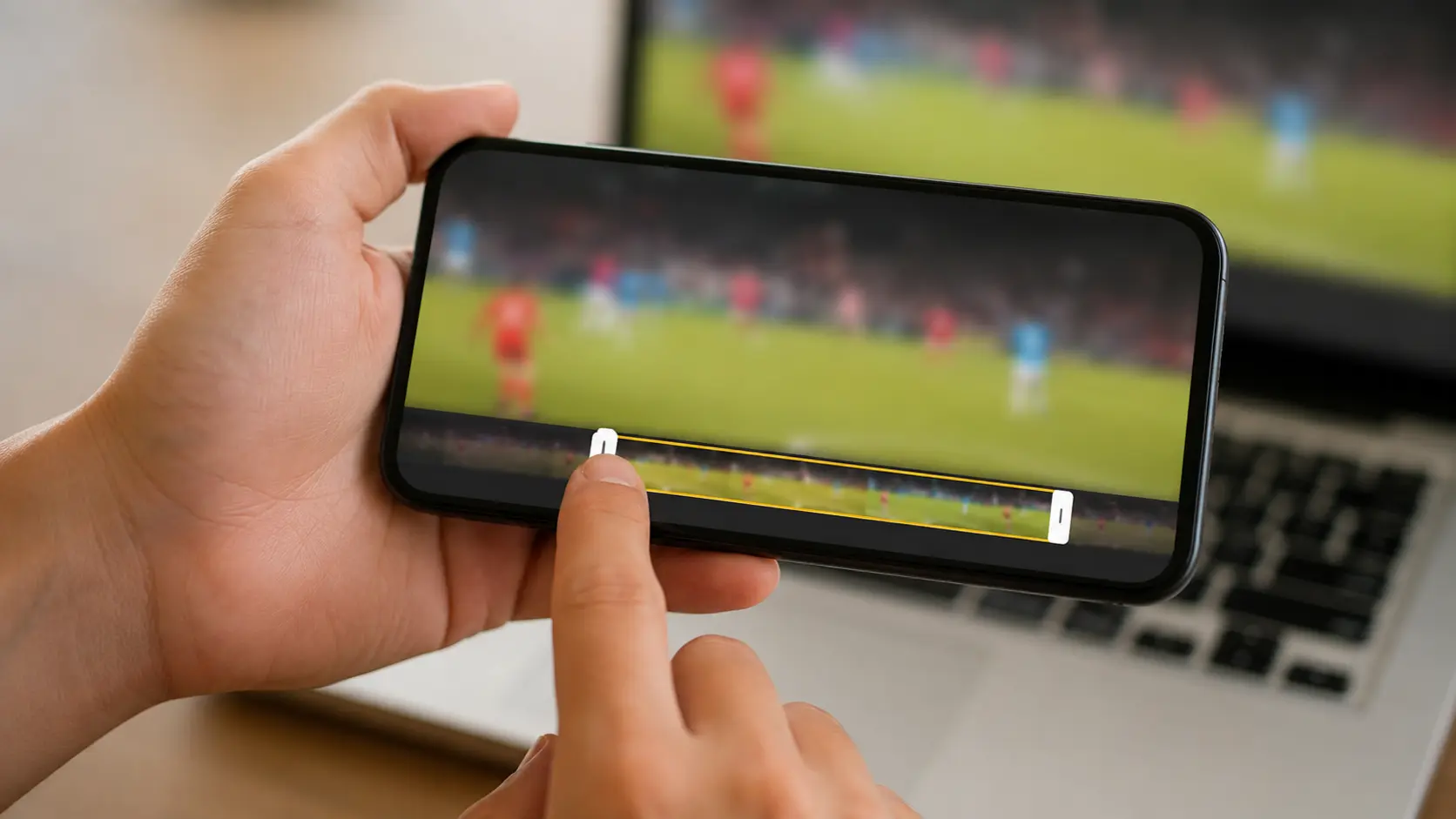
The Features That Matter and the Ones That Do Not
Feature lists are long because they are written to sell. For sports highlights, a short set decides everything.
Matters: frame-accurate trimming, because half a second is the difference between the shot and the reaction. A multi-clip timeline you can reorder by dragging. Export presets by destination, including vertical and horizontal, covered in vertical versus horizontal sports video. Simple text overlays for a name, number and date. Reliable handling of large files without crashing. A way to keep the original clips untouched while you cut copies.
Does not matter, or actively hurts: decorative transitions, which interrupt the sport and make mismatched clips more obvious. Filters and colour presets that make every court look like a music video. Built-in music libraries whose licence terms you have not read. Automatic "highlight detection" that promises to find the plays for you: some tools try, and the result has to be checked against the actual play every time, which is often slower than scrubbing yourself. Treat it as a suggestion, never as the edit.
If a tool nails the first list and you can ignore the second, it is good enough. Most disappointment with highlight makers comes from choosing on the second list.
Find Out If Your Court Has It
VISU Replay only exists where it has been installed, so the useful first question is whether the place you already play has cameras. If it does, your highlight maker starts with clips instead of a search.
Where the Time Really Goes
Ask anyone who has made a reel from a full-game recording where the evening went and the answer is not the editing. It is the scrubbing: dragging through ninety minutes of footage looking for the six moments that matter, overshooting, going back, watching the same build-up three times to find where the play really starts.
That is job one, and no editing feature fixes it, because it is a property of the source. A continuous recording contains everything, which means it contains mostly nothing. A clip that was cut at the moment someone decided it mattered contains only the play. When the source is already clips, job one takes minutes and the whole project shrinks to ordering and export.
This is why the fourth kind of tool changes the comparison even though it edits nothing. A court camera with a replay button produces the clips at the moment they happen, so by the time you open any editor, the search is over. If you record with a phone or a camcorder instead, budget for job one honestly: a real hour for a handful of plays from a full match. And keep the originals somewhere safe before you start cutting, following how to store your sports clips.
Picking by Who You Are
A parent who films from the touchline and wants to send the goal tonight: the editor already on the phone. Trim, send, done. Move to a mobile editing app only when you start assembling season reels.
A player building a personal reel from clips gathered over weeks: a mobile editing app, because the clips already live on the phone and the reel is short. If you play somewhere with a court camera, start there: your job one is already done and the app only has to order and export.
A coach or club producing recurring reels from multiple matches and sources: a desktop editor. The scale, the file sizes and the need to keep organised source folders all favour a computer, and the time saved on a large timeline pays for the learning curve quickly.
A venue owner who wants players to leave with footage: none of the above, because the venue's job is not editing. It is producing clips. A fixed camera with a replay button does that for every booking without staff involvement, and the players bring their own editors for the rest.
A Quick Checklist Before You Choose
- Can I trim to the exact frame, not just to the nearest second?
- Can I put ten or more clips on one timeline and reorder them by dragging?
- Does it export horizontal and vertical versions without re-editing?
- Does it handle a file the size of a full match without crashing or silently lowering quality?
- Can I add a plain text label for name, number and date, and remove it after the first play?
- Does it leave my original clips untouched?
- If it offers music, does it tell me what I am allowed to do with it?
- If it claims automatic highlights, can I see and correct every clip it picked?
- Where does my footage go: stays on my device, or uploads to a service I have not read the terms of?
- Most important: where will my clips come from, a long recording I must search or clips already cut at the court?
Answer the last question first. It decides how much the other nine matter.
If You Run the Venue
A fixed camera means every group that books leaves with cut clips instead of a long file nobody will edit, and every clip goes out carrying the name of your court.
FAQ
What is the best app to make sports highlight videos?
The best kind depends on your source and your scale. One or two clips for the group: the editor already on your phone. A short personal reel: a mobile editing app. Recurring team reels: a desktop editor. If the venue where you play has a replay camera, the clips arrive already cut and any of the three finishes the job quickly.
Can I make a sports highlight video on my phone?
Yes. The built-in editor handles single clips, and a mobile editing app handles a full reel with a timeline. The limit is finding plays inside a long recording on a small screen, which is slow.
How do I make highlights from a full game recording?
Watch it once and note the timestamps of the plays, then cut each into its own clip before you build the reel. Budget real time for this step. A court camera with a replay button avoids it by producing the clips during the game.
Do I need to pay for a highlight video maker?
Not for the four jobs described here. Paid tiers usually add effects, music libraries and cloud features that sports highlights rarely need. Pay when a specific limit, such as export quality or file size, is actually in your way.
How do teams make highlight videos automatically?
Venues with fixed cameras and a replay button generate a short clip each time a player presses it after a play. The clips are automatic; the ordering into a reel is still a manual step in an ordinary editor.
What format should I export?
Export from a master at the source resolution and make a copy per destination: horizontal for a coach or a season recap, vertical only when the destination is vertical and the crop does not lose the play. Keep the master.