

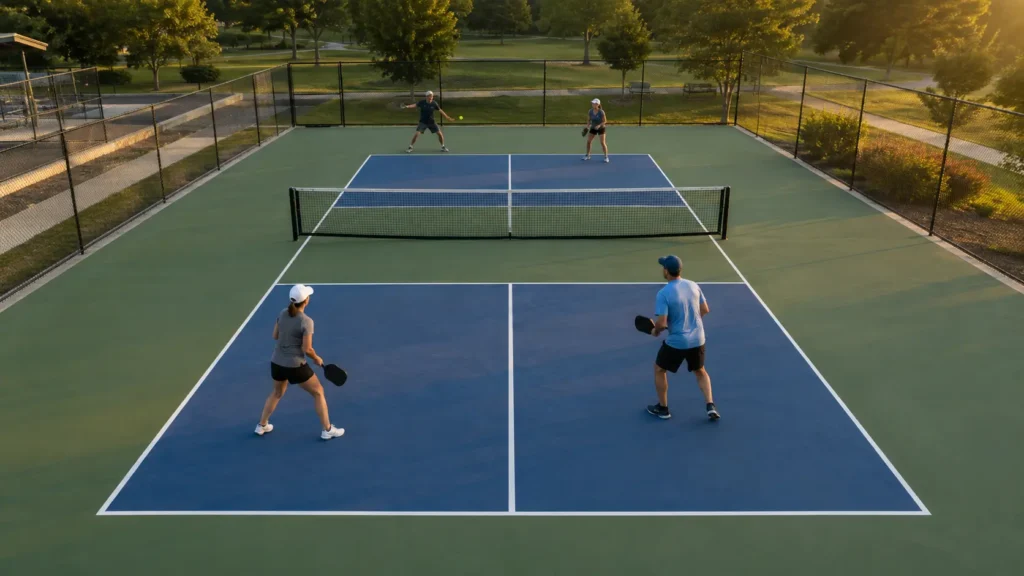
The best pickleball highlights preserve the rally, not only the ball that ended it. A winner makes sense because of the patient dinks, the sudden attack, the recovery under pressure and the opening that finally appeared.
This guide is about choosing and capturing those moments, not building a highlight reel or learning an editor. It shows what is worth saving, why a phone is awkward during a recreational game, how a fixed camera changes the job, and how to organise the clips you want to send.
The Rally You Just Won, Saved
Where VISU Replay is installed, a fixed camera records the session and the button saves the rally as a ready-cut clip. Nobody has to leave the court to film.
What Counts as a Pickleball Highlight
A highlight is a rally with a story that can be understood from the frame. It does not have to be the hardest shot of the session. It has to show the problem, the response and the outcome.
Keep a long rally when control changes, a dink exchange when patience becomes attack, and a difficult recovery when the defending pair survives pressure. A ball played around the net can also work when its full path is visible. In every case, the setup explains why the finish mattered.
A turning point is a good candidate even when it looks simple. A side-out, the official term for the serve passing to the other team after the service sequence, can matter because of when it happened. Add context in the filename or message rather than forcing the video to carry a score graphic it does not have.
The selection rule is simple: save the complete rally when the beginning changes how the ending feels. A highlight is not the last contact. It is the sequence that made that contact matter.
Why Pickleball Highlights Are Hard to Capture With a Phone
A phone can record a court. The difficult part is arranging a person and a stable viewpoint before an unannounced rally begins.
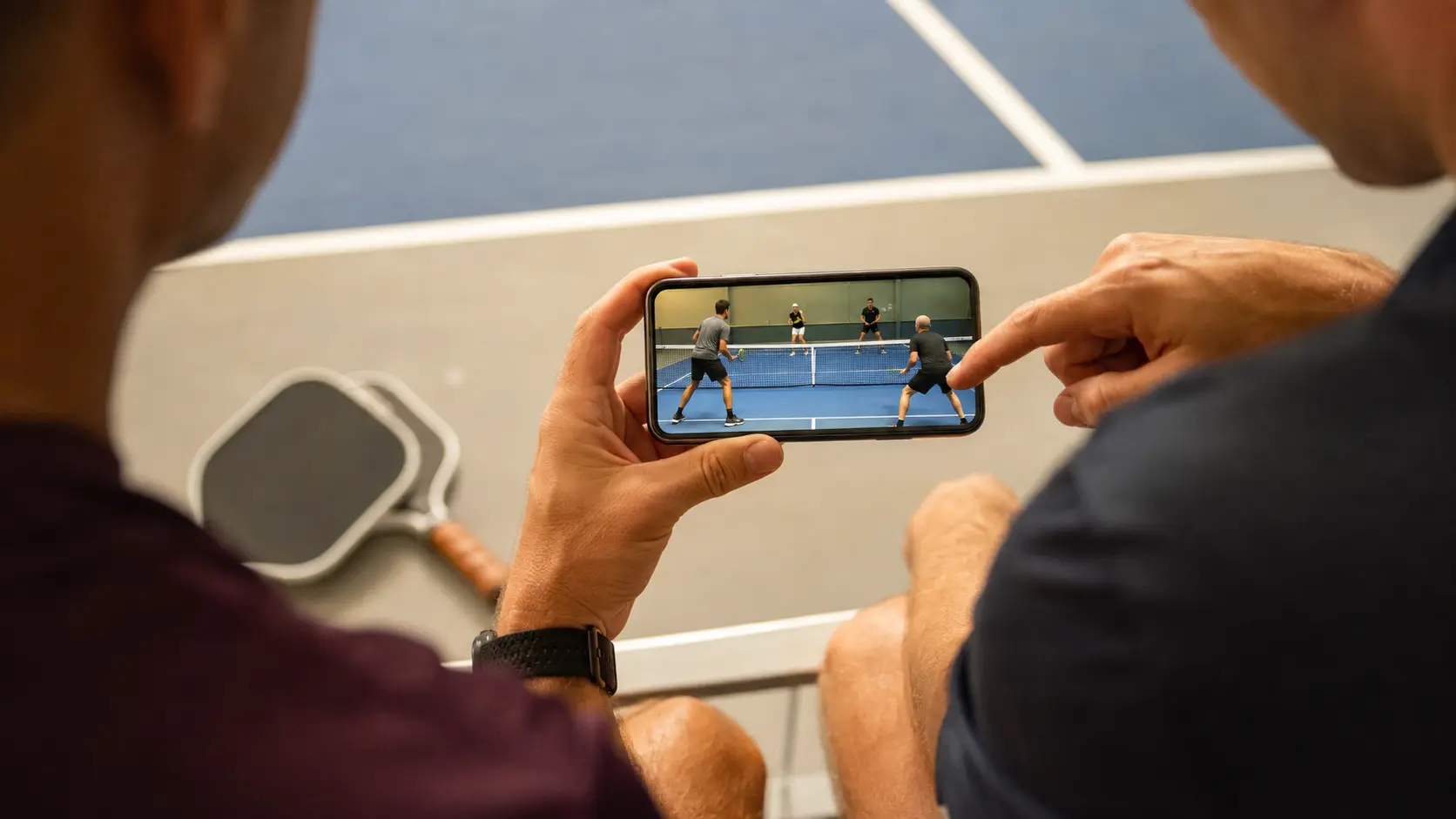
If someone holds the phone, that person is not playing. In a doubles session, everyone on both sides normally has a job inside the point. Asking one player to step out changes the game, while asking a spectator to follow every exchange turns a social visit into camera duty.
Selective filming is even less reliable. The person on the sideline cannot know that an ordinary serve will lead to the rally everyone talks about later. By the time the dink exchange becomes an attack and the phone is raised, the setup has gone. Starting at the exciting part often produces exactly the weak clip described above: an ending without a story.
Propping up the phone removes the operator but introduces framing problems. A low bag-level view loses the far side behind the net and the players. A loose support can move. A position beside the sideline makes near players appear large while the opposite corners become hard to read. Even when the whole session is captured, someone still has to search through one long file to find each rally.
If a phone is the available option, treat it like a fixed camera before play begins. Lock the support outside the playing area, frame both baselines and ask players to move through the near Kitchen while you check the view. The test should expose blocked corners and low angles before the rally you want to keep. Then leave the framing alone instead of adjusting it during every point.
The Fixed Camera Approach: Record Everything, Save the Rally
A fixed camera reverses the decision. Instead of deciding what to record before the serve, the system records the court continuously and lets the player decide what to keep after the rally.
At a court with a retroactive replay button, the press does not start filming. The camera was already recording. The live VISU guide to how the replay button works explains that the saved window reaches back before the press and continues briefly after it. The useful habit is to let the rally finish and then press while the moment is still recent.
This approach separates capture from selection. Continuous recording solves the prediction problem. The button solves the searching problem by marking the rally while everyone still knows which moment matters. The output is a short clip around the play rather than a full-session file waiting to be reviewed.
Find Out If Your Court Has It
VISU Replay only exists where it has been installed, so the useful first question is whether the place you already play has cameras.
Where to Place a Fixed Camera on a Pickleball Court
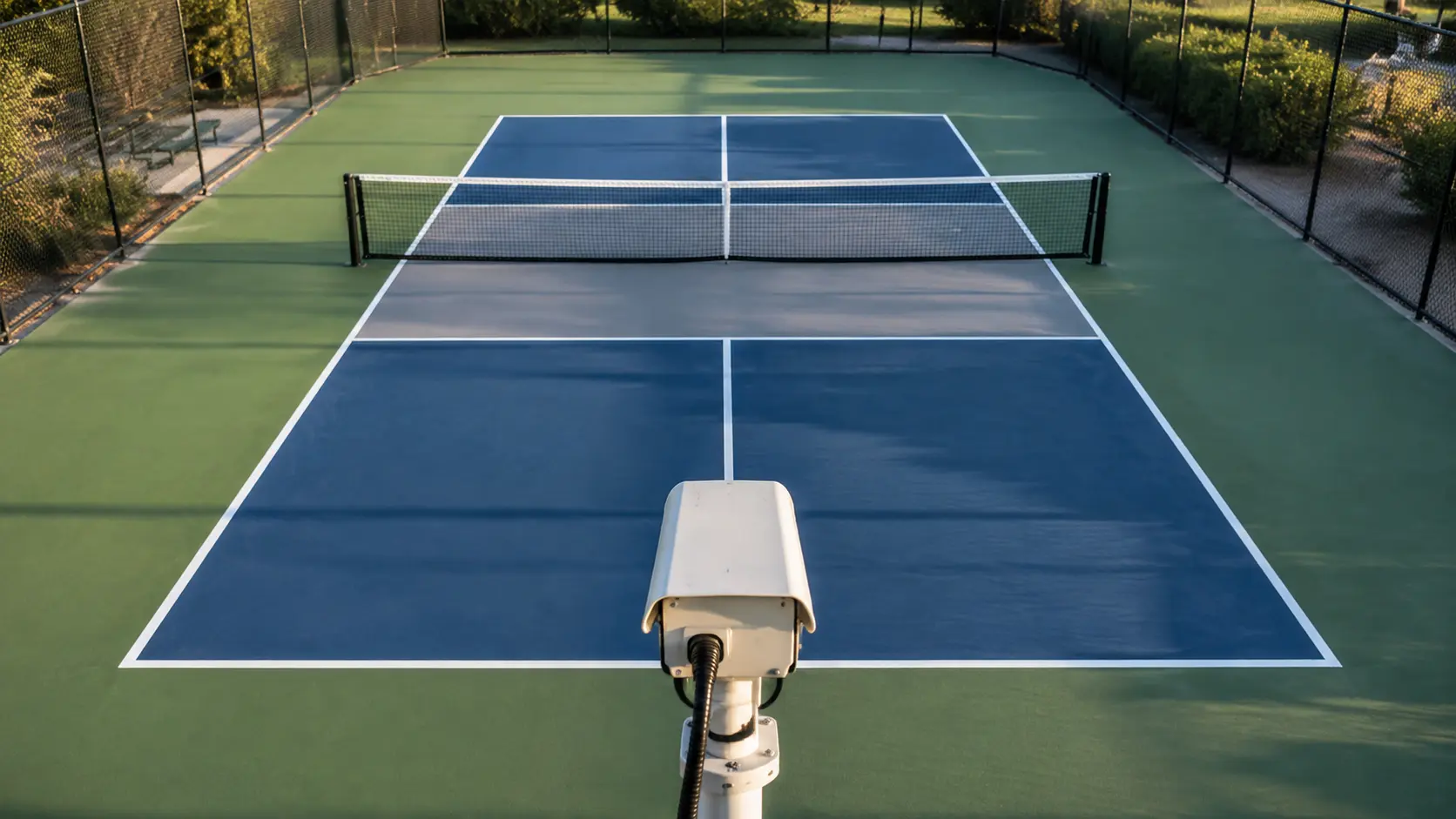
The safest starting view is elevated behind a baseline and centred on the court. From there, the near player does not hide the whole far side, left and right movement remains readable, and the non-volley zones on both sides can stay in the frame.
USA Pickleball publishes the regulation playing dimensions as twenty feet wide by forty-four feet long. It also defines the non-volley zone as the area extending seven feet from the net on each side. Those proportions explain why a centred, elevated position matters: the frame must hold the full baseline-to-baseline length and both Kitchen lines without turning the far end into a narrow strip.
Use enough height to separate bodies from lines. Height is not about making the picture dramatic. It keeps a near player from covering the opponent's feet, the bounce and the non-volley line. The correct height depends on the distance behind the court and the surrounding structure, so there is no universal mounting number to copy.
Keep both non-volley zones visible. A highlight built around dinks loses its logic if the near Kitchen disappears below the frame. Check the close boundary before admiring the far corners. The entire court should remain visible without placing either baseline directly on the image edge.
Run a framing check with players on court, not only with empty lines. A body close to the camera can hide a bounce or an opponent's feet even when the rectangle looked clear. Ask the near pair to move across the baseline and into the non-volley zone while the far pair fills both corners. The useful view preserves those relationships without needing a close-up.
How Long a Pickleball Highlight Should Be
Let the rally set the length. The broader VISU guide to sports clip length gives the durable principle: start a little before the action and end a little after the outcome, then let the event determine the duration.
Keep the entire rally with a brief lead-in before the serve or return and a brief aftermath once the point ends. That editorial margin is not a platform limit. It gives the viewer room to recognise the setup and see the result before the video stops.
Do not shorten a long rally merely to make it feel like social video. If the patient dink exchange is the reason the attack matters, cutting it removes the highlight. Conversely, do not pad a quick winner with players collecting the ball and walking into position. The useful unit is one complete rally.
Naming, Organising and Sharing Your Highlights
A good filename answers the questions that disappear from memory first: when it happened, who you played with and why you kept it. Use a consistent pattern such as date, partner and moment. The final label might describe a defensive recovery, a dink exchange that turned into an attack or the point that changed the game.
Keep the order stable across sessions. Date first makes clips sort chronologically, the partner field restores the social context, and the final phrase tells you what happens without opening the file. Avoid vague labels such as “great point” or “best rally.” They feel clear immediately after play and become useless when several sessions share the same folder.
Before sharing, add one sentence that tells the viewer where to look. “Watch the recovery before the finish” is more useful than dropping a silent file into the conversation. For practical choices about sending, preview quality and keeping the original, use the guide to sharing clips in your team group.
If Your Court Already Has a Replay System
For the player, the fixed camera is already covering the session. After a rally worth keeping, the player presses the replay button. The system saves a cut clip from what was already recorded, and the clip reaches the phone without anyone operating a camera during the game.
For sharing, the object is the clip, not the full recording. It can be named, found and sent while the rally is still easy to describe. The clip carries the court's name, which keeps the place attached when the video moves into a private group or beyond it.
For the venue owner, the job is the installation: choosing coverage, mounting and powering the fixed camera, providing the button and making the system part of the court. Players should not have to recreate that setup on every booking.
The limitation matters as much as the convenience. VISU Replay only exists where it has been installed. This article does not imply availability in a city, country or particular venue. The useful question is simply whether the court where you already play has the system.
If You Run the Venue
A fixed camera means every group that books gets the clip without bringing equipment, and every clip leaves carrying the name of your court.
FAQ
How do I get highlights of my pickleball games?
Use a stable full-court view and save complete rallies rather than isolated final shots. At a venue with retroactive replay, press after a rally to save what the fixed camera recorded.
Do I need someone to film?
Not when a fixed camera records the court. A handheld phone needs an operator or stable support. A venue replay camera removes that setup, but only where it is installed.
How long should a pickleball highlight be?
Keep one complete rally with brief breathing room before it begins and after it ends. Do not cut away the dink exchange or recovery that gives the finish meaning.
Can I record a whole pickleball session?
Yes, but a full recording and a highlight serve different jobs. The full session can support review. A highlight is one rally, already separated so a partner or group does not have to search through the entire game.
Where should I put the camera?
Start elevated and centred behind a baseline, with both baselines and both non-volley zones visible. Test the view with players on court because a near body can hide lines that were clear when the court was empty.
How do I share highlights with my partner?
Use a filename that includes the date, partner and what happened, then send one line of context with the clip. Keep the original separately if the messaging service changes the preview or delivery quality.