
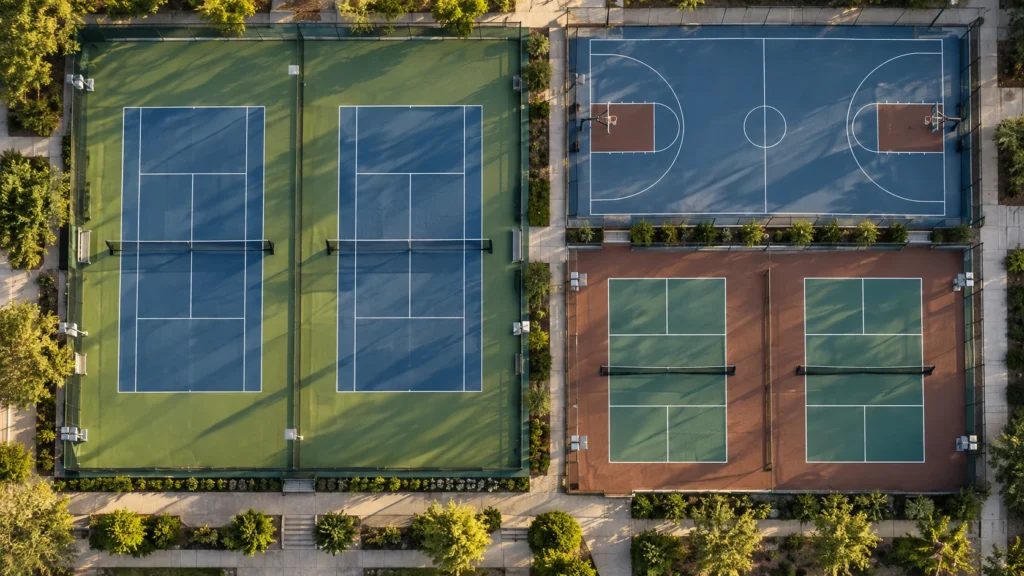
A tournament is not a busy day of bookings. It is one day where every match matters to somebody, and where nobody has a spare person to film. The teams arrive expecting the day to be documented, the schedule leaves no gaps, and the person who would normally hold a phone is refereeing, running the bracket or selling drinks.
This guide is for the person who runs the venue and has agreed to host a one day event across several courts. It is an operational script, not a filming tutorial: what to decide before the day, who touches what while matches run, and how clips reach the teams before everyone drives home.
If You Run the Venue
A fixed camera means every group that books gets the clip without bringing equipment, and every clip leaves carrying the name of your court.
Why a Tournament Is Different From a Normal Booking
On a normal evening one group books one court and solves its own recording, and if it fails the consequence lands on them. A tournament reverses that. You invited the teams to a day you organised, so anything that goes wrong reads as your problem, video included, and teams that travelled to play will ask you about footage rather than each other.
Two things change. Parallelism: several courts run at once, so any solution that needs a person beside a camera needs that person multiplied by the number of courts. Compression: matches are short and back to back, so there is no pause in which anyone sets anything up, checks a battery or reframes a shot.
There is also a failure mode specific to tournaments. On a normal day a recording either exists or does not. Here a partial failure is worse than a total one: if half the teams get clips and half do not, you have not delivered a service, you have created a comparison.
Before the Day: Courts, Cameras and Who Presses the Button
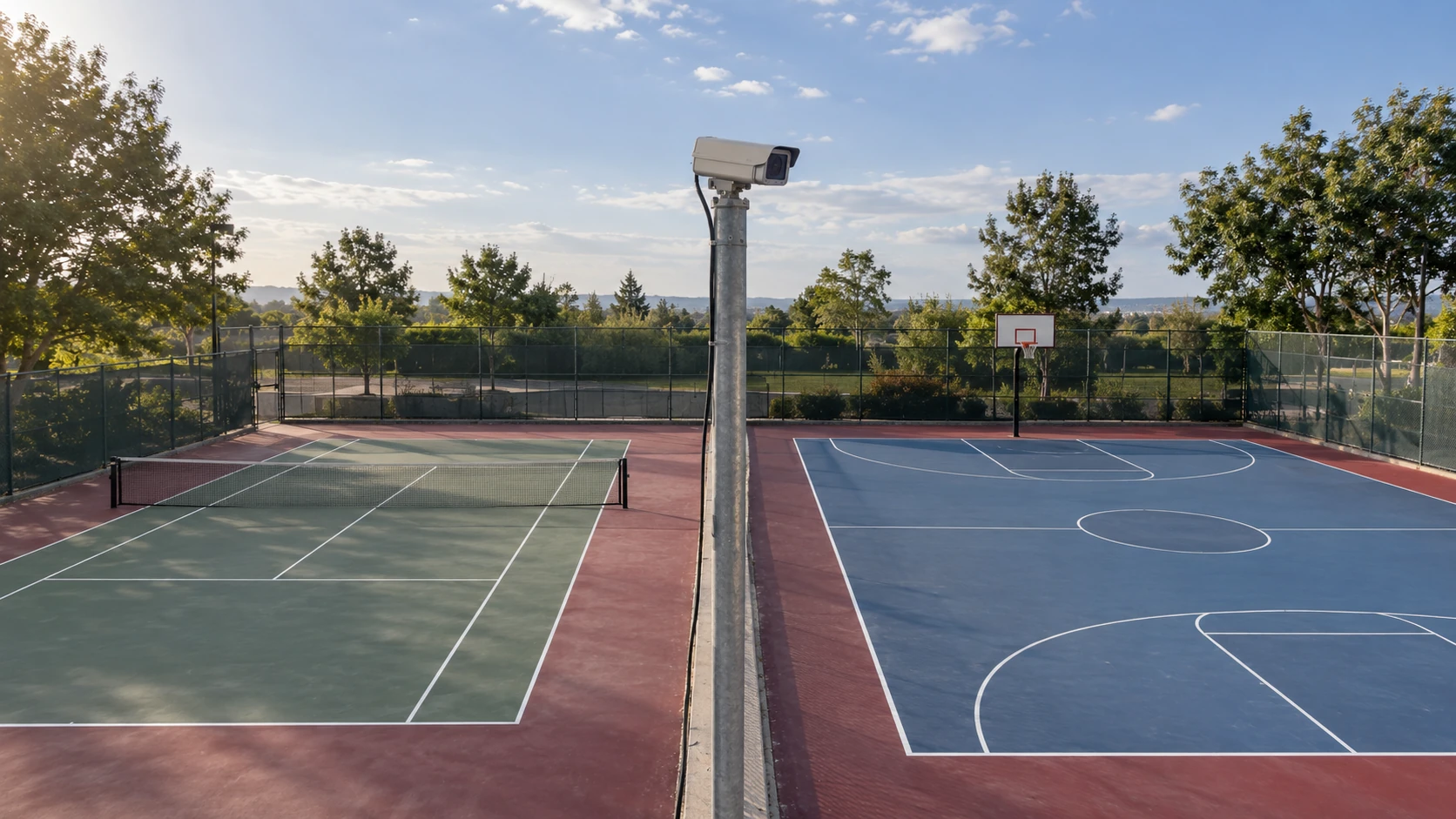
Planning starts with a plain map: every court that will host a match, and beside each one what it actually has, whether that is a fixed installed camera, a phone somebody would have to bring and mind, or nothing. Camera count is then decided by the shape of each court, not by the size of the event. The guide to how many cameras a sports venue needs puts it plainly for enclosed courts: "One camera per court, mounted high behind the back glass." It adds that "The rule that matters here is per court, not per venue. A four-court padel club needs four cameras," and that for open pitches the answer sits "between one and four, and which number depends on the shape of the space more than on its size." Adding courts to a schedule does not let you spread one camera thinner.
If some courts are covered and others are not, build the bracket around that. Put the later rounds and the final on the covered courts and the early group stage on the rest: it costs nothing and turns an uneven installation into a deliberate schedule.
Then decide the button question, the part most venues skip. The explainer on how the replay button works describes "a physical button at the court, wired to a small computer at the venue," and notes that "Where exactly it sits varies by venue, and the sport decides what is practical." For each court, name the role that presses it. A role, not a person: on a tournament day people swap tasks constantly, and a plan built on a named individual dies the first time that person is called to referee.
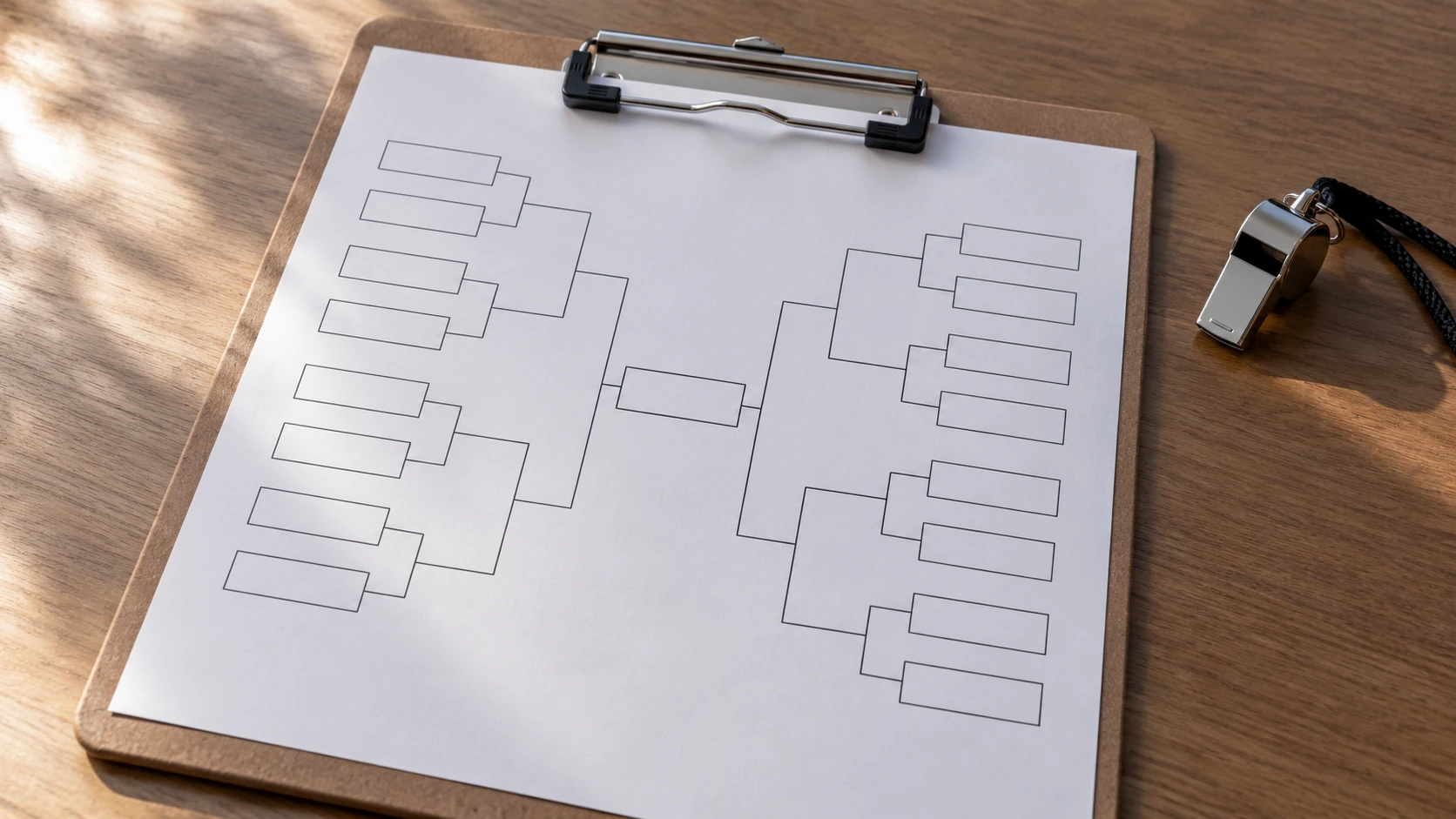
The roles that work are already standing still near the court: a scorer at the table, a referee's assistant, a team's own substitute on the bench. If your event has benches, the simplest arrangement is that each bench handles its own team's clips, which scales with the number of courts and puts the decision with the people who know which play mattered. Write the assignment on the bracket sheet next to each match. If that line is blank, that match has no video plan.
Telling the Teams What to Expect
The largest source of tournament day friction around video is not equipment, it is unmanaged expectation: if you say nothing, every team invents its own assumption, and most are more generous than what you plan to deliver. Say the specific thing in the registration message: which courts have a camera, what it saves, whether teams may bring their own phone and tripod, and where equipment may stand so it does not sit in a run off area or block a walkway.
Be careful with the word "filming." Teams hear it as an operator following the ball, with commentary and several angles. A fixed camera does not do that, and neither does a phone on a tripod: both produce a view of the court from one position. Saying "recorded" prevents a specific disappointment.
Repeat it at the captains' meeting, because what captains hear reaches their whole team in the group chat within minutes. Say what happens to the footage afterwards too: who receives the clips, whether teams may repost them, and what you do if a player asks not to appear. Venue policies and local rules differ, so state your own plainly. This is practical courtesy, not legal advice.
During the Day: Keeping the Button Simple
Once matches start, your job is to protect one thing: that pressing the button stays a small act that costs nobody their attention. Every problem here is a variation of the button becoming a job, starting with who is responsible.
Nobody playing should be responsible for saving the clip during play. A player deciding whether to press is a player not watching the next point. A retroactive button already solves this, because the decision comes after the action. The same explainer describes the inversion: "In a phone recording, you decide before the play and hope it happens. Here you watch the play, see that it was good, and then decide."
The button must also not become a queue. If one person on a whole side of the venue is the clip person, every team has to find them, and the finding takes longer than the moment. And never fix video during a match: note the failure and move on, because a mid match fix is the most reliable way to make the schedule slip.
Keep the day's video status visible and one line long, a court list with a mark beside each, so that when a captain asks whether their semifinal was recorded you answer in two seconds. And protect the schedule above everything: a tournament that finishes late because of video is a worse day than one with fewer clips.
The Play Is Already Recorded
At a court with VISU Replay, the cameras run continuously. Somebody presses the button after the play and the clip is already there, cut and ready, without anyone leaving the match to film.
Phone and Tripod for a Whole Tournament: What Breaks
A phone on a tripod is a good way to record one match and a poor way to record a tournament, and the reasons are worth spelling out so the decision is made in advance rather than discovered at midday. The first thing that breaks is attention. A phone recording needs somebody to start it, notice if it stopped, keep the tripod from being knocked and save the file at the end. Across a day and several courts that is a continuous staffing requirement, and it always loses to more urgent requests.
The second is the physical failure set: battery, storage and heat, limits that tend to arrive in the afternoon, exactly when the matches that matter are played.
The third, and the one venues underestimate, is the search problem afterwards. Continuous recording does not produce clips, it produces very long files with clips somewhere inside them, and turning those into something a team can watch means somebody scrubbing through footage to find moments they did not witness. That work is invisible on the day and enormous the week after, and it is usually why promised footage never arrives.
The fourth is placement. The space around courts fills with substitutes, bags and spectators, so a position that is safe on a quiet evening may not be available, and a tripod must never sit in a run off area, block an exit, or stand where a chasing player could hit it. None of this means stopping teams from bringing phones. It means the venue's promise should not be built on top of them.
After the Day: Delivering Clips by Team
Delivery is where most tournament video plans quietly die: the footage exists, everybody is tired, and getting it to the right people never quite happens. Make delivery a consequence of how clips were saved rather than a project that starts after the final whistle, because same day matters more than quality. A clip that reaches a team while they are still in the car park is worth several times the same clip sent on Thursday.
This is where already cut clips change the economics rather than the convenience. The replay explainer describes a rolling buffer: "the last few minutes exist, and everything older is overwritten. Press the button and you convert a slice of that buffer into a file that survives." The deliverable therefore exists the moment a play is saved. With continuous recordings it does not exist yet at the end of the day, and somebody has to create it.
Organise by team rather than by court or time, because teams think "our quarterfinal," not "court three, fourteen hundred." Handle the missing ones immediately, in one line in the same message as the delivery. A team told plainly that their group stage was not covered accepts it. A team left to discover the gap concludes you lost their footage.
Your Court's Name on Every Clip
A tournament is the highest volume day your venue will have for footage leaving on other people's phones, and the only question is whether any of it says where it happened. The article on branding your venue in every clip states the condition directly: "Branding only travels if the venue produced the video. At a court with VISU Replay, the recording belongs to the court, so what goes out is yours to shape."
That is the whole distinction. A clip filmed on a player's own phone is complete without you, and nothing in it tells a viewer who was not there where the play happened. A clip produced by the court can carry the court's name as part of the file, without anyone remembering to add it.
On a tournament day this compounds in a way it never does on a normal Tuesday: many teams, most from other clubs, posting on the same afternoon into networks that do not overlap with your usual audience. If those clips carry your name, the event markets the venue for you. Keep the identification restrained, though, because a clip that reads as an advert gets shared less, which defeats the mechanism.
What to Measure After the Event
The week after is when you find out whether the video effort was worth repeating, and a reliable answer needs something written down before the day rather than reconstructed from memory. Count coverage first: how many matches were on the schedule, and how many had a working recording arrangement. That ratio is your operational result, independent of whether anybody liked the clips, and if it is low the fix is in the planning above, not in equipment.
Then look at what left the building: whether teams shared clips and whether those clips identified the venue. What teams posted in the following days is a rough but usable signal. The thing worth tracking carefully is whether teams that attended come back as regular bookings, because that is the real return of the day. Ask at the desk how new groups heard about you. Do not attribute all of it to video: the courts were full, staff were visible, and the day itself was an experience. Finally, write the operational notes while they are fresh, because a seasonal event needs them to survive months.
Find Out If Your Court Has It
VISU Replay only exists where it has been installed, so the useful first question is whether the place you already play has cameras.
FAQ
How do I record every match at a tournament without hiring a film crew?
Not with people holding phones, because the number required scales with the number of courts running at once. The workable approach is fixed cameras where they exist, a bracket that puts the matches that matter on those courts, and clear communication about the rest.
How many cameras does a multi court tournament need?
Coverage is decided per court rather than per venue. The VISU camera guide states that "The rule that matters here is per court, not per venue. A four-court padel club needs four cameras," and that for other layouts the answer sits "between one and four" depending on the shape of the space.
Who should press the replay button during a tournament?
Assign a role, not a person, and pick one already stationary beside that court for the whole match. Scorers, bench staff and a team's own substitutes work well. A floating staff member does not, because they get called away and the button becomes a queue.
Can a phone on a tripod cover a whole tournament day?
It can cover individual matches. Across a full day it meets battery, storage and heat limits, needs continuous minding, and produces long files that still have to be searched afterwards.
How quickly should teams get their clips?
The same day if possible, while the tournament is still what people are talking about. A system that saves already cut clips removes the editing stage, which is usually what makes promised footage arrive late or never.
Should the clips carry the venue's name?
Yes, when the venue produced the recording, because a tournament sends footage to an audience that has never been to your courts. Keep it restrained: a name travelling with a good play is worth more than branding that stops people sharing it.
References
- VISU: How Many Cameras Does a Sports Venue Need?. Source for coverage being decided per court rather than per venue, and for the range of one to four cameras depending on the shape of the space.
- VISU: How the Replay Button Works. Source for the button being a physical marker at the court, the rolling buffer, and the retroactive sequence where the decision comes after the play.
- VISU: Branding Your Venue in Every Clip. Source for branding travelling only when the venue produced the video, and for the recording belonging to the court.