
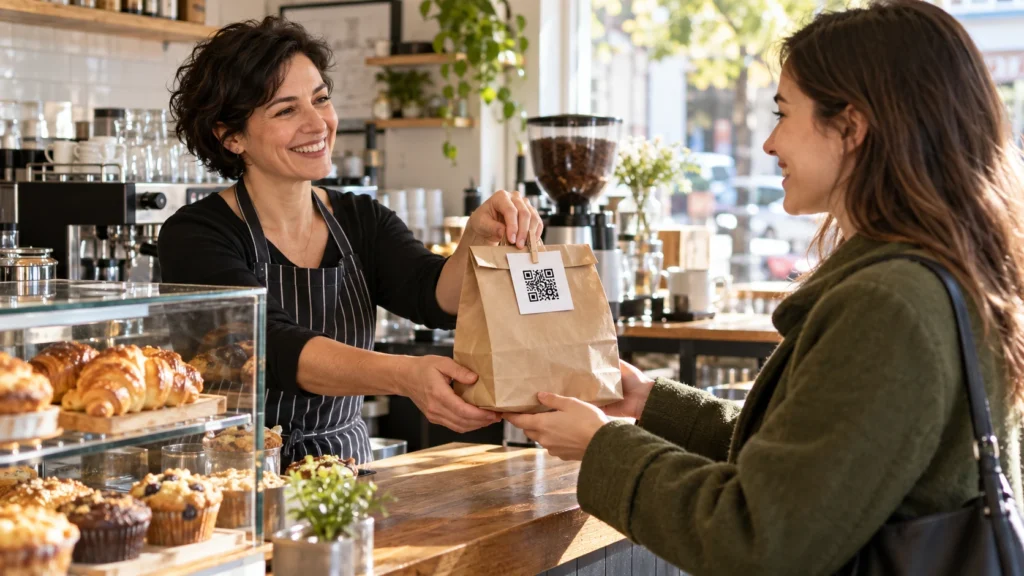
An Instagram QR code on print turns a box, a business card or a counter sign into a way to find your profile without anyone typing a handle. Instagram already gives every profile its own code, and for many small businesses that is enough. For others it is the wrong code: it opens only the profile, and Instagram describes no way to change where it points after the print run or to see how many people scanned it. This guide explains what the built-in code does according to Instagram's own Help Center, when a plain QR, a dynamic QR or a link page fits better, and where to place the code on packaging, cards and signs for different kinds of business. When you want a print-ready file for a profile, a post, a reel or your direct messages, our free Instagram QR code generator makes one in your browser.
Give Your Printed Code More Than One Destination
A free VISU Link page puts your Instagram, menu, shop and contact links in one place, with its own QR code to print.
Instagram's Own QR Code: Where It Is and What It Does
Every Instagram profile has a QR code built into the app. Instagram's Help Center describes it in one sentence: you can share a QR code of your profile to help other people easily find it. Here is where it lives, as the Help Center describes it today:
- In the app (iPhone, iPad or Android). Tap Profile or your profile picture in the bottom right, then tap Share profile below your bio. The code appears on that screen.
- Customizing it. On the same screen, touch anywhere or tap the button at the top to switch between Color, Emoji and Selfie styles. Color switches between different colors, Emoji lets you choose an emoji design, and Selfie lets you take a photo and try on different selfie stickers.
- On a computer. Click your profile picture on the left, click Settings at the top, then QR code, and choose a color.
- Scanning someone else's code. From the Share profile screen, tap the icon in the top right and hold the camera over the other person's code until it is captured.
The Help Center also adds a note worth knowing: you cannot log in to Instagram with a QR code. The profile code is for finding a profile, not for signing in.
Just as important is what the Help Center does not say. It describes the code as a way to find a profile, and its scanning steps use the scanner inside Instagram. It does not describe a print file, a size, a way to point the code at a post or a reel, or any count of how many people scanned it. None of that makes the built-in code bad. It means the built-in code does one job, finding your profile, and anything beyond that is for you to test or to solve with another kind of code.
Which Code to Print: Native, Plain, Dynamic or a Link Page
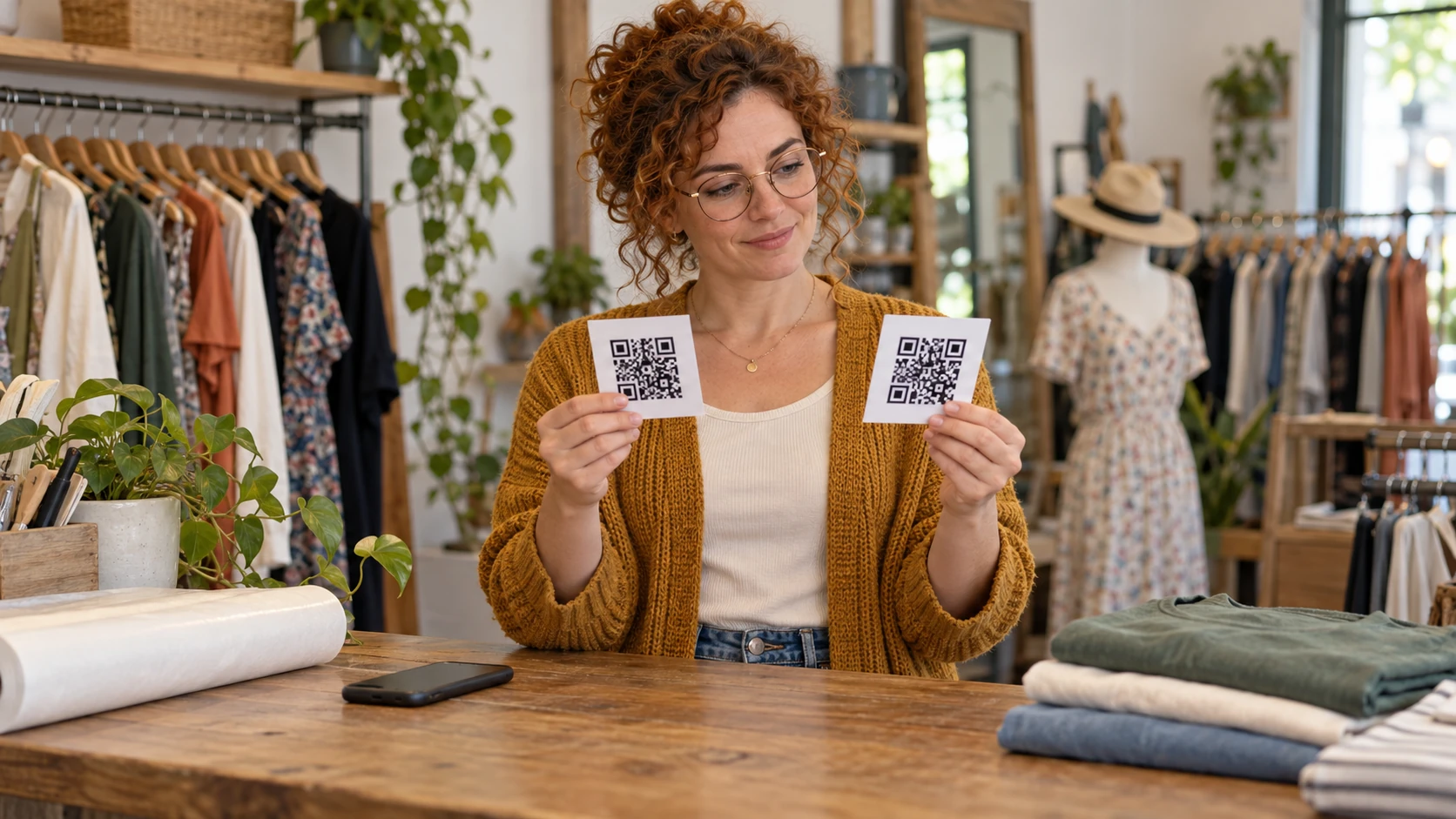
Four kinds of code can send people from paper to Instagram. They differ in what they open, whether you can change them after printing and what they tell you afterwards.
| Code | What it opens | Change after printing? | Scan information |
|---|---|---|---|
| Instagram's built-in profile code | Your profile | Not described by Instagram | None described by Instagram |
| Plain QR from a generator | A profile, a post, a reel or a direct message link | No, the link is written into the code | None |
| Dynamic VISU QR | A short visu.to link that forwards to any address you choose | Yes, you edit the destination in your account | One total scan count per code |
| VISU Link page with its QR code | A page with your Instagram and your other links | Yes, you edit the page | Visits and clicks on the page |
A few rules of thumb come out of that table:
- Use the built-in code for quick, informal sharing: a phone screen held up at a market stall, a code shown at the end of a talk, a one-off flyer. It is already there and costs nothing.
- Use a plain QR when the code should open something other than the profile, such as one reel that shows the product being made, or a "message us" code for orders. Our Instagram QR code generator builds those links, removes the share and tracking codes that usually come with a link copied from Instagram, and lets you put your own logo in the middle. A plain QR stops working if you change your handle or delete the post.
- Use a dynamic QR for anything printed in quantity or meant to last: packaging, menus, permanent signs. A dynamic VISU QR code keeps the same printed code while you change where it points, and shows one total scan count per code. It does not record the place, device or time of each scan, or unique visitors. The free plan includes two dynamic codes.
- Use a link page when the person scanning needs more than your feed: to order, book, find your address or reach you on WhatsApp. A VISU Link page holds those links with your Instagram among them, and shows visits and clicks.
The question to ask is simple: what should a stranger holding this piece of paper be able to do in the next ten seconds? If the answer is "follow us", the profile is enough. If it is "follow us, see the menu and order", a page does more.
Print Basics That Decide Whether It Scans
Most failed scans come from printing, not from the code itself. The full rules on size are covered by our QR code size calculator, which works out a minimum size from the scanning distance. The essentials for an Instagram code:
- Keep the quiet zone. The QR code standard, as explained by DENSO WAVE, the company that created the QR code, calls for a blank margin four modules wide on every side, where nothing is printed. On packaging, that means no fold, seam, barcode or pattern touching the code.
- Dark code, light background. A dark code on a white or very light background is the safe choice. Some scanners struggle with reversed, light-on-dark codes, and the same goes for codes printed on busy photos or textured kraft paper with poor contrast.
- Test styled versions. If you print the built-in code in one of its color or emoji styles, or add your own logo to a plain code, scan the printed proof on several phones before ordering a large run.
- Print the handle next to it. "@yourbusiness" under the code helps people who prefer to search, and it tells everyone what the code opens before they scan.
- Mind Instagram's brand rules. Meta's brand resources for Instagram say permission is needed to use Instagram's assets in print larger than 8.5 x 11 inches (A4), as well as in out-of-home advertising. They also ask that the word Instagram is not modified or translated. For a large sign, a plain "Follow us" with your handle and no Instagram logo keeps you clear of those assets.

Print Once, Change the Destination Later
Save your Instagram link as a dynamic VISU QR with a free account, then point the same printed code at a new post or page whenever you need.
QR Codes on Packaging: What the Code Should Open
Packaging is the one piece of print a customer takes home, opens with attention and often photographs. That makes it a good place for an Instagram code, provided the code matches the moment.
- Inside the lid or on the seal. The customer sees it at the moment of opening, which is also when people film or photograph what they bought. A line such as "Show us your unboxing" next to the code gives a reason to scan.
- On a card in the bag or box. A separate card can be replaced when the campaign changes, while the box itself stays the same. If the box is printed in thousands, put a dynamic code on it, not a plain one.
- On the label of a product people reorder. Coffee, cosmetics, sauces or candles: here the profile is less useful than a page with the reorder link, the shop hours and the Instagram. A link page fits better than a profile code.
Delivery packaging for food has its own logic, with handles, seals and repost habits. Our guide to delivery packaging that turns customers into followers covers that in more depth.
Business Cards, Badges and Thank-You Notes
A business card is small, so it puts the most pressure on the code. Three habits help:
- Keep the link short. A shorter link makes a simpler code with larger modules, which reads better at small sizes. That is one reason to remove the extra share codes Instagram adds when you copy a profile link.
- Give the code its own side or corner. The back of the card, with the handle printed under the code, works better than squeezing it next to the phone number. Our business card maker leaves room for a code.
- Consider a "message us" code. For freelancers and service businesses, a code that opens a conversation can be more useful than one that opens the feed. Meta documents ig.me links, in the form ig.me/m/yourhandle, as a short link service that takes people to a conversation in Instagram, and notes that they are not supported on Instagram Web. Test it on a phone before you print.
Event badges and thank-you notes follow the same logic. A badge is read from arm's length, so it needs a larger code than a card. A thank-you note in an order is read slowly at home, so it can carry a request, such as "Tag us when you post", next to the code.
Signs, Counters and Windows
A sign is scanned from further away, often in mixed light, and sometimes through glass. Size it for the real distance with the size calculator, and keep these points in mind:
- Counter and register. People stand still there while they pay or wait, which is the best moment to ask for a follow. A small stand at eye level works better than a sticker on the counter top. Our QR code sign maker prints a ready layout.
- Tables. A table tent can carry two codes side by side, such as the menu and the Instagram, each with a short label. One code per job avoids confusion.
- Windows. A code in a shop window reaches people when the shop is closed. Mount it at eye height, away from glare, and test it from the sidewalk at night as well as in daylight.
- Large posters and banners. These are where Meta's permission rule for Instagram assets in print larger than A4 matters. A sign with only your handle and a code, without Instagram's logo or other assets, stays outside that rule.
Placement Ideas by Type of Business
The same code works differently depending on what customers do around it. A starting point for common cases:
| Business | Where to put the code | What it should open |
|---|---|---|
| Café or bakery | Pastry boxes, cup sleeves, the counter | The profile, or a page with the menu and the Instagram |
| Restaurant | Table tents next to the menu code, takeaway bags | One reel of the kitchen, or a link page |
| Salon or barbershop | Mirror station, appointment cards, the front desk | The profile if the promise is to see recent work; a page if clients need booking and prices |
| Boutique | Shopping bags, tags, the fitting room | The profile, or a page with the online shop and the Instagram |
| Food truck | The serving window, food boxes, napkin dispensers | A page with today's location and the Instagram |
| Online or handmade seller | Inside the box, the thank-you card, product labels | A dynamic code that can follow the next launch |
| Photographer or creator at events | Badge, business card, a small table sign | The profile, or a "message us" code for bookings |
For salons in particular, the choice between the feed and a more curated page is covered in our guide on whether a salon QR should lead to a website or to Instagram. The short version: the profile works when the promise is "see our recent work", and a page of labelled links works better when the client is looking for a specific service.
Test Before the Print Run
A printed code cannot be fixed with an update, so a short test saves a reprint. Before you order:
- Print one proof at the real size, on the real material if you can. Screens are sharper than paper.
- Scan it with the regular camera of an iPhone and of an Android phone, not only from inside Instagram. On an iPhone, Apple's steps are to open Camera in Photo mode, frame the code and tap the link that appears at the bottom of the screen.
- Check where it lands, including on a phone that is not logged in to your account.
- Scan from the real distance and light: across the counter, from the sidewalk, in the dim corner of a restaurant.
- Read the text around the code once more. The handle, the promise ("Follow us", "See the menu") and what the code opens should all agree.
Send Every Scan Somewhere Useful
A free VISU Link page gathers your Instagram, menu, booking and contact links, with a QR code ready for packaging, cards and signs.
Frequently Asked Questions
Where do I find my Instagram QR code?
On your phone, go to your profile and tap Share profile below your bio. On a computer, go to your profile, click Settings at the top and then QR code. Instagram's Help Center describes both paths.
Can people scan Instagram's QR code with their normal camera?
Instagram's Help Center only describes scanning from inside the Instagram app. Before printing, scan your code with the regular camera on an iPhone and an Android phone and check where it lands.
Should the code on my packaging open my profile or a link page?
Open the profile when the goal is a follow. Use a link page when customers also need to reorder, book or find you, and a dynamic code when the box is printed in large quantities.
Do I need permission to print Instagram's logo on a sign?
Meta's brand resources say permission is needed for Instagram's assets in print larger than 8.5 x 11 inches (A4) and in out-of-home advertising. The rule is about Instagram's assets, so a sign with just your handle and a code without Instagram's logo does not use them.
How can I tell how many people scanned my printed Instagram code?
Instagram's Help Center does not describe a scan count for profile codes. A dynamic VISU QR shows one total scan count per code, and a VISU Link page shows visits and clicks.
References
- Instagram Help Center: Find and customize the QR code of your Instagram profile
- Instagram Help Center: Scan a QR code to find someone's profile on Instagram
- Meta Brand Resource Center: Instagram brand assets and guidelines
- Meta for Developers: ig.me links
- DENSO WAVE: QR Code area and quiet zone
- Apple: Scan a QR code with your iPhone camera