
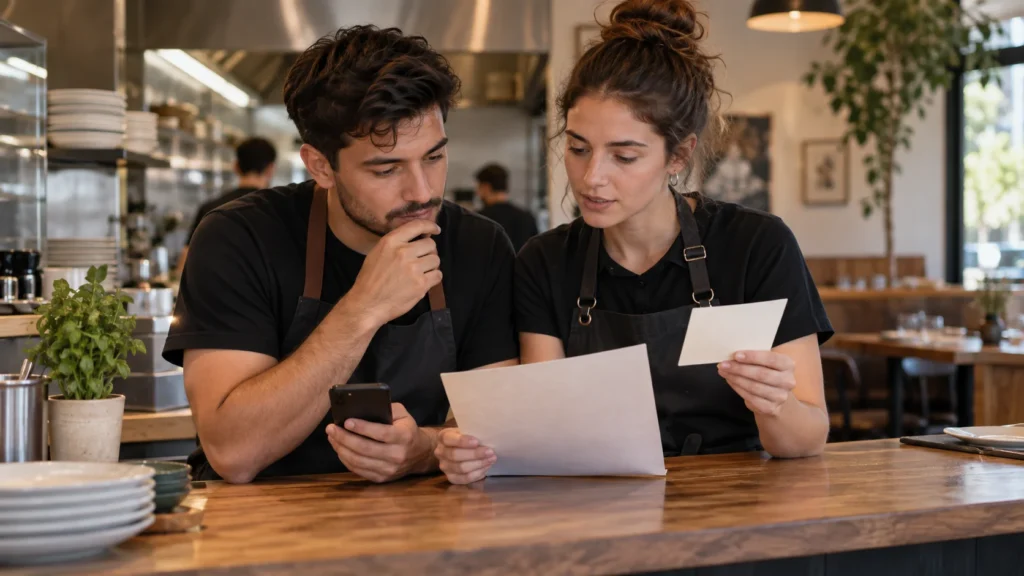
A restaurant has an ordering link and a delivery app listing. Which should open when a customer scans the card at the counter? Choose the channel by what the printed invitation promises and what the restaurant can actually fulfill. Direct ordering and a marketplace are different customer experiences, even when an outside provider supports both.
Put Your Restaurant Information in One Place
Bring your menu, hours, location and existing links together on a public page with a QR for your venue. See the Restaurants Solution.
Start With the Customer and the Printed Promise
A customer standing at your counter already knows which restaurant they want. They may need to order for collection later, repeat a familiar meal or find your existing delivery option. Someone browsing a delivery marketplace may be choosing among several restaurants and using the account and delivery options offered by that app. Those starting points do not call for the same invitation.
Write the promise before selecting the URL. “Order for pickup from this restaurant” should open a configured channel that supports pickup at the intended location. “Order through our listing on this app” should open that venue’s current listing. “See menu and ordering options” can open a public venue page when visitors genuinely need to choose among maintained channels.
The channel is more than the name on a button. Check how the customer chooses items, which pickup or delivery options appear, what hours apply and where they get confirmation. Do not label a menu PDF as ordering, or present a contact message as a completed transaction. If your existing contact channel accepts order requests, explain that staff must confirm the request under the restaurant’s own process.
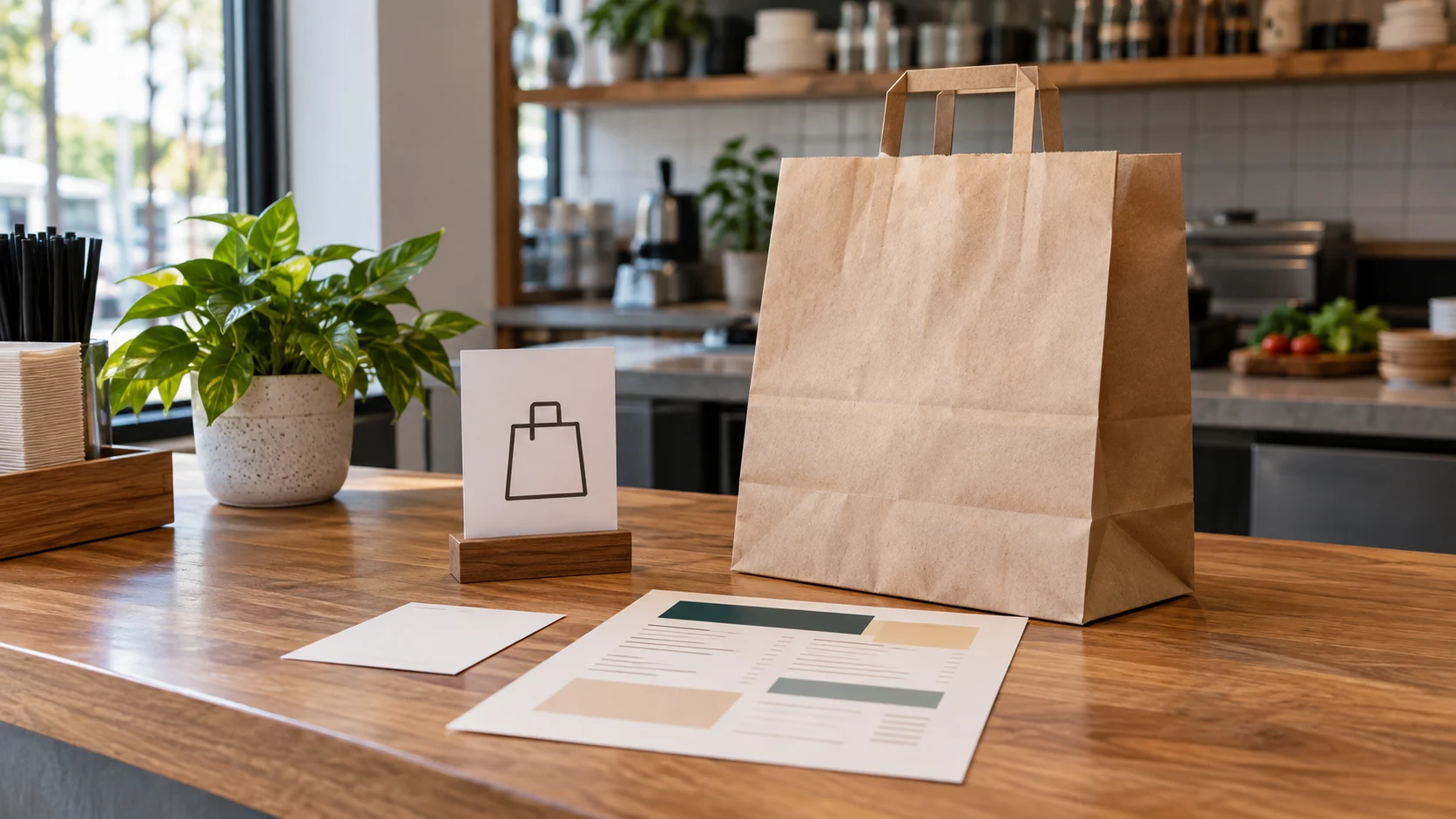
Compare Direct Ordering and a Marketplace Listing
The choices can coexist. A restaurant may use a marketplace for customers who prefer that app and a direct channel for people arriving from its own website or printed material. The public page can organize the choices, but the ordering services still receive and process the orders.
| Customer and invitation | Channel and operating check |
|---|---|
| Customer already wants this restaurant and a defined pickup or delivery option. | Use the maintained direct channel that supports the advertised action. Confirm the menu, location, service window, order receiver and fulfillment owner. |
| Customer expects to order through a named delivery app. | Use the correct current marketplace listing. Confirm the app’s configured options and the restaurant’s receiving, handover and support process. |
| Visitor genuinely needs to choose among existing information and ordering channels. | Use a public venue page with clearly labelled links. Keep each external channel maintained; the page does not process or synchronize orders. |
“Direct” does not mean the restaurant built the software or employs every courier. In Uber’s own description, Uber Direct supports delivery from merchants’ existing websites, apps or other sales channels, while Uber Eats Marketplace lists merchants alongside one another for delivery or pickup. These are provider-specific examples, not a guarantee that your account or location supports a particular arrangement.
Keep acquisition and fulfillment separate. The place where a customer discovers the restaurant can differ from the system that receives the order and the service that delivers it. Confirm all three before advertising a button. A change of QR destination does not create a missing ordering or delivery operation.
Check the Operation Behind Each Link
Ask the person running each channel to open its actual customer view. Verify the restaurant and location, menu, service hours, pickup instructions and delivery options. A listing that opens successfully can still have an old menu or a collection window the kitchen cannot support. The source system needs correction; adding another public page does not synchronize it.
Identify the order receiver. Does staff see the request in a tablet, POS connection, provider dashboard or monitored contact channel? Who checks it during a busy shift? Where does the customer see confirmation, and who handles a request that has not been accepted? Use the provider’s real records rather than treating a QR scan or customer screenshot as proof of a completed order.
Then identify fulfillment. For pickup, name the collection point and the staff member who hands over the food. For delivery, confirm which service accepts the delivery task and how staff prepares and hands over the order. Do not assume a direct link requires your own driver, or that every marketplace order uses the same fulfillment arrangement.
Menu and availability belong to the operating providers. Check which system is the source for item choices and service windows. If two channels require separate updates, assign both explicitly. A public page can present existing links and location information; it should not copy changing order details into a second source that nobody maintains.
Finally, establish the problem route: where a customer asks about a missing confirmation, pickup delay or delivery issue. Confirm that answer with the restaurant and suppliers. Do not promise a uniform refund, support or courier process across different providers.
Help Guests Find the Right Link
Show guests the menu and the ordering, booking or contact links your restaurant already uses. See how a page and QR can present those choices.
A Fictional Restaurant With Two Supported Channels
Illustrative scenario, not a VISU customer result. Cedar Counter has a configured pickup ordering link and a current delivery marketplace listing. Its counter card needs to help customers order another meal. The manager first decides whether the card promises collection from the restaurant or access to its delivery app listing.
During the supported pickup window, a card labelled “Order for pickup” can open the existing pickup channel directly. The customer sees the menu and collection options in that provider. Staff receives the order in its normal system and follows the confirmed handover process. The QR does not place the order, allocate kitchen capacity or confirm that food is ready.
For a general card, Cedar can use a public page with clearly named pickup and marketplace links, provided both are currently maintained. The manager does not label the two options as interchangeable. The pickup link goes to the supported collection route; the named delivery app link opens the correct listing and its configured options.
When pickup service changes, staff updates the ordering provider first and reviews the card invitation and public page. If printed material now promises an unavailable service, the manager changes the material it controls rather than claiming that any QR can redirect itself. The manager records each supported channel and update owner so staff can explain the choices and review the invitation after a service change.
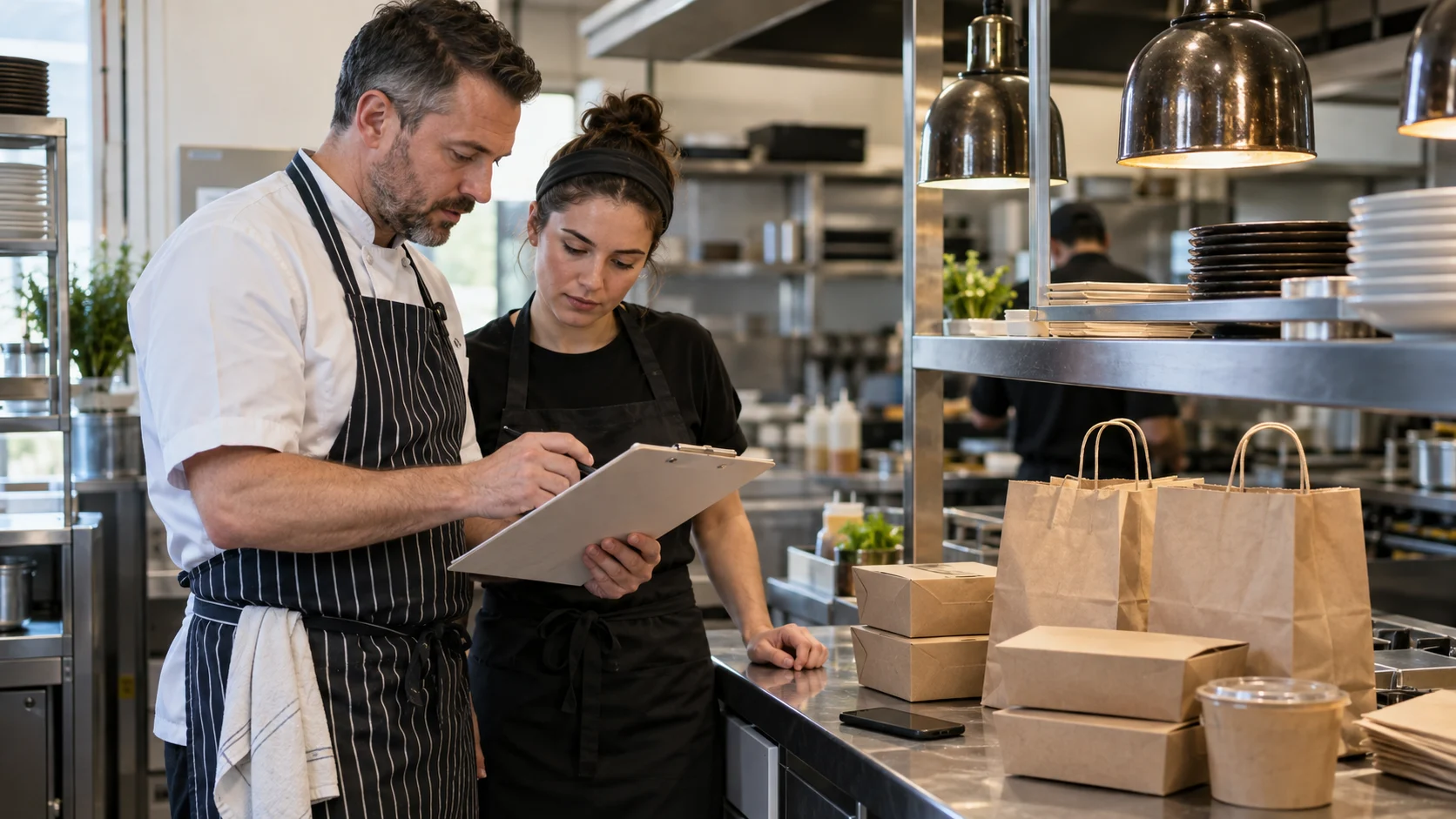
Give the Public Restaurant Page Its Own Job
The public page introduces the venue and helps a customer find existing information and channels. It can show menu links, location, hours and ordering choices the restaurant approves. It is useful when the visitor needs those choices; a direct existing order link may be clearer when the printed promise already identifies one supported action.
The current VISU Restaurants Solution offers a venue page, QR print file and artwork for specified pieces, using links the restaurant already has. The venue supplies its menu, ordering channel and approved material, signs off on pieces and arranges printing. This does not imply native VISU ordering, checkout, stock management, courier dispatch or a new marketplace.
For a scoped page and QR, list which links should appear and why. Name the person responsible for each source and for correcting the public labels after a change. If a provider account or delivery setup is still missing, resolve that operating choice with the supplier before presenting it as available.
Test the Customer Route and Staff Handover
Open the QR on a phone without a staff login and read the invitation aloud. Check that the first screen matches the promised restaurant, channel and pickup or delivery action. Arrange a planned test with the restaurant and provider, using a preview where available, to avoid creating an accidental order.
Check each real channel separately. Two working buttons do not prove the kitchen can support both at the same time. Review capacity and fulfillment with the operator using the restaurant’s actual process. Publish only pickup or delivery promises the venue can maintain.
Evaluate the Restaurants Solution by its stated public page, QR and print deliverables. The ordering providers and restaurant remain responsible for their transaction and fulfillment work. A scan or outgoing click alone is not a confirmed meal order or delivery.
Evaluate the Deliverables for Your Venue
Review the page, QR and print artwork offered for your restaurant. Compare the scope with the information and links you want to present.
Frequently Asked Questions
Should every restaurant QR open its direct ordering link?
No. Match the printed promise and customer expectation to the channel the restaurant actually supports. A marketplace link can fit a named app invitation.
Does direct ordering mean using the restaurant’s own drivers?
Not necessarily. Direct channels may use outside software and delivery providers. Confirm the actual arrangement; Uber Direct is one provider-specific example.
Can a VISU restaurant page receive and fulfill orders?
This guide uses the Restaurants offer for a public page, QR and existing links. Order processing, payment and fulfillment remain with the restaurant’s configured providers and staff.
Can one page link to both direct ordering and a delivery app?
Yes, when both are real maintained choices. Label them clearly and check menu, hours and supported fulfillment in each provider.
Does changing the QR destination guarantee lower fees or more orders?
No. Costs and results depend on the actual provider agreement and restaurant operation. Check current terms and completed order records to assess the outcome.