

You printed a thousand flyers. The campaign launched. Three days in, somebody points out the QR code is pointing to the wrong landing page. Or the URL changed. Or there's a typo on the page it lands on. The old advice was to recall the print run and start over. The new answer is much simpler. You change where the code points, you do not change the code itself, and every flyer in the wild updates the next time someone scans it. Welcome to how QR codes were always supposed to work.
This single capability is the entire reason dynamic QR codes exist as a category. The pattern of squares on the paper never has to change, because the pattern was never the destination. The pattern points to a short link, and you control the short link. Update the link, and every printed copy of the code points somewhere new in seconds. No reprint, no replacement, no apology to the customer who scanned it ten minutes ago.
The catch is that this only works if you set the code up as dynamic in the first place. If you generated a static code from a free tool that just encoded the URL into the squares, that pattern is locked, and there is no platform sitting between the code and the destination to update. You are stuck. The good news is that even if your current codes are static, you do not have to live with that forever, and the migration is much easier than most owners think.
Edit the Destination, Keep the Print Run
VISU QR Ads lets you change where any code points in seconds. Same pattern on the paper. New destination behind the scenes. Every scan updates instantly.
How a Dynamic QR Code Actually Updates
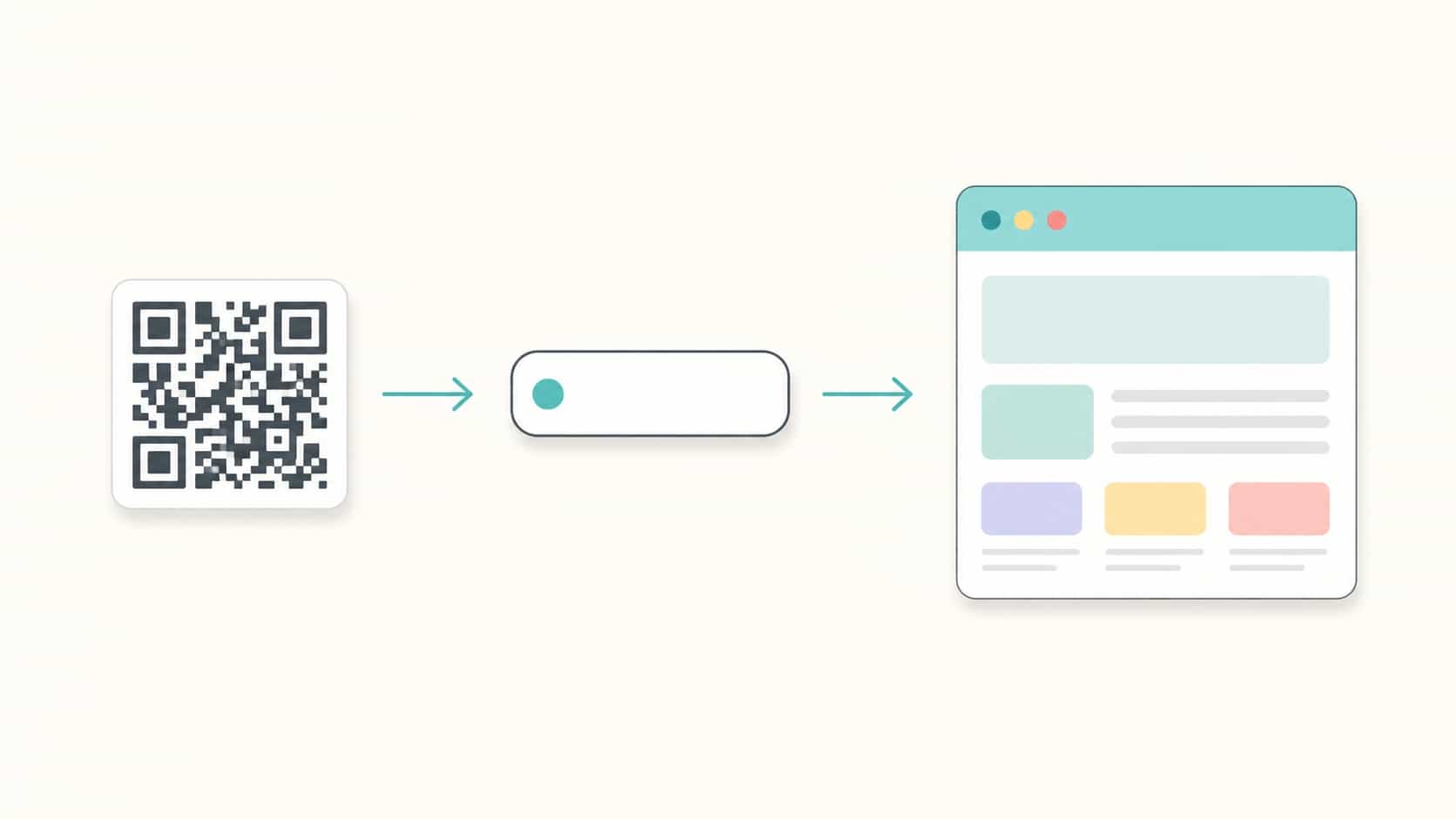
The mechanism is small but the implication is huge. When you generate a dynamic code, the pattern of squares does not encode your destination URL directly. It encodes a short link owned by the QR platform, something like vsu.li/abc123. That short link sits between the code and the customer, and the platform decides where it forwards traffic to. When a customer scans, their phone hits the short link, the platform looks up the current destination, and forwards them in milliseconds. The redirect is invisible. The customer just sees the page open like normal.
Now imagine you want to change where the code points. You log into your platform, find the code, and change the destination URL field. Save. That's it. The next person to scan that same printed code, that same instant, lands on the new page. Every flyer, every menu, every business card, every sticker, every billboard. Updated. Without a printer being involved at any point. The pattern on paper never moved, because it never had to.
This is what people mean when they say a QR code can be "edited after printing." The code itself is not edited. The platform's redirect rule is edited. From the customer's perspective there is no difference, and from your perspective the entire economics of physical marketing just changed. For the deeper architecture comparison, our breakdown of dynamic vs static QR codes walks through the technical side.
Step by Step: Changing the Destination
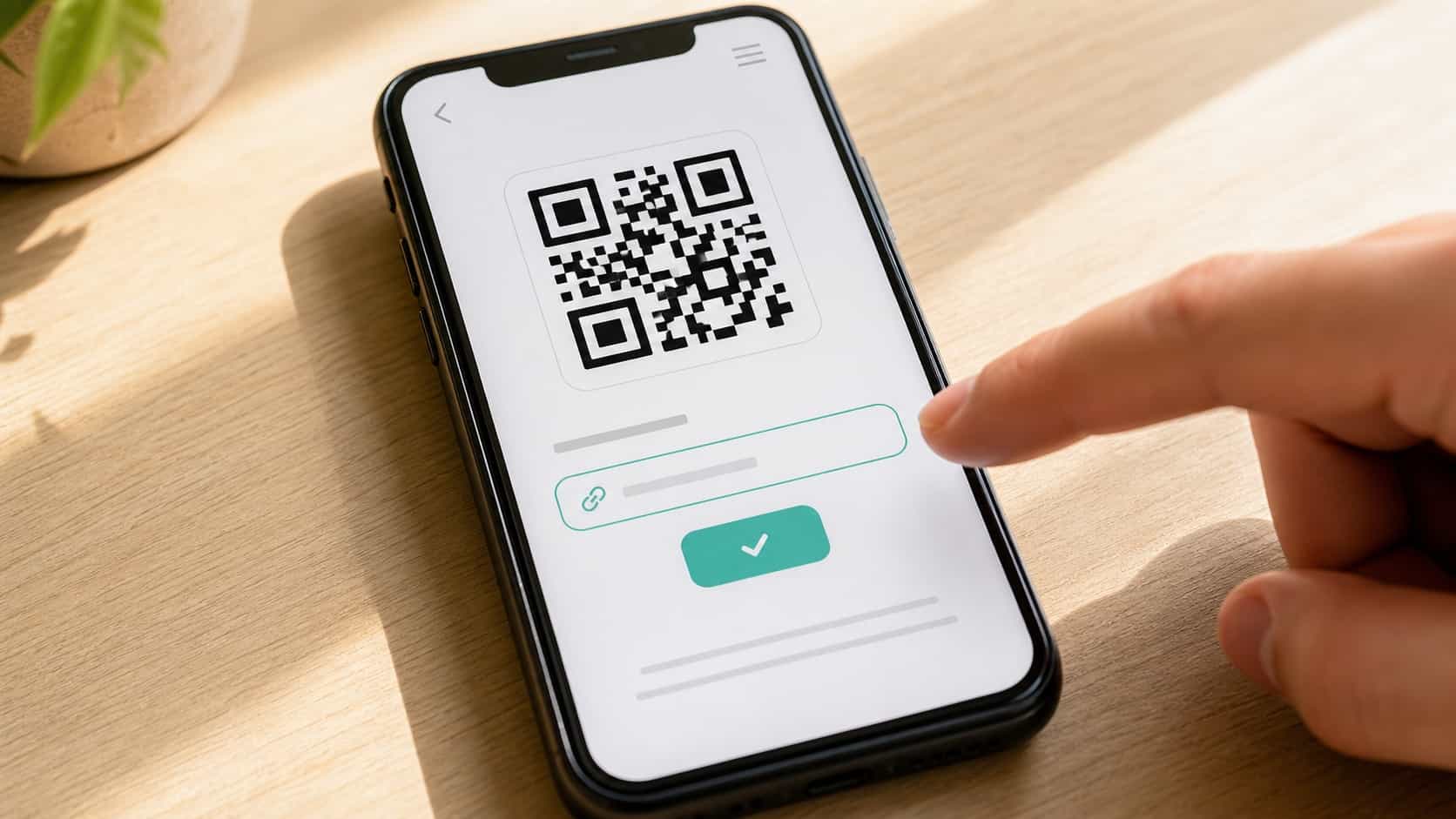
The actual process of editing a live dynamic code takes about thirty seconds and follows the same shape on every decent platform. You log in, find the code in your dashboard, click into its settings, replace the destination URL with the new one, and save. The change propagates immediately, usually within a second or two. Every printed copy of that code, no matter how many or where they are, now leads to the new destination.
A few small things matter at the moment of saving. First, paste the new URL with the protocol included (https://) so the platform does not treat it as a path. Second, test it once on your own phone before walking away. Open the camera, scan the printed code, watch the page open. If it loads, you are done. If it does not, the most common cause is a typo in the new URL, fixed in another ten seconds.
Most platforms also let you add a name or label to the code so future you can find it easily. If you have ten codes scattered across your business, "Counter table tent" beats "QR Code 7" by a mile. Give them human names the moment you create them, not later. Future you will thank present you. Same thing applies to grouping codes by location, campaign, or season, which makes mass-edits possible when something big changes.
Five Reasons You'll Want to Update a Code
Owners often think they will set up a code once and never touch it. That is almost never how it plays out. Here are the five most common reasons businesses end up needing to edit a code, often within the first few months of going live.
The campaign ended and the page is now stale. You ran a holiday promo, the offer expired, and the landing page now says "promotion ended." Customers still scan the code on lingering flyers and have a worse first experience than if they had never found you. Five-second fix: redirect the same code to your homepage or a current promotion.
Your URL structure changed. Somebody rebuilt the website, the booking platform was acquired and rebranded, the menu moved to a new system. The code on the wall is now leading to a 404 or a redirect chain. Update the destination once and every printed surface is back to working.
You found a typo or wrong page. Classic. The code prints fine but the page it points to has a wrong phone number, an outdated price, or a misspelled address. With static, that is a reprint. With dynamic, you change the destination URL or fix the page itself, and every existing scan from now on lands on the corrected version.
You want to test something. Maybe you want to try a different landing page for two weeks and see if conversions improve. With a dynamic code, you redirect, watch the data, and switch back if it does not work. The flyer never knew. This is the foundation for using one QR code for multiple campaigns over time without reprinting between each one.
Your business changed. New hours, new menu, new location, new product line, new everything. Whatever the change, your printed materials usually outlive it. The flyers from last quarter, the table tent from last year, the business cards from when you opened. With dynamic codes, all of that infrastructure stays useful, because the destination keeps up with the business even when the artwork can't.
Your Print Run Should Outlive a Single Campaign
VISU QR Ads turns every printed code into a long-term asset. Edit destinations as your business evolves. The artwork stays. The link adapts.
If You're Stuck With Static Codes Right Now
Here is the bad news first. If your current codes are static, the pattern itself encodes the destination URL, and there is no way to edit that pattern without literally generating and printing a different one. The code on the wall is the URL. You cannot change one without the other. This is not a platform limitation, it is how static codes work at the data level.
That said, there are a few workarounds that buy you partial flexibility, even now. The most common is to point your static code to a URL on a domain you control, then use a redirect on your own server. Your code says yourbusiness.com/promo, and right now /promo redirects to a partner's page. Tomorrow you can change /promo to point somewhere else without touching the printed code. This is essentially building your own mini dynamic-QR layer using your existing website. It works, but it requires your own URL, server access, and the discipline to manage redirects.
The cleaner long-term play is to migrate to dynamic codes on a real platform. You do not have to throw away your existing printed materials all at once. Start with the next reprint cycle on each surface. Receipt templates, weekly menus, anything you reorder regularly, gets a new dynamic code at zero extra cost because you were going to reprint anyway. Within six to twelve months your physical footprint flips over to dynamic without a special migration project. For the broader case on this, see why you should stop using static QR codes.
Smart Redirects: Beyond Just Changing the Link
Once you understand that the destination is software, not paper, a lot of new options open up that simple link-replacement does not capture. Modern dynamic platforms let you do conditional redirects, where the same code routes different people to different pages based on context. The customer scans, the platform looks at signals, and forwards them somewhere appropriate.
The most useful conditional redirect is by device. iPhone users go to the App Store version of your app, Android users go to the Play Store, desktop scanners (yes, that happens) go to your homepage. One code, three appropriate destinations, no customer ever sees a "wrong store" page. The same logic applies to language, where the platform reads the device's language setting and forwards French speakers to your French page and English speakers to the English version, with one code printed in both markets.
Time-based redirects are quieter but powerful for events and campaigns. The code on a poster for a product launch can point to a "coming soon" page until the launch hour, then automatically flip to the live product page at exactly the moment the campaign goes live. No human action needed at the launch moment. The code does it on a schedule. Same trick works for daily specials, business hours pages, or any destination that should change on a clock.
Geographic redirects round out the toolkit. A national campaign can route São Paulo scanners to your São Paulo location page and Rio scanners to your Rio page, even though the printed flyer is identical in both cities. The customer never knows the code is doing this work. They just experience the local version of your business as if it had been printed for them specifically.
Mistakes to Avoid When Editing a Live Code
The flexibility cuts both ways. The same speed that lets you fix a mistake in seconds also lets you create one in seconds. A few specific traps to watch for, especially in the first few months of running dynamic codes.
Editing without testing. The most common mistake. You change the destination, hit save, and walk away. Five minutes later customers are scanning into a 404 because the new URL had a missing slash. Always scan the live code on a real phone right after editing. Thirty seconds of paranoia saves you a day of confused customers.
Forgetting which code is which. If you are running ten codes across the business and they are all named "Code" or "QR" in your dashboard, the moment you need to update one fast, you will edit the wrong one. Name codes by physical location and purpose at the moment you create them. "Front-counter table tent, review request" is verbose and ugly and exactly right. You will never edit the wrong code if every code's name describes where it lives.
Editing without telling the team. Staff who get questions from customers ("the QR isn't working") need to know the destination changed and why. A two-line note in your team chat the moment you make a change closes the loop. Otherwise an employee at the counter is gaslighting customers about a problem you already fixed.
Over-editing. The fact that you can change a code does not mean you should. If you redirect the same code through five different campaigns in a quarter, the data becomes useless because you cannot tell which traffic came from which destination. For long-running surfaces, change destinations sparingly and intentionally. For short-term experiments, use a separate code with a clear name. Discipline is what makes the flexibility actually pay off.
Choosing a Platform That Actually Lets You Edit
Not every "dynamic" QR platform is equally editable. Some lock you into a specific destination type, some charge per edit, and some make the editing flow buried under three menus and a sales call. A few things to check before committing to a platform you will use for years.
Unlimited edits, no extra fees. The whole point of dynamic is that editing is free and instant. If a platform charges per edit or limits you to a number of changes per month, that is a signal they are betting you will pay to fix mistakes. Walk.
Editing from mobile, not just desktop. You will need to update a code at moments when you are not at a computer. Phone in hand, customer just told you the page is broken, sixty seconds to fix it. If the only way to edit is from a desktop dashboard, the platform does not understand how small businesses actually run.
Visible scan analytics tied to each edit. When you change a destination, you want to see if the change improved scan-to-action conversion. A good dashboard shows you a timeline marker at the moment of the change and the data before and after. Without that, you are editing in the dark.
Clear ownership of your codes if you cancel. Read the cancellation policy before signing up. The right answer is that your codes either keep working in a grace period or get exported to a static format you control. The wrong answer is "your codes stop working the day your subscription ends," which is hostage pricing dressed up as a SaaS feature. For a structured comparison of the major options, see our QR code platform comparison and the broader guide on choosing a business QR code generator.
Print Once. Edit Forever.
VISU QR Ads turns every printed surface into a destination you control. Update the link in seconds. Track every scan. Reprint nothing.
Frequently Asked Questions
How fast does an updated QR code take to propagate?
Almost instantly on most platforms, usually within a second or two of saving. The change is server-side, so the next scan after you hit save will land on the new destination, no matter where in the world the printed code is. There is no "waiting for the print run to update" because the print run never had to update in the first place.
Can I edit a QR code from my phone, or do I need a desktop?
Most modern platforms let you edit from a mobile dashboard. This matters more than people realize because the moment you most need to edit is usually when something breaks in the middle of a busy day, and you are not sitting at a computer. If a platform forces you to a desktop for every edit, that is a real limitation in practice.
Does the QR code pattern change visually when I update the destination?
No. The pattern stays exactly the same because the pattern encodes the short link, not the destination. The short link is fixed for the life of the code. Only the redirect target changes. Customers scanning the same physical code before and after your edit see the only thing that matters to them: the page that opens.
Will old scan data still match after I change the destination?
Yes. Scan history stays attached to the code itself, not the destination. So if you have six months of data on a code that pointed to a holiday promo, then change it to point to your homepage, the historical scans remain visible in your analytics. Good platforms also mark the change on the timeline so you can see before-and-after performance clearly.
Is there a limit to how many times I can update the same code?
On reputable platforms, no. You can edit the same code as many times as you want for the life of your subscription. If a platform limits the number of edits or charges per edit, treat that as a red flag. The whole value proposition of dynamic codes depends on free, unlimited editing.