
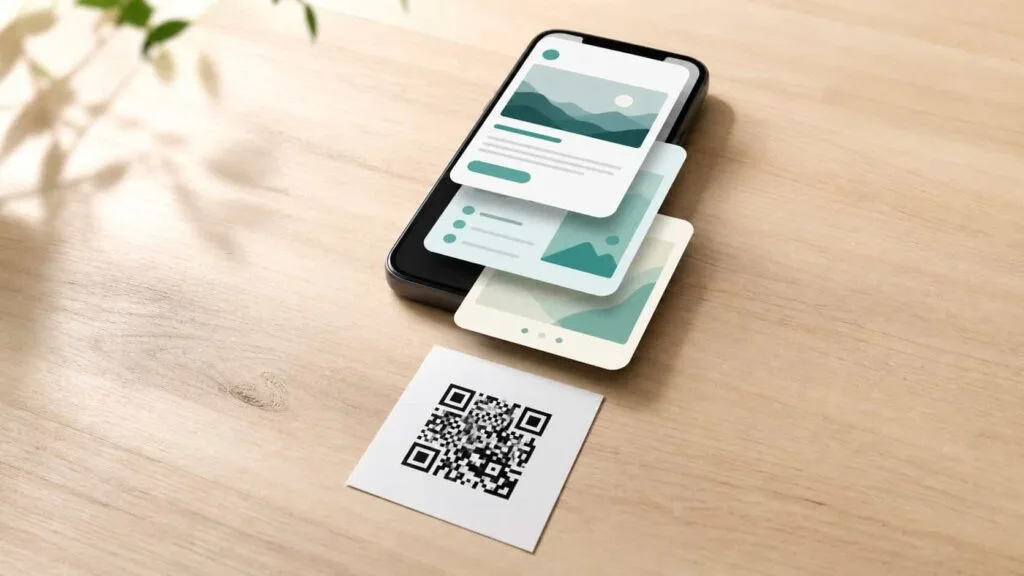
Most businesses generate a new QR code every time a new campaign launches. New flyer, new sticker, new code, new print run, new round of placement, new chance to forget half the spots where the old code still lives. The whole cycle is expensive, slow, and almost entirely unnecessary. One dynamic QR code can run a dozen campaigns over its lifetime, switch between them on a schedule, and give you data on which one performed best. The code on the wall never has to change. Only what it points to does.
This is the part of dynamic QR codes that most people understand in theory and almost never use in practice. Owners hear "you can change the destination" and treat it as a feature for fixing typos. The bigger play is treating the printed code as permanent infrastructure and the destination as the actual marketing campaign. The infrastructure stays in place for years. The campaigns rotate underneath it. Same code, fresh content, zero reprints.
Once you start running your business this way, the math of physical marketing changes completely. You stop budgeting for "QR code production" as a campaign line item, because the QR code is already there. You stop having dead codes on walls pointing to expired offers. You start treating every printed surface in your space as a publishable channel that you update the same way you update social media. And the data flows back into one dashboard that compares every campaign that ever ran on that code, side by side.
Print Once. Run Every Campaign.
VISU QR Ads turns a single printed code into a year-round marketing channel. Switch destinations on a schedule, track each campaign separately, and compare what actually worked.
Stop Treating Print as Disposable
The default mental model for printed marketing is built on disposability. Every campaign gets new flyers, new posters, new stickers, new everything, and at the end of the campaign all of it gets recycled or thrown into a drawer. That model made sense when print was the marketing channel. The artwork was the message, so when the message ended, the artwork ended too. Whatever physical real estate you had, you used up.
Dynamic QR codes change the underlying assumption. The artwork is no longer the message. The artwork is the infrastructure that points at the message. The message lives on the destination page, and the destination page can change while the artwork stays exactly where it was. Once you internalize that split, the printed surface in your space becomes a long-term asset, like a billboard on your own wall. You invest in it once, and then for the next two years you publish to it the way you publish to a social channel.
This reframe is small but it changes how you spend, what you print, and how often you reprint. A clean printed code on a quality acrylic table tent costs more than a paper flyer for one campaign. Spread across twelve campaigns, the per-campaign cost is dramatically lower than disposable print, and the customer experience is better because the artwork is no longer dog-eared and faded by the third campaign. The shift in thinking is from "what do I print for this campaign" to "what is the permanent printed surface that will host my campaigns for the next year." For the underlying mechanics that make this possible, our piece on dynamic QR codes covers the architecture.
How One Code Runs Many Campaigns
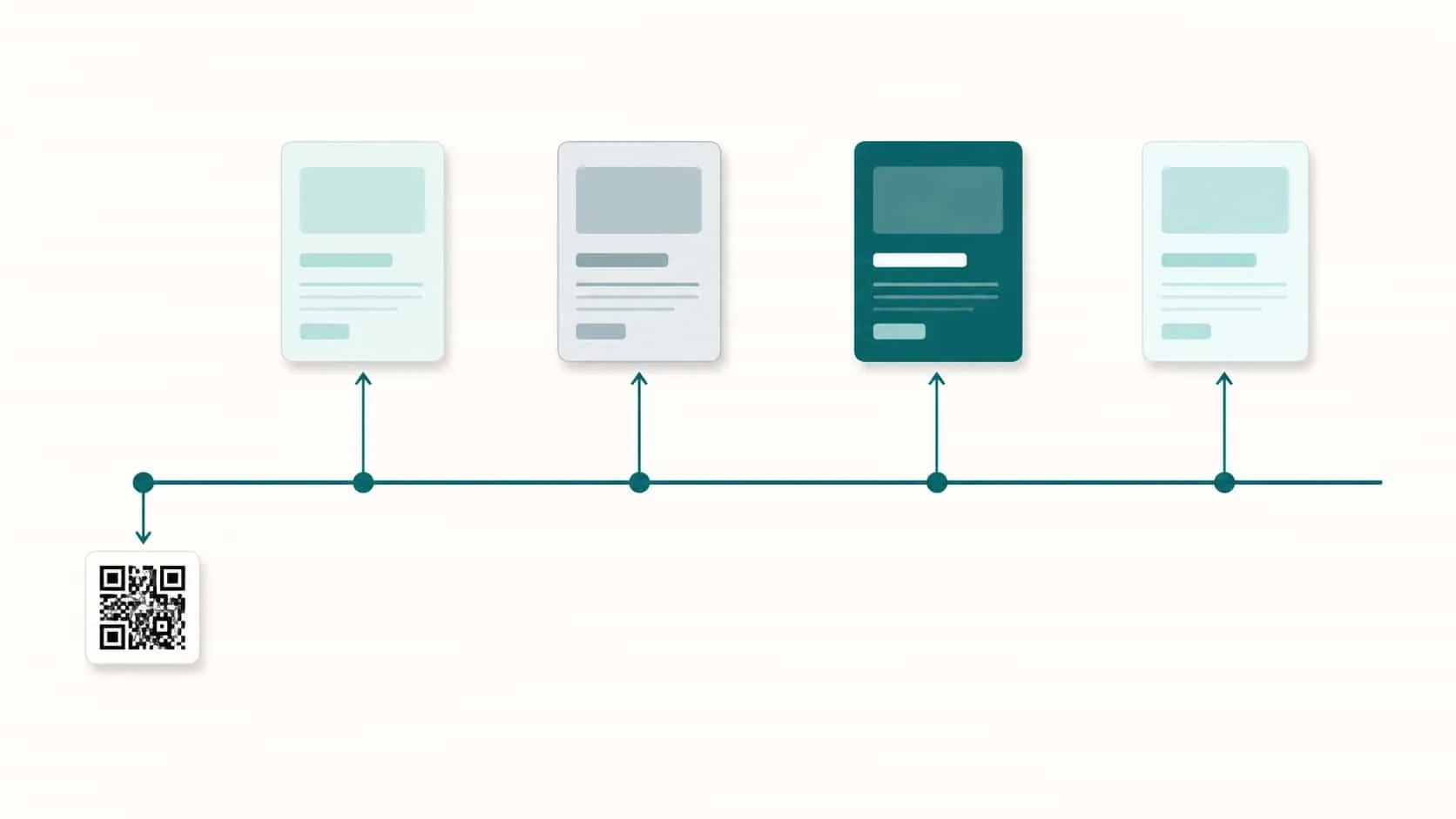
The mechanic is simple, and once you see it, the strategy clicks immediately. A dynamic QR code points to a short link, and that short link redirects to whatever destination you tell the platform. To run a new campaign on an existing code, you change the destination URL in your dashboard. The next person to scan the same printed code, on the same wall, lands on the new campaign page. The change propagates instantly across every printed copy of that code, no matter where in the world it is.
Now imagine running this across a year. In January your code points to a New Year promotion. In March it switches to a Mother's Day landing page. In June it routes to your summer menu. In September it points to a back-to-school offer. In November it goes to your Black Friday page. December, holiday gift cards. One code, six campaigns, no reprinting, no replacing, no separate codes scattered across your space. The exact same printed surface generated traffic for every one of those campaigns, and you have a dashboard that shows you which campaign generated the most engagement, when, and from what kind of customer.
The trick is to think of each campaign change as a publishing event, not a code change. You are not editing a QR code. You are publishing a new piece of content to an existing channel. That mental model matters because it removes the friction. Most owners hesitate to change a destination because it feels destructive, like overwriting something. It is not. It is just publishing. And like any publishing channel, the more often you publish, the more value the channel produces. To update a printed QR code takes about thirty seconds in any decent platform.
Building a Campaign Calendar Around a Single Code
Once you decide to run multiple campaigns on one code, the next step is to plan them on a calendar instead of reacting week by week. The calendar does two things at once. It forces you to think ahead about what destinations you actually need, and it creates a record you can compare against later when you want to see which months produced the best results.
A simple campaign calendar for a small business looks like a list of months across the top, with two rows underneath. The first row is the campaign name. The second row is the destination URL. Twelve cells in each row, twelve months, twelve campaigns. That is the whole document. You can build it in any spreadsheet, on a piece of paper, or in your phone's notes app. The format does not matter. The act of writing it down does.
What does matter is that the calendar gets reviewed monthly, not annually. Things change. A campaign you planned for May might shift because a supplier changed prices, or because you discovered a winning destination from April that deserves another month. The calendar is a starting point, not a contract. The point is to give your printed code a clear publishing schedule so you stop scrambling to decide what to point it at the day a campaign should already be live. Owners who plan campaigns in advance run noticeably more of them, and running more campaigns is the single biggest driver of growth from this strategy. For the broader playbook, see our guide on QR code marketing.
Scheduled Redirects: Set It and Forget It
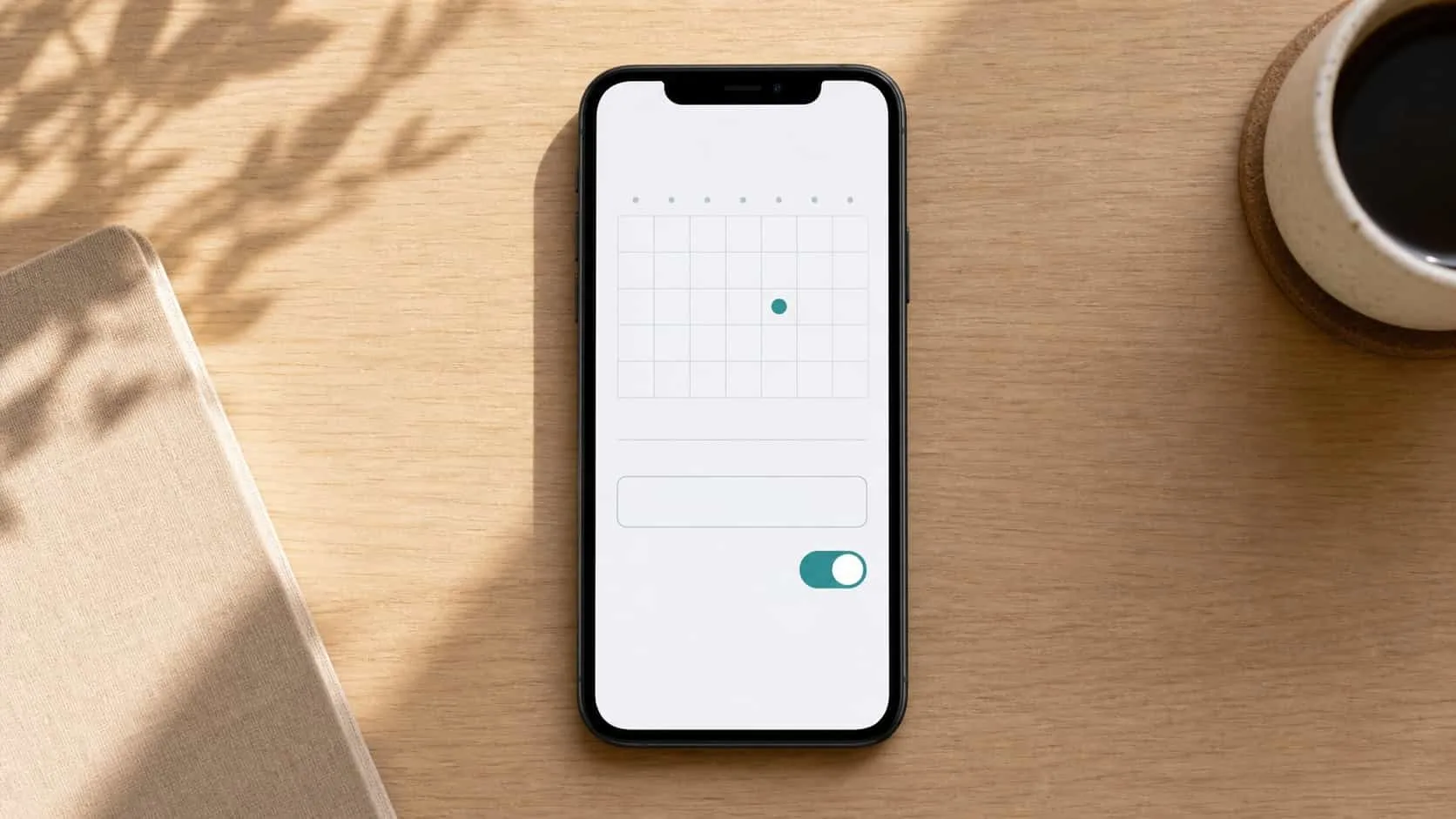
Manual destination changes work, but the better platforms let you schedule them in advance. You set the new destination, pick the date and time it should activate, and the platform does the switch automatically. No alarm clock, no last-minute scramble, no risk of forgetting because something else came up. The campaign launches at exactly the moment you wanted it to, even if you are on vacation.
This unlocks a level of campaign discipline most small businesses have never had access to. A holiday promo can be queued up in November and launch automatically at midnight on Black Friday. A daily lunch menu can rotate at 11am every day without anyone touching the dashboard. A summer campaign can transition into a fall campaign on September 21st at sunrise, and you do not have to remember a single date because the schedule remembers for you.
The tactical benefit is huge. Most missed campaign launches happen because the human responsible for switching the destination forgot, got busy, or lost track. Scheduling removes the human from the failure point. Once scheduled, the only thing that can break the launch is a typo in the destination URL, which is a much smaller failure mode than "we forgot to launch the campaign for three days." If you do nothing else with this article, set up scheduled redirects for your next three campaigns and watch the difference.
Schedule the Whole Year, Then Forget About It
VISU QR Ads lets you queue up campaign destinations weeks in advance. The codes switch on time, every time. You do less. The system does more.
The Data Comparison Static Codes Could Never Give You
Running multiple campaigns on one dynamic code does something static codes could literally never do. It builds a comparable historical record. Every campaign that ever ran on that code is sitting in your dashboard, with its scan counts, time-of-day patterns, device splits, and conversion rates. You can look back at twelve campaigns side by side and see which months actually produced traffic, which destinations actually converted, and which combinations of timing and content kept working.
This is the kind of data online marketers have been using for two decades and physical businesses have almost never had access to. With static codes, every campaign was its own separate code, its own separate flyer, its own separate isolated event with no easy way to compare results. With one dynamic code over time, the comparison is automatic. You see your year as a single graph with markers showing where each campaign started and ended.
The decisions this enables are real. You stop running the holiday campaign that got 800 scans last December if it only converted to 12 actions, because you can see the better-performing back-to-school campaign that pulled 400 scans and 45 actions. You stop assuming summer is dead because last summer was. You see specifically which week of summer produced the most engagement and plan around it next year. The data does not just describe the past. It changes how you plan the next twelve months. For ideas on how to build engagement loops on top of this, our guide to QR code gamification is a useful next step.
Real Use Cases by Business Type
The single-code, multi-campaign approach plays differently in different businesses. Here are five patterns that work in real-world deployment, each tied to a specific kind of business.
Restaurant. Table tent code rotates between menu, daily specials, review request, loyalty program signup, and seasonal events. The code lives on the table for years. The destination changes weekly or monthly based on what the restaurant wants to push. During slow weeks, point it at the loyalty signup. During peak weekends, point it at the review request. During holidays, point it at the gift card page.
Salon or barbershop. Mirror sticker code rotates between booking page, review request, referral program, and product line announcements. Clients see the code every visit, and what it points to evolves with the business. A new product launch gets a month on the mirror. A push for online booking gets two weeks. The review request runs as the default whenever no specific campaign is active.
Clinic or service business. Reception or appointment-card code rotates between intake forms, post-visit feedback, educational content, and insurance information. The code is permanent infrastructure on the receipt or card, and the destination matches the patient journey at that moment. Acute visit gets a feedback form. Routine checkup gets an educational article. Insurance season gets the policy page.
Retail store. Counter code rotates between current promotion, email signup, social handles, and product line catalog. Same code, twelve different things to push depending on inventory, season, and what the store is trying to grow this month. The destination follows the priority of the moment instead of being locked to whatever campaign was running when the code was printed.
Gym or fitness studio. Locker room code rotates between class schedule, membership renewal, referral program, and challenge signups. Members see the same code week after week, but the content keeps fresh. A new program launch gets featured. A retention push gets featured. A community event gets featured. The infrastructure is durable. The campaigns rotate.
Mistakes to Avoid When Reusing One Code
Switching destinations too often. The flexibility tempts owners into changing destinations every few days, which destroys the data because you cannot tell which traffic came from which campaign. Pick a minimum window, usually one to four weeks, and let each campaign run long enough to produce meaningful numbers before swapping. Frequent swapping looks productive but is mostly destroying your own ability to measure anything.
Forgetting to update during transitions. A campaign ends on a Sunday and the new one is supposed to start Monday, but Monday morning you are dealing with something else, and the code keeps pointing to the dead campaign for three days. Use scheduled redirects whenever your platform supports them. Remove the human from the moment of transition.
Pointing to a generic homepage by default. When you don't have an active campaign, owners often default the code to their homepage, which is fine but lazy. A better default is a "what's happening here" page that combines current promo, social handles, review request, and email signup. The code never has dead air, and your default destination becomes a low-key permanent campaign of its own.
Not labeling the campaign in the destination URL. Use UTM parameters to tag each campaign destination. The same code pointing at /promo with utm_campaign=spring2026 versus utm_campaign=summer2026 lets your analytics tools separate them cleanly. Without UTMs, the data blurs together and you lose the comparison advantage that was the whole point of running multiple campaigns on one code.
Treating it as a single channel when it should be many. If you have a counter code and a table tent code and a mirror code, do not run the same campaign on all three at once just because it is convenient. Different surfaces reach different customers in different moods. Run the loyalty campaign on the table tent (relaxed customers) and the review request on the counter code (paying customers) and the booking on the mirror (decision-time customers). Each surface deserves its own campaign logic.
One Code. Twelve Campaigns. Zero Reprints.
VISU QR Ads turns every printed surface into a year-round publishing channel. Schedule campaigns in advance, compare what worked, and stop printing things that you'll throw away in three weeks.
Frequently Asked Questions
How long should I run each campaign before switching?
One to four weeks for most small businesses. Less than a week and you do not have enough data to know if it worked. More than a month and the campaign loses freshness for repeat customers who see the same code every visit. Two weeks is a good default that gives you data without overstaying. Adjust based on traffic volume: low-traffic businesses need longer windows to gather meaningful numbers.
Will scan history get confused if I keep changing destinations?
No, on any decent dynamic QR platform. Scan history attaches to the code itself, not to the destination. The dashboard shows you a continuous timeline of scans with markers for each destination change, so you can see exactly when one campaign ended and another began. The history stays clean as long as you label each destination clearly when you set it up.
What if I want to run two campaigns at the same time on the same code?
Use conditional redirects if your platform supports them. The same code can route iPhone users to one campaign and Android users to another, or route morning scans to one destination and evening scans to another. If you need true parallel campaigns to different audiences, dynamic platforms can split traffic by device, time, or location, all from one printed code.
Should every printed surface in my business use the same code?
No. Use one code per surface so you can track which placement is generating scans. Same destinations for now is fine, but separate codes give you the data to know which surface is doing the work. Later, when you want to run different campaigns on different surfaces, you already have the code structure in place.
What happens to scans during the moment of a destination change?
The change is essentially instantaneous on most platforms, usually a one to two second propagation. Customers scanning during the change see one or the other, never an error page. If you are launching a high-stakes campaign, schedule the switch for a low-traffic moment, like 3am, to make the transition invisible.