

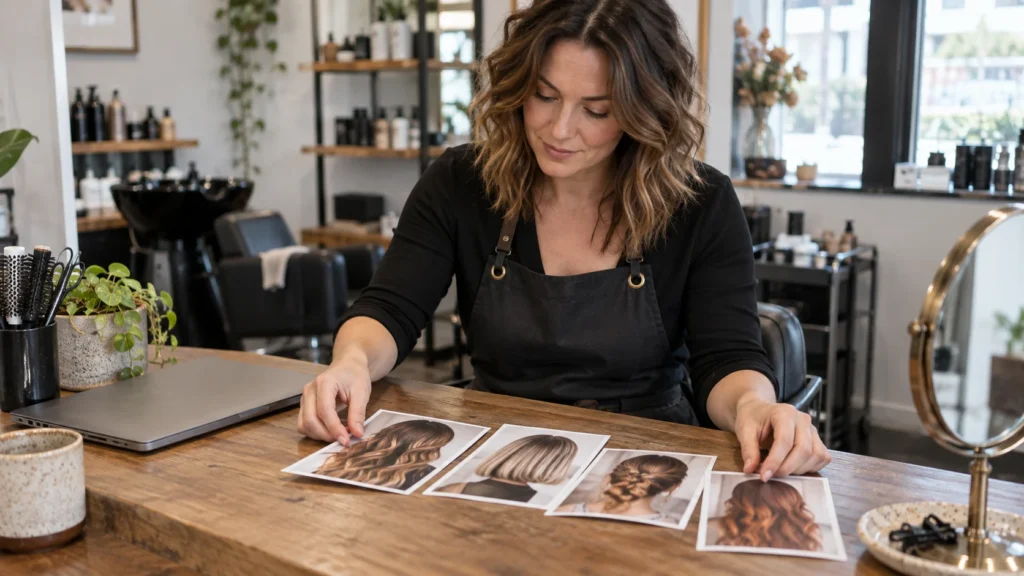
A client scans the card beside your salon mirror to see examples of your work. Should that QR open your Instagram feed, a curated gallery, or a page that separates services and links? Choose the visual destination first, then decide who may publish the photos, who updates them, and what the client can do after looking.
Portfolio and Services Together
Explore a public page and QR for portfolio links, services and the channels the salon or professional already uses.
For salons and independent stylists.
Start With the Client's Visual Question
A person considering a colour correction wants to see colour corrections. Someone planning bridal hair wants to see work close to that occasion. A long feed of every cut, product, staff party and promotion asks both people to do the sorting themselves. The QR beside a specific service can answer a more useful question: “Can this stylist show work like the result I am considering?”
That is different from asking whether a salon needs a website or a booking tool. The portfolio shows work. The booking system, if the salon uses one, handles available times and confirmations. A VISU Link page can present the salon and point to those existing channels. A gallery hosted by VISU or a new booking workflow would be a separate project to discuss.
Write the promise beside the QR before choosing its URL. “See bridal styles” calls for a relevant set of approved examples. “Explore our work and services” can lead to a page with several labelled choices. “Book this service” should lead to the real booking channel, not a portfolio that makes the visitor search again.
Compare Three Portfolio Destinations
Choose one of these routes for the first scan. The platform that stores the photos and the page that helps people choose among links can be different.
| First destination | When it fits and what to check |
|---|---|
| Social profile or feed | Use it when the QR promises to see current posts on that channel. Check: Can a new visitor find examples of the named service quickly, without needing to follow the account? Who will keep the relevant posts easy to identify? |
| External gallery or salon website | Use it when a provider already hosts selected photos in a clear service gallery. Check: Is the URL public on a phone? Who can update the images and the booking link? Does the gallery still show a service you offer today? |
| VISU Link page with portfolio links | Use it when a card or shared QR must offer a choice among services, existing galleries, contact and the salon's current booking channel. Check: Are the buttons labelled by task, is one action primary, and who updates each outgoing URL? |

Some external salon website providers include their own portfolio galleries and booking systems. For example, GlossGenius documents gallery and booking controls in its own product. Those features belong to that provider. VISU Link can organise links to tools the salon already uses; do not assume it stores the full gallery or confirms appointments.
Curate Work Before You Choose a Platform
A destination with hundreds of images is not automatically a better portfolio. Select examples that answer a client's practical questions: what kind of work is shown, which service it represents, who performed it, and whether the salon still offers it. A small, maintained collection can be easier to use than a large feed with no service labels.
Build a simple source sheet for each image before it appears on a page or social account. Record the service, the date, the professional, who took the photo, where the salon has permission to publish it, and who can request a change or removal. If the salon cannot confirm use of an image, leave it out until the people involved clarify it.
Be especially careful with before-and-after pairs. Use the same type of view and honest descriptions, and do not present two different clients as one transformation. Avoid implying that a pictured result is guaranteed for someone with different hair, skin or circumstances. A caption can name the service and the conditions the salon can responsibly describe, without inventing a testimonial.
Google's Business Profile photo guidance recommends clear, well-lit photos without excessive filters on that platform. Let a potential client understand the work without guessing through heavy editing.
- Group by service: keep bridal hair apart from everyday cuts or nails so each QR can make a specific promise.
- Use plain labels: say what service appears and avoid invented results or timelines.
- Show current work: remove or mark a look that the team no longer offers.
- Check the first screen: the promised service should be visible before unrelated posts or promotions.
At the Counter, Station or Card
See how the page and QR can appear on counter signs, station cards and professional cards.
For salons and independent stylists.
A Fictional Example: Bridal Hair and Everyday Styling
Fictional example. A stylist offers two active categories: bridal hair and everyday styling. Her Instagram account mixes both with behind-the-scenes posts. She also has a small external bridal gallery with work she has checked for publication, and an appointment provider with a public link. The provider manages available times; the gallery shows images; neither function is created by printing a QR.
On a bridal consultation card, the printed promise is “See bridal styles”. The direct gallery URL is the clearest first destination. A visitor scanning that card is already choosing bridal work and does not need an intermediate menu. The gallery can end with a link to the stylist's existing booking channel or contact route if those links are maintained there.
On the stylist's general business card, the promise is broader: “Explore services and work”. A VISU Link page could show “Bridal hair examples”, “Everyday styling examples” and “Ask about an appointment”. The two visual buttons open the external galleries or profiles; the last button opens the real booking or contact service. The page provides a choice, while each linked tool still does its own job.
The stylist keeps a short list of the three outgoing URLs and checks them when the appointment provider, gallery location or service menu changes. If she stops offering bridal work, she changes the card's promise and destination before printing more cards. A stable VISU Link QR can keep opening the same page while the visible links are updated, but a direct QR that encodes the old external gallery URL does not change by itself.
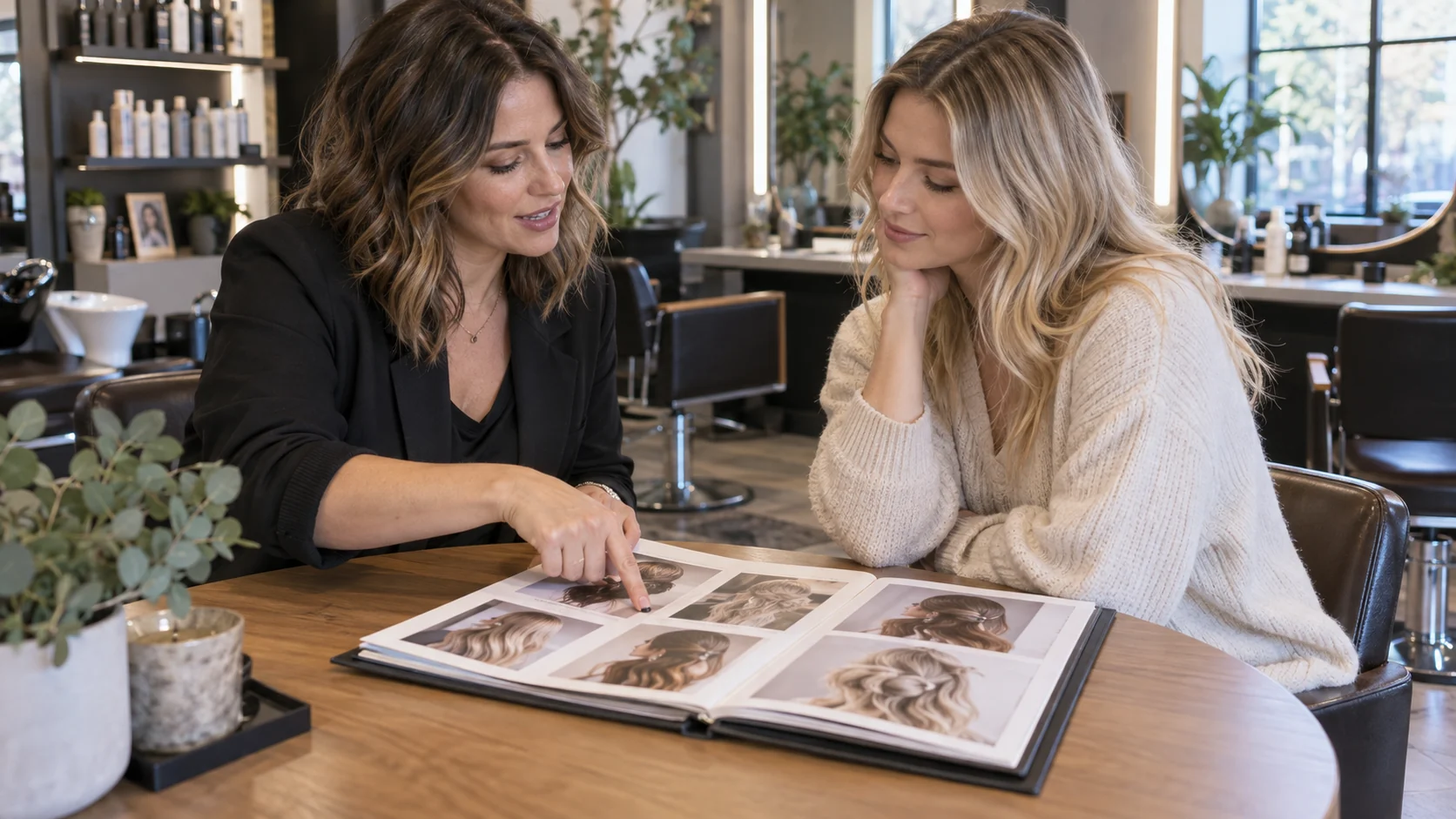
This example is not evidence that one destination produces more bookings. A page view or outgoing click alone is not a confirmed appointment.
Give the Portfolio an Update Owner
Portfolios age in ordinary ways: a stylist leaves, a service name changes, the best examples move to a new gallery, or the booking provider changes its public URL. The printed QR may survive all of those changes, but the information behind it needs a person who notices and fixes them.
Name an owner for each layer. The professional who did the work can approve which examples represent that service. The salon operator can decide which services appear on the public page and in what order. The person with access to the external gallery can replace images there. The owner of the booking system can confirm its public link and availability rules. These roles may be one person in a small studio; writing them down still prevents a broken button from becoming nobody's job.
Set update triggers rather than promising automatic freshness. Review the page after a staff change, service change, gallery move or booking-provider change. Also open the QR from a phone on the salon floor from time to time. Check the first image, the service label, the outgoing gallery and the booking route. If a public link fails, remove or replace it before directing new clients there.
For work involving a client who later withdraws permission, the salon needs a process to find the image wherever it was published. A VISU Link button can be edited, but that does not remove copies from an external social feed or gallery. The operator must handle each publishing surface it controls. For a regulated or sensitive service, review the appropriate professional rules before posting examples.
Make the Next Action Match the Work Shown
A portfolio helps the visitor understand a service. After that, the next action should be specific. “Ask about bridal hair” is clearer than a generic “Contact us” on a bridal gallery. If the salon offers online booking through an existing provider, label that link honestly. The provider, not VISU Link, controls availability, confirmation, deposits and cancellation rules.
Put the promised work first, then one relevant inquiry or booking route. A page with multiple destinations is useful only when the buttons answer different questions.
The VISU Beauty solution can be the route when the salon wants guided setup of its page and QR around services, portfolio links and existing contact channels. Bring the current service list, approved visual sources, booking URL and the person who will maintain them. A custom hosted gallery, staff permissions or a new appointment workflow would need a separate proposal with an agreed scope and delivery terms.
Test the QR Before Printing
- Read the short promise printed beside the QR. The first screen must show that service or a clearly named path to it.
- Open the code on a phone without a staff login. Test in the lighting and position where the card or sign will be used.
- Check that every displayed image is selected and cleared for the surface where it appears.
- Follow each portfolio link and confirm the expected service examples are easy to find.
- Open the existing booking or contact route and confirm which tool actually receives the request.
- Write down the update owner and the events that trigger a new check.
If the gallery is not ready, use accurate service information and a working contact route instead of promising examples the salon cannot show.
The Pieces Behind the Salon Page
Review page copy, link order, QR files and print artwork, with the salon providing its work photos, service list and existing channels.
For salons and independent stylists.
Frequently Asked Questions
Should the salon QR go directly to Instagram?
It can if the printed promise is to see the salon's current social work and a visitor can find the relevant service quickly. Use a curated gallery or a page of labelled links when the visitor needs a more specific route.
Does VISU Link host a full salon photo gallery?
The Beauty offer provides a salon page with links to a portfolio and other existing channels. A gallery hosted by VISU would be a separate project to discuss.
Can one QR show work and let clients book?
A page can link to a visual portfolio and to the salon's existing booking service. The booking provider handles times and confirmations; VISU Link organises the route rather than performing the reservation.
What if a client no longer wants a photo displayed?
Record where the image was published and have the responsible person review or remove it from each controlled surface. Changing a VISU Link button does not delete a photo stored in an external gallery or social account.
Does a portfolio click prove a new appointment?
No. A click shows only that someone opened a link. A confirmed booking or suitable inquiry needs evidence from the service that actually receives it.