
VISU Replayfor tennis venues
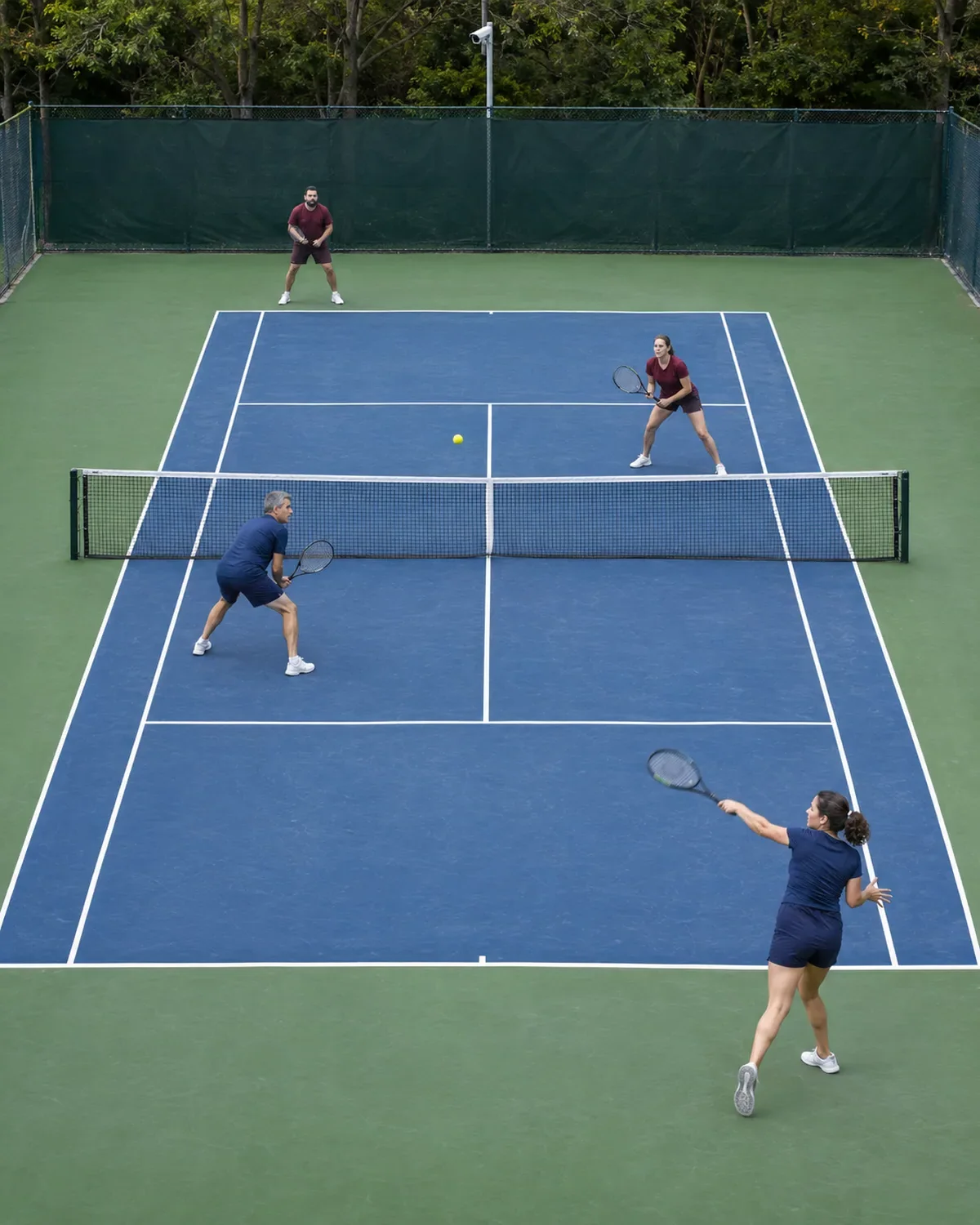
The tennis camera that films from the broadcast angle.
One fixed camera high behind the baseline records every match and lesson on your tennis courts. A player presses the button after a point worth keeping, the clip lands on their phone, and your club name travels with every share. No operator, no tripod, no staff time.
Remote setup worldwide. We confirm compatibility before you buy equipment. See a venue live on Replay
Launch offerFirst 10 venues, price locked for 12 months
- $25then $49
- per court / month
- $99then $199
- remote setup, once
- 0
- operators or editing
From match point to group chat in three steps
It records every booking, on its own
Mounted on the fence or the back wall and wired once, it runs whenever the court is in use. No tripod behind the baseline, no phone hanging on the windscreen.
A button turns points into clips
A passing shot down the line, a running lob, a 25-ball rally: a player presses the button at the net post or taps the app, and the system cuts the clip around that moment.
Players leave with the video
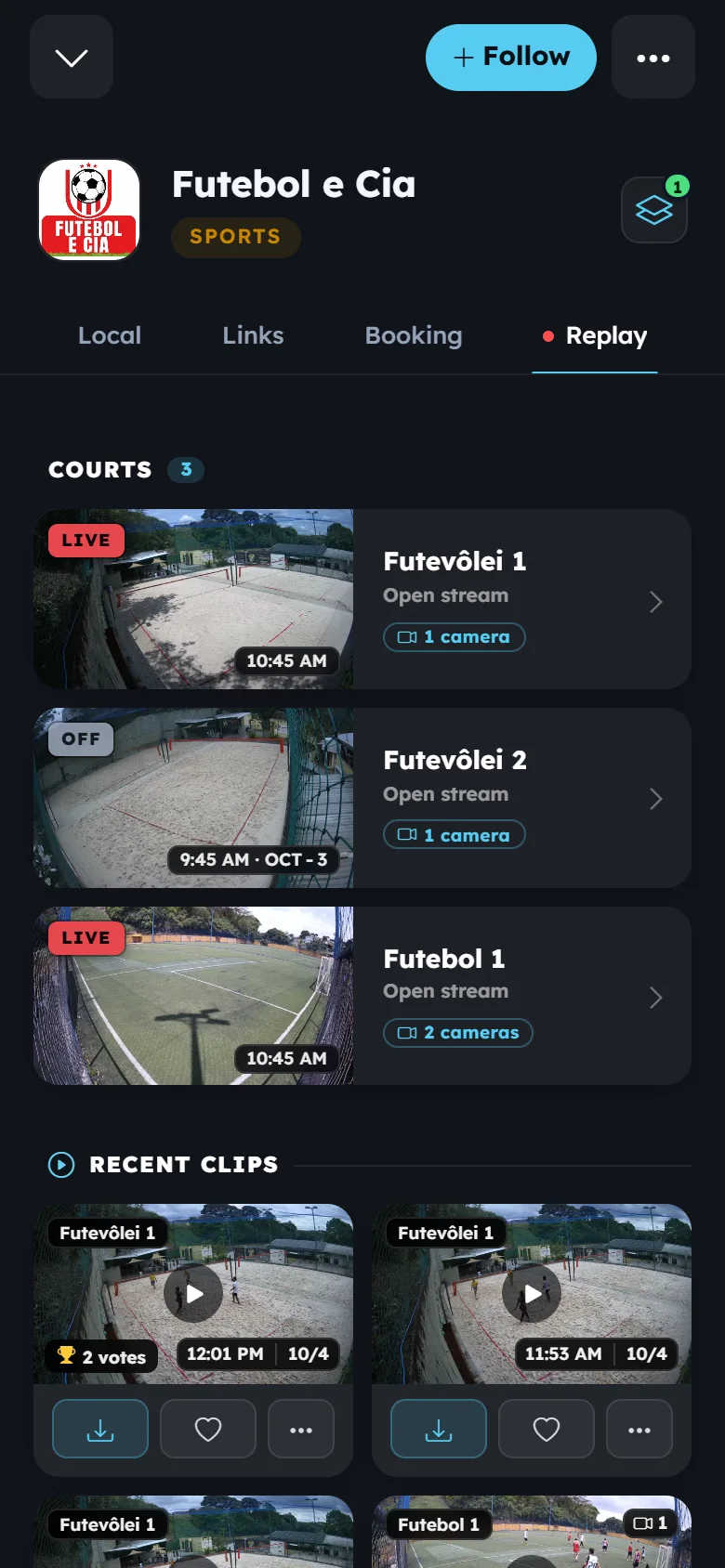
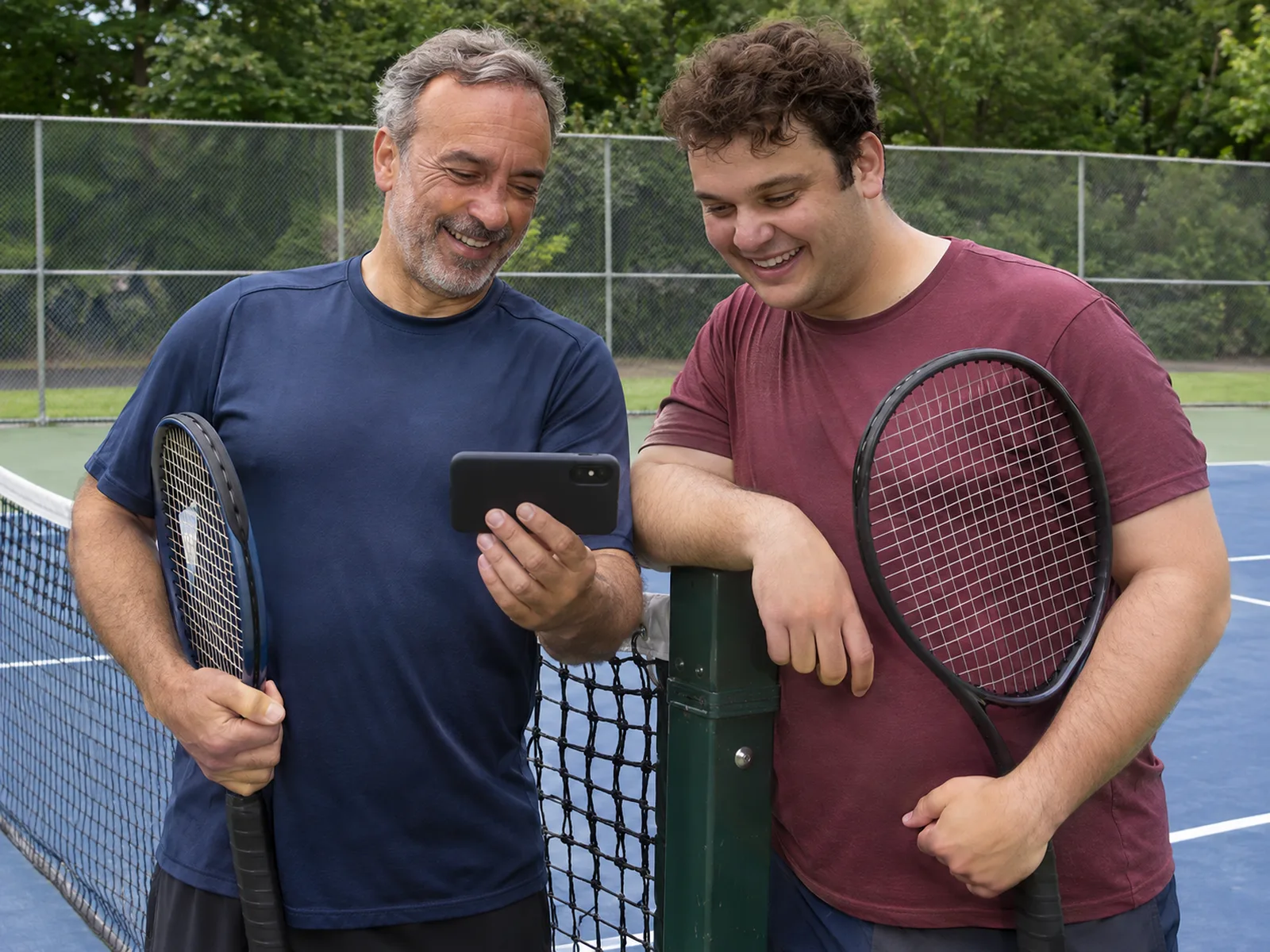
The clip is in the VISU app before they zip the racket bag: watch, download, share. Every share carries your club with it.
High behind the baseline, one camera per court.
- A tennis court is 78 feet long, but one wide camera centered behind a baseline sees both players and all the lines. It is the same angle television uses. The general sizing logic is in how many cameras a venue needs
- Mount it 13 to 16 feet high: the top of the fence post outdoors, the back wall or the roof structure indoors. Height is what keeps the far baseline visible over the net
- Courts in a row share one cable run along the back fence, with a camera at each court and one network switch for the bank
- Outdoor courts need a weatherproof camera on the end that keeps the sun behind the lens during your busiest hours

Lessons, leagues and juniors all want film.
- Coaches already film strokes on their phones. A court that records every lesson makes your academy easier to choose. The retention case is in cameras as a venue differentiator
- Junior players build video for college coaches. Parents will pick the club where match film is automatic
- League and ladder players settle the "did you see that shot" argument with a clip, then share it
- Per-court pricing lets you start with the show court and the main teaching court, then add courts as members ask
Launch pricing, remote setup worldwide
An opening offer for the first 10 venues set up remotely. Equipment is bought separately, by you, and we confirm what is compatible with your space before you buy anything. Prices are in US dollars and depend on the country where your venue is located. Your quote confirms the price for your venue.
- Monthly
$25 per court
Recording, button clips and live streaming for one court. The venue page on VISU Link, where people find their clips, is a separate subscription at $24 per month for the whole venue. Example: two courts plus the venue page come to $74 per month.
- One time
$99 remote setup
You mount the cameras and connect the equipment we agreed on. We connect by remote session and configure cameras, buttons, recording and streaming.
- First 10 venues
Price locked for 12 months
The first 10 venues set up remotely, in eligible markets, keep this price for 12 months. Your proposal confirms prices, equipment, setup and renewal terms in writing before you sign up.
Prefer email? Write to [email protected]
What you need on site
Tell us about your courts and we will recommend the equipment you need.
- Cameras for each court. Compatible IP cameras and computer-based recording options are evaluated for each venue before installation, and we confirm the exact models before you spend anything
- A recording unit on site, sized for what you want to keep: clips only, or full sessions as well
- One button per court and a wired internet connection for the recording unit
- An electrician or a handy staff member for mounting and cabling. Everything after that is done by us remotely
Same system, other sports
Multiple courts can share a recording unit when capacity allows. VISU Replay is billed separately for each court.
Looking for the full product? See VISU Replay.
Tennis court camera questions, answered
How many cameras does a tennis court need?
One. A single wide camera centered behind one baseline, 13 to 16 feet high, covers the full court and both players. A second camera behind the opposite baseline is optional for academies that want both players from behind.
What does a tennis camera system cost?
The VISU Replay remote plan is $25 per court per month, and a one-time $99 remote setup. The venue page on VISU Link is a separate subscription at $24 per month. It is a launch price. Equipment is separate: you buy it yourself from the list we send, after we evaluate what is compatible with your venue. The first 10 venues set up remotely, in eligible markets, keep this price for 12 months. Prices are in US dollars and depend on the country where the venue is located, so your quote confirms the final price.
Does it work for lessons and clinics?
Yes. The camera records the court whenever it is in use, so a coach can press the button after a drill and the student gets that sequence on their phone. No one has to hold a phone during the lesson.
Do I need staff to operate it?
No. The system records during your opening hours and cuts clips when someone presses the button or uses the app. There is no operator, no editing step and no daily task for your team.
How do players get their clips?
Through the VISU app or your venue page: the clip appears ready to watch, download and share right after the press. People find their session by court and time, with no front-desk workflow.
Can I use it on outdoor courts?
Yes, with a weatherproof camera and a sealed button. The fence post is usually the mount. We help you pick the end of the court that avoids direct low sun at your peak hours.
Can I install it in my country?
Remote setup is available worldwide. You buy the equipment locally and mount it, and we configure the system by remote session. Compatible IP cameras and computer-based recording options are evaluated for each venue before installation, so you know what works before you buy anything. Support is by WhatsApp and email. The plan does not include on-site visits.
Your courts, recorded this month
Number of courts, a few photos of the space, peak hours: that is all we need to recommend your setup and send a quote.