

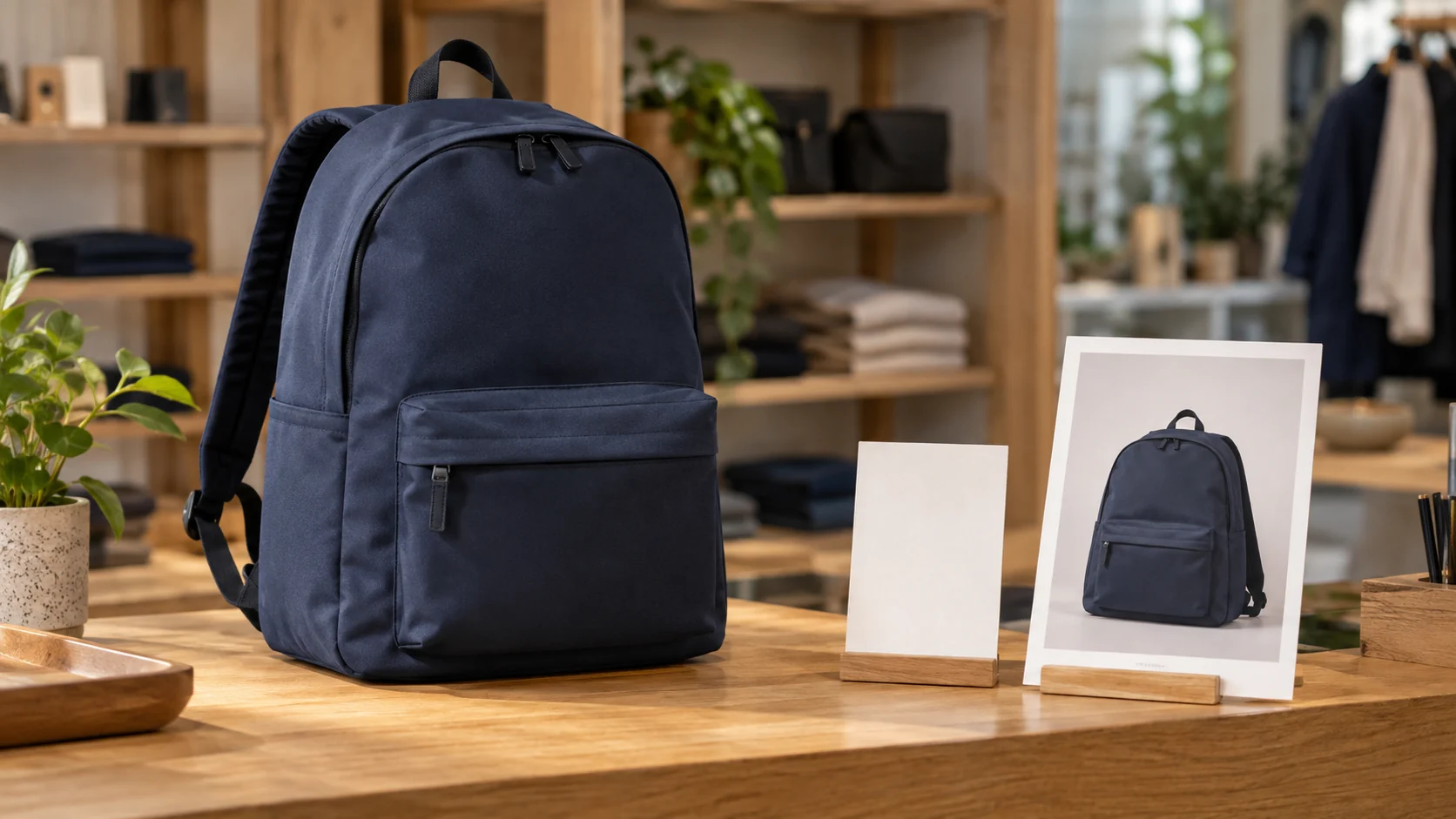
Your printed shop card shows one backpack, while another flyer invites people to explore travel accessories. Those promises should not open the same page by default. Decide whether the QR belongs on the exact product or on a maintained collection, then plan what the store will do if the featured item disappears while the print is still in circulation.
Put Your Store Links in One Place
Bring your existing catalog, online store and contact links together on a public page with a QR for your shop. See what the Retail Solution offers.
Start With What the Card Actually Offers
A shopper reads the printed words and picture before using a QR. “See this backpack” creates an expectation of that backpack's page, with its current details and options. “Explore the travel collection” asks for a set of choices. Opening a broad catalog after promising one named item makes the shopper search again. Opening an isolated product after promising a range hides the alternatives the card suggested.
A product page can answer size, color, description and current purchase route for one item. A collection page can help compare a related set, provided the store curates it and the included items match the campaign. The checkout, price, variants and stock remain in the existing ecommerce service; the QR is only an entry.
Printed material has a different lifespan from online inventory. A shelf card may be removed when a display changes, but a brochure can remain in a bag or be photographed and shared. Before printing, ask how long the claim will be visible, who can withdraw the material and who will review the destination when merchandise changes.
Choose the Page That Completes the Promise
| Printed message | Destination and store check |
|---|---|
| One named product, model or variant. | Open its official product page. Confirm photo, details and availability match the piece before distributing it. |
| A range, seasonal edit or several comparable items. | Open the maintained collection page. Check that its first mobile view contains the promised kind of choice. |
| The featured item is no longer offered. | Withdraw or replace the misleading piece, or update a store-controlled intermediate page with an honest notice and approved next route. |
Do not treat a collection as a magic fallback for a missing product. If a flyer shows a specific backpack, silently sending its QR to unrelated bags changes the offer after someone sees the printed claim. Equally, a collection page may be empty or include items the store no longer wants in that campaign. The merchandising owner must verify the actual page, not assume the platform will select a suitable replacement.
If the printed piece genuinely introduces the brand and several actions, a short public page can organize those links. If it promises only one shopping destination, the direct store URL is usually clearer. VISU Link can be the public brand entry and QR when a page is useful, but it does not maintain product listings or redirect an external QR to a new SKU automatically.
Use the Exact Product When the Item Is the Offer
Choose a product destination when the card's photo and text identify one item or version. Test the page as a shopper: does the first screen show that item, not a similar one? Is the stated variant available through the online store? Can the shopper understand the current price and options there, without reading the printed card as a guarantee that the price remains fixed? The ecommerce operator controls those details.
Shopify's product documentation describes editing product details, variants and availability in Shopify. It is an example of where the retailer maintains that item, not a VISU inventory feature or proof that another platform behaves the same way. Keep the QR destination in the official store or an approved public page that leads to it. Do not copy an item price or stock note onto a separate page unless the store has an owner to keep it current.
Show Customers the Next Step
Present clearly labeled links to the catalog, online store and customer information you already maintain. See how a public store page and QR can bring them together.
Use a Collection When Choosing Is the Offer
A flyer titled “Explore travel accessories” can lead to a collection if that page actually offers the promised range. The first mobile view should show useful product choices and a recognizable collection name. Make sure seasonal items have not been replaced by a different theme while old flyers remain. A collection can survive individual product changes only if the store keeps its membership and presentation aligned with the campaign.
Shopify's collection guidance documents adding products manually or through conditions and publishing a collection in that service. Those mechanisms are controlled by the retailer inside Shopify. Conditions are not a guarantee that every shown item is available or right for the advertisement. A store on another ecommerce platform must check its own collection behavior and storefront view.
Do not use a collection page to avoid deciding what the campaign says. A broad store homepage may put the shopper several taps away from the promised category. Narrow the destination to the set the card describes, and check the visible order of items on a small screen. If the campaign is about one exact item, a collection is still too broad even if that item appears halfway down the grid.
Plan the Day an Item Leaves the Range
Decide what counts as a change that requires action: a discontinued model, changed variant, moved collection or a page that no longer represents the artwork. The person responsible for merchandising should tell the owner of the printed campaign, and that owner should test every still-circulating QR. A store cannot assume a customer will understand why a specific printed product vanished.
If a printed QR leads straight to an external ecommerce product URL, edits to a VISU page elsewhere will not change that encoded destination. If it leads to a VISU public page, the retailer can discuss updating visible links and copy, but must still keep the printed promise truthful. The shop controls product status, checkout and what a shopper can buy. Treat a page view as a visit, not as a sale.
A Fictional Campaign With Two Different Cards
Illustrative example, not a VISU client or recorded sales result: Brisa Loja prepares two cards for a travel display. One shows a specific canvas backpack and says “See this backpack.” Its QR opens that exact item in Brisa's existing online store. The merchandising owner tests the photo, variant and mobile view before the cards are placed beside the display.
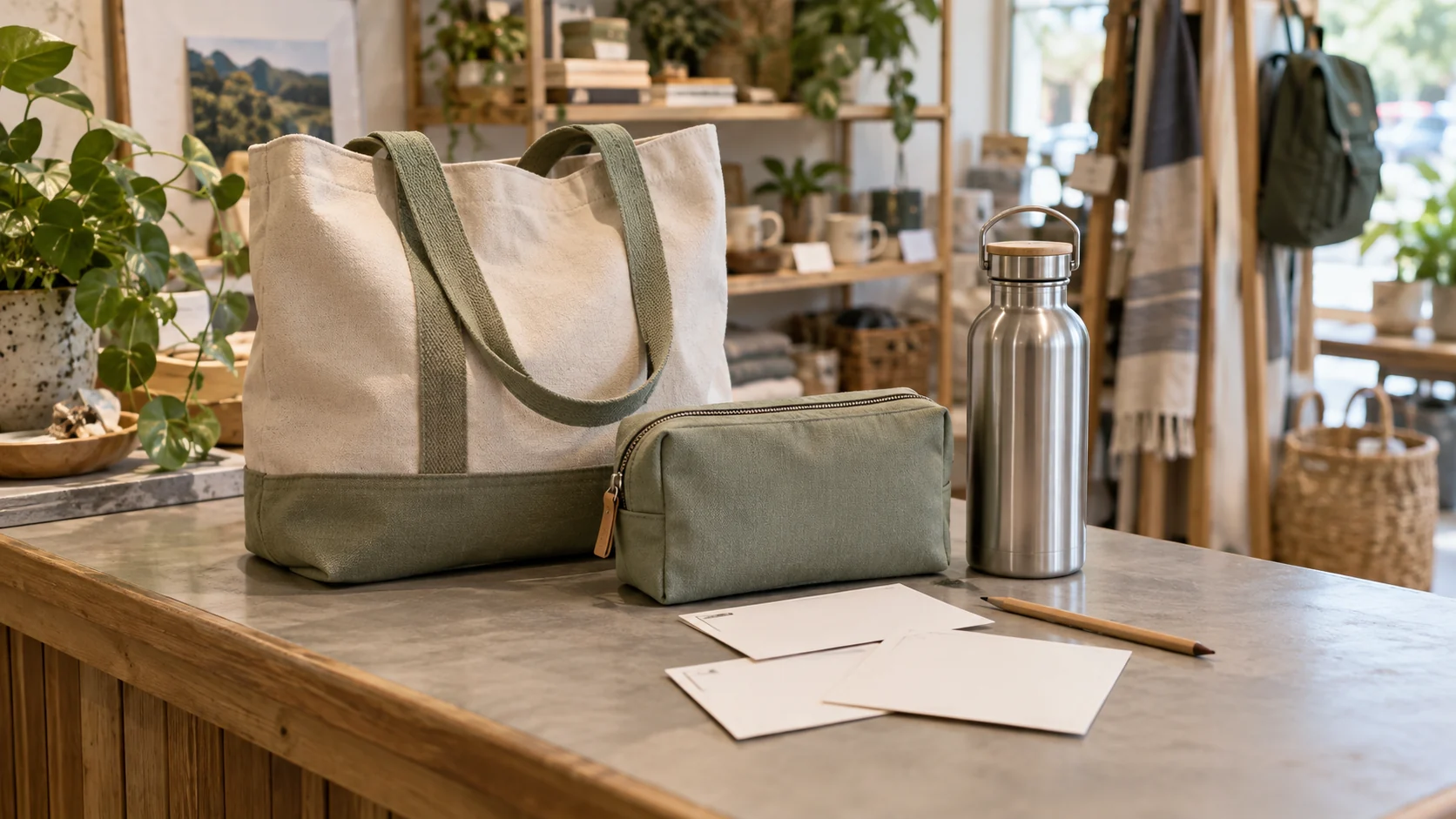
The other card says “Explore travel accessories” and shows several types of items. Its QR opens a store collection with bags, pouches and other approved choices. A shopper who scans can compare the range rather than land on the single backpack. Brisa uses its ecommerce platform to maintain the product and collection. Neither QR performs checkout by itself.
A month later, Brisa removes the featured backpack. Staff take down the specific-product card and stop distributing remaining copies. They keep the broad collection card only after checking that the page still contains relevant travel items. If the store used a public brand page between QR and product link, the owner would also check its copy; the printed photograph cannot be changed by editing a link.
Test the Shopper's First Mobile Screen
- Read the printed headline and identify whether it promises one item or a range. Do not choose the URL before that decision.
- Scan the actual printed proof with an ordinary phone, outside a store administrator session. Check the first screen, not only whether the link opens.
- Compare the photo and words on the print with the current product or collection. Verify variants and visible choices in the ecommerce system.
- Record who owns the product, collection, public page and physical material. Set a review trigger for stock or assortment changes.
- When a destination changes, test every piece still in circulation. Retire a claim that the new page can no longer fulfill.
The Retail Solution contact form is the appropriate commercial route if the shop wants a public brand page and QR around its approved catalog and store links. Bring the artwork, product/collection URLs and update owner. VISU does not manage the collection, stock, price, checkout or automatic redirect of an external code; custom work needs separate scope.
Evaluate the Solution for Your Store
Review the public page, QR and existing links offered for your shop. Evaluate the scope before deciding whether to speak with VISU.
Frequently Asked Questions
Should a QR on a product card open a collection?
Usually the exact product if the card names and shows one item. A collection fits when the printed promise is to explore a related range.
Will a collection automatically replace a sold-out item?
Do not assume so. The retailer must check how its ecommerce platform populates the collection and what shoppers actually see.
Can I change an external product QR through VISU?
No. A QR encoded directly with an external product URL still points there. A public VISU page can have its own visible links updated when it is the destination.
What if the item pictured on the card is discontinued?
Stop distributing or replace misleading material and test the destination. If you use an intermediate page, explain the change rather than silently swapping the advertised item.
Does a scan or click count as a purchase?
No. A shopper must complete any purchase in the existing ecommerce system. Treat visits and completed orders as different records.