
A guest wants a table for dinner; another buyer asks whether your restaurant's private room can host a gathering. Both may name a date, but the second request can change room layout, service and who may confirm availability. Give each a route that matches what the restaurant actually offers, rather than letting a normal table button silently promise an event space.
Put Your Restaurant Information in One Place
Bring your menu, hours, location and existing links together on a public page with a QR for your venue. See the Restaurants Solution.
Separate a Table From a Space
A regular dinner reservation uses the dining room's normal seating and service. Its booking route asks for details such as date, time and party size under the restaurant's current table rules. A private event can be a different product: a room, section or full venue may be set aside, with a specific layout, service window and group menu. The manager may need to consider another event, staff and preparation time before offering it.
Do not turn every larger table into a “private event.” If a group will simply dine at ordinary tables and the reservation provider can manage that size, the normal booking path may be correct. The distinction starts when the buyer wants a space or service arrangement that the normal table inventory does not describe.
Make the promise on the button precise. “Book a table” should take someone to the restaurant's actual table route. “Ask about a private event” should reach the person or external system that can assess a room and reply. If the venue uses a configured provider that truly offers instant booking for a defined private-dining package, the button may say so, but only for that package and its stated terms. A public VISU page does not create availability or confirm either route.
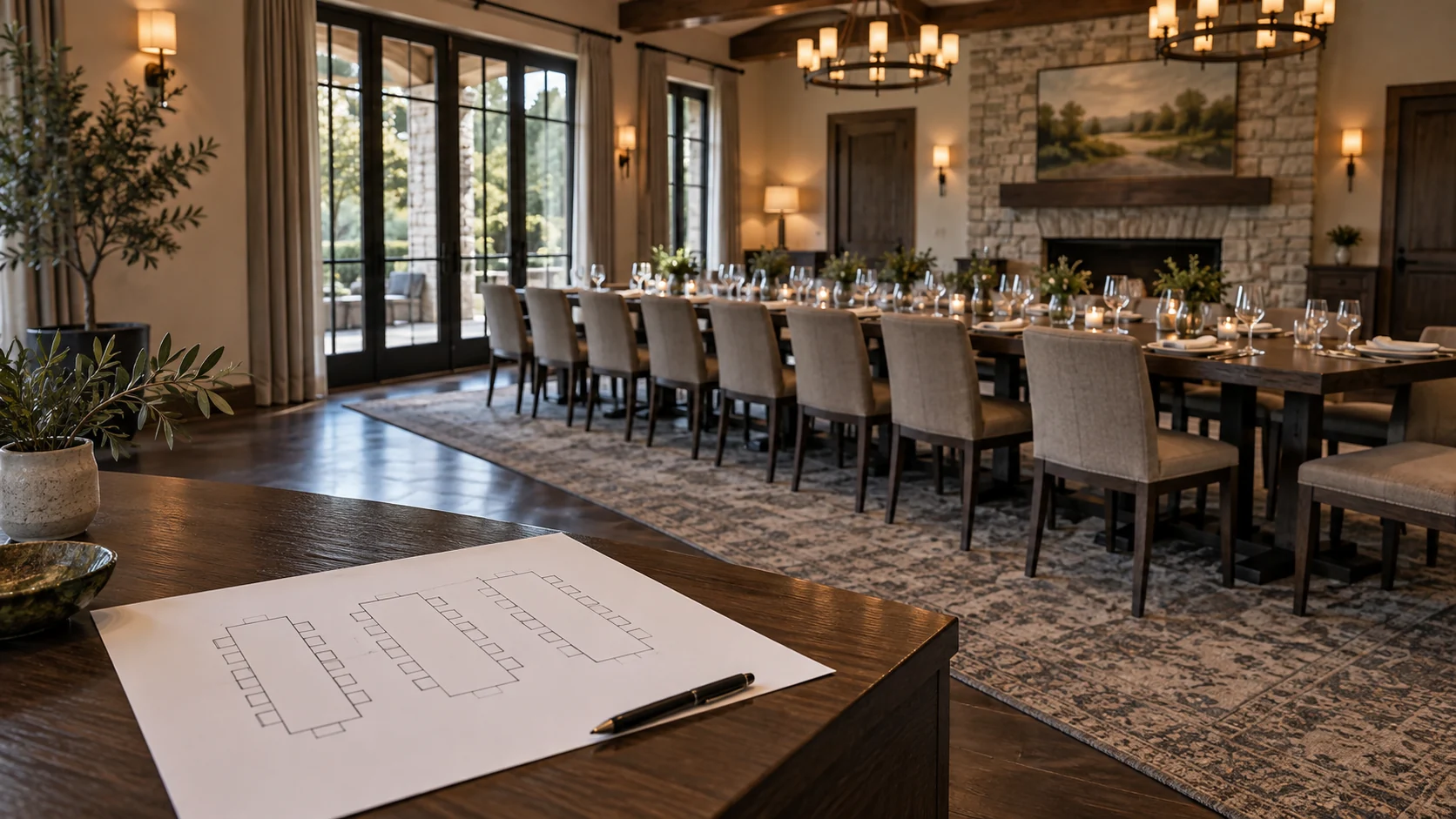
Choose the Route by the Space Being Sold
| Buyer task | Destination and operator check |
|---|---|
| Reserve a table under the restaurant's normal seating rules. | Open the existing reservation provider or staffed contact route. Show how that route confirms a table. |
| Discuss a room, section or whole-venue event with details still to assess. | Open the restaurant's dedicated event inquiry channel. Name who reviews the space, service and reply before confirmation. |
| Book a defined private-dining package with terms and inventory already configured. | Link to the external provider's event booking flow if the restaurant actually uses it. Test the exact package and confirmation state. |
The event route may be an external form, a staffed email or a feature inside the restaurant's current platform. Do not send event buyers into a normal table calendar if it cannot represent their space and service requirements. Conversely, do not make a dinner guest complete a long event form to request an ordinary table.
OpenTable's private-dining product page lists a private-dining profile, custom inquiry form and an Instant Booking option with terms that the restaurant can set. It illustrates that inquiry and direct event booking can both exist within a provider; it does not prove that a particular restaurant has either enabled. The restaurant should verify its own configuration before labeling a button “Book now.”
Present the Room Without Inventing Availability
A buyer deciding whether to inquire needs to understand the space. Show only approved photographs of the actual room or area, what kind of gathering it is intended for, the location, and how the restaurant describes its seating and privacy. Use the venue's own confirmed capacity and setup options if they are published. If those details depend on the layout, say that the team will check them rather than publishing a fixed number guessed from photographs.
Explain the difference between exclusive use and a group seated among regular diners. The buyer may care about a presentation, conversation volume, access before service or whether the restaurant remains open to others. The public page can frame those choices, but staff must verify the space, schedule and what the restaurant will provide. Avoid calling a shared area “private” simply because one group can reserve adjacent tables.
Keep the normal dining path visible for people who do not need an event. A short restaurant page can offer “Reserve a table” and “Ask about the private room” as two labeled actions when both are real services. If the venue already has a clear private-dining page on its own site, link to it rather than copying a second version that may age. The public content is an introduction, not a live room calendar.
Help Guests Find the Right Link
Show guests the menu and the ordering, booking or contact links your restaurant already uses. See how a page and QR can present those choices.
Check the Service Before Promising an Event
The restaurant's event owner needs to know enough to decide whether the proposed use fits. Start with the desired date and occasion, approximate group size, preferred area, timing and the service format the buyer is asking about. A group menu, drinks, accessibility or room setup may require a separate conversation. The public page should not collect all those details indiscriminately, and it should not publish prices, deposits or package terms the venue has not approved.
For a consultation route, tell the buyer what happens next: which team receives the inquiry and that someone will discuss availability and scope. Receiving a message is not a confirmed private-room booking. If the provider supports a preconfigured instant event package, follow that provider's actual confirmation language instead of applying the inquiry label to every case. Tripleseat's restaurant CTA guidance distinguishes table reservation language from private-party/event calls to action and points to its own lead form as an event inquiry tool. That is a provider example, not a VISU event-management feature.
The manager must also check what a private booking displaces. A room event might conflict with regular tables, another venue occasion or kitchen capacity. An event request channel that bypasses this review can create a promise the floor cannot fulfill. The restaurant's team and configured provider own space inventory, proposal, confirmation and any payment. VISU can organize the public entry and links, without holding a room or changing the table book.
A Fictional Venue With Two Guest Paths
Illustrative scenario, not a VISU client or confirmed sale: Rua Verde Bistro has a normal dining room and a separate room it sometimes offers for gatherings. A couple wants dinner on a weekday, so “Reserve a table” opens the bistro's existing table provider. The guest sees the provider's current availability and confirmation steps for ordinary seating.
A local team asks about a gathering in the separate room. The public page shows approved room photographs and a “Discuss a private event” link to the bistro's existing inquiry channel. The event coordinator asks about date, occasion, group size and service. Staff check the room schedule and kitchen plan before responding. No table reservation made through the ordinary provider is treated as a room booking.
Later, Rua Verde decides to offer one defined group package through an external event-booking feature it has actually configured. It can label that package's link separately and test how confirmation works there. Other custom gatherings still use the inquiry route. When the room is unavailable or the package ends, the page owner changes the specific event link and tests any printed QR.
Test the Reply and Name the Update Owner
- Write down what the venue really sells: ordinary tables, a private room, a shared area or a defined event package. Keep labels aligned with that scope.
- Identify the table-booking URL and the event route. Check each on a phone without a staff login and verify who receives the event inquiry.
- Confirm who can speak for room availability, setup and group service. Do not publish capacity or terms before that person approves them.
- Test a fictional inquiry or provider preview with no real guest data. See what the buyer is told before and after sending it.
- Recheck buttons and printed QR when the room, menu, provider, coordinator or event package changes. Remove a route that no one is monitoring.
The Restaurants Solution contact form is the relevant commercial route for a restaurant page and QR that point to its approved room information and existing booking or inquiry tools. Bring current URLs, room material and the event owner. The venue and its provider continue to manage availability, replies, contracts and payments; any custom integration needs separate scope.
Evaluate the Deliverables for Your Venue
Review the page, QR and print artwork offered for your restaurant. Compare the scope with the information and links you want to present.
Frequently Asked Questions
Is a large group always a private event?
No. A group using ordinary tables may belong in the restaurant's normal reservation route. A separate space or service arrangement needs the venue's specific event process.
Does an event inquiry reserve the room?
Not by itself. The restaurant or its external provider must check the space and tell the buyer how confirmation works for that offer.
Can a private event ever be booked instantly?
Yes, if the restaurant has a defined package and an external provider configured to offer and confirm it. Do not label an unconfigured inquiry form as instant booking.
What should the public page show about capacity?
Only details the venue has approved for its actual room and setup. If capacity depends on the arrangement, direct buyers to the person who can check it.
Does VISU manage the room calendar or payment?
This guide uses VISU for the public restaurant page, QR and links. Room availability, event terms, confirmation and payment stay with the venue and its external tools.