


Looking for apps like Shopkick? Its official website now displays a Chapter 7 bankruptcy notice instead of a working rewards service. This guide separates receipt rewards, barcode checks, linked purchases and location-based activities so you can compare the part of Shopkick you actually used. Eligibility differs by country; the US examples are not worldwide recommendations.
Explore the Activities Available in VISU
Check the activities and rewards available in your VISU account, including the requirements attached to each one. In-app VISU credits should not be treated as a promise of cash payment.
Is Shopkick Still Working?
The official homepage is a bankruptcy notice. It states that Shopkick, Inc. filed under Chapter 7 on May 29, 2026 in the United States Bankruptcy Court for the District of Delaware, Case No. 26-10877. It does not provide an operating rewards catalog or a promise that unredeemed kicks can be recovered.
Old app listings, archived help pages and third-party download pages do not establish that a rewards service is operating today. Do not install an unofficial copy or pay someone who promises to restore a Shopkick balance.
The app went dark before the bankruptcy filing. A consumer savings site, Money Saving Mom, reported on March 27, 2026 that both the app and the website had stopped working with no prior announcement. We found no official Shopkick statement explaining the shutdown or describing what happens to unredeemed points, so this article does not guess at either.
Chapter 7 is the liquidation chapter of US bankruptcy law. If you believe the company owes you something, the court docket for Case No. 26-10877 is the official record, and a lawyer is the right person to tell you whether any claim makes sense. We are not giving legal advice here, only pointing to where the authoritative information lives.
The Fetch examples below apply to US shoppers. Rakuten In-Store requires eligible US-issued cards and participating US locations. Ibotta is discussed as a US-market example; its documented overseas military-base exception does not establish ordinary international availability.
What Shopkick Actually Rewarded
"Apps like Shopkick" is a vague search, because Shopkick bundled several different reward mechanisms into one app. People who loved it usually loved one piece of it. Our guide to apps that pay for store visits was written while Shopkick was live and describes how its walk-in, barcode and purchase rewards fit together. The useful question now is which of those pieces you actually used, because no single replacement copies all of them.
Here is the map we use in the rest of this guide. Each row is a mechanism, not an app, and the example column names only apps whose current official help pages describe that mechanism.
| Mechanism | What proves you did it | Current example we verified | What changes versus Shopkick |
|---|---|---|---|
| QR-linked activity | The requirements of the specific activity | VISU: check current account activities | No universal store-entry reward established |
| Product barcode scan | The UPC on an item | Ibotta "Check product barcode" | Scanning checks eligibility; the reward comes from buying |
| Receipt scan | A photo or eReceipt of the purchase | Fetch, Ibotta | You must buy something first |
| Card or loyalty link | The payment card or store account you used | Rakuten In-Store, Ibotta loyalty linking | No scanning, but more account data shared |
| Online shopping | A tracked click or connected account | Rakuten, Fetch Shop | Happens on your phone or laptop, not in the aisle |
Notice the pattern. The mechanisms that did not require a purchase, the walk-in and the product scan, are the ones that are hardest to find elsewhere today. The purchase-based ones are everywhere. That tells you where to set your expectations before you install anything new.
Walk-In Rewards: The Hardest Piece to Replace
The feature most people remember is getting points just for walking through the front door of a big retailer. We looked for a current app whose own official pages describe that exact model for national chains, and we could not verify one. That does not prove none exists, but it means we will not name an app on the strength of a blog list or an old review.
A QR-linked activity is not automatically proof of a visit, a purchase or a payable reward. In VISU, check the activity currently shown in your account and its conditions before making a trip. This review does not establish store coverage or a universal reward for entering a partner location.
Two practical checks help before you rely on any location-based reward:
- Open the app at home and see which places near you actually have an active reward today. An empty map is the most honest signal you will get.
- Read how the visit is confirmed. A code you scan on site, a location permission running in the background and a Bluetooth beacon are very different privacy trades.
Product Barcode Scans Today
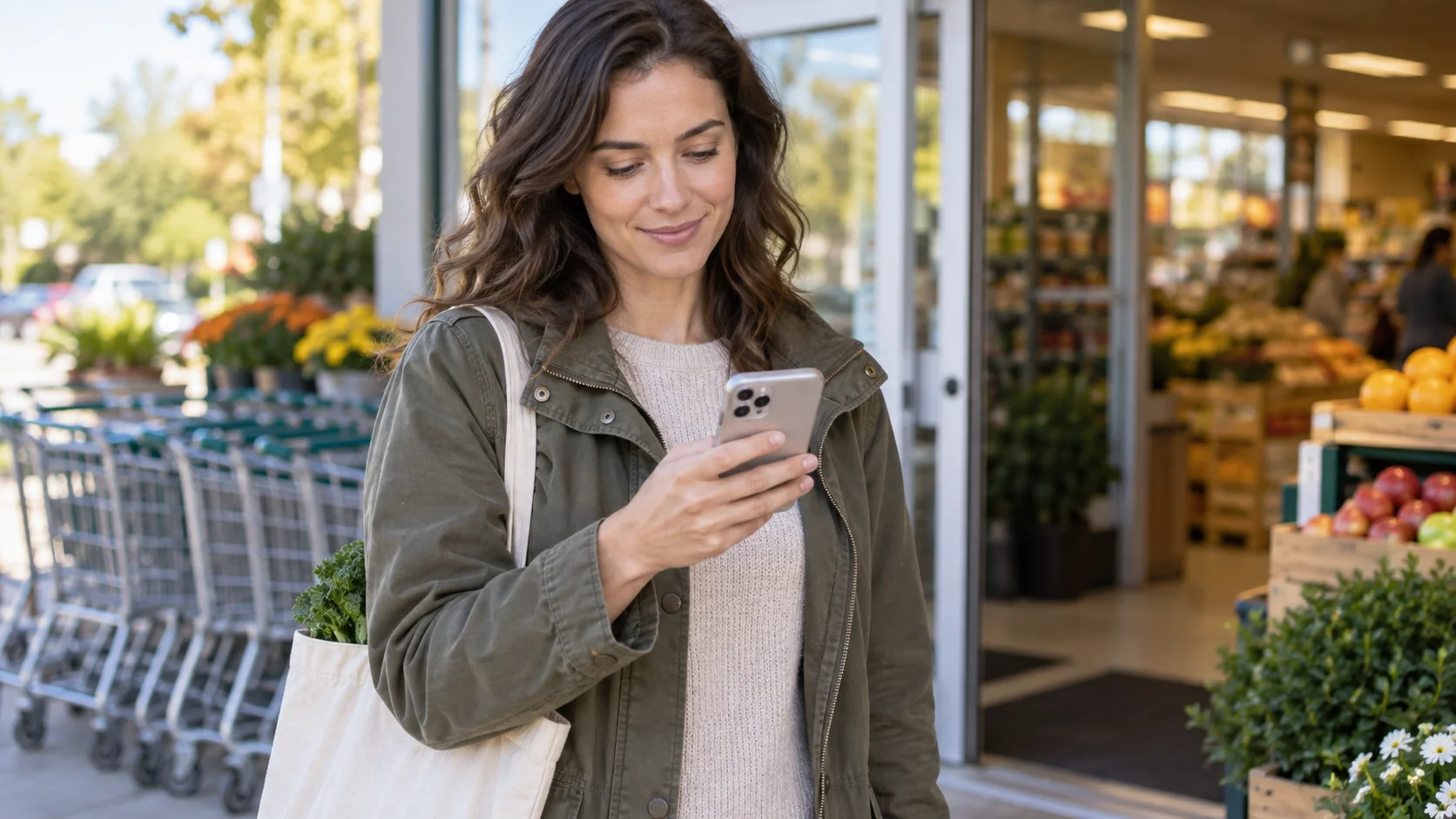
Shopkick made scanning a product in the aisle feel like a reward in itself. In the apps we checked, the barcode scan still exists but its job has changed. It now verifies whether a product qualifies for an offer, and the reward comes after you buy and submit proof.
Ibotta's help center describes a "Check product barcode" button on each offer page to verify offer eligibility. Its troubleshooting article explains that a UPC may not match because of variety or size exclusions, or because the wrong barcode was scanned on a multi-pack, in which case you should scan the outer wrapping. Fetch uses barcode scanning in a similar supporting role: when correcting a receipt within three days of submission, it suggests scanning the item's barcode for the most accurate correction.
So if what you liked about Shopkick was a small reward for scanning items without buying them, we could not verify a current equivalent on official pages. If what you liked was confirming a deal in the aisle before committing, Ibotta's barcode check does that job. For the broader landscape of scan-based apps, see our guide on how to get paid to scan barcodes, and read any app's live offer rules before assuming a scan alone earns anything.
Check the Reward Before the Trip
Open VISU and review the available activity, eligibility and reward details first. A code or a nearby location alone is not a promise that completing a visit will earn cash.
Receipt Scans: The Most Available Substitute
Receipt scanning is the Shopkick feature with the most surviving substitutes, because it is simple for apps to verify. Two examples with current, detailed help pages:
Fetch. Its help center says you open the app, tap the camera button and choose between snapping a physical receipt and scanning eReceipts. The snapping tips ask for the whole receipt, including store name, checkout date and total, laid flat in good light. For eReceipts, Fetch lists firm conditions: the retailer must be supported, the receipt must arrive at a connected account and land in your primary inbox, and it must be submitted within 30 days after the order was received. Orders still marked "Ordered" or "Shipped" are not accepted.
Ibotta. Ibotta works differently: you add offers from a supported retailer to your list before shopping, then submit proof. Its manual receipt route is for in-store purchases with point-of-sale paper receipts, and some retailers require you to scan a QR code or a barcode printed on the receipt instead of photographing it. Its help center adds that faded, smudged or misprinted barcodes will stop the scanner from reading the receipt.
The practical difference matters. Fetch is built around submitting the receipt after the fact. Ibotta is built around choosing offers before you shop. If you used to open Shopkick in the parking lot on the way out, Fetch will feel closer. If you used to plan a trip around specific product offers, Ibotta will.
Card-Linked, Loyalty-Linked and Online Rewards
If what you valued was the purchase rewards Shopkick offered, the easiest replacements do not need any scanning at all. They trade the scan for a data link.
Card-linked in-store rewards. Rakuten's help center describes card linking as connecting an eligible credit or debit card so you earn automatically when you pay with it at participating in-store or dining locations. Dining offers are added automatically once a card is linked, while in-store offers must be added before you shop. Rakuten says it does not sell your card information and never charges the linked card, and it lists card types that cannot be linked, such as corporate cards, HSA and FSA cards and government-administered prepaid cards.
Loyalty-linked rewards. Ibotta lets you link a supported retailer's loyalty account so matching purchases are credited without submitting a receipt, as long as you added the offers first and used that loyalty account at checkout.
Online shopping. Rakuten's terms describe its shopping programs across websites, apps and browser extensions. Fetch describes three online routes: Linked Offers, Fetch Shop and eReceipts, and notes that Linked Offers do not earn Fetch Shop points, so the route you choose changes what you receive.
These purchase-based programs depend on an eligible transaction, not simply your presence in a store. A receipt or linked account can reveal purchase details. Review the permissions and privacy policy before connecting an inbox, loyalty account or card.
What the Shutdown Teaches About Balances
The most useful lesson from Shopkick is not about any feature. It is about the balance sitting in your account. According to the Money Saving Mom report, users had no warning before the app stopped working, and points that had not been redeemed could no longer be used in the app. Since we found no official statement on those balances, the safe assumption is that a points balance is only as durable as the company holding it.
That leads to a few habits worth keeping in whatever app you move to:
- Redeem when you reach a threshold you can use. Letting points pile up for a bigger reward concentrates risk in one account.
- Store redeemed gift card codes outside the app. A code saved in your own notes or email does not depend on the rewards app staying online. Whether a given card still works is a question for the retailer that issued it.
- Screenshot your balance and history now and then. If an app fails, your own records are the evidence you will have.
- Read the program terms on changes and termination. Most rewards terms reserve the right to change or end the program. Knowing that upfront sets realistic expectations.
This is not a reason to avoid rewards apps. It is a reason to treat points as a short-term balance rather than savings.
How to Rebuild Your Old Shopkick Routine
Instead of hunting for one app that does everything Shopkick did, rebuild the routine by mechanism. Answer three questions honestly.
- Which Shopkick action did you do most often? Walking in, scanning products, scanning receipts or shopping online. Start with the mechanism that matches it, using the table above.
- Where do you shop? Supported retailers, partner locations and eligible cards all vary. Before you install, check that the app lists the stores you actually visit.
- What are you willing to share? A receipt photo, a connected inbox, a linked card or a location check-in each reveal something different about you. Pick the lightest trade that still covers your habits.
A realistic stack for a former Shopkick user might pair one receipt app with one location-based reward, then add a card-linked or online option only if the stores you use are supported. Start with one app, confirm that the first reward actually credits as described, and only then add another. That is a small test of one app, not a guarantee about every future offer.
Review VISU Rewards
Explore the activities available in VISU and read their individual conditions. Confirm what the reward is, whether a purchase is required and what you must complete before participating.
Frequently Asked Questions
Is Shopkick shut down?
The official website now displays the notice of Shopkick’s Chapter 7 filing on May 29, 2026, Delaware case 26-10877, instead of a working rewards service. The notice does not explain how an individual member could recover unredeemed kicks.
What happened to my unredeemed kicks?
We found no official Shopkick statement about unredeemed points. The bankruptcy court docket for Case No. 26-10877 is the official record; for advice on any claim, speak with a lawyer.
Is there an app that pays just for walking into stores?
The programs reviewed here do not establish a like-for-like replacement for Shopkick’s old walk-in points. Check the exact conditions of any location-based activity; scanning a QR code is not automatically proof that a reward is owed.
Which app still uses product barcode scans?
Ibotta offers a Check product barcode button to confirm whether an item qualifies for an offer. The scan checks eligibility; cash back still depends on buying the item and submitting proof.
Will gift cards I redeemed from Shopkick still work?
Check the issuer and status of the specific gift card, using its official balance-check or support channel. A saved code does not guarantee activation or validity. Keep the original redemption confirmation and code outside the Shopkick app.
Should I keep a large points balance in a rewards app?
It is safer not to. Shopkick users reportedly had no warning before the app stopped working, so redeeming once you reach a usable threshold limits what you could lose if an app closes.
References
- Shopkick official site: bankruptcy notice
- US Bankruptcy Court for the District of Delaware
- Money Saving Mom: Shopkick's sudden shutdown
- Ibotta: How does Ibotta work?
- Ibotta: The product barcode does not match
- Fetch: How to Snap Receipts
- Fetch: eReceipt Eligibility Requirements
- Rakuten: Linking a Card for In-Store and Dining Cash Back
- Fetch: availability and receipt rules
- Rakuten: US in-store eligibility
- Ibotta: military-base exception
- Fetch: recovering receipt points
- Fetch: online purchase routes