

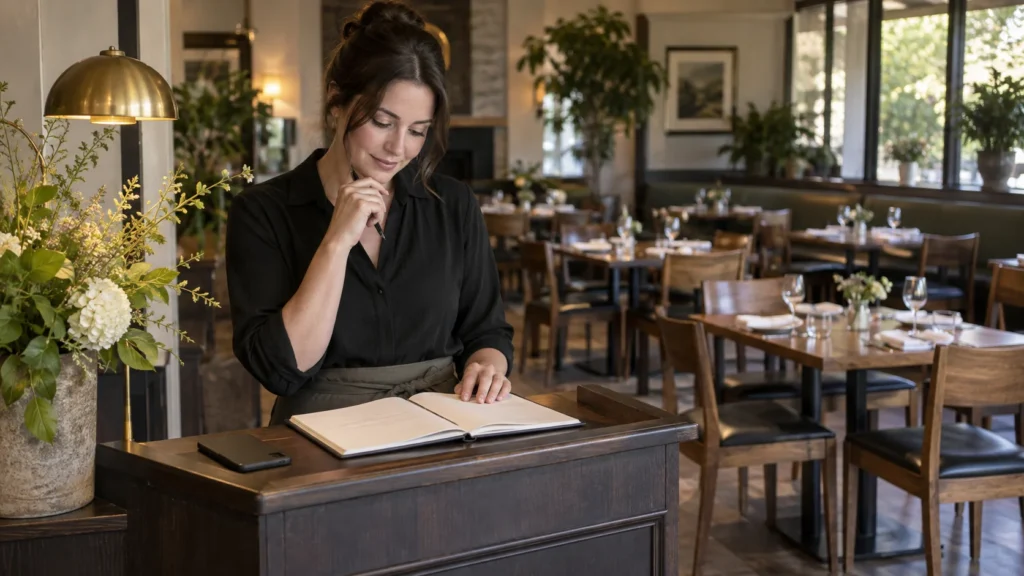
A guest wants a table for Saturday. Your “Book a table” button opens either the reservation platform you already use or a conversation with your team. Those routes can work, but they do not mean the same thing. Choose one honest first action, explain when a request becomes confirmed, and keep the link current across your site, QR and social profiles.
Put Your Restaurant Information in One Place
Bring your menu, hours, location and existing links together on a public page with a QR for your venue. See the Restaurants Solution.
For restaurant owners and managers.
Say What the Button Actually Does
“Book a table” sounds like an action with a result. A guest chooses a time, enters the party size and receives confirmation from the system that controls availability. “Ask about a table” is different. A message or phone call starts a conversation; the restaurant still needs to check the book and answer. Neither route is universally better, but the label must tell the truth.
If a guest taps a WhatsApp button at midnight, the message is not a table. If the restaurant is closed and nobody replies until morning, the request may still be pending. Put that fact near the button and set a response expectation the team can actually meet. Do not use an automatic greeting as if it were a confirmed reservation.
If the restaurant uses an external booking provider, that provider decides which times are open, accepts the party size according to the restaurant's settings, and sends its own confirmation. VISU Link can point to that public URL. It does not see the live table inventory or confirm a booking merely because a guest clicked.
Compare Three Reservation Routes
Start with the channel the restaurant already operates reliably. A multi-action page is useful when the guest needs to choose between standard booking and another kind of request; otherwise it adds a tap.
| First action | When it fits and what to check |
|---|---|
| Direct provider link | Use it for ordinary tables when the current provider holds accurate availability and confirms bookings. Check: Does the exact public link open on a phone, show the right venue and party size, and give a clear result when no times remain? |
| Direct message or call | Use it when a staff member must assess the request, such as a larger group or a special arrangement. Check: Who responds during service, how long may it take, and how will the guest know the table is truly confirmed? |
| Restaurant page with two routes | Use it when standard bookings and special inquiries are both common. Check: Is “Book an ordinary table” first, with “Ask about a group” clearly separate? Who keeps both links and their labels current? |
OpenTable, for example, describes online reservations and a booking widget for restaurant websites in its own product. This shows what an external provider can own. It does not mean every restaurant uses that provider or that VISU Link contains the same inventory, waitlist or confirmation features.
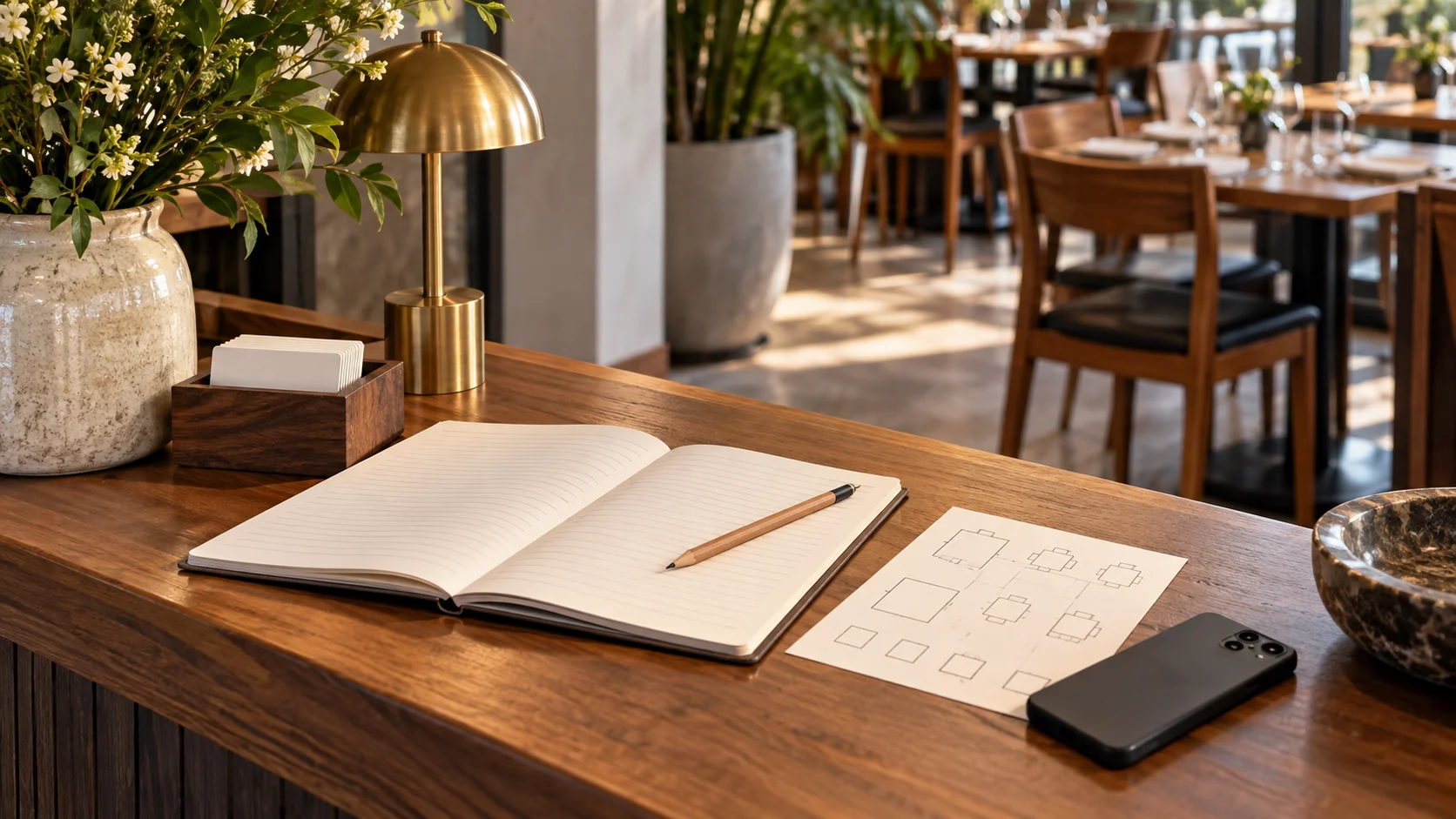
Write Down the Rules Before Linking
The link is only the front door. Before printing or sharing it, the manager should record how the restaurant handles the requests behind it. If nobody can answer these questions, the problem is in the reservation operation rather than the colour of the QR.
- Party size: which sizes can use the ordinary provider link, and which need a direct conversation?
- Booking window: how far ahead may a guest book, and what happens to a same-day request?
- Unavailable times: does the provider show alternatives or a waitlist, or should the page offer a monitored contact channel?
- Confirmation: what message or status tells the guest a table is held, and which system or employee sends it?
- Changes: where does the guest change or cancel a reservation, and who updates the table book?
- Service ownership: who checks the link before a busy shift and who answers messages when the usual host is away?
Use the restaurant's actual policy in public copy. Do not invent a deposit, cancellation window or response time just to fill a template. If the team does not accept walk-ins at a particular service, say so through the channel it already uses. If it does accept them, a booking button should not imply that every seat is reserved online.
The guest should understand where the transaction occurs. If they tap a provider link, the provider's page should identify the restaurant and control the confirmation. If they write a message, the team must reply with a clear yes, no or alternative. A sent message, an automated acknowledgement or an outgoing-link click is not evidence of a confirmed table.
Help Guests Find the Right Link
Show guests the menu and the ordering, booking or contact links your restaurant already uses. See how a page and QR can present those choices.
For restaurant owners and managers.
A Fictional Bistro With Two Kinds of Request
Fictional example. A neighbourhood bistro already uses a reservation provider for ordinary dinner tables. The manager updates its opening times there and checks the public link before the weekend. The bistro also takes requests for a private family dinner, which require a conversation about group size and the room. It does not ask the booking provider to promise a private room that the manager has not approved.
For the bistro's website and social profile, the primary button says “Book a table” and opens the provider's public reservation page. The secondary button says “Ask about a group dinner” and opens the bistro's monitored contact route. If a VISU Link page is used on a card or QR, it displays those two choices in that order, along with the menu and location links the bistro already maintains.
A guest selecting an ordinary table chooses a time and party size in the provider's system. The provider sends its confirmation according to the restaurant's setup. A guest asking about the family dinner sends a message and sees that the bistro will respond; only the staff's later reply confirms the arrangement. The VISU Link page points to both channels but does not perform either confirmation.
If the provider link changes, the manager updates the button and tests the printed QR's destination. If the bistro pauses group bookings, it removes or changes the group button rather than letting requests enter an unmonitored inbox. This is a manual operating decision, not an automated VISU rule.
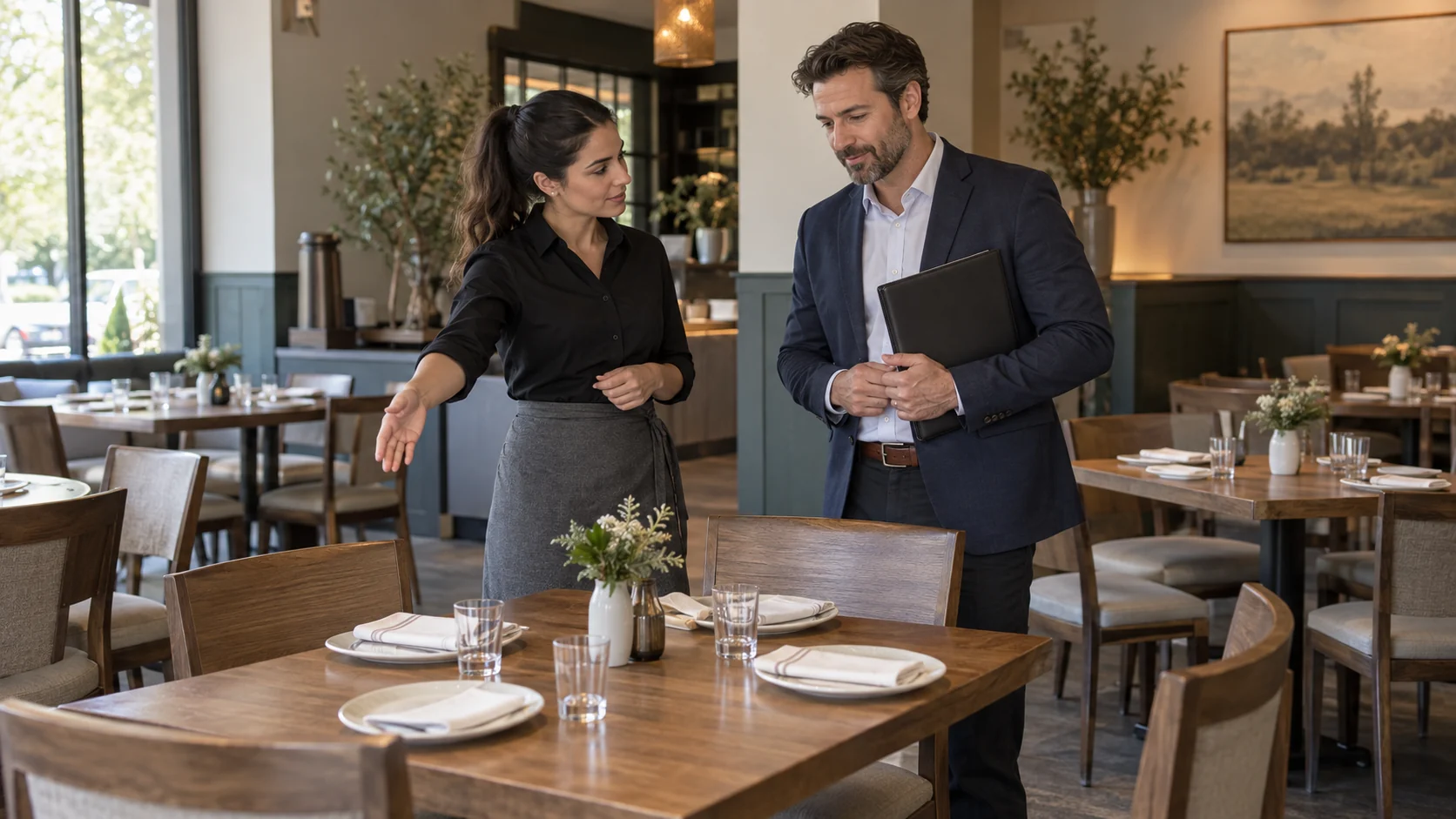
The example does not prove that two buttons produce more reservations. Measure completed reservations and answered inquiries in their respective tools if those records are available.
Match the Route to the Guest's Starting Point
A QR on a closed restaurant window serves someone who cannot ask the host in person. If its purpose is booking, use the public booking URL or a short page with that button clearly first. A QR on the dining table usually has a different job: menu, ordering through an existing system, or service information. Do not replace that task with a reservations prompt just because the same artwork is convenient.
On Instagram or a business profile, a guest may still be deciding whether to visit. A restaurant page with hours, menu, route and booking can make sense if those are genuinely different questions. Once the guest chooses “Book”, send them to the tool that can show availability. Avoid a chain of pages that each says “Book” without reaching the actual booking action.
Large-party or event inquiries need an equally clear path. If the restaurant has a separate private-dining form or contact address, link to that existing channel and label it as an inquiry. Do not imply a date is held before the responsible person checks the space, staffing and terms.
Assign an Owner for Every Link
A reservation route can fail quietly when the provider changes, opening hours shift or messages go to a phone nobody watches. Name the person who owns the link and the person who owns the underlying table availability. They may be the same manager in a small restaurant, but the two jobs are different.
When the restaurant updates service hours or booking limits, make the change in the reservation provider first. Then check that the public link still shows the right venue and action. If the contact number changes, update the page and the printed material that carries it. A page edit cannot change a telephone number already printed on a card.
Before a busy service, scan the QR on a current phone. Open the booking button, check the restaurant name and a sample date without making a real reservation, then close. Test the group contact route without sending a fake customer inquiry. Record the date and owner of the check. This catches broken URLs while keeping the restaurant's live book free of test entries.
Use VISU Link for the Handoff, Not the Booking
The VISU Restaurants solution offers a restaurant page and QR built around the links and information the venue already uses. For this case, the useful configuration is a clear route to the existing reservation provider and, if needed, a separate staffed inquiry channel. The restaurant remains responsible for the provider account, table rules and guest responses.
If the bistro only needs one working provider URL, it can share that URL directly and test it. A VISU Link page adds value when guests need a choice among menu, location, booking and a distinct group inquiry. Table inventory, booking confirmation, waitlist, deposits or provider synchronization would be a different project with agreed scope and delivery terms.
Test the Route Before Publishing a QR
- Read the button label and check whether the destination actually confirms or only receives a request.
- Open the provider URL on a phone without a staff login and verify the venue, times and party-size path.
- Confirm who answers direct messages, when, and how the guest learns whether a table is held.
- Check the route for unavailable times, larger groups and changes or cancellations.
- Scan each printed placement and make sure the QR promise matches that location's task.
- Assign an update owner and repeat the test after provider, phone or service-hour changes.
If a route is not ready, remove the button until the operation behind it is ready. A link that looks polished but leaves a guest uncertain about the table is not a booking solution.
Evaluate the Deliverables for Your Venue
Review the page, QR and print artwork offered for your restaurant. Compare the scope with the information and links you want to present.
For restaurant owners and managers.
Frequently Asked Questions
Does a WhatsApp message count as a table reservation?
Not by itself. It is a request until the restaurant checks availability and clearly confirms the table through its chosen process.
Should a restaurant QR open the booking provider directly?
Yes when the printed promise is to book an ordinary table and that provider is the current source of availability and confirmation. Use a labelled page of options when guests also need a separate inquiry route.
Can VISU Link show two booking-related buttons?
It can link to the restaurant's existing public booking and contact channels. Name one as a confirmed-booking route and the other as an inquiry only if that matches what each channel actually does.
Does VISU Link manage tables or send booking confirmations?
VISU Link sends the guest to the existing booking provider or restaurant contact channel. The provider or staff handles availability and confirmation. A new booking workflow would be a separate project.
How do I know a booking button is working?
Open it on a phone and check the venue, service hours and available actions without placing a fake reservation. A click count alone does not show that a table was booked.