

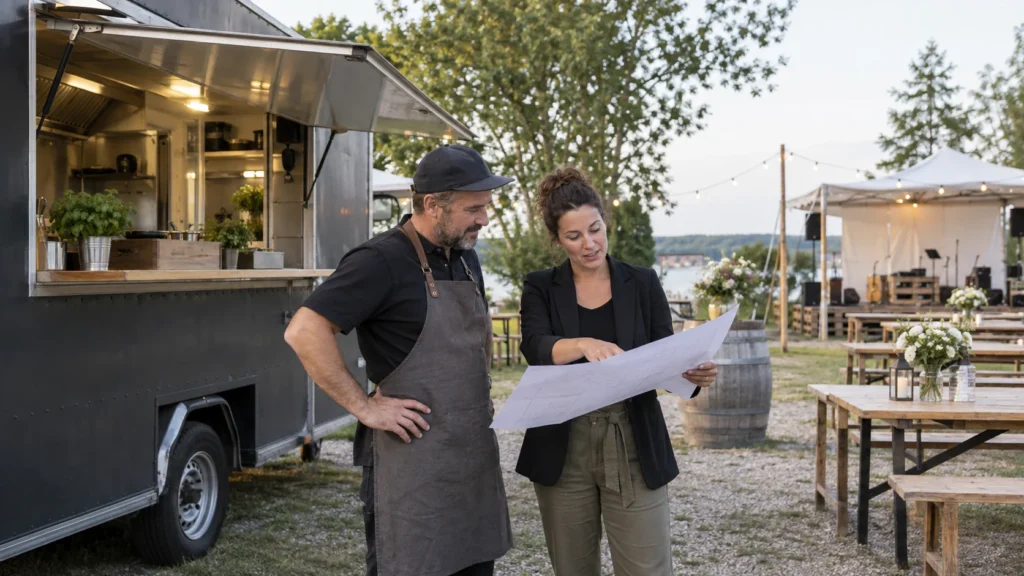
An event organizer likes your food truck menu and asks what it would cost to bring the truck to a company lunch. A menu shows what you sell; it does not tell you whether the date, site, service window and guest count fit your operation. Build a short event request route that gives you enough to assess the job before preparing a quote.
Make Your Truck Easy to Find
Present your menu, stop details and existing links on a public page with a QR for your food truck. See the Food Trucks Solution.
Separate the Everyday Menu From an Event Request
A customer standing at your truck needs today's items, prices and an order route if you already have one. An organizer planning a private event needs something else: whether your truck can serve that date, place and crowd, and who can prepare a proposal. Sending both people to the same menu can make the organizer guess whether a food photo is a catering package or a regular counter item.
Keep the everyday menu available as a sample of the food. Add an event route with one clear action: “Ask about an event” or its local equivalent. That action can open your existing business email or an external request form. If you already use a catering marketplace, it may be the right destination for the request; do not create a second form that nobody checks. Put the person responsible for event requests behind the link, not a general inbox that regularly goes unanswered.
A QR on the counter can still prioritize the menu. A link in a corporate events brochure can prioritize the event request. If one page must serve both contexts, label the choices and put the most likely task first. This is a decision about operator workload and buyer clarity, not a claim that one extra tap increases or reduces sales.
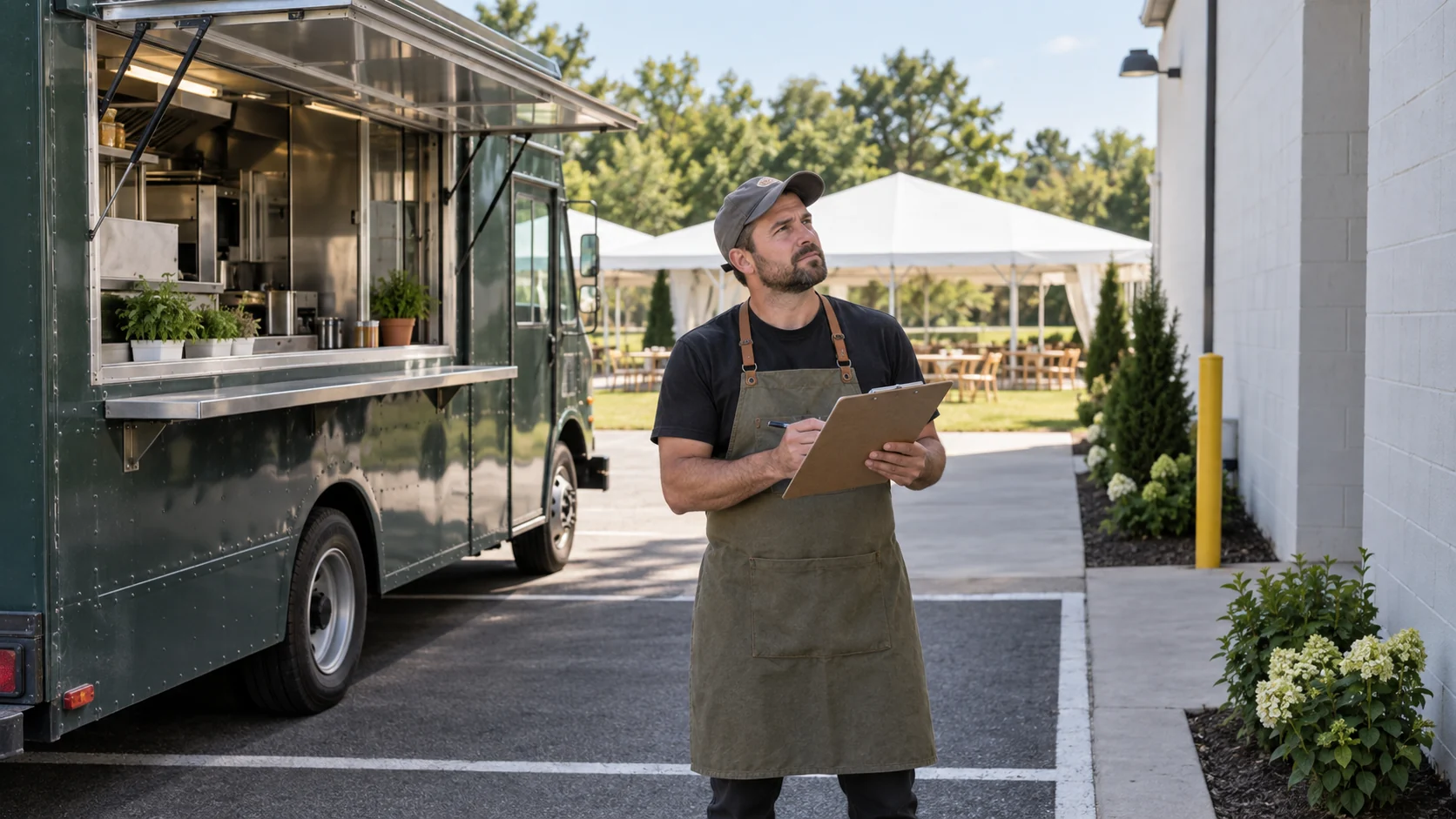
Collect the Facts That Change Whether the Truck Can Go
Do not start with a generic “Tell us about your event” text box and hope every organizer remembers the decisive details. Ask enough to route the request and evaluate it, then follow up privately if the site needs a closer check. The precise fields depend on the truck, venue and local requirements; the list below is an operator worksheet, not a universal legal form.
| Question to ask | Decision it supports |
|---|---|
| Event date, start/end time and requested serving window | Can the truck and crew arrive, set up, serve and leave around the existing schedule? |
| Venue name, location and contact person | How far is the site, and who can confirm arrival instructions and physical access? |
| Estimated guests and how food will be paid for | Is the expected demand suitable for one truck and the proposed service model? |
| Menu preference and relevant dietary questions | Which items or a limited event menu can the operator actually prepare and describe accurately? |
| Parking, service space and power if the truck needs it | Can the truck enter and operate in that place? What must be verified with the venue? |
The Hangry Bird Food Truck event request form asks about date, service time, location, parking, power if needed, guests, how meals are paid for and menu preference. The College of Charleston food truck request similarly separates event date, time, location and guest count from later confirmation. These are first-party examples of questions and handoff, not rules that apply to every truck or city. Both make clear that submitting details is not itself a confirmed truck appearance.
Keep the first request proportionate. Contact name, business reply route and broad event facts may be enough to decide whether to continue. Do not ask guests' individual medical details or payment credentials in an open request. The operator can clarify dietary needs and formal requirements through the appropriate private process later.
Match Guest Count to a Service Plan You Can Deliver
Guest count alone is not a price. It interacts with serving time, menu complexity, payment model and where people will queue. Eighty guests arriving over two hours create a different service problem from eighty people expecting lunch in a short break. Ask whether the host pays for all meals, guests pay individually, or the organizer uses tickets or a capped allowance. Describe the actual method you can support, then price it through your own normal proposal process.
A limited menu may help the operator plan stock and service speed, while a full public menu can show the range of food available on ordinary days. Do not imply that every regular item will be available at a remote event. If the venue has other food vendors or a fixed serving area, learn that before promising a layout. Ask the site contact how a truck enters, where it parks, whether a queue can form safely and whether power is actually available if your operation requires it.
These checks affect whether you can quote and what you would need to include. If the truck lacks capacity, say so or discuss a narrower service window rather than sending an attractive but undeliverable price. A second truck, different menu or staffing plan is a separate operator decision; do not imply VISU allocates vehicles or predicts throughput.
For public discovery, your existing menu or a small event menu page can show approved choices and photos. The request channel should collect the event facts that the public menu cannot answer. Keep price or availability statements on that page only when someone owns and updates them.
Show the Menu and Existing Channels
Help visitors find your menu, location and the ordering or contact channels your truck already uses. See how the page and QR can present them.
Build a Handoff the Operator Can Actually Work
Write the route in simple states that your team understands. First, the inquiry arrives through the chosen email or external form. Second, the assigned person checks date, location, headcount, service window and physical access. Third, the operator asks follow-up questions or declines. Only then does someone prepare a proposal using the truck's real costs and terms. The website does not need to display a status tracker to make this process honest.
Put an owner and fallback next to the request channel: who sees it, who replies when that person is away, and what public contact remains if the form fails. If an outside marketplace handles the inquiry, verify its URL and notification path rather than assuming a VISU page receives the submission. If requests arrive through several channels, record where the authoritative conversation lives to avoid offering the same date twice.
Use a confirmation message that says the request was received for review, not that the truck is booked. If the operator cannot accept the event, a prompt clear reply is more useful than silence. If the event is possible, the proposal should say what menu, serving window, location assumptions and payment arrangement were actually agreed, and how the organizer confirms them through the operator's existing process.

A Fictional Request for Eighty Guests
Illustrative example, not a VISU customer or completed booking: a local company asks a taco truck to serve a staff lunch for an estimated eighty people. It sends the date, a one-hour lunch window, venue address, contact person and a preference for two menu choices. The organizer has not yet confirmed where the truck may park or whether the venue can supply power.
The operator does not reply with a fixed per-person price from the public menu. She first checks her calendar and crew, asks for a site contact and entrance details, and decides whether the one-hour window fits the menu and equipment. She may ask the company to confirm whether it will pay for everyone or whether staff will buy their own meals. If the location or service window cannot work, she explains the constraint before preparing any quote.
If the event looks possible, she sends a proposal through her existing business channel. It describes the agreed menu and serving time, assumptions about site access and the next step for confirming the date. The VISU Link page, if used, simply led the organizer from public truck information to that existing inquiry channel. It did not calculate the proposal or hold the booking automatically.
Another organizer might already know the truck and only need its event request link. In that context, a direct link to the current form may be clearer than a multi-action page. The operator chooses the route based on what the organizer still needs to decide.
Decide When a Quote Is Ready to Send
Before writing an amount, the operator should have enough reliable information about the requested date and serving window, site access, guest estimate, menu and payment arrangement to describe what is being offered. Some details may remain assumptions, but label them and say who must confirm. A quote can state that the site or schedule still needs approval; it should not look like a confirmed booking.
Separate the public menu from the proposal. The menu tells people what the truck typically serves. The proposal states what the operator offers for this event under these conditions. If a price or menu changes later, send an updated proposal to the organizer and keep one version as the agreed reference. Editing a public page alone does not notify someone who is already negotiating privately.
Do not copy a marketplace's rates into your article or present a universal price per guest. Equipment, travel, staffing, menu and duration vary; the operator owns the actual quote. The useful digital job here is making the request clear enough to evaluate, then getting it to the right person.
Test the Event Inquiry Route Before Sharing It
- Open the page or QR on a phone without the truck owner's login. Can an organizer find the event request action without mistaking the regular menu for a package price?
- Open the current external form or email. Check that it asks the date, location, expected guests and serving window you actually need.
- Send a controlled internal request through the existing channel, if appropriate, and verify that the responsible person receives it. Do not send a fake request to a customer.
- Check the wording after submission: it should promise review, not availability or automatic confirmation.
- Set a fallback contact and retest when the form, menu or operator changes.
A VISU Link page and QR can present approved truck information and route to an existing menu, contact or event-request tool. For help setting up that page and printed destination, use the Food Trucks Solution contact form and bring the truck's current links, operator responsibilities and one sample event brief. A calculator, booking workflow, contract, payment or capacity integration would need separately scoped work.
The ordinary food truck menu comparison remains the guide for PDF versus lightweight menu and a counter QR. Event quote readiness is a different decision.
Evaluate the Deliverables for Your Truck
Review the public page, QR and print artwork offered for your truck. Compare the scope with the menu, stop information and links you maintain.
Frequently Asked Questions
Is the public food truck menu enough for catering inquiries?
It helps an organizer see typical food. An event request also needs date, location, guest estimate, serving window and a person who can assess the truck's capacity.
Does a submitted form reserve the truck?
No. The operator must review date, site and service details and confirm through the business process it actually uses.
Should I ask for a precise guest count immediately?
Ask for a useful estimate first, then confirm the count before preparing or finalizing the proposal. The operator decides the level of detail needed for its service plan.
Can VISU Link calculate a catering quote?
This guide uses VISU Link to present information and link to the operator's existing inquiry channel. It does not claim a native catering calculator or booking system.
What if the venue access is unclear?
Ask the venue contact about entrance, parking and service space before committing to a plan. Record assumptions in any proposal until the operator confirms them.