

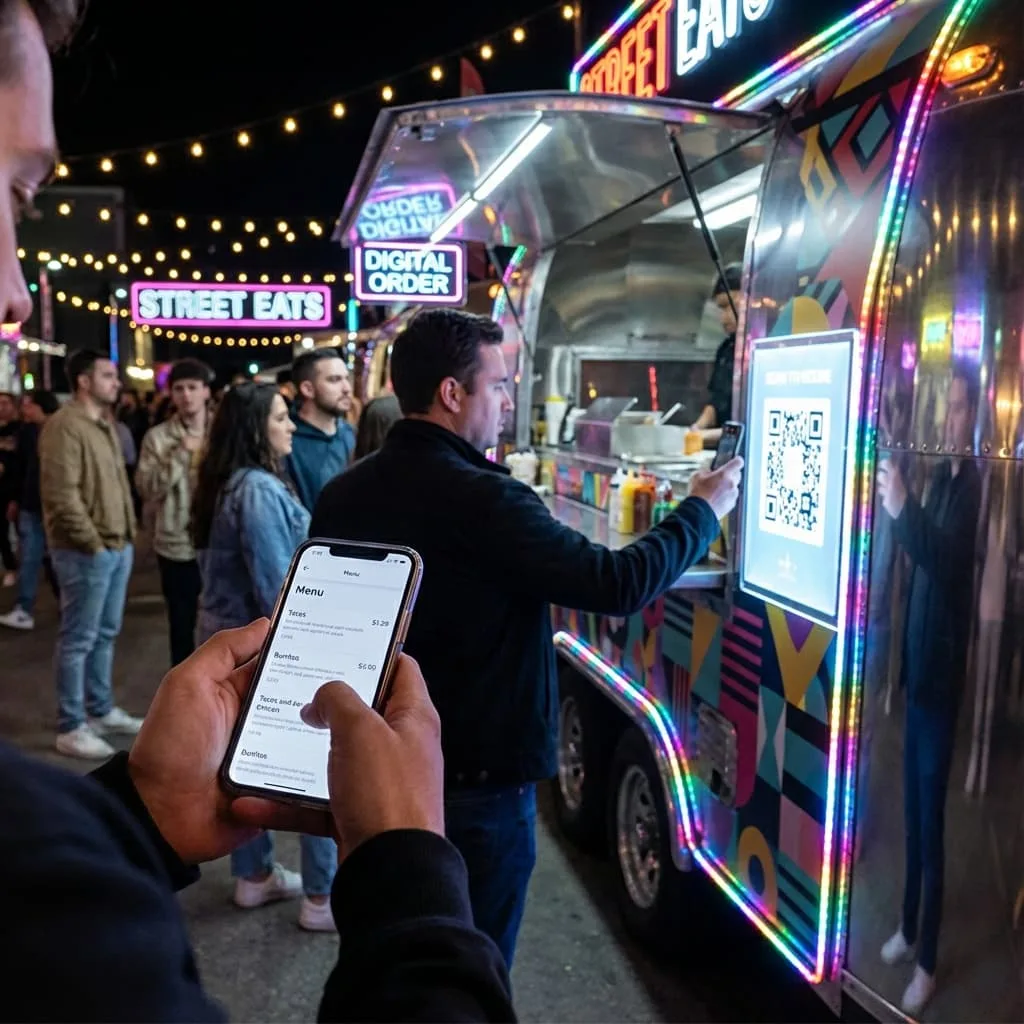
Anyone selling food on the street knows this scene. A customer walks up excited, asks for the menu, and you hand over a paper sheet that is already greasy, stained, and impossible to update. When you try sending a PDF through WhatsApp, the file takes forever to load, they have to zoom in and out, the screen is too dark at night, and the whole experience becomes a mess. All of this slows down the line, delays orders, and creates an impression of disorganization.
That is where the classic question comes in: should you pay for a full management system, or is a free digital menu enough to get started? And more importantly, which option actually works for food trucks and street vendors where rain, rush hours, and constant movement change everything by the minute?
Get Paid to Scan QR Codes
While vendors upgrade their menus, you can earn rewards just by scanning. Try it out.
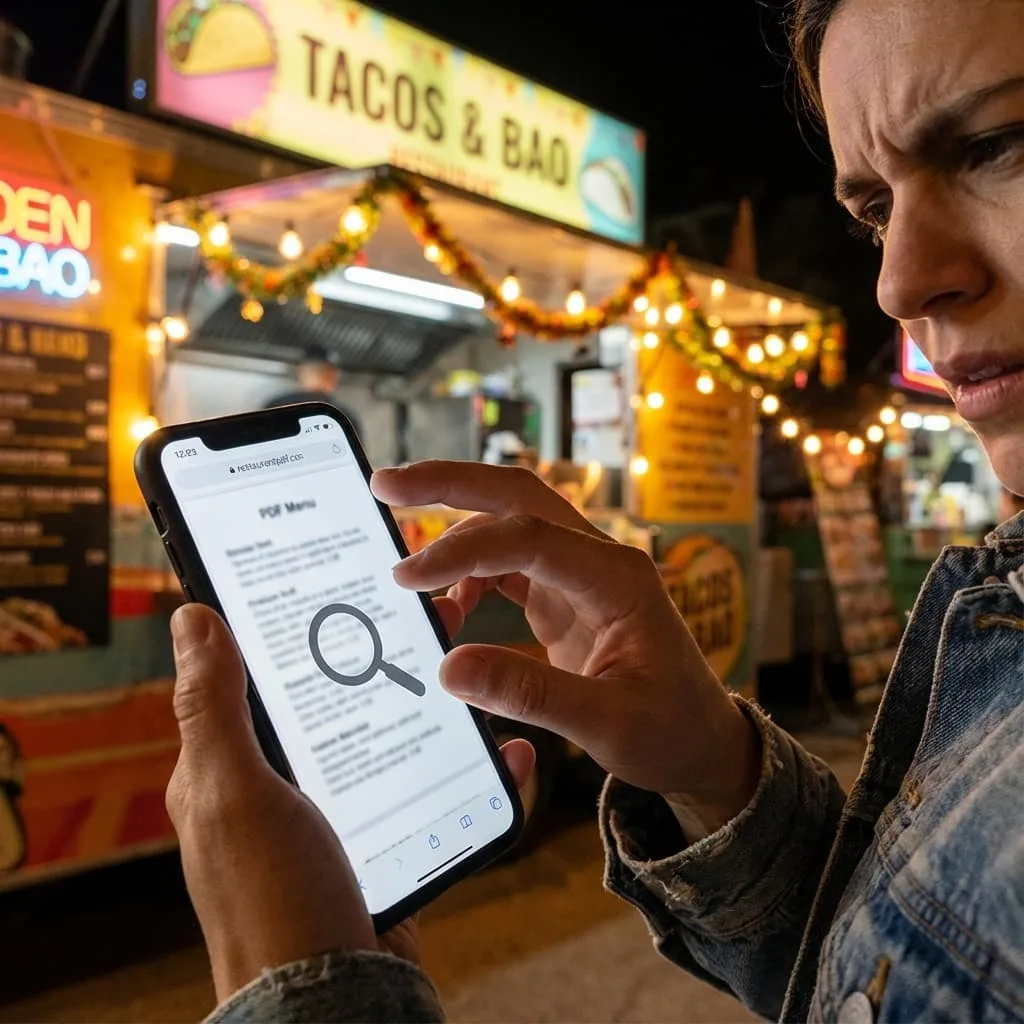
Why Traditional Paid Systems Also Fail Street Vendors
On the opposite extreme are paid systems with high monthly fees, onboarding costs, and long setups. For street food, this does not make sense. Vendors need speed and simplicity, not complex dashboards and endless reports.
Many systems depend on tablets, computers, or printers. Outdoors this becomes a nightmare. Batteries die fast, rain ruins equipment, screens glare under sunlight, and the system freezes when you need it most. The cost goes up while results do not.
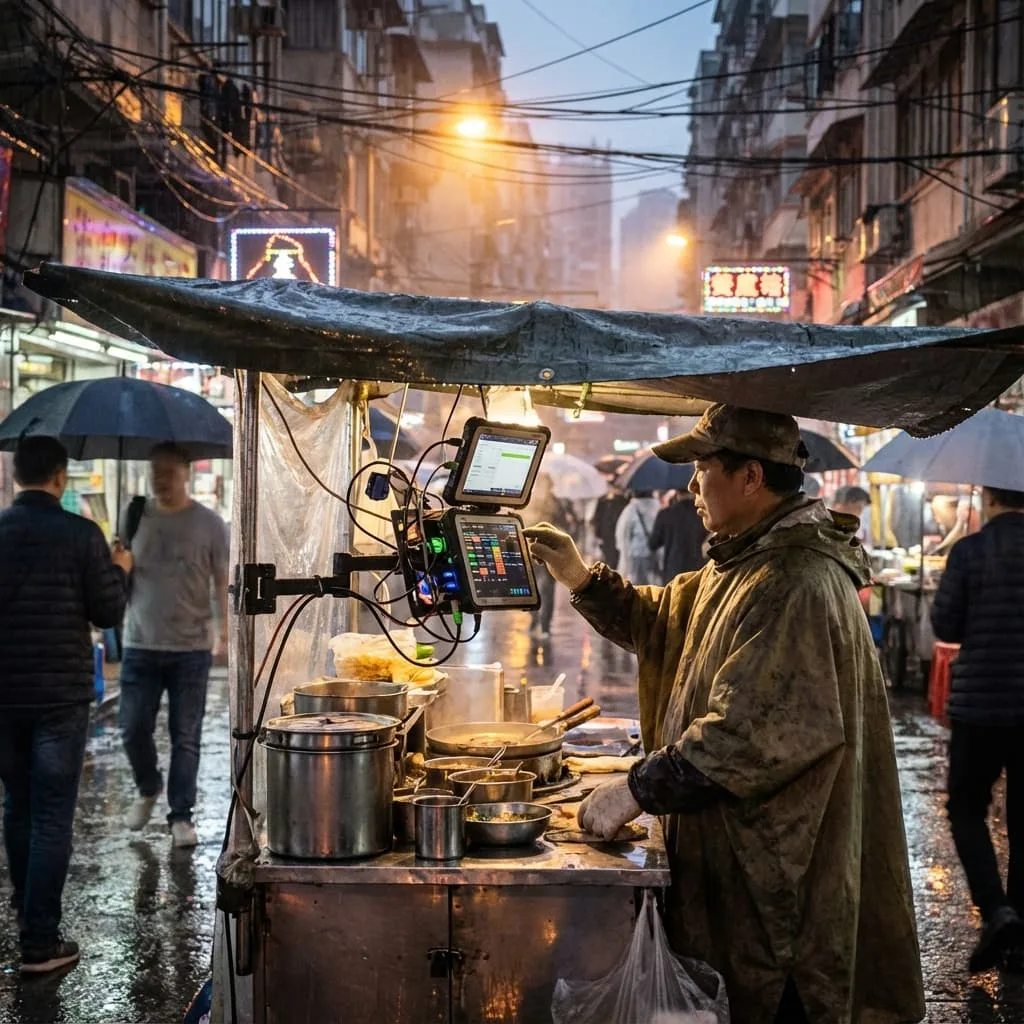
This is where lightweight options shine. You can update links without reprinting the QR when the destination supports editing; menu updates depend on the menu tool. It keeps your operation fast even with rain, movement, or weak connection. The same logic applies when you need to sell on rainy days: simple tools beat complex ones.
Complexity does not sell: street vendors need tools built for real outdoor conditions.
The Middle Path: Optimized Digital Menus
Between clunky PDFs and expensive systems lies the best solution: an optimized digital menu. A mobile-friendly menu can be easier to read; loading and update time depend on the service and connection.
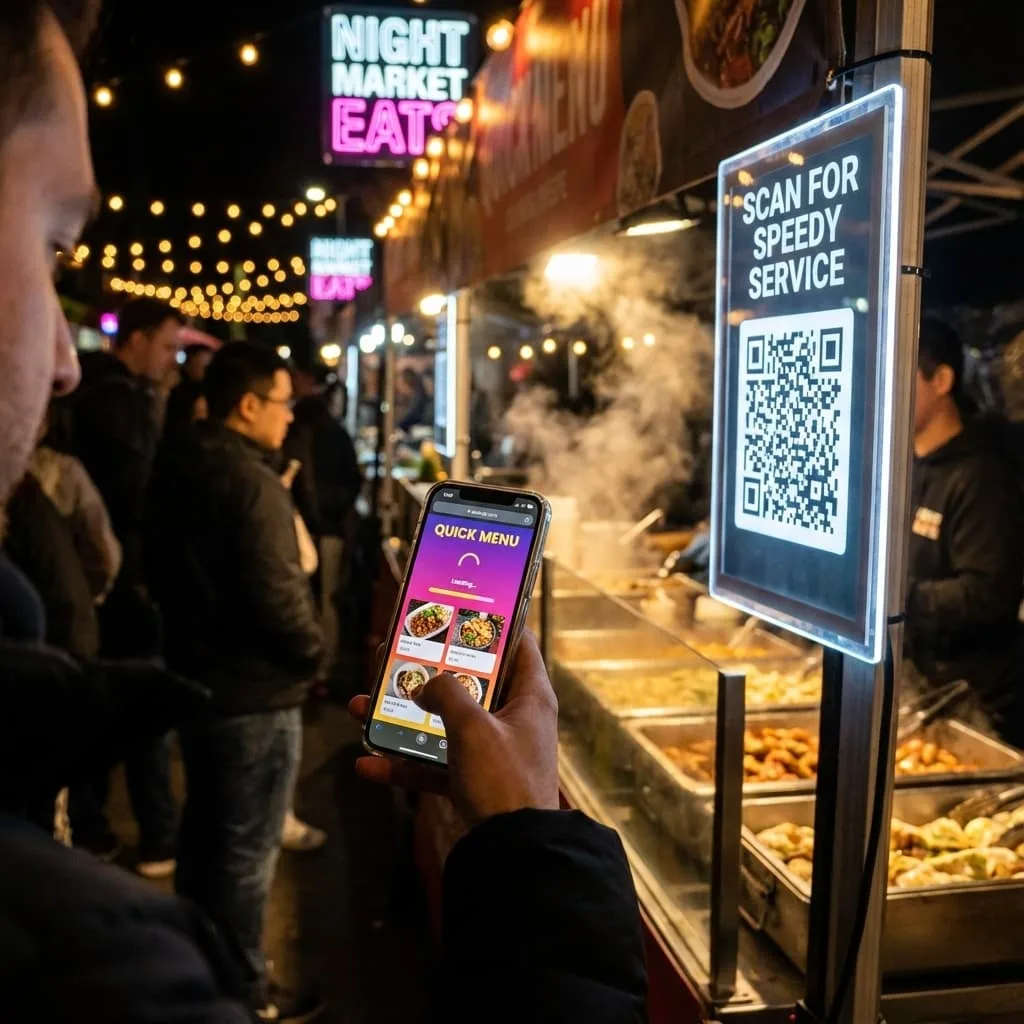
A fast menu also helps with reducing wait time. When customers decide before reaching the counter, everything flows better.
Turn Every Customer Into a Regular
A clear QR page can put the menu and other chosen customer destinations in one place.
Quick Comparison: PDF vs Paid System vs Agile Solution
Here is a simple overview to help you decide:
| Option | Cost | Updates | Experience | Data |
|---|---|---|---|---|
| Free PDF | Free but time consuming | Slow, manual | Zooming, heavy, hard to read | No insights |
| Traditional paid system | Monthly fee + extras | Faster but complex | Often needs app | Some tracking |
| Agile QR + link solution | Freemium, low barrier | Depends on who maintains the destination | Fast, clear, easy | Depends on the tools and setup |
Estimate the Cost of Menu Friction With Your Own Data
Record how often customers ask for a menu, cannot open it, or leave before ordering during comparable services. Compare that with actual completed orders before assigning a cost to menu friction. The menu alone cannot explain a change in sales. A clearer menu can reduce one source of confusion; see our guide to street food customer loyalty for the broader return-visit question.
How to Start With a Free Digital Menu
Today you can create a digital menu without spending anything. Start small and upgrade as needed. Test in the field, observe the line, adjust, and improve based on real behavior.
What to Prioritize at the Beginning
Focus on three elements: clear photos, short descriptions, and a visible call to action. These three things improve decision speed dramatically. If you want to attract more customers to street food, the menu is your first impression.
How to Create a Lightweight Digital Menu
Start by listing your main items. Write short descriptions that focus on what makes each item appealing. Use clear photos with good lighting. Create a single QR Code that links to your menu page. Test it in the field during a real service to see how customers interact with it.
And if you want to understand how attention becomes value on both sides of the transaction, check out how to get paid for your attention.
Choose What the Food Truck QR Opens
Pick the destination by the customer's immediate task. A QR that opens one action removes a choice; a page with several actions lets customers choose, but adds a tap. Test the route at your actual stop before printing signs.
| Customer's task | Destination and service check |
|---|---|
| Read the menu or leave a Google review | Open the current menu or the official review link directly. Test the destination on a customer's phone. See the Google review QR guide. |
| Choose among menu, current stop, existing order channel and optional review link | Use a VISU Link page with the main action first. Assign someone to keep each destination current. |
| Place and pay for an order | Open the existing ordering provider, if any. Confirm orders are open and its URL works; orders and payments stay there. |
| Synchronize stops, stock or orders | Scope a custom project. Agree on the data source, update rules and owner before any integration. |
Fill In the Operating Card Before Printing
- Menu URL: ____; person who can update prices and availability: ____.
- Today's stop, address and hours: ____; update owner and time: ____.
- Existing order provider and URL, if any: ____; what the page says when orders pause: ____.
- Printed QR location: ____; scan test on a customer's phone before service: ____; fallback contact if a link fails: ____.
For help configuring the page and QR around your actual workflow, use the Food Trucks Solution contact form. Bring the filled card and describe any custom connection separately so its scope can be assessed.
Turn Every Customer Into a Regular
Explore a page and QR setup for your menu, current stop and existing order channel.