

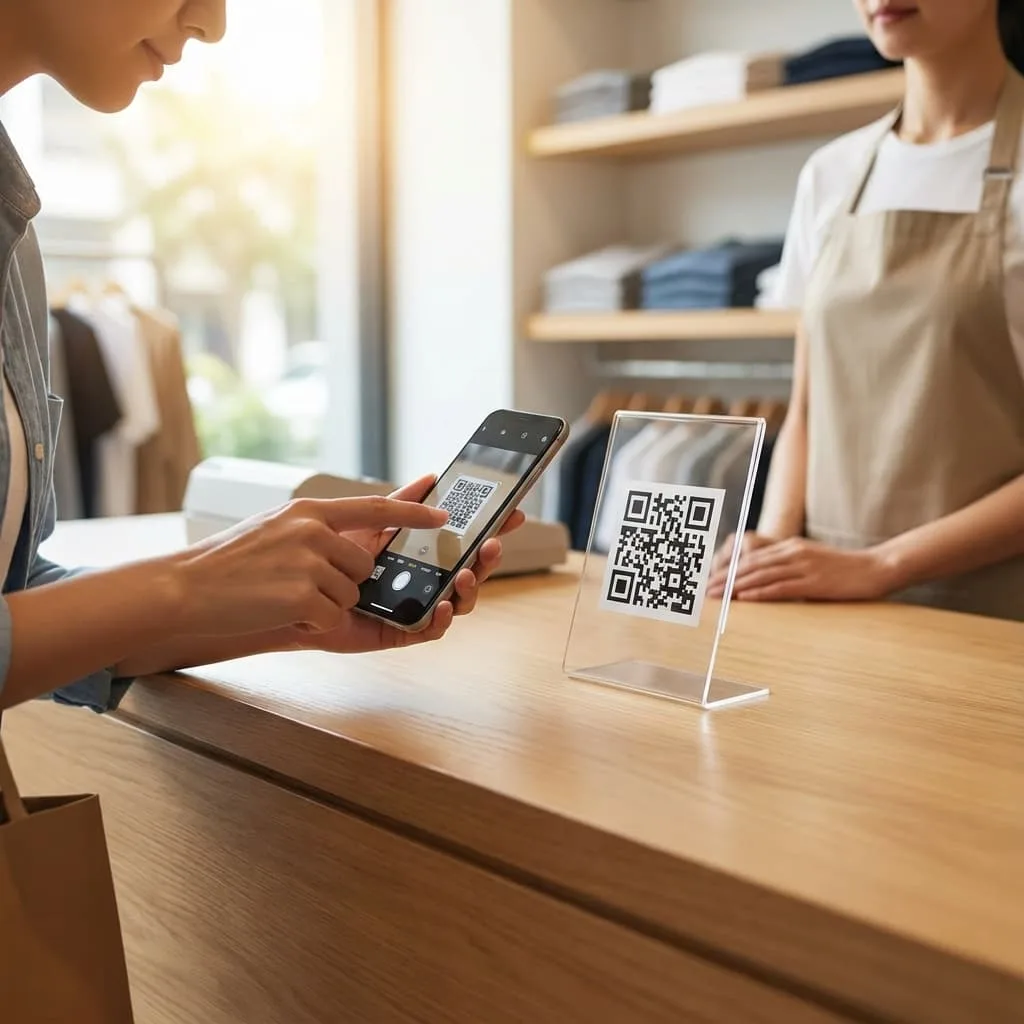
You printed a QR code, stuck it on the counter, and waited for reviews to roll in. A few came. Then it stopped. You have no idea if people are scanning it, if the link still works, or if the whole thing is just taking up space on your countertop. Sound familiar?
Static QR codes are everywhere now. Every business has one. But most of them are doing the bare minimum: a simple redirect to a Google review page with zero tracking, zero optimization, and zero strategy. It is like putting up a billboard and never checking if anyone looks at it.
A useful review QR starts with the right destination and a clear place to display it. Get the review-request link from Google; if you also need one page for menus, booking and other links, add that URL to VISU Link and share its QR.
Want the solution right away? Use VISU Link when the review link belongs alongside other useful business destinations. See the Solution →The problem with basic QR codes
A static QR code is just a shortcut to a URL. Nothing more. You generate it once, print it, and hope for the best. But hope is not a strategy.
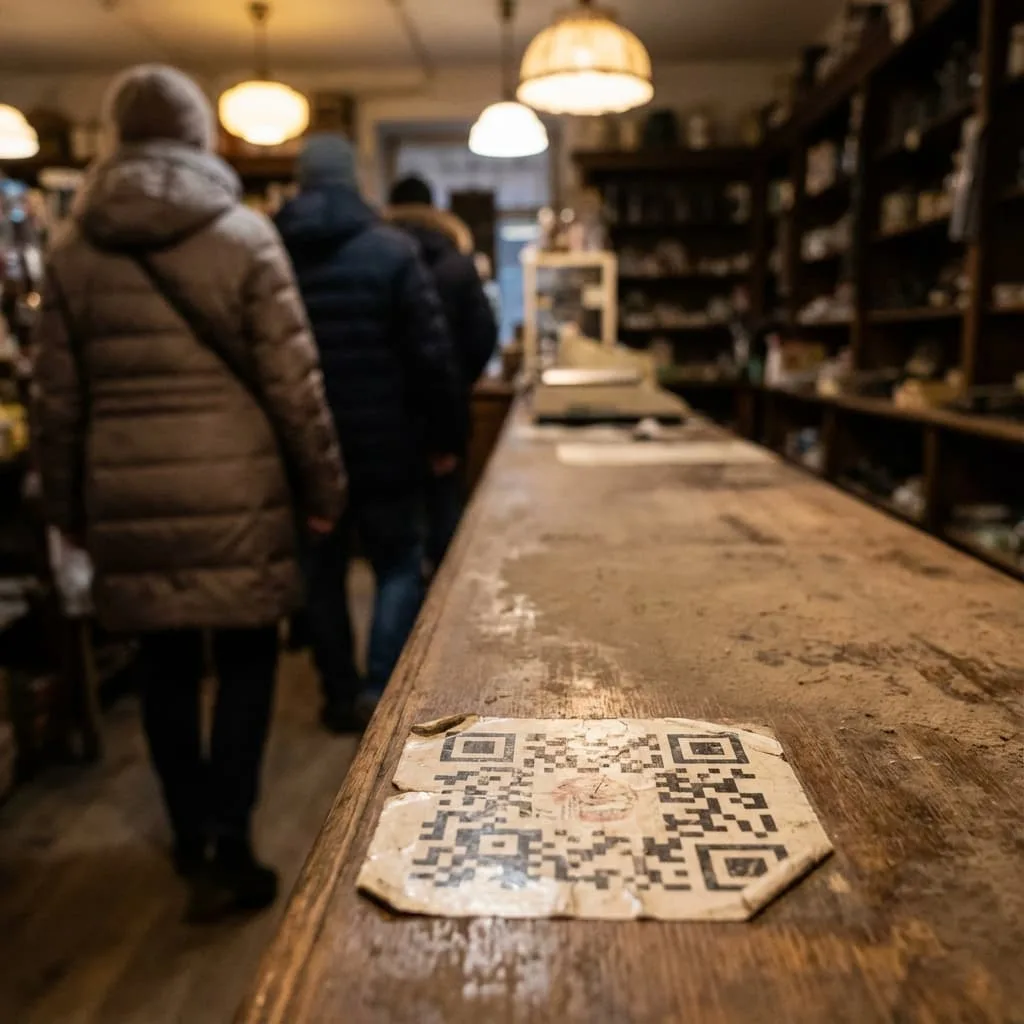
Here is what you do not know with a static QR code:
- How many people scanned it: Zero tracking means zero visibility into performance.
- When they scanned: Was it during busy hours? Slow periods? You have no idea.
- Activity after opening: A static QR alone does not show which page button visitors chose.
- If the link still works: Google links change. If yours breaks, you might not notice for months.
You also cannot change anything without reprinting. New campaign? Different destination? Updated branding? Start over from scratch.
Static QR codes are set-and-forget: Unfortunately, most businesses forget them and so do their customers.
What a QR link can and cannot do
A QR to a VISU Link page keeps the printed page URL consistent while you update the destinations shown there. That makes it useful when the review link is one of several actions you want customers to find.

A practical business setup can include:
- Official review URL: Copy the request link provided in your Google Business Profile.
- Optional VISU Link page: Put the review URL beside menus, bookings or other destinations.
- QR distribution: Use a counter card, receipt or other visible touchpoint.
- Page updates: Edit destinations on a VISU Link page while its QR keeps opening that page.
- Staff routine: Keep the page link current and invite honest feedback from all customers.
This is the difference between having a QR code and having a review collection system.
Why a visible review link helps
Most businesses rely on staff to ask for reviews at checkout. It works sometimes. But it is inconsistent, awkward, and completely dependent on human memory and motivation.
The cashier is busy. The customer is in a rush. The request gets skipped. Even when it happens, the customer nods politely and forgets by the time they reach their car.
A QR code that is always visible, always accessible, and always pointing to the right place removes this friction. The customer can act in the moment, while the experience is fresh and the phone is already in their hand.
For a deeper look at why reviews matter for revenue, see how to use Google reviews to attract more customers.
Systems beat willpower: A QR code does not forget to ask.
Where to place a review QR
Place the review link where customers can notice it and give honest feedback, without selecting only people likely to post a positive review.
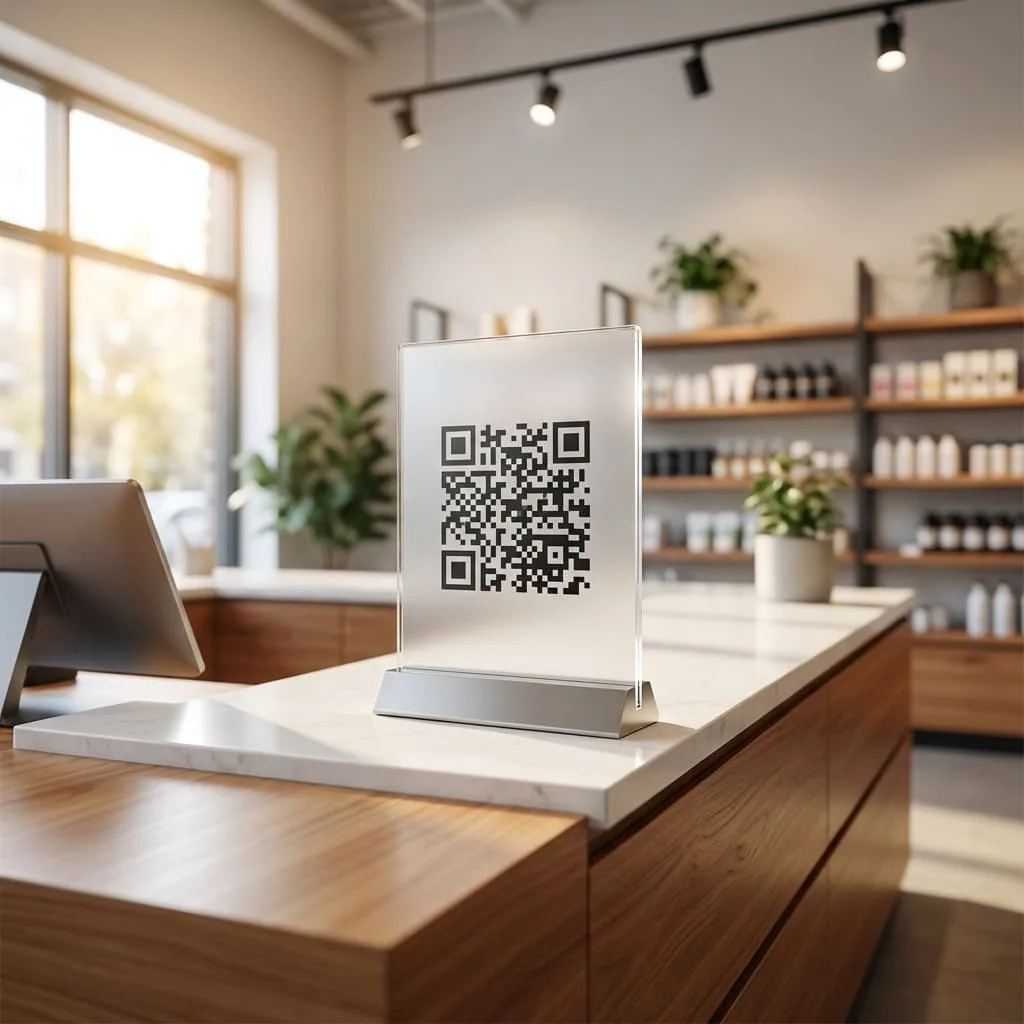
Best placement spots:
- Checkout counter: Put the link where a customer can scan as the visit ends.
- Receipt or packaging: Goes home with the customer as a reminder.
- Table tents or displays: For restaurants or service businesses with wait time.
- Exit doors: Last touchpoint before they leave.
Avoid hiding it behind the counter, placing it too small to notice, or putting it somewhere customers never look. Visibility and timing are everything.
When a VISU Link page is useful
VISU Link offers a customizable page and QR access if you want your Google review link alongside menus, booking details or other destinations.
Add the Google-provided review URL to your VISU Link page, choose a clear button label, and share the page QR on your counter, receipt or other customer touchpoint. Keep the surrounding destinations up to date as the business changes.
Here is what you get:
- One page QR: Keep the VISU Link page URL while updating its displayed destinations.
- Page activity: View available visits and outbound-link clicks to refine placement.
- Official review link: Get the request URL from Google Business Profile and make it easy to open.
- Manual link setup: Add Google's review-request URL to a clear button on your VISU Link page.
- Extra needs: Request a scoped project for an integration or attribution beyond link activity.
Customers get a clear route to the review request and the other actions your business offers. Keep the link and placement current as your business changes.
Keep the Campaign Separate From the Review Request
A review request and a promotion serve different tasks. The review route should lead to Google's official destination and invite genuine feedback from every customer. Do not ask only likely positive reviewers, hide the Google link behind a satisfaction question, or offer a benefit for posting, changing or removing any review. Google's review guidance prohibits incentives such as discounts or free goods in exchange for reviews; calling the opinion honest does not create an exception.
A separate promotional piece may invite an independent campaign, but its offer must not require a Google review, a particular rating or a screenshot proving submission. A customer should be able to leave a review without entering the promotion, and the promotion must not use the review as its reward condition. The public VISU QR Ads offer describes an optional reward and a campaign discussion; availability, market, rules and setup need confirmation with VISU.
Keep the printed labels clear: one asks for feedback, the other explains the actual approved promotion. Test both routes and assign who maintains each destination. A scan or outbound click does not prove a submitted review, fulfilled reward, verified visit or sale, and neither route guarantees a higher Google ranking.
What link activity can and cannot measure
Reviews help potential customers learn about a business. To assess a review-link setup, first decide which parts of the journey you can observe: QR placement, page visits and outbound-link activity.
Record where the QR is displayed and compare available page or link activity over time. Use those signals to improve placement and button wording.
Where available, VISU Link analytics can show visits and outbound-link clicks. A Google review is submitted on Google's surface, so those signals do not establish that a review was completed. Any end-to-end attribution needs a separately scoped, verified integration.
For more on turning reviews into actual revenue, see how to get more Google reviews.
Google's direct QR or a VISU Link page
Let us put it side by side:
- Google's direct QR: Google's free QR is enough when the review request is the only destination.
- Dynamic QR code (generic): Basic tracking. Link updates possible. Still just a redirect.
- VISU Link page and QR: Present the review link beside other useful destinations on one customizable page.
For a single review destination, use the direct route. For a review link plus menus, booking or other actions, a VISU Link page keeps those destinations together.
Free tools cost you data: And data is how you improve.
Get Google's review link, then choose a QR
On a computer, open your Google Business Profile, choose Read reviews and Get more reviews, and copy the review-request link. Add that URL to a clearly labeled button on your VISU Link page if you want a customizable shared destination.
Test the QR on a phone to confirm it opens the intended page. If it opens VISU Link, check that the review button leads to Google's request link.
This is not about technology for its own sake. It is about building a reputation system that works while you focus on running your business.
Make the review link easy to find.
Invite every customer to share honest feedback, without a reward tied to posting a review.
Become a free partner Prefer to start alone? Create a free account →Frequently Asked Questions About QR Codes for Google Reviews
What is the difference between a static and dynamic QR code?
A static QR keeps a fixed destination. A QR to VISU Link keeps opening the same page while you update the buttons and links displayed on that page.
Do I need technical skills to set up a review QR code?
No. Copy Google's review-request link from your Business Profile on a computer, add it to VISU Link, and share the page QR. If you need a connected workflow beyond this manual setup, ask VISU to scope it.
How do I know if my QR code is actually working?
Test that the QR opens the intended destination. Where available, VISU Link page analytics can show visits or outbound clicks, but they do not confirm that someone submitted a Google review.
Where should I place my review QR code?
Good locations include checkout counters, receipts and table displays where customers can scan easily. Invite genuine feedback from everyone, with no reward tied to posting a review.
Can I change where the QR code points after printing?
If the QR opens your VISU Link page, you can update the links displayed on that page while the printed QR continues opening it.