


An event planner asks whether you could speak to their audience and needs to share your materials with a committee. A one-sheet is easy to forward; a web page can show current topics and link to a sample talk hosted elsewhere. The useful decision is which proof helps that committee judge your topic, audience fit and delivery style, then reach the person who can discuss the invitation.
A Public Page for Your Services
Explore a professional page and QR for services and the links the professional or firm already uses.
Start With What the Event Committee Must Decide
The planner may like your topic, but colleagues still need to judge whether it fits the event's purpose and audience. A title alone does not explain the angle of the talk. A list of credentials does not show how you speak. Before choosing a file format, ask what the committee needs to answer: What idea will attendees hear? Who is it for? What format can you deliver? Is there an approved sample that shows your voice and pacing? Who handles the next commercial conversation?
The Speaker Lab describes a one-sheet as a concise introduction that can be passed to a team approving a speaking engagement. It also discusses a speaker page and demonstration video as complementary materials. That is guidance from a business serving speakers, not proof that a PDF or web page books more events. Use the format that gives this planner evidence they can actually evaluate.
Keep the materials specific to the invitation. A committee for a short practical workshop may need a different topic summary from one selecting a keynote. Do not promise audience results, a fee, a date or an available video sample you have not confirmed. If someone else represents you, name the person who can discuss terms without forcing the planner to guess which contact is current.
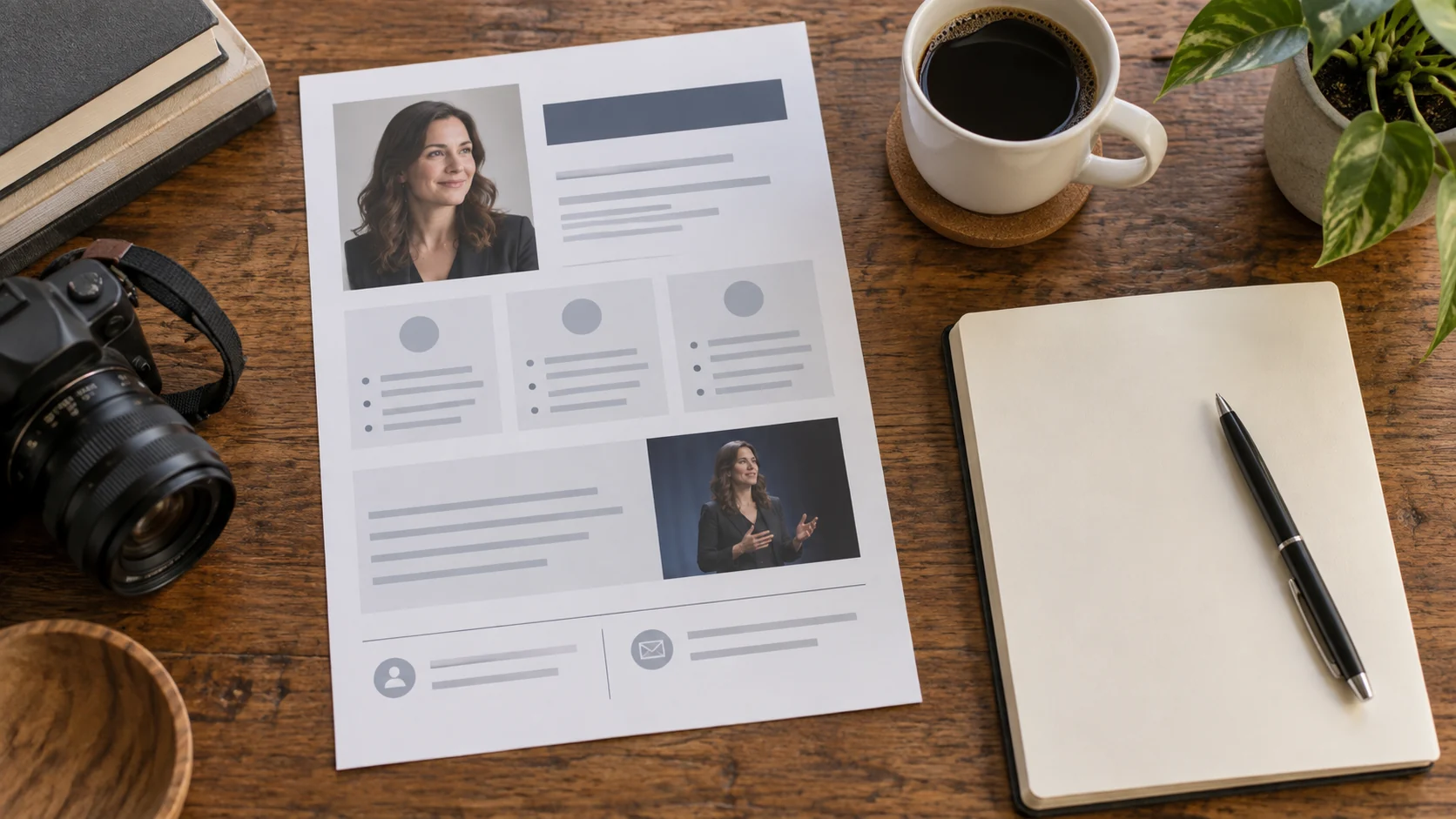
Choose the Smallest Proof That Answers the Question
| Planner's need | Useful material and check |
|---|---|
| Forward a stable summary to colleagues. | Send a dated one-sheet or concise PDF with talk angle, intended audience, short bio and current contact. Check that it opens on phone and desktop. |
| See how the speaker explains an idea aloud. | Use a professional page linking to an approved sample clip hosted on the speaker's current video channel. Check the link, rights and context of the clip. |
| Compare topic and speaking style together. | Share a short page that introduces the proposed talk and links to both the current one-sheet and external sample. Keep their titles, contact and topic consistent. |
A one-sheet can be sufficient for a committee that already knows your work and needs a document to circulate. A page is helpful when the committee needs to compare current topics and watch a sample before calling. Both may be useful, but making two assets creates a maintenance task. If the planner has only asked for a short bio, do not send a large generic media bundle instead of answering the request.
Make the One-Sheet Easy to Forward Without Overclaiming
Use one page when the summary fits. Name the talk or a small set of relevant topics, the specific idea each develops, the audience it suits, your concise approved biography and the contact who can discuss the event. A previous talk or client logo belongs there only when you have permission and the context is accurate. Do not turn an unverified testimonial into a result claim.
Put a version date in the document or file name. When a topic changes, replace the file at the source you control and tell active planners who already received an older attachment. If a PDF is attached to email, it will not update after sending; the version line helps the committee know which copy it has. The Speaker Lab's article describes a one-sheet as normally a one-page marketing asset but shows that longer speaker materials also exist. A ten-page speaker kit should not be mislabeled a one-page example merely because its file name says “one sheet.”
Think about forwarding. If the organizer sends the document to finance or programming colleagues, can they see the talk angle and reach the right person without opening another file? If the file contains a sample-video URL, test that link and make sure it is allowed to be shared with this committee.
From the Card to the Service Details
See applications for business cards, proposal covers and reception signs that point to services, selected work and existing channels.
Show a Sample Talk Without Making It a Promise
A short clip can help a committee evaluate voice, pace and style, provided it is relevant to the proposed topic and you have the right to share it. Link to a video already hosted by a channel you control or are authorized to use. Include a sentence explaining what the clip demonstrates and when it was recorded. If it shows a different audience or format, say so rather than presenting it as the exact talk you will give.
TEDx's own guidance illustrates why video rights are contextual: its published-talk clips have specific conditions of use. Those conditions belong to TEDx content, not every speaker video. Check the event or videographer's permission for your clip before placing it on a public page. Do not claim VISU hosts, edits or licenses the video just because the page links to it.
A professional VISU Link page can present approved topics, public proof and a link to an external video or one-sheet. Keep the main inquiry action visible. The page is a guide to evidence the speaker already owns; it is not a booking calendar, media-kit generator or contract workflow. If the organizer requires a private sample, send it through the approved channel rather than making it public for convenience.
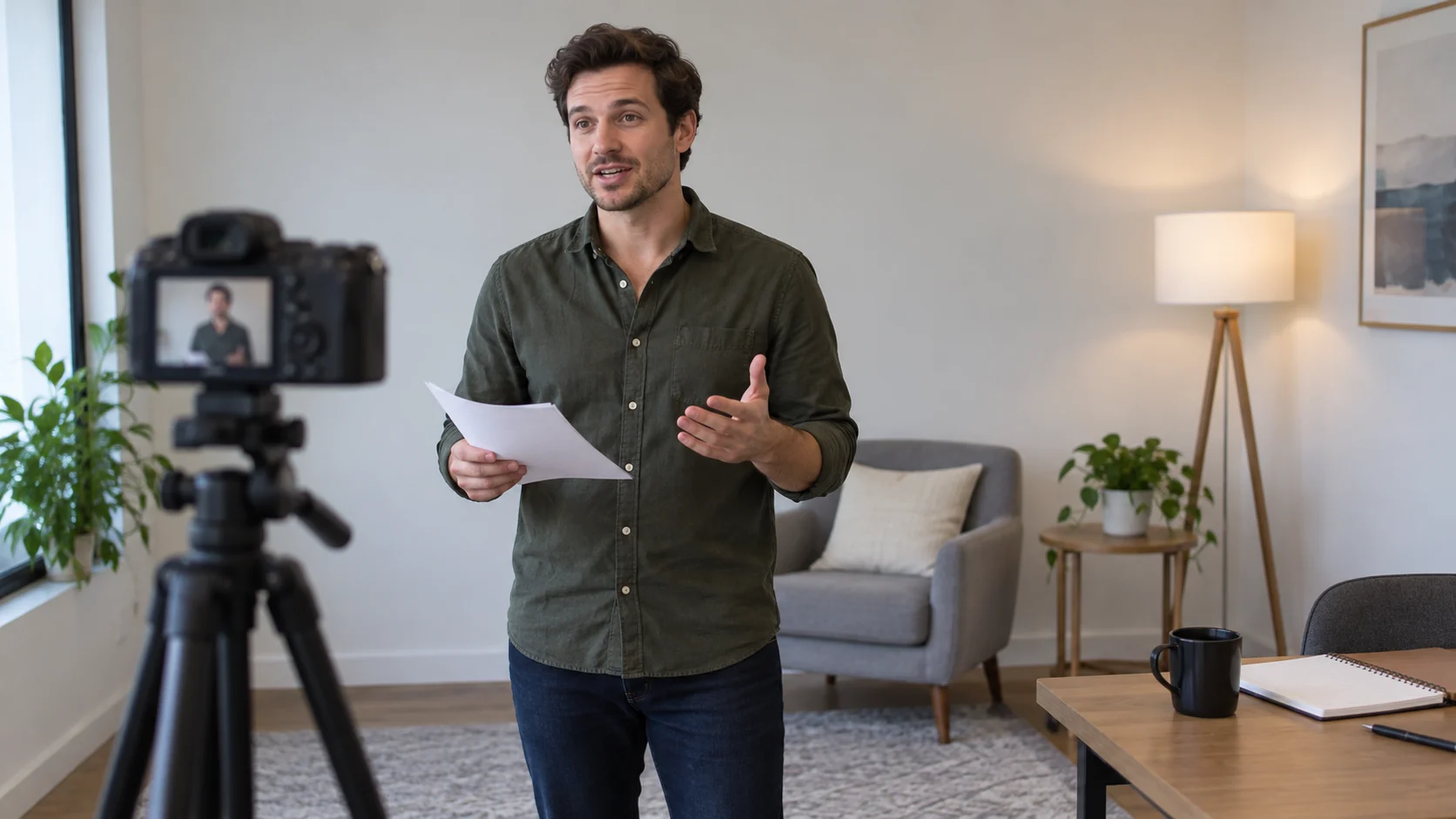
A Fictional Planner Request for One Session
Illustrative scenario, not a VISU speaker or confirmed engagement: Ana speaks about practical data storytelling. A conference planner asks whether she could lead a thirty-minute session for local business owners and wants materials for the program committee. Ana has a one-page PDF from last season, a current professional page and a short clip from a separate workshop hosted on her own video channel.
Ana first checks whether her proposed idea fits this audience. She revises the one-sheet title and summary to describe what the session will actually cover, dates the PDF and names her current representative. On the page, she explains the topic in a few sentences and links to the workshop clip with a note that it shows her teaching style, not the exact proposed session. The planner receives one page link and the PDF attachment so colleagues can forward or watch according to their task.
Before sending, Ana confirms the clip may be shared and that the PDF, page and email all point to the same reply owner. If the committee asks about date, format or commercial terms, that person handles the conversation in their existing channel. The page did not book the event, and the example does not claim that the committee selected her.
Keep Versions and Contact Aligned
- Ask what the committee must decide: topic fit, audience fit, delivery style or practical availability.
- Choose a one-sheet, page with external clip or both, and write the proposed idea in the same words across materials.
- Check the PDF date, clip rights, link availability, bio and permission to show any past client or event.
- Open every link on a phone without your own login and ask someone unfamiliar with the talk to explain what they would expect.
- Name one contact for the next conversation. When a topic or representative changes, update the page and notify planners already reviewing older files.
For a page and QR organizing approved speaking materials and existing external links, use the Professionals Solution contact form. Describe your topics, current document/video URLs and the person who handles invitations. If a more involved booking or media workflow is needed, define it separately; the public page only routes to the channels you choose.
Pages, QR Files and Artwork
Review the pages, QR files and artwork VISU prepares, alongside the service information, publishable work and channels you provide.
Frequently Asked Questions
Do I need a one-sheet if I have a speaker page?
Not always. Use a one-sheet when the planner needs a stable document to forward. Use the page when current topics and an external sample are more useful. Both require an update owner.
Should the sample video show the exact proposed talk?
No. It should be relevant and labeled honestly. Explain what style or skill it shows and get permission to share that recording.
Can VISU Link host or edit my speaking video?
This guide uses VISU Link to organize public information and link to a video hosted in an existing authorized channel. It does not claim native video hosting or editing.
What belongs on a speaker one-sheet?
Use the talk angle, intended audience, concise approved bio, relevant public proof and a contact who can discuss the invitation. Keep the version current.
Does a page view mean the committee wants to book me?
No. A view or link click does not show a decision. Wait for a real inquiry and handle any terms through your existing business process.