


Your truck serves the office park on Tuesday and a market on Thursday. A regular scans the QR on yesterday's packaging to ask where you are today. Should that QR open a food-truck locator app or a page you maintain? The answer depends on which stop information you can keep accurate, how fast you handle a change and what the printed link actually opens.
Make Your Truck Easy to Find
Present your menu, stop details and existing links on a public page with a QR for your food truck. See the Food Trucks Solution.
For a scoped page and print plan.
Ask What the Customer Needs Today
A new customer searching a locator app may want to browse several nearby trucks. A regular holding your packaging has already chosen yours. That person usually needs a confirmed place, date, serving hours and a way to check whether plans changed. Those are not the same first task. A locator profile can be useful for discovery and directions; a stable page can give returning customers one address to check. Neither helps if the operator leaves an old stop visible.
Write down how the truck actually moves. Is there one regular pitch with occasional events, or a different address each lunch? Does a host confirm the spot a day ahead? Who knows when a stop is cancelled by weather or a venue change? The QR destination should fit the person who can answer and update those questions. Avoid a label such as “Live location” unless a system truly supplies a current live position. A manually edited address is a confirmed update only after someone checks it.
A page and locator app can coexist. One customer discovers the truck in the app; another scans the QR and follows a labelled link there. Decide which record controls the next stop and who checks the other. Neither channel copies the other's schedule automatically.
Compare App Profile and Own Page
Start from the link printed on the piece the customer has. A QR printed with a direct app-profile URL keeps opening that URL. A QR printed with your own page URL can keep opening that page while its visible stop text and outgoing link are edited. The printed card cannot fix an incorrect app listing or an incorrect physical address printed beside it.
| QR destination | Useful when and owner to check |
|---|---|
| Locator-app profile | Useful if the app serves your area and you maintain its stop and schedule. Check whether customers can open the profile without an account and who updates a cancelled stop there. |
| Own truck page | Useful for regulars who need one stable link to the confirmed stop, hours, menu or order channel you already run. Check who updates the visible details and when the last confirmation was made. |
| Own page linking to app | Useful when your page gives the current plan and the app helps with discovery or directions. Label the outgoing provider and check both records after every location change. |
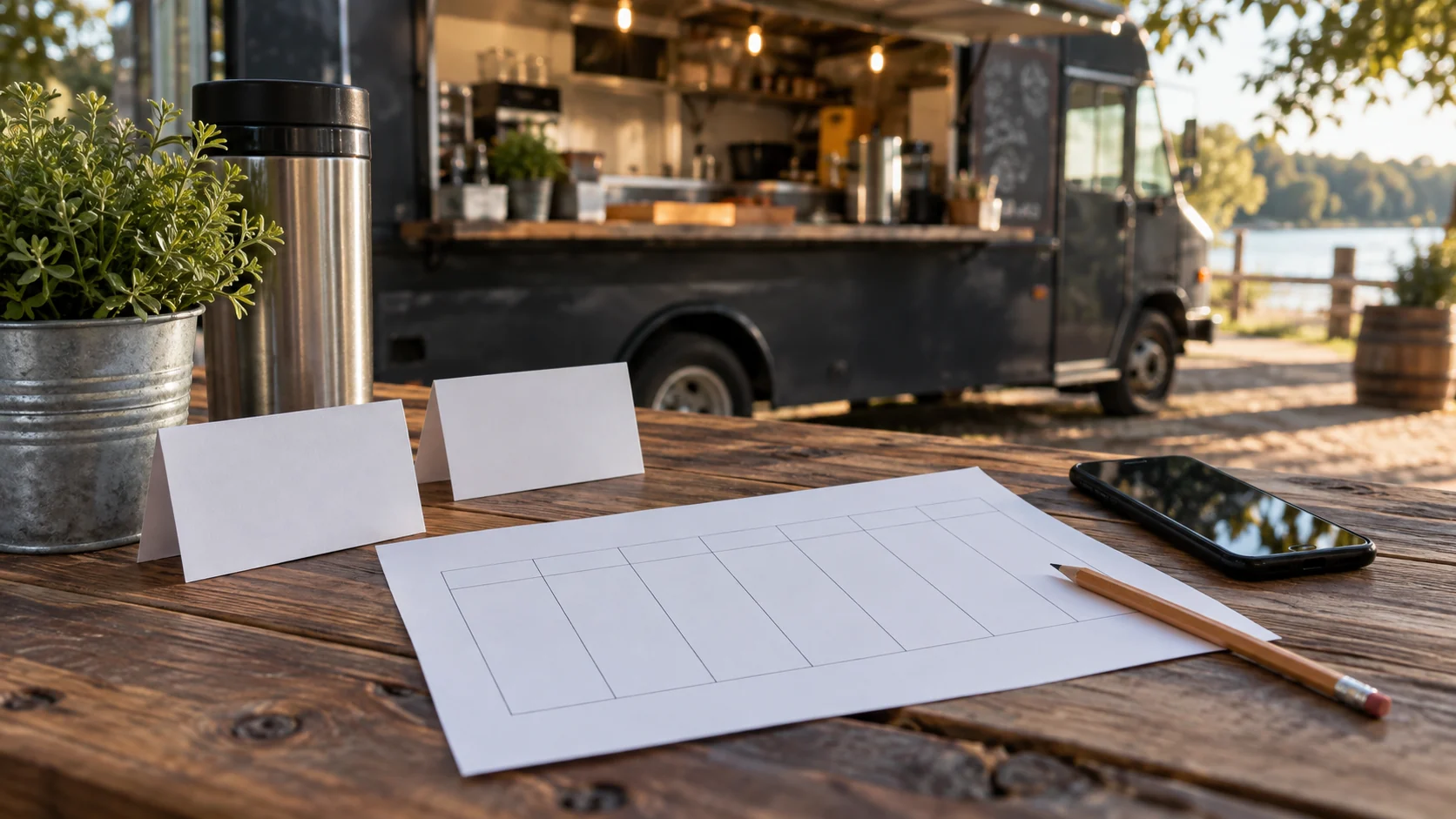
Food Truck Finder's own site says owners can update their location, serving schedule and menu and share a public truck profile. The Mobile Nom operator guide documents check-ins and scheduled locations inside that app. These are examples of external products. They do not establish that VISU Link receives their GPS position, syncs their schedules or updates either app.
Choose One Source of Stop Information
Give each stop a small record before you publish it: date, start and end time, recognizable address or landmark, status, contact for the host and person who approves the update. Use “planned” when a venue has not confirmed it. Use “confirmed” only after the operator has checked. If a stop is cancelled, remove the old promise or mark it clearly on every channel you actually control. A visitor should not have to guess whether yesterday's address is still valid.
Decide the update order. If the app is your operating schedule, update it first, then check the page. If the page is your published route, arrange its edit first, then update the app separately. If another person edits your page, confirm their availability for urgent changes. VISU does not copy stop data from the provider. Check social posts, event pages and ordering links if they show another location.
Keep the page modest. A current stop, serving window, menu link and contact or order link can answer the practical question. If there are several upcoming dates, list only those the truck can maintain accurately or link to the existing schedule it already updates. A Local map link can point to a supplied address, but it cannot prove the truck is parked there right now. The operator remains responsible for the location and hours.
Show the Menu and Existing Channels
Help visitors find your menu, location and the ordering or contact channels your truck already uses. See how the page and QR can present them.
Location and schedule stay with the operator.
A Fictional Week With a Cancelled Stop
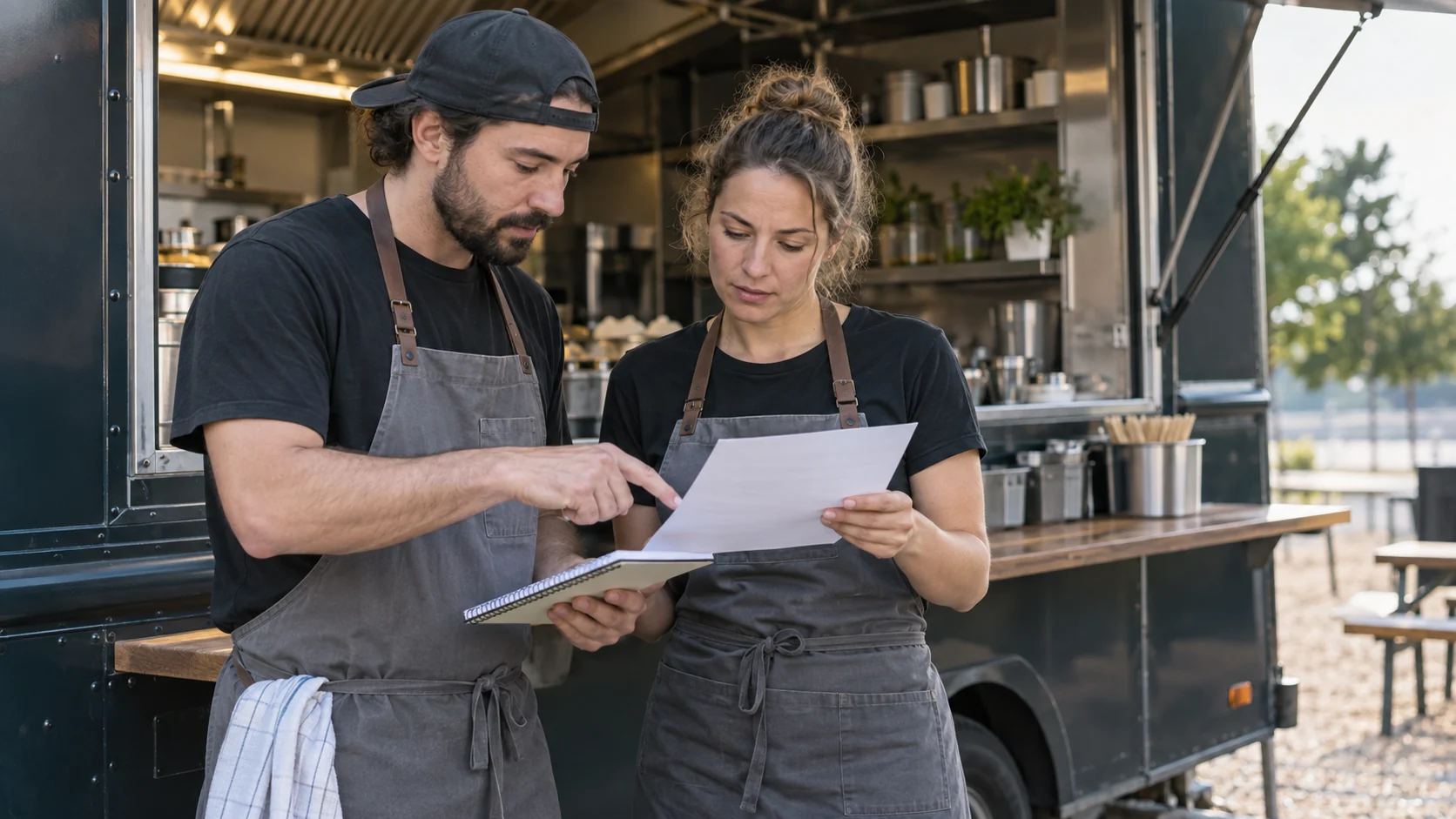
Fictional example. Luna's truck serves a confirmed office pitch on Tuesday from noon to two. Thursday's market is also confirmed. Friday's park spot is only planned until the organizer replies. Luna puts the page URL on the packaging card because customers keep the card after eating and ask where to find the truck next week. The page names the next confirmed stop and its hours; it does not advertise Friday as certain.
Luna also maintains a listing in a local food-truck finder. New customers may discover the truck there. Her page links to that profile with a label explaining that it opens the external app. Before Tuesday service, Luna checks the app entry and the page from a customer's phone. She finds a wrong closing time in the app and corrects it there. Editing the VISU page would not have repaired the app's listing.
On Friday morning, rain cancels the park event. Luna confirms the change with the organizer, updates the page's visible stop notice, edits the app listing and checks the order channel that had mentioned the park. She posts a clear cancellation on any social channel she is using that day. The printed QR remains the same because it opens the page URL; the paper's direct printed text still needs review if it named Friday's park. No location update happens by GPS or by scanning the code.
Match the QR to the Route You Maintain
The VISU Food Trucks solution offers a truck page, Local tab with supplied address and hours, QR artwork and links to the menu, ordering and social channels the operator uses. The operator supplies the schedule of stops and events. For a moving truck, agree how often its public stop information will be checked before designing the card or counter sign. The page can show or link to information within the scope agreed; it is not a vehicle tracker or an automatic weekly calendar.
If your area has no active locator service, do not make an app profile the only route. Otherwise inspect its owner controls and public view. Keep buttons truthful: “Open our finder profile” for the app, “See today's confirmed stop” for an updated page, or “Ask where we are” for a monitored contact. A scan does not prove someone visited.
Test a Change Before Customers Travel
- Scan the printed proof and record the URL it encodes.
- Open the page and app profile without the owner's login.
- Check date, time, address, landmark and status against the confirmed stop.
- Change one planned stop in a rehearsal and note every channel that needs a separate edit.
- Check the map route from the address you supplied, without calling it live GPS.
- Name who publishes a cancellation and who checks the result on another phone.
Use the same test after a venue or weather change. A good route tells the customer the best current information the operator has confirmed and where to ask if plans move again. Review real inquiries or arrivals through channels that actually receive them; a scan count cannot prove that someone found the truck.
Evaluate the Deliverables for Your Truck
Review the public page, QR and print artwork offered for your truck. Compare the scope with the menu, stop information and links you maintain.
For an agreed truck-page scope.
Frequently Asked Questions
Will the VISU page follow my truck's GPS location?
No live GPS or app synchronization is assumed. The operator supplies and updates the stop information or links to an external service it already maintains.
Should the QR go straight to a locator app?
It can if the app serves your area, the public profile opens for customers and you keep its location current. A stable own page may suit regulars who need your confirmed stop and other current channels.
Does changing my page also correct the app listing?
No. The page and the external app are separate records. After a move or cancellation, update every channel showing the old stop.
Can a printed QR be reused when the truck changes location?
A QR encoding a page URL can keep opening that page while its visible stop details change. The encoded URL and any address printed directly on the card remain fixed unless the piece is replaced.
What if Friday's stop is not confirmed yet?
Label it planned or leave it off the current-stop message until the operator confirms it. Give customers a clear way to check for an update before travelling.