


A potential sponsor asks for your event proposal and may forward it to a colleague who approves the budget. Should you send a PDF, a web page, or both? Choose the format by how that buyer will review the offer, then keep the benefits, availability and contact route consistent as the event changes.
Put Your Event Information in One Place
Present your program, venue and existing ticket or registration links on a public page with a QR for your event. See the Events Solution.
Choose the Format by How a Sponsor Will Review It
A PDF travels well as an email attachment and can be saved with the version a buyer presented internally. A web page gives a clear mobile starting point and can show the current contact route. Neither solves the proposal if someone forgets to update sold packages or sends an outdated file. Many organizers need both: a short page for orientation and a downloadable document maintained in the organizer's existing storage.
| Buyer situation | Starting format and organizer check |
|---|---|
| A sponsor must circulate fixed details for internal review. | Send a dated PDF from the organizer's current file location. Put version, event date and a named contact inside it, and check the attachment opens on a phone. |
| Packages or availability may change before the buyer replies. | Use an approved public page for the current overview and a direct inquiry route. Name the editor and update the page when an option closes. |
| The buyer needs a quick overview and a document to share. | Use a short page with a link to the current external PDF. Keep benefits and dates consistent across both, and identify which source controls availability. |
The question is not whether a PDF or page has more features. It is whether a sponsor can understand the opportunity, check what is still available and reach the person who can confirm terms. A QR on a meeting card can open the same approved page; it should not lead to a different, forgotten package list.
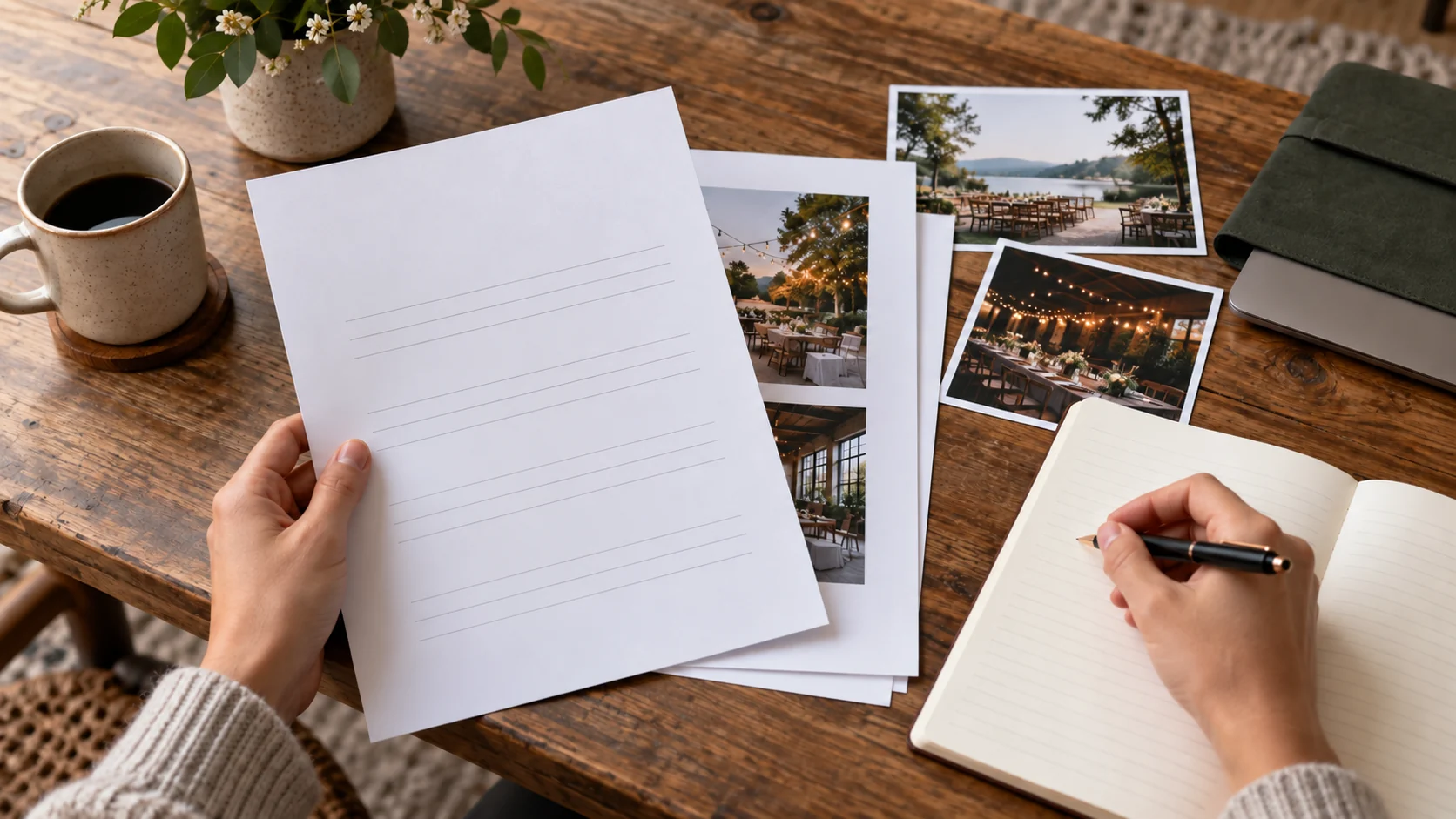
Answer the Sponsor's Buying Questions Before Designing the Page
Start with the buyer's decision. What is the event, when and where will it take place, and which audience does the organizer expect to serve? If you cite prior attendance or reach, say which event and period produced that number, what was actually measured, and who approved publishing it. If the event is new, describe the plan without turning estimates into past results. A sponsor needs the difference between a confirmed deliverable and an idea still under discussion.
List each opportunity in plain language: what the sponsor would receive, where it appears, what the organizer must deliver, what the sponsor must supply, and when both parties need to decide. Do not publish a rate or quantity just because a template has a blank for it. Confirm availability and any price with the person authorized to sell that package. Negotiated terms can remain in a private proposal while the public page explains the general opportunity.
Two real organizer examples show the formats without proving one converts better. WordPress Day CDMX 2026 displays opportunities and contact on a page and offers a PDF dossier. The KubeCon + CloudNativeCon India sponsor page offers a downloadable prospectus and a separate contract-request route. Those are their own event practices; their package prices, attendance figures and rights are not VISU recommendations or examples to copy.
For an initial inquiry, show the organizer's name, a contact route, and what the sponsor should include in a first message, such as organization name and the opportunity of interest. Ask for financial or contractual details only in the appropriate private process chosen by the organizer. A public page is an invitation to discuss, not the final agreement.
Keep One Approved Version Even When You Use Two Formats
Two formats can create a stale-information problem. Decide where the authoritative package list lives. If the organizer edits a public page first, the PDF should show when it was last approved and where to confirm current availability. If the PDF is the approved sales document, the page should avoid maintaining a second detailed price table that can drift. Record who may change a benefit, who approves the change, and who sends the corrected version to prospects already in conversation.
Use a short version line in the file name and in the document itself. Check the event date, location, package names, deliverables, rights to use sponsor logos and the reply owner before every send. When an option is no longer available, remove or mark it promptly at the source and notify people already reviewing that option directly. Editing a page does not prove they noticed the edit.
Do not turn the public proposal page into a contract archive. It should make the next conversation easy; signed terms, invoices and private sponsor information belong in the organizer's existing appropriate systems. If the event changes date or venue, update both the public route and any distributed document that would otherwise mislead the buyer.
Help the Audience Find What Matters
Show the program, location and approved links your organizer already maintains. See how an event page and QR can present them before and during the event.
A Fictional Proposal With a Clear Handoff
Illustrative scenario, not a VISU client or sponsorship result: a regional design conference has two sponsor opportunities still under review. The organizer, Ana, needs to send material to a company whose marketing lead will discuss it with a colleague. Ana has a one-page event website and a current PDF stored in the organization's own document system.
She chooses a short public proposal page as the first link. It states the conference date and venue, describes the audience using the organizer's own approved description, and summarizes the two opportunities without inventing prices. Each opportunity says which deliverables are confirmed and which need a conversation. The page links to the dated PDF for colleagues who need to forward a document and gives Ana's existing business contact route. It does not claim that either package is sold until she confirms it.
Before sharing, Ana asks the event lead to approve public wording. She checks that the PDF and page name the same event and point to the same reply owner. A printed QR used in a sponsor meeting opens the page on another person's phone. If a package is taken, she updates the source list and contacts anyone who was already discussing it. None of this relies on an automatic proposal builder, contract workflow or sale attribution.
If the buyer only accepts an attached file, Ana can send the current PDF directly with a short note and contact. If the opportunity changes frequently, the page remains the starting point and the PDF carries its version date. The format is chosen for that buyer's review path, not because a page is guaranteed to win more sponsors.

Make the Commercial Reply Route Work
A sponsor may view the page on a phone and later forward it to a decision-maker on a desktop. Both need the event name, the current opportunity and a way to ask a question without searching for a buried address. Use one primary action such as “Ask about sponsorship,” linked to the organizer's real email or external inquiry form. If several staff members receive inquiries, name who assigns the reply and what happens while that person is away.
Keep the public request proportional. Organization, contact person, preferred reply channel and opportunity of interest may be enough for a first conversation. Do not ask for account numbers, contract files or broad personal data in an open form. The organizer should review applicable privacy rules and choose its own secure process. A click, QR scan or PDF download is not a qualified sponsor conversation; classify replies only after someone assesses them.
Offer a fallback if the form fails: a monitored business address or another existing contact route. Test the exact action without organizer login. If the PDF is forwarded, the contact in that file must still reach the same team. If the page is updated later, send direct corrections to prospects already considering a changed package.
Where an Event Page and QR Fit
A VISU Link page and QR can present approved public event information and point to the organizer's existing PDF, event site and contact route. The organizer keeps the PDF in a service it already controls. A guided setup can help arrange those destinations and make the first commercial action clear. If the organizer needs proposal generation, document hosting, contract signing, payment, availability synchronization or CRM routing, those are separate requirements to discuss by scope. A page and QR alone do not establish those functions.
The Events Solution contact form is the place to describe the event, the current proposal location, the person who approves packages and the inquiry channel already in use. Bring one approved example and the questions that keep recurring from sponsors. The first configuration can stay small: a page with the event summary, current external document link and one contact action. More involved work needs an explicit definition of what must be built and maintained.
Keep the article's buyer journey separate from the attendee journey. An attendee looking for a program or ticket has a different task from a company deciding whether to sponsor. The proposal page may be linked from the event site, but the printed QR for a sponsor meeting should not take the buyer through a generic attendee check-in flow.
Review the Proposal Route Before Sending or Printing
- Confirm the event date, venue and authorized public audience description.
- Confirm each proposed benefit, availability and any privately negotiated terms with the responsible organizer.
- Choose PDF, page or both from the buyer's review path; identify the authoritative package list.
- Test the current PDF link and any QR on a phone without an organizer login.
- Check that page and document lead to the same contact owner and that a fallback works.
- Record the version and review date, then notify active prospects directly when a material term changes.
For a small guided page and QR, bring this checklist to the Events Solution conversation. It helps the team assess what can be configured from existing links and what would require a separately scoped project.
Evaluate the Deliverables for Your Event
Review the event page, QR and print artwork offered by VISU. Compare the scope with your event information and existing channels.
Frequently Asked Questions
Should a sponsorship proposal be a PDF or a web page?
Choose by how the buyer will review it. A dated PDF is easy to forward for internal approval; a page can show the current overview and contact. Both can work when someone keeps them consistent.
Can the page replace a sponsorship contract?
No. The page explains the opportunity and starts a conversation. Agreed rights, payment and signatures belong in the organizer's appropriate private process.
What belongs on a public sponsor page?
State the event, date, audience description you can support, approved opportunity summary and a named reply route. Keep negotiated or private terms in a suitable separate channel.
Does a QR scan prove sponsor interest?
No. A scan shows interaction with a code when measurable. A suitable sponsor inquiry requires a real reply and human review.
Where should the PDF live?
Use an existing document location controlled by the organizer and test its public link. This guide does not assume that VISU Link hosts PDF files.