
You can use money apps without turning yourself into content. The useful definition of faceless is not anonymous and it is not verification-free. It means your face is not the thing being published, sold as a profile, or recorded as the work itself.
This guide sorts apps by the task they ask you to perform: answer questions, label data, photograph a receipt, or speak over a screen recording. It also separates a private identity check from public exposure, because treating those as the same thing leads to bad privacy decisions.
What "Without Showing Your Face" Really Means
There are several different kinds of exposure hiding inside one phrase. A public profile photo is visible to other users. A webcam recording may be delivered to a research client. An identity selfie is handled by the platform or its verification provider. A photo of a receipt uses the camera without photographing you. All of these involve different data, different audiences and different decisions.
For this guide, an app can qualify even if it privately verifies identity, provided the face is not the task and is not presented as a public profile. That is not a claim that private verification is risk-free. It is a narrower claim: private identity proof is different from making your appearance part of the work.
Prolific makes the distinction unusually clear. Its official verification page says applicants photograph an identity document and take a selfie video. It also says the documents and photos are encrypted and stored through its verification partner, and that access is limited to authorized support staff when necessary. So Prolific is faceless in the public-facing sense, but it is not camera-free at onboarding. If your boundary is no public face, it may fit. If your boundary is never submit facial data, it does not.
Use the same test on any app. Ask who receives the image, why it is needed, how long it is kept, whether it is shown to a client, and whether you can use the app without submitting it. Do not accept the label "verification" as a complete explanation. Read the platform's current privacy and help pages before sending an identity document.
Survey and Opinion Apps
Survey apps exchange answers for rewards. The work is reading questions and selecting or writing responses, not creating a public image. The important privacy issue is the information inside the answers: age range, work, household, shopping habits and other demographic details may be used to decide which research reaches you.
Google Opinion Rewards is a useful example because its official help page describes both the task and the data path. Users answer survey questions, and the responses are aggregated for market researchers. The page says answers are anonymous and are not linked to personally identifiable information unless the survey states otherwise at the beginning, with local surveys given as an exception. That last condition matters. "Usually anonymous" is not permission to skip the notice shown before a particular survey.
Prolific is a second example with a different privacy trade. Studies and questionnaires do not make your face a public profile, but account verification includes a selfie video and an identity document. Its documentation also says verification requests should come through official support tickets, never through a researcher's account or the platform messaging system. A study author asking you to send an identity image directly would therefore conflict with the route Prolific describes.
Expect profiling questions even when there is no profile picture. That is how research is matched to respondents. A faceless workflow can still be highly personal, so answer only when the subject and data use fit your boundary. For a deeper look at one research platform, the money-app legitimacy checklist gives you a reusable way to judge the company before spending time.
Microtask and Data-Labeling Apps
Microtask platforms divide larger projects into small pieces. A worker might compare search results, categorize an image, check whether a document matches a label, transcribe provided material, or write a short description. These jobs can be faceless because the input comes from the requester and the output is a decision or a piece of text.
Clickworker's official categorization page provides a concrete example. It describes evaluating, analyzing or categorizing websites, search results, images and documents. In those examples, you inspect material that already exists. You are not asked to film yourself. That does not mean every Clickworker assignment follows the same rule. The platform can offer other project types, so the task instructions remain the authority.
Read the requirements before accepting, especially when a task involves data collection. "Image task" can mean labeling somebody else's image, photographing an object nearby, or submitting media that contains you. Those are not interchangeable. Decline anything whose consent notice, storage policy or intended use is unclear.
This category rewards careful filtering more than constant acceptance. Keep the text, classification and transcription tasks that fit your rules. Skip field-photo, selfie, biometric or promotional tasks if they cross them. Availability changes with requester demand, so a category is more dependable than a promise that a particular queue will always be full.

Receipt and Cashback Apps
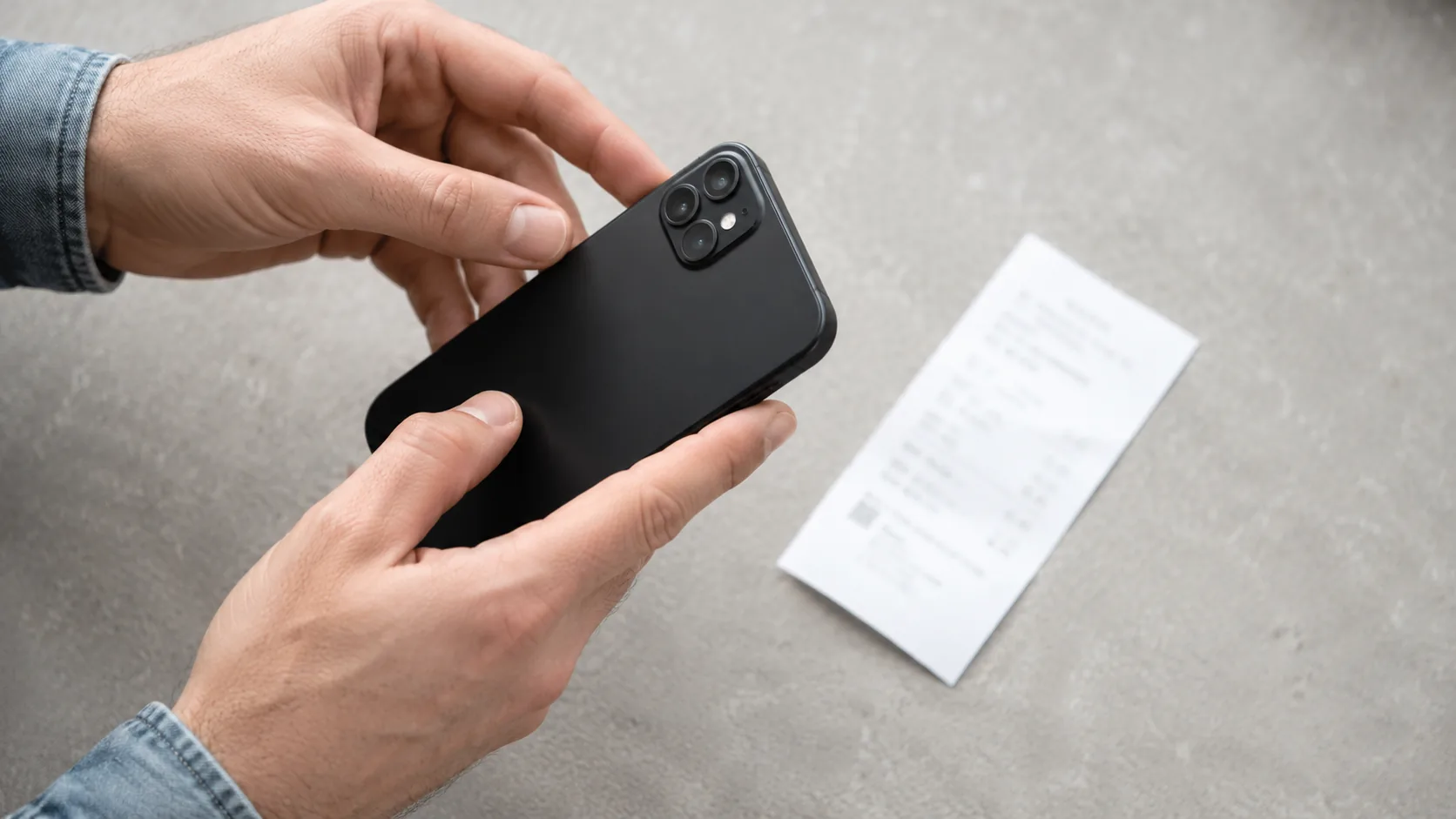
Receipt apps use the camera, but the subject is the receipt. Fetch's official instructions tell users to lay a receipt flat, use good light, align its edges and photograph it in full. That is a clear faceless action: the camera points at transaction paper rather than at the user.
The privacy trade is still real. A receipt can reveal the store, checkout date, total and purchased items. The same Fetch instructions explicitly say the full image should include the store name, date and amount paid. Do not confuse "my face is absent" with "this contains no personal data." Crop only when the app permits it, and do not submit a receipt if the required fields reveal more than you are willing to share.
Keep the method bounded. Photograph purchases you already made and understand what form the reward takes before collecting a balance. Do not buy an extra item merely because an offer appears. That turns a reward into a reason to spend, which is the opposite of the routine this guide is trying to build.
Audio-Only Testing and Voice Tasks
Usability testing is where "faceless" and "silent" split apart. Many sessions ask you to share a screen and speak your thoughts aloud. Your face can stay off camera, but your voice and on-screen activity become the work. If you also want to avoid speaking, use the guide to making money without talking instead of treating audio testing as a fit.
UserTesting's official contributor documentation states that applicants need a microphone and the ability to speak thoughts aloud. It describes the recorder sharing the device screen and microphone, with camera added only if the Contributor View feature has been selected. That makes the acceptance screen important: a standard recorded session and a camera-enabled session do not have the same privacy cost.
Before starting, check the permission prompt rather than relying on the category name. A test can ask for screen, microphone and camera in different combinations. If camera access appears, verify whether the particular session requires it. If you do not agree, leave that session rather than granting permission and trying to hide the feed afterward.
Voice tasks outside usability testing deserve the same review. A transcription task asks you to convert supplied audio into text. A voice-data task asks you to create an audio sample. Only the first avoids contributing your own biometric-like media. Read the noun after the verb: transcribe their recording is different from record your voice.
Where VISU Fits, and Why It Is Kept Apart
VISU is the app behind this site, so it is not mixed into the categories above. It is also not a way to replace income: what it gives is a small amount in VISU Credits.
The idea is different. VISU rewards things you would do anyway, such as scanning the VISU QR code at a tournament or event you attend, or inviting friends who join. Neither one asks for your face on camera or a public profile photo. Treat account permissions with the same care you would give any other app.
What to Avoid: "Faceless" Courses, Paid Unlocks and Fake Jobs
Faceless is a useful privacy filter, but it is also an effective marketing word. A course can use it to make ordinary work sound automatic, secret or guaranteed. Do not buy access merely because the sales page withholds the actual method. If you cannot tell what the work is, who buys it and what data it requires, the missing information is the risk.
The clearest stop sign is a platform asking you to deposit your own money to unlock tasks or withdraw displayed earnings. The Federal Trade Commission's task-scam guidance says never pay anyone to get paid or to get a job, and calls that a sure sign of a scam. A balance shown inside an app is not proof that money can be withdrawn.
The same FTC page warns about unexpected job messages and vague online tasks. Do not let "no interview" or "no camera" make an unsolicited offer look safer. A fake job can be completely faceless. Check the employer through contact details you find independently, not through the link in the message.
Also reject jobs that ask for positive ratings, fake engagement or misleading reviews. The FTC guidance says not to trust anyone who offers payment for liking or rating things online. Faceless does not make deceptive promotional work acceptable.
How to Build a Routine Without a Camera
Start with one category, not a screen full of apps. Choose the action that already fits your week: answer an occasional survey, label supplied material, photograph an existing receipt, or narrate a usability session. The less you have to manufacture a new habit, the easier it is to judge the trade clearly.
Before the first task, record four things in a notebook: what the app asks you to provide, whether camera or voice is involved, how withdrawal works, and the minimum balance required. The minimum is a criterion, not a promise. Read it on the app's current official page, because thresholds and methods can change.
Set a weekly time boundary of your own choosing. When it expires, note the usable reward, unfinished balance and permissions you granted. Do not count only the minutes inside a paid task. Include screening, rejected uploads, qualification work and withdrawal friction. You are measuring fit for your routine, not producing a universal earnings claim.
Add another category only after the first one is understandable. If both apps compete for the same quiet hour, stacking them adds clutter rather than opportunity. A receipt app and a transcription task may attach to different moments, while several survey panels all compete for the same attention.
Review permissions as part of the routine. Remove camera access from apps that only needed it for a receipt, close unused accounts through the official process and keep verification messages out of platform chats. For a broader comparison of testing work, read the guide to getting paid to test apps, then return to the camera condition for each individual session.
Earn a Little, Camera Off
VISU is the app behind this site. Scan the VISU QR code at a tournament or event, or invite friends who join, and earn a small amount in VISU Credits without filming or publishing anything.
FAQ
Can I make money online without showing my face?
Yes. Surveys, text and classification microtasks, receipt uploads and some screen-recorded usability sessions can be completed without publishing your face. Each app may still require account verification, and each task can set different permissions.
Do reward apps require a selfie?
Some do and some do not. Prolific's current official process requires an identity document and selfie video. That verification is private rather than a public profile, but it still involves facial data and may not fit your boundary.
Is faceless income legitimate?
The word itself proves nothing. Judge the underlying action, the company, the withdrawal rules and the data requested. A platform that asks you to pay to unlock work matches the FTC's task-scam warning.
Which apps do not need a webcam for the task?
Google Opinion Rewards describes answering surveys, Clickworker lists categorization work on supplied content, and Fetch instructs users to photograph receipts. Check current onboarding separately, because a task that is faceless can still sit behind identity verification.
Do I need to talk if I keep my camera off?
Sometimes. UserTesting says contributors need a microphone and must speak thoughts aloud, while the camera is added when Contributor View is selected. Camera-free does not mean voice-free.
Is it safe to upload my ID?
No article can guarantee that for every platform. Read who processes the document, who can access it, what is retained and how deletion works. Prolific publishes specific access and storage details, which gives you something concrete to evaluate.
References
- Prolific Participants, Verifying your identity FAQ. Supports the identity-document and selfie-video steps, restricted document access, and the official verification route.
- Google Opinion Rewards Help, Overview for users. Supports survey answering, aggregated responses and the stated conditions around anonymous answers.
- Clickworker, Data Categorization Jobs. Supports the examples of evaluating and categorizing supplied websites, search results, images and documents.
- Fetch Help, How to Snap Receipts. Supports the receipt-photo workflow and the fields that must appear in the image.
- UserTesting Knowledge Base, The UserTesting contributor experience. Supports the microphone requirement and the condition under which camera is added to a recording.
- Federal Trade Commission, How to spot and avoid task scams. Supports the warnings about paying to unlock earnings, unexpected job messages and paid ratings or likes.