

Some purchase rewards can be tracked without a receipt photo, using payment records, shopping links, linked loyalty accounts or digital order information. This guide explains those mechanisms, their conditions and what can interrupt tracking, with US examples. We checked official sources on September 27, 2026; we did not open accounts, buy products or request payouts.
Explore VISU Rewards
See the activities and participation rules available to you in VISU.
The Short Answer: Data Replaces the Photo
For purchase rewards, a receipt photo supplies transaction information. Other routes can use an eligible card transaction, a retailer’s record of a shopping-link visit, a linked loyalty account or an order email. Those records still need to match the offer’s requirements.
Skipping a photo changes how the program receives purchase information. Activation or linking may need to happen before shopping, while the retailer can report the transaction later. A tracked or pending amount is not necessarily approved or available to withdraw.
This guide focuses on the data and steps used when you do not submit a receipt photo by default. A support claim may still require an order confirmation or receipt. Reward type also matters: Fetch credits points, and Capital One Shopping uses Shopping Rewards redeemable for eGift cards, rather than treating every balance as cash.
Card-Linked Offers: Matching the Payment
Card-linked offers match an eligible card payment to an offer. You connect a payment card to the app once, pick an offer, and pay with that card as usual. The card network confirms the purchase to the app behind the scenes.
Rakuten describes its version in a help article updated May 19, 2026: card linking lets you connect an eligible credit or debit card "so you can earn Cash Back automatically" at participating in-store and dining locations. The rules that matter are in the details. In-store offers must be added before you shop, while dining offers are added to the card automatically. Most in-store offers expire in 75 days or after one use, and you must add them again to keep earning. Rakuten says you can link most Visa and Mastercard credit and debit cards and American Express cards, lists several card types as ineligible, and warns that a debit card must be run as credit because "Debit transactions processed as PIN may not qualify."
Upside works on the same principle for gas, groceries and restaurants. Its help center tells you to claim an offer, go to that specific location, and pay with a debit or credit card linked to your Upside Wallet or through the app. Upside says it uses your card to confirm the purchase, that most claims finish processing within 4 business days and some locations take up to 10, and that offers are for in-store purchases only. It also says plainly that Upside is only available in the United States.
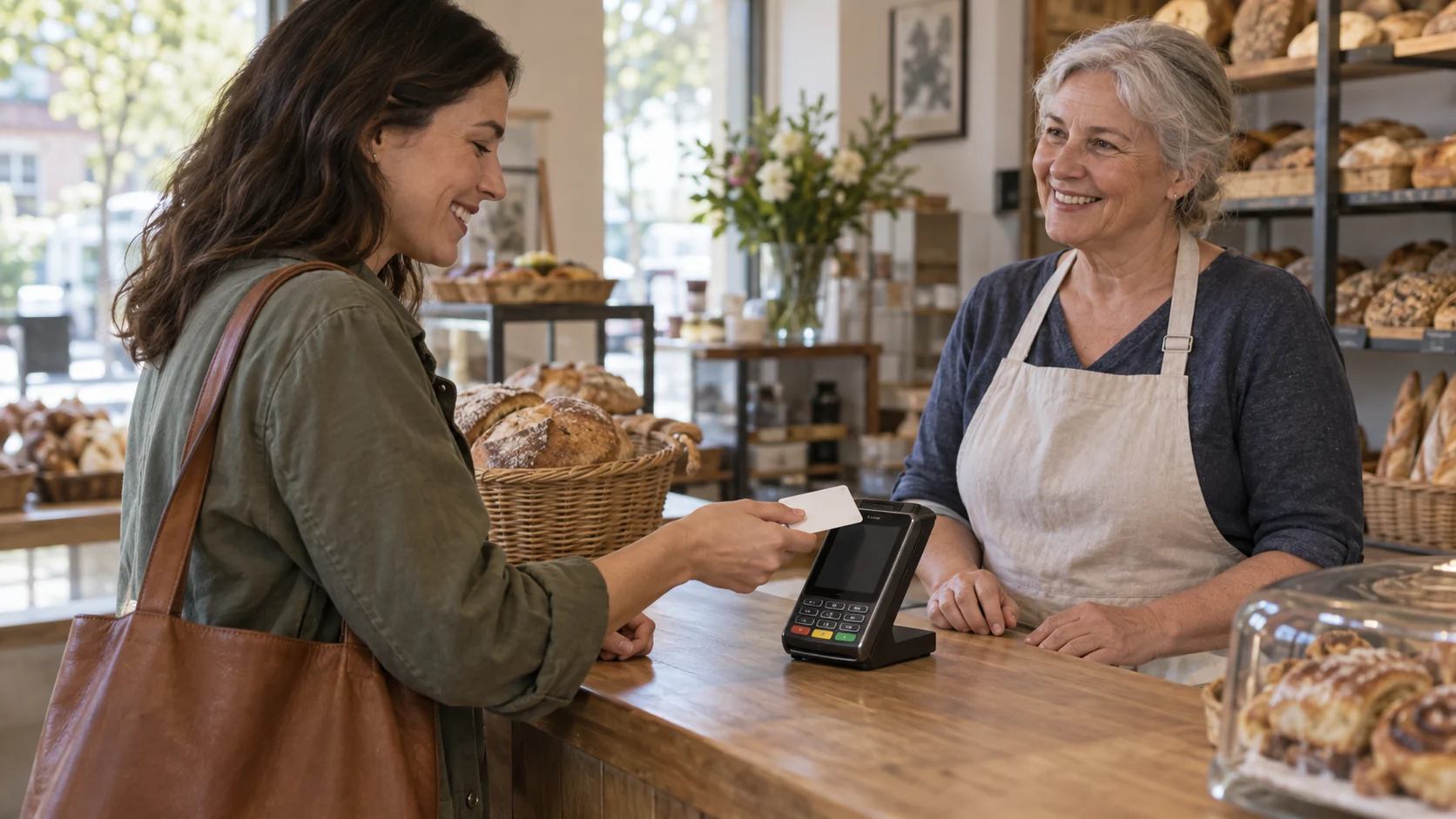
Notice the fine print that keeps a receipt in the picture after all. Upside advises keeping the receipt until the cash back is processed, because retailers sometimes forget or delay sending transaction data, and then you need proof of purchase to claim it. Receipt-free, in other words, means you do not submit the receipt by default. It does not mean the paper is useless.
Shopping Links and Browser Extensions
A shopping portal is one way to track online purchases without a receipt photo. You start from the cashback site or its extension, the store records that you arrived through that link, and the store pays the portal a commission that is partly passed back to you.
TopCashback's help page lays out the sequence in three steps: log in, click the "Get Cash Back" button to go to the retailer, and shop as usual. The page says this click "lets the store know you came from us," and that earnings show in your account once the purchase is tracked. Rakuten's terms add the conditions that decide whether that tracking survives. You must be signed in, use the shopping links, and complete the purchase in the same session. If you visit other sites first or use coupons not provided by Rakuten, the purchase might be credited to another service. For this Rakuten shopping-link route, its terms require working cookies to identify the account receiving cash back.
Browser extensions can alert you to an offer and help you activate it. Rakuten says its free extension works on Chrome, Edge, Firefox and Safari, alerts you when cash back is available and lets you activate it without visiting Rakuten.com first. Capital One Shopping works through its own extension and app. Its help center states that you do not need to be a Capital One bank or card customer to use it, that it is free, and that Shopping Rewards are redeemed for eGift cards on its site.
For receipt-based alternatives, see best receipt scanning apps. Shopping links normally let the retailer report the order without a receipt photo. Keep the order confirmation until the reward is resolved; that is not a promise that a support claim will never require evidence.
Linked Loyalty Accounts and Connected Inboxes
The third route borrows data you already generate. Many supermarkets and big-box stores give you a loyalty number, and some cashback apps can read the purchases attached to it.
Ibotta is the clearest example. Its help article on loyalty accounts says that when you link one, "you'll get cash automatically" and adds "No receipt photo necessary!" You still add offers to your list before shopping, then scan your loyalty card or give your phone number at the register. For online grocery orders, you check out normally while the loyalty account is linked. Two warnings from the same article are worth remembering: not every retailer's program is supported, and if your loyalty account becomes unlinked, often after a password change, you will not receive cash back until you relink before shopping.
Fetch eReceipts use connected email or supported retailer accounts to find eligible digital purchases. Fetch checks connections through the day and provides a manual scan option if an order is missing. Its general guide mentions shipped orders, but the dedicated eligibility and order-status pages exclude orders marked only as shipped. Follow the stricter published guidance: wait for delivery or pickup and submit within 30 days after receiving the order. Photos of printed or on-screen eReceipts are not accepted. This avoids a photo, but involves account access: review that permission before connecting an inbox.
Check the Activity Conditions
Review the requirements and reward terms before choosing an activity.
Shopping Started in an App and Card Rewards
An app can be the starting point without hosting checkout itself. Ibotta’s current guide sends you through the Shop button to the retailer’s website; some offers require adding eligible items first. Follow the submission method shown for that retailer. Starting in an app does not guarantee that every purchase is receipt-free.
When you are ready to cash out, Ibotta's withdrawal page lists bank, PayPal and gift card options and sets the qualifications: an earnings threshold of at least $20, at least one redeemed offer, and a wait of at least 7 days after the first redeemed offer or gift-card purchase. Some gift cards require at least $25. It says funds can take 0 to 5 days depending on the method.
Many people also count rewards built into a credit or debit card as receipt-free cash back, and mechanically they are: the issuer calculates the reward from your statement. We do not recommend any card here, because choosing a credit product depends on your credit, fees and spending habits, which only you and the issuer's official terms can settle. If you consider one, read the issuer's own rewards terms rather than a promotional summary.
What Breaks Receipt-Free Tracking
Tracking depends on both your setup and the retailer’s reporting. Check the steps you control, but allow for provider-side delays and support review.
- Forgetting to activate first. Rakuten in-store offers must be added before you pay, Ibotta offers go on your list before shopping, and Upside offers must be claimed for future purchases only.
- Competing extensions and outside coupons. Capital One Shopping tells users to disable other shopping extensions before activating it, and says that if another program interferes it cannot confirm the purchase or adjust rewards afterward. Rakuten's terms say coupons not provided by Rakuten can divert credit.
- Leaving the session. Capital One Shopping asks you to stay on the page until checkout ends. Rakuten requires the purchase in the same session as the click.
- Paying the wrong way. PIN debit may not qualify with Rakuten. Upside warns that a mobile payment can fail to match if you selected a physical card in your Wallet when claiming.
- Blocking the signal. Disabled cookies stop Rakuten tracking, and Capital One Shopping points users with ad blockers or VPNs to its troubleshooting page.
- Broken links. An unlinked Ibotta loyalty account earns nothing until relinked.

Patience is part of the system too. Capital One Shopping says rewards generally take a few days to appear as pending, and travel bookings pay 60 to 90 days after the trip. A pending amount is not yet money you can spend.
The Privacy Trade You Make Instead
Different routes share different records. A shopping link creates an attribution trail; a linked card or loyalty account can support continuing transaction matching; a connected inbox can expose eligible order emails. Review the scope, how to disconnect and what data the provider retains before authorizing a connection.
Rakuten’s card-linking help says it stores card details in an encrypted environment and uses payment-network partners to confirm eligible purchases. Those are the provider’s statements, not an independent privacy certification. Check the current privacy policy and connection controls for each service; an optional advertising-feature claim is not a guarantee about all data handling.
A simple practice helps: link only the card you actually plan to use for offers, review which accounts each app can read every few months, and remove connections you no longer use. If an app asks for a login to your bank rather than a card number, stop and read why before agreeing.
How to Pick Your Receipt-Free Route
Start from where you already spend, not from the app with the loudest bonus.
- Mostly online shopping: a shopping portal or extension fits best. Pick one extension, turn the others off and finish each checkout in one session.
- Gas, restaurants and local stores: card-linked offers fit best. Link one card, claim or add the offer before you go, and keep the receipt until the cash back posts.
- Weekly groceries at a big chain: check whether your store's loyalty program can be linked in Ibotta, and re-check the link after any password change.
- Online orders from many retailers: connected eReceipts remove the scanning chore if you are comfortable granting inbox access.
These routes can sit side by side, but whether two programs can pay on the same purchase is a separate question with its own rules. Our comparison of receipt apps vs cashback apps covers stacking and which category tends to fit which shopping pattern, so we will not repeat it here.
Whatever you choose, test it on one ordinary purchase you were already going to make. Note the offer terms, the date and the payment method, then compare what posts with what was shown. That single check tells you more about a receipt-free app than any headline.
Discover VISU
Open VISU to learn how its activities and rewards work.
Frequently Asked Questions
Which cashback apps work without scanning receipts?
In the US, apps that use card-linked offers (such as Rakuten In-Store and Upside), shopping links and extensions (such as Rakuten, TopCashback and Capital One Shopping), linked loyalty accounts (Ibotta) or connected eReceipts (Fetch) can credit purchases without a receipt photo. Check each app's current help page before relying on it.
Do I need to upload a receipt for card-linked offers?
Usually not, because the card network confirms the purchase. Upside still recommends keeping your receipt until the cash back is processed, since retailers sometimes delay sending data and proof of purchase may be needed.
Does a debit card work with card-linked cash back?
Often yes, with conditions. Rakuten accepts most Visa and Mastercard debit cards but says you must run the card as credit, because transactions processed with a PIN may not qualify.
Is Fetch eReceipts the same as scanning a receipt?
No photo is involved. Fetch checks connected accounts. Its dedicated eligibility page requires delivery or pickup and submission within 30 days after receipt of the order. Its general guide differs on shipped orders, so do not rely on shipment alone. Printed or screenshotted eReceipts are not accepted.
Do I need a Capital One card to use Capital One Shopping?
No. Capital One Shopping's help center says you do not need to be a Capital One bank or card customer and that the service is free. Its Shopping Rewards are redeemed for eGift cards.
Can I use these apps outside the United States?
Availability depends on the service and version. Rakuten’s US program restricts residency to the 50 states and Washington, D.C.; Upside is US-only. TopCashback.com permits international members, but merchant eligibility and shipping vary, and non-US payouts are PayPal-only. Check your exact retailer and withdrawal route.
References
- Rakuten: Linking a Card for In-Store and Dining Cash Back
- Rakuten Terms and Conditions
- Rakuten Privacy Policy
- Rakuten: What Is the Rakuten Browser Extension?
- Upside: How to use Upside
- Upside: Why didn't I earn cash back?
- Upside: Where is Upside available?
- TopCashback: How does TopCashback work?
- Capital One Shopping Help Center
- Ibotta: How do I earn cash back with a loyalty account?
- Ibotta: How does Ibotta work?
- Ibotta: Ways to withdraw earnings
- Fetch: How to Earn Points on Online Purchases
- TopCashback.com: membership and international payout terms
- Fetch: eReceipt eligibility requirements
- Fetch: accepted online order statuses