

You open the store, turn on the lights, set up the register, and traffic is slow. Then comes the classic line: "the problem is nobody can find us." When you search on Google, either your business does not show up on Maps, or it appears buried at the bottom, with no photos, no recent reviews, no visibility. Meanwhile, the competitor next door, who is not always better, sits at the top, full of stars, with customers walking in.
In 2026, Google Business Profile is not a detail. It is the main entrance for any local business. Here you will understand how to set it up the right way, what actually makes you show up on Google Maps, and how to turn that profile into something that brings real customers. No tricks, no miracle promises, and no unnecessary technical jargon.
What is Google Business Profile and why it controls Google Maps
Google Business Profile, formerly known as Google My Business, is what feeds everything that appears when someone searches for your company on Maps or Google. Name, category, address, service area, hours, photos, products, services, questions, reviews, and responses all go through there.
In practice, it decides whether you are shown as a trustworthy option or hidden away. Google is not trying to be nice to anyone. It wants to show the place that best solves the user's search at that moment.

How Google decides who shows up on Maps
Google usually summarizes this in three factors: relevance, distance, and prominence. Translating to the real world: how well your profile matches what the person is searching for, how close you are to them, and how trustworthy your business appears.
Relevance comes from the right category, clear description, and what you actually sell. Distance is geographical, you do not fully control it. Prominence comes from signals like reviews, profile activity, real photos, and responses.
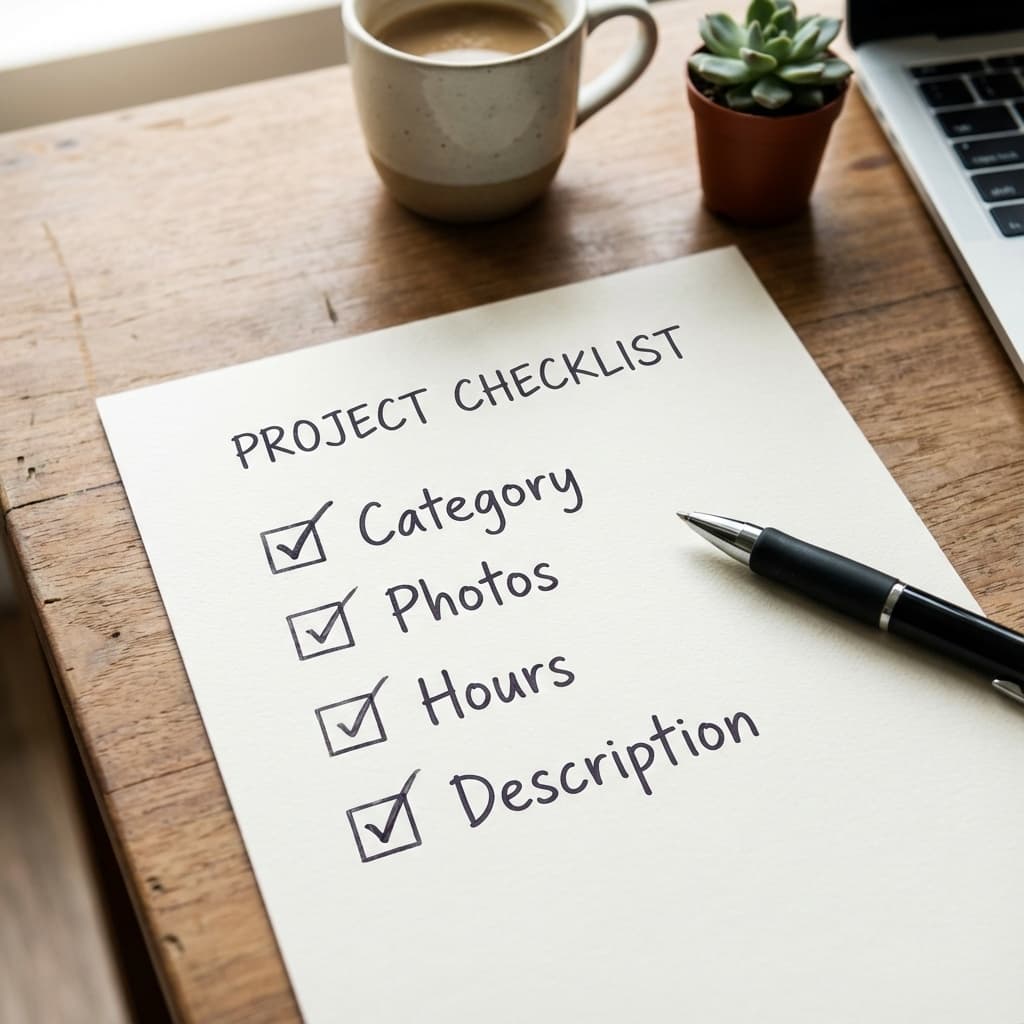
Before you sign up: the checklist that prevents headaches
Before creating a profile, it is worth aligning the basics. Many profiles get stuck not from bad intentions, but from disorganization. Name, address, and phone need to be consistent everywhere your business appears.
This trio is known as NAP. If it is one way on Google, another on Instagram, and another on WhatsApp, the algorithm gets suspicious. Consistency builds trust.
Setting up the right way: decisions that matter more than the click
Signing up is not just filling in fields. The main decision is the category. It defines which searches you enter. Choosing "restaurant" when you are a "burger joint" can push you back.
Another critical point is address versus service area. If you do not receive customers at your location, configure it as a service area. Forcing a fake address might give visibility for a while, but it usually ends in a drop or block.
Verification and trust: why some profiles disappear
Verification is the first trust filter. But many people verify and still do not show up. This happens when Google detects inconsistency, an inactive profile, or signs of manipulation attempts.
If you are in this situation, the path is not to create another profile or start changing everything. The correct approach is to diagnose the problem calmly. For that, see the specific guide: Google Business Profile not showing up: how to fix.
Photos and content: what actually drives clicks
Bad photos drive customers away and kill clicks. Google measures interaction. If many people see your profile and do not click, it understands you are not the best option.
Real photos, updated and consistent with what you sell, make a difference. You do not need an expensive photographer. You need to show the good reality of your business.
Reviews: why they influence more than you think
A review is not just a pretty star. It influences click decisions, trust, and even price perception. A business with recent reviews and active responses looks alive.
Knowing how to respond to reviews is part of the game. For that, use the practical guide: How to respond to Google reviews.
If your rating is already low and has snowballed, the path is different. In that case, follow the recovery plan: Low Google rating: how to recover your reputation.
Reviews do not fix bad operations: they only amplify what already exists.
Simple 15-minute weekly routine
You do not need to become a slave to Google Business Profile. A short routine is enough.
- Check hours and basic information
- Respond to new reviews
- Upload 1 real photo from the week
- Check customer questions
This kind of consistency becomes an advantage over time.
Turning the profile into sales, not just views
The customer journey is simple: they find you, quickly evaluate, decide, and act. The less doubt you leave, the higher the chance of conversion.
After the sale, the loyalty game begins. Those who buy, review. Those who review, attract others. It is a cycle.

Tired of being invisible on Google?
You can keep doing it the hard way or activate a simpler path with VISU.
Frequently Asked Questions About Google Business Profile
How long does it take to show up on Google Maps?
After verification, the profile can appear in a few days, but gaining prominence takes weeks of consistency.
Can I use my home address?
Only if you serve customers at that location. Otherwise, configure a service area.
Does responding to reviews help with ranking?
It helps indirectly by improving trust and user clicks.
Does changing information frequently hurt my ranking?
Yes. Constant changes signal instability.
Is it worth managing this without advertising?
Yes. For local businesses, Google Maps is one of the cheapest sources of customers.