

You set up your Google Business Profile, added your business address and phone number, and waited. But when you search for your store name, nothing shows up. Your listing is missing from the map. Meanwhile, your competitor next door appears in local search results without any issue.
This happens more often than you think. Google has strict rules for displaying listings, and small mistakes can hurt your online presence and make potential customers unable to find your business.
The good news is that most problems have a fix. Sometimes it is pending verification, sometimes it is the wrong category, sometimes it is just lack of activity. Let us go through the most common reasons and how to solve each one.
Pending or incomplete verification
This is the number one reason your Google Business Profile is not showing up. You created the profile but never finished verification. Without it, Google will not display your business in Google Search or on the map.

Verification can happen via postcard, phone, email, or video. The postcard method is most common and arrives within 14 days at your business address.
To check your status, open the Google Business Profile dashboard. Look for any "pending verification" notice. If you see one, follow the steps. If the postcard never came, request a new one.
Incorrect or inconsistent business address
Google checks your information against multiple sources. If your business address differs from what appears on your website, social media, or local directories, this creates confusion and hurts your local SEO.
The rule is simple. Use the exact same address everywhere. Same abbreviations, same format, same postal code. If one place says "St." and another says "Street", fix it now.
Another common mistake is using a home address when your store is elsewhere. Google can detect this and suspend your profile. Potential customers also lose trust when addresses do not match.
Wrong or too generic category
Your primary category defines which searches you appear for. If you run a burger joint but selected "restaurant", you compete with a much larger pool. You will show up less when people search "burger near me".
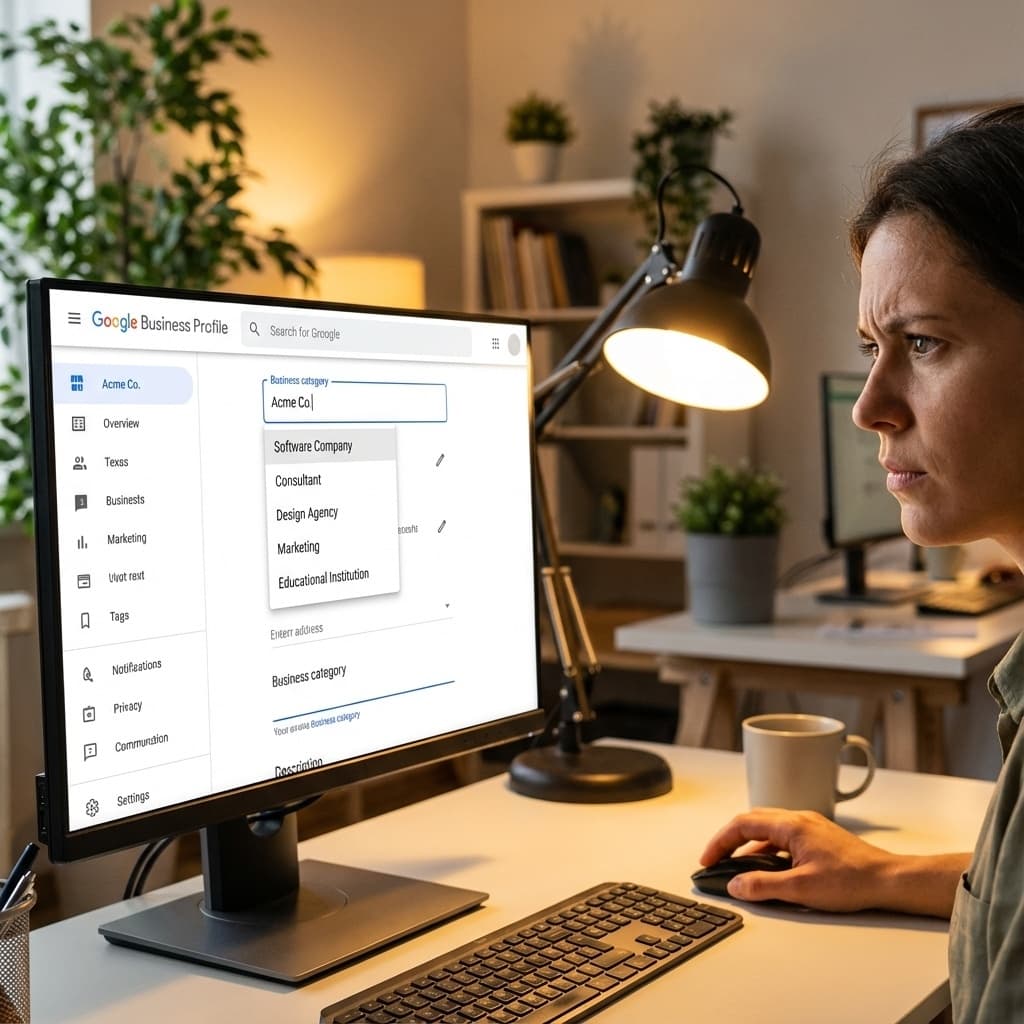
Review your primary category. Add relevant secondary categories. Be specific. "Women's clothing store" works better than "clothing store" for local SEO. For restaurants, combining a strong profile with strategic promotions can drive both visibility and foot traffic.
Inactive or incomplete profile
Google favors active profiles. If you created your listing and never touched it, your ranking drops. Profiles that post updates, respond to reviews, and keep info current appear more in local search results.
Check that everything is filled in. Business hours, phone number, website, photos, description. The more complete your online presence, the easier it is for people to find your business.
Important tip: Add at least one photo per month. Respond to every review. This signals to Google that your business is active and engaged with potential customers.
Violation of Google guidelines
Sometimes the profile disappears because Google detected a violation. It could be a business name stuffed with keywords, a fake business address, or multiple listings for the same business location.
If your profile was suspended, you will see a notice in the dashboard. Fix the issue and request reinstatement. The process takes a few days.

Common violations include:
- Business name like "Joe's Burgers - Best Burgers in NYC"
- Using a coworking space or P.O. box as your business address
- Creating multiple listings for the same business
- Asking for fake reviews or buying reviews
Very strong local competition
Sometimes your profile is correct, but local competition is intense. In areas with many similar businesses, Google shows the most relevant ones. Relevance depends on reviews, activity, and authority in local SEO.
The solution here is strategic. You need more positive reviews, more photos, more responses, more updates. Over time, this improves your position in local search results and helps potential customers find your business. QR code marketing can accelerate this process by making reviews and engagement effortless.
Quick checklist to fix your Google Business Profile
Before you panic, go through this list:
- Is verification complete?
- Is your business address correct and consistent everywhere?
- Is the category specific and accurate?
- Does the profile have photos, hours, phone number, and description?
- Have you responded to recent reviews?
- Is the business name clean, without keyword stuffing?
- Are there multiple listings for the same business that need to be merged?
If everything checks out and you still do not appear in Google Search, wait a few days. Google takes time to update its index after changes to your online presence.
Show up for people who are searching
Your next customer is searching right now. Do not let them find your competitor first.
Frequently Asked Questions
How long does it take for my business to appear on Google Maps?
After complete verification, it can take a few days up to 2 weeks to appear in local search results. If it takes longer, review your profile settings and business address.
My profile was suspended. What do I do?
Open the Google Business Profile dashboard. Find the reason for suspension. Fix the issue and request reinstatement through Google's form. The process takes a few days.
Can I have multiple listings for the same business address?
No, unless they are clearly different businesses at the same location. Multiple listings for the same business violate guidelines and can be suspended.
I changed my business address and now I do not appear. What should I do?
Update the address in Google Business Profile and wait for re-verification. Also update it on your website and all local directories to maintain consistency for local SEO.
My competitor shows up in Google Search and I do not. Why?
They probably have more reviews, a more complete profile, or a stronger online presence. Focus on improving these factors so potential customers can find your business.