

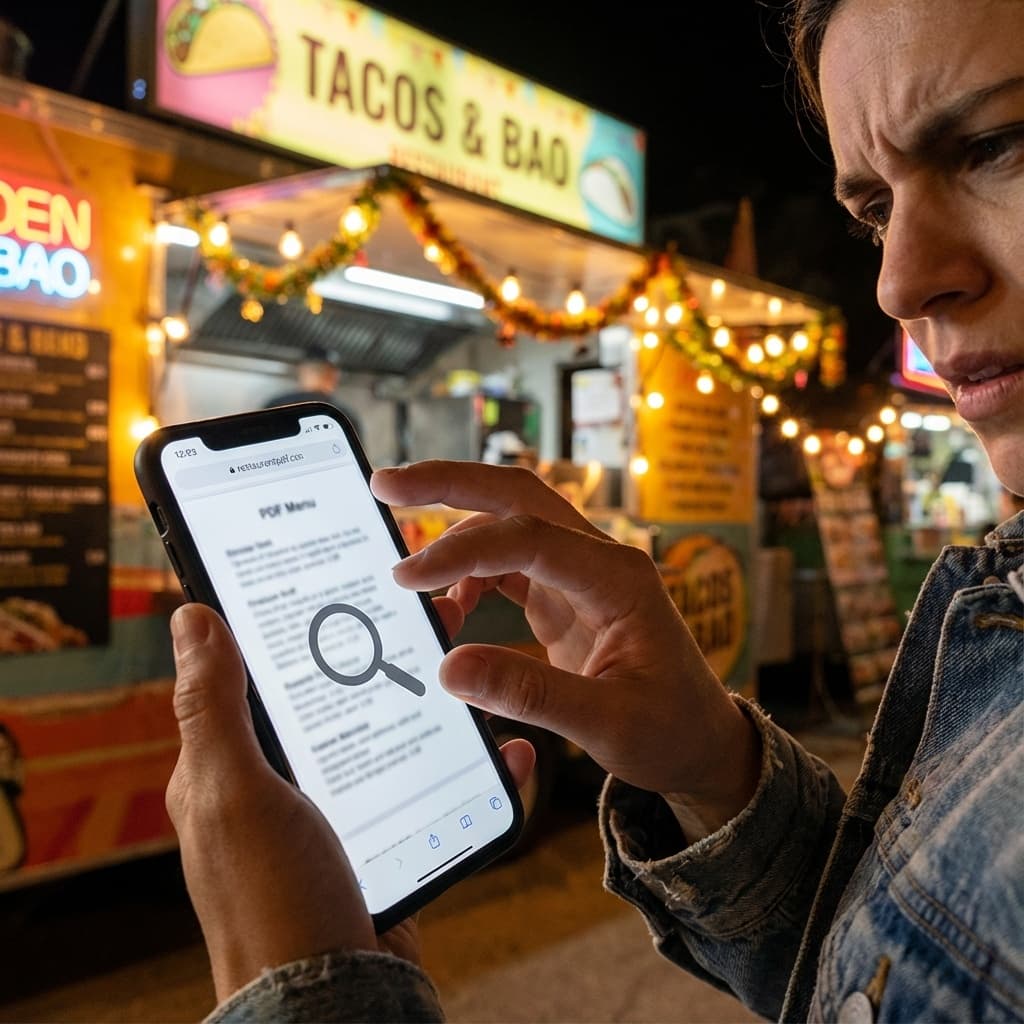
Anyone selling food on the street knows this scene. A customer walks up excited, asks for the menu, and you hand over a paper sheet that is already greasy, stained, and impossible to update. When you try sending a PDF through WhatsApp, the file takes forever to load, they have to zoom in and out, the screen is too dark at night, and the whole experience becomes a mess. All of this slows down the line, delays orders, and creates an impression of disorganization.
That is where the classic question comes in: should you pay for a full management system, or is a free digital menu enough to get started? And more importantly, which option actually works for food trucks and street vendors where rain, rush hours, and constant movement change everything by the minute?
Get Paid to Scan QR Codes
While vendors upgrade their menus, you can earn rewards just by scanning. Try it out.
Quick video. Earn your first reward.
Why Traditional Paid Systems Also Fail Street Vendors
On the opposite extreme are paid systems with high monthly fees, onboarding costs, and long setups. For street food, this does not make sense. Vendors need speed and simplicity, not complex dashboards and endless reports.
Many systems depend on tablets, computers, or printers. Outdoors this becomes a nightmare. Batteries die fast, rain ruins equipment, screens glare under sunlight, and the system freezes when you need it most. The cost goes up while results do not.
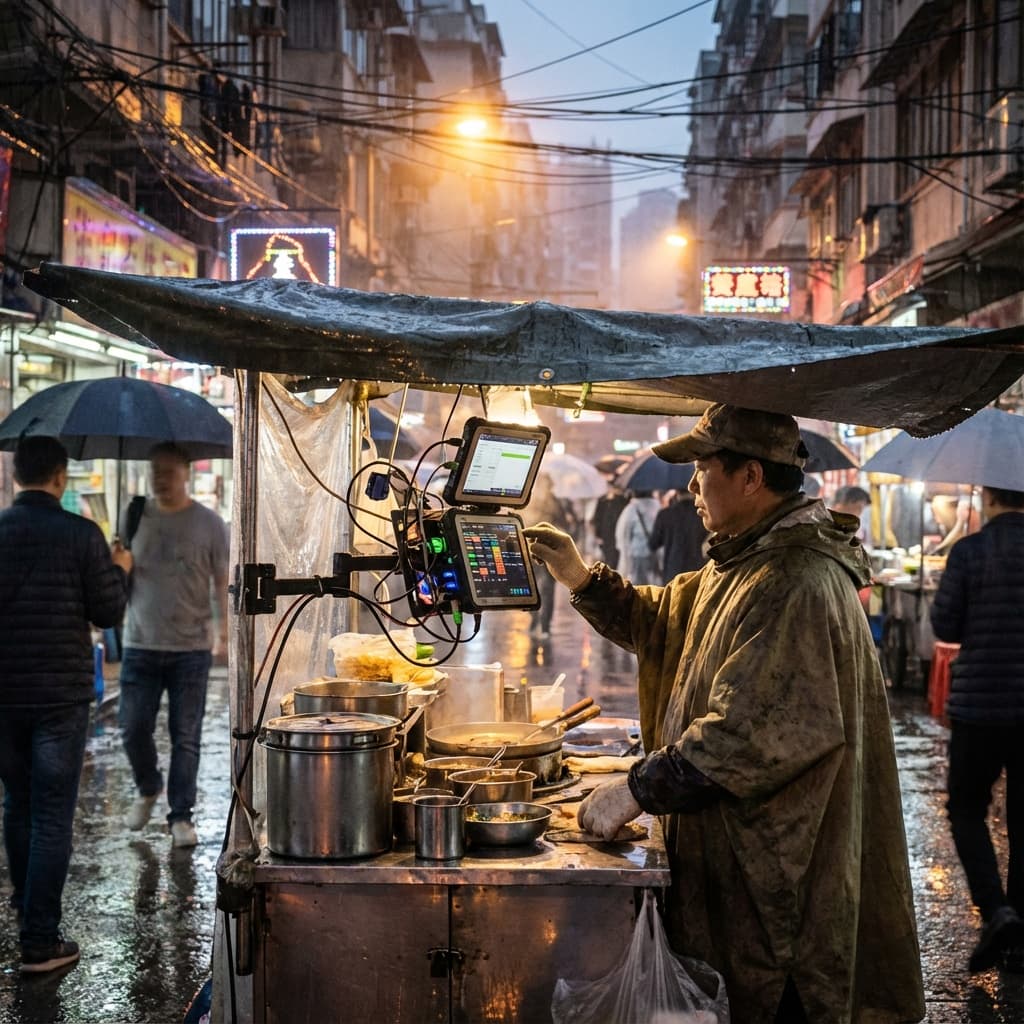
This is where lightweight options shine. You update menus and links instantly without files, printers, or expensive hardware. It keeps your operation fast even with rain, movement, or weak connection. The same logic applies when you need to sell on rainy days: simple tools beat complex ones.
Complexity does not sell: street vendors need tools built for real outdoor conditions.
The Middle Path: Optimized Digital Menus
Between clunky PDFs and expensive systems lies the best solution: an optimized digital menu. It opens instantly in any phone browser, updates in seconds, and helps customers decide faster, keeping the line moving smoothly.
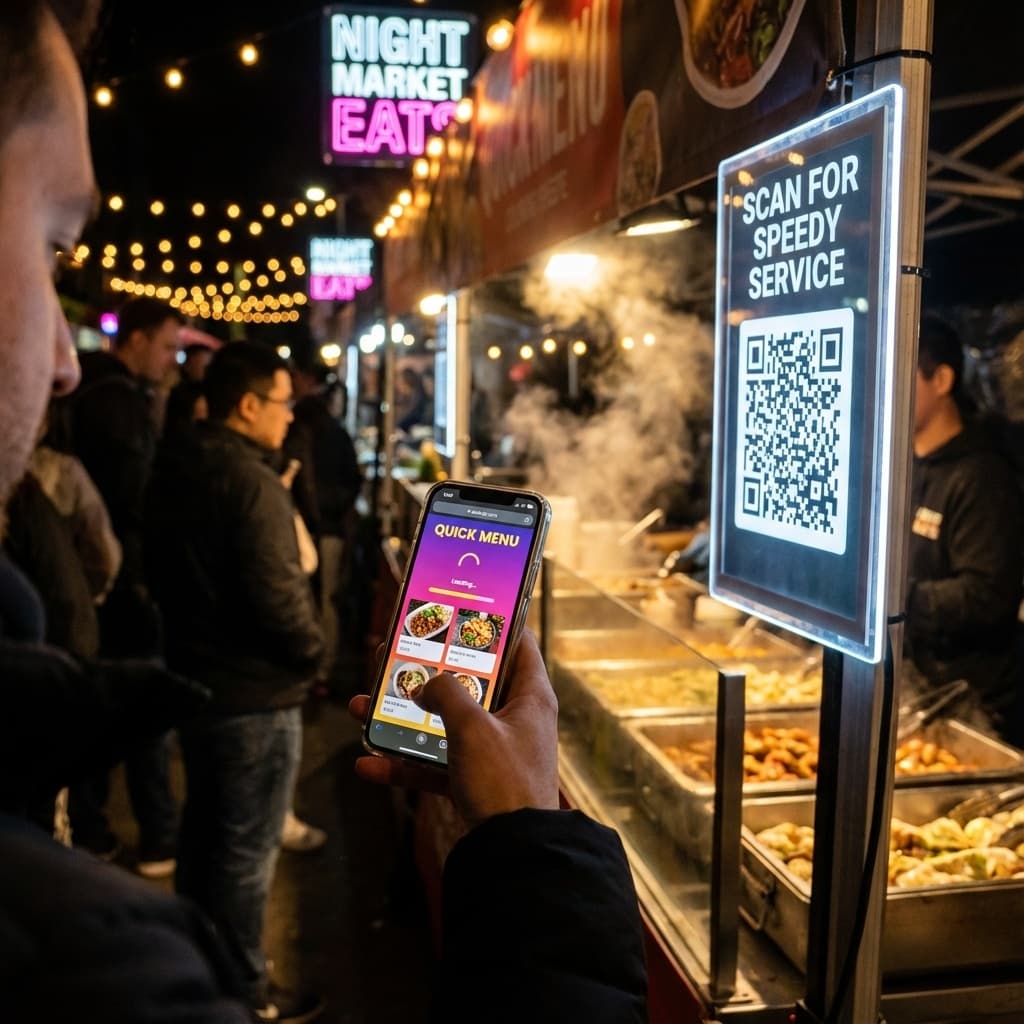
A fast menu also helps with reducing wait time. When customers decide before reaching the counter, everything flows better.
Turn Every Customer Into a Regular
Food trucks using VISU capture contacts, build loyalty, and increase sales with smart QR campaigns.
See How It WorksQuick Comparison: PDF vs Paid System vs Agile Solution
Here is a simple overview to help you decide:
| Option | Cost | Updates | Experience | Data |
|---|---|---|---|---|
| Free PDF | Free but time consuming | Slow, manual | Zooming, heavy, hard to read | No insights |
| Traditional paid system | Monthly fee + extras | Faster but complex | Often needs app | Some tracking |
| Agile QR + link solution | Freemium, low barrier | Instant | Fast, clear, easy | Full tracking |
The Real Financial Impact of the Wrong Menu
Let's do simple math. Your truck serves fifty people per night, twenty days per month. That is one thousand customers monthly. If ten percent give up because they cannot read the menu, one hundred lost orders vanish.
With an average order of ten dollars, that is one thousand dollars gone monthly. Twelve thousand per year. All because the menu was slow, heavy, or unclear.
With an agile digital menu, a significant part of that revenue returns. Customers choose faster, order with more confidence, and come back more often. Building real customer loyalty starts with removing friction from the first interaction.
How to Start With a Free Digital Menu
Today you can create a digital menu without spending anything. Start small and upgrade as needed. Test in the field, observe the line, adjust, and improve based on real behavior.
What to Prioritize at the Beginning
Focus on three elements: clear photos, short descriptions, and a visible call to action. These three things improve decision speed dramatically. If you want to attract more customers to street food, the menu is your first impression.
How to Create a Lightweight Digital Menu in 3 Minutes
Start by listing your main items. Write short descriptions that focus on what makes each item appealing. Use clear photos with good lighting. Create a single QR Code that links to your menu page. Test it in the field during a real service to see how customers interact with it.
And if you want to understand how attention becomes value on both sides of the transaction, check out how to get paid for your attention.
Turn Every Customer Into a Regular
Join food trucks using VISU to build loyalty, capture leads, and increase sales with smart QR campaigns.