


The essential apps that save time, money, and stress
College is expensive. Your apps shouldn't be. Between tuition, textbooks, and trying to maintain some kind of social life, every dollar counts. The good news is that some of the best tools for studying, staying organized, and even making extra money are completely free.
I've tested dozens of apps and narrowed it down to the ones that actually matter. These aren't just "nice to have" apps. They're the ones that will help you study smarter, save money, and maybe even earn some cash between classes.
Want to Earn While You Save?
VISU pays you for real-world attention. No surveys, no deposits. Just quick rewards for the time you already spend on your phone.
Productivity Apps
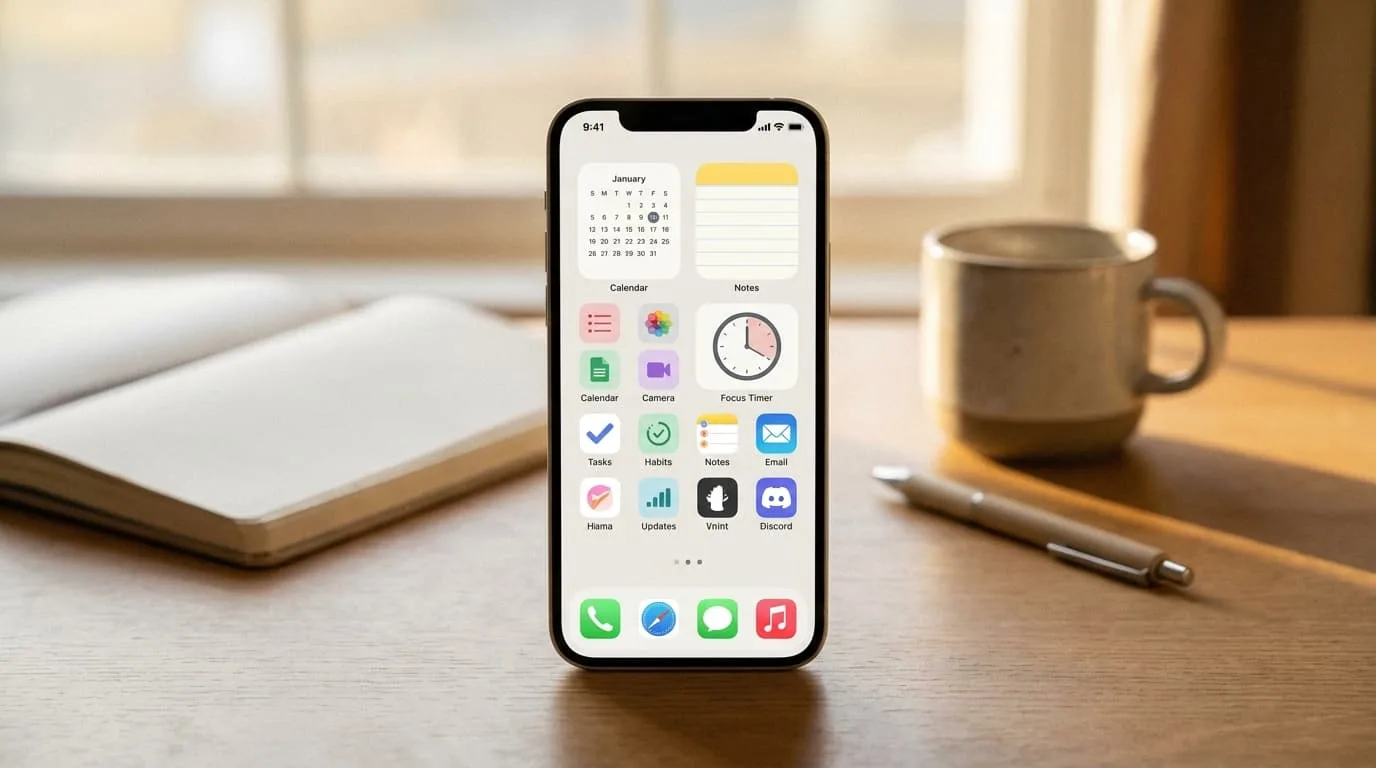
The difference between students who thrive and those who struggle often comes down to organization. These apps help you manage your time, tasks, and sanity without costing a cent.
Notion
Notion is the Swiss Army knife of productivity apps. Use it for note-taking, project management, assignment tracking, or building a personal wiki for your courses. The free plan is generous enough for most students, and the templates community means you don't have to start from scratch. Many students use it alongside passive income apps to track their earnings too.
Google Calendar
Simple but essential. Sync your class schedule, set reminders for assignments, and block study time. The key is actually using it consistently. Add everything, including social plans, so you can see your week at a glance and avoid overcommitting.
Forest
If your phone is your biggest distraction, Forest gamifies focus. Set a timer, and a virtual tree grows while you study. Leave the app, and the tree dies. It sounds silly, but the guilt of killing a virtual tree is surprisingly effective motivation.
Todoist
For students who need a straightforward task manager without the complexity of Notion. Create projects for each class, set due dates, and check things off. The free tier handles most student needs perfectly, and it syncs across all your devices.
Study & Learning Apps
These apps turn your phone from a distraction into a study tool. Use them during commutes, between classes, or whenever you have a few minutes to spare. They're perfect for the kind of productive waiting that adds up over a semester.
Quizlet
Flashcards remain one of the most effective study methods, and Quizlet makes them digital. Create your own sets or use the millions already made by other students studying the same material. The spaced repetition algorithm helps you focus on what you don't know yet rather than wasting time on material you've already mastered.
Khan Academy
Struggling with a concept your professor explained poorly? Khan Academy probably has a video that explains it better. Free courses covering everything from calculus to art history, all taught by people who actually know how to teach. It's saved more GPAs than any other free resource.
Anki
For serious memorization, Anki's spaced repetition system is unmatched. Medical students and law students swear by it. The learning curve is steeper than Quizlet, but the results are worth it for content-heavy courses where you need to retain hundreds or thousands of facts.
Grammarly
The free version catches basic grammar and spelling errors in essays, emails, and discussion posts. It won't write your papers for you, but it will stop you from submitting something with embarrassing typos that could cost you points.
Finance & Budgeting Apps
Learning to manage money in college sets you up for life. These apps make budgeting painless, which is important when you're working with limited funds and trying to make financial aid stretch across an entire semester.
Mint
Connect your bank accounts and Mint automatically categorizes your spending. See exactly where your money goes each month. For most students, it's a wake-up call about how much they're spending on coffee, takeout, and late-night impulse purchases.
PocketGuard
Shows you how much you have left to spend after bills and savings goals. The "In My Pocket" feature gives you a clear number for discretionary spending, which is exactly what students need when trying to figure out if they can afford that concert ticket.
Goodbudget
Digital envelope budgeting for those who like to allocate specific amounts to categories. Great for students on financial aid who need to make a fixed amount last the semester. You can see exactly how much is left in your "food" or "entertainment" envelope before making a purchase.
Money & Rewards Apps
Why just save money when you can make it? These apps turn everyday activities into extra cash, and they're perfect for students with limited time but plenty of downtime between classes. If you're looking for more options, check out our complete guide to apps that pay real money.
VISU
VISU rewards you for attention. Scan QR codes, watch short content, and earn real rewards. Unlike survey apps that demand 20 minutes for $0.50, VISU fits into the gaps in your day. Waiting for class? Earn. On the bus? Earn. It requires zero mental effort, which makes it perfect for tired students who don't have the energy for lengthy surveys.
Rakuten
If you're shopping online anyway for textbooks, dorm supplies, or late-night impulse purchases, Rakuten gives you cashback automatically. Install the browser extension and forget about it until the quarterly check arrives. It's one of the best cashback apps for students because it works passively.
Ibotta
Cashback on groceries. Scan receipts after shopping and get money back on everyday items like milk, bread, and snacks. It's not life-changing money, but it adds up over a semester. Students who grocery shop regularly can earn $20-40 per month without changing their habits.
Swagbucks
Surveys, videos, and shopping rewards. The earning rate is low, but if you're going to mindlessly scroll anyway, you might as well get paid for it. Check out our best survey apps comparison for more options and realistic earning expectations.
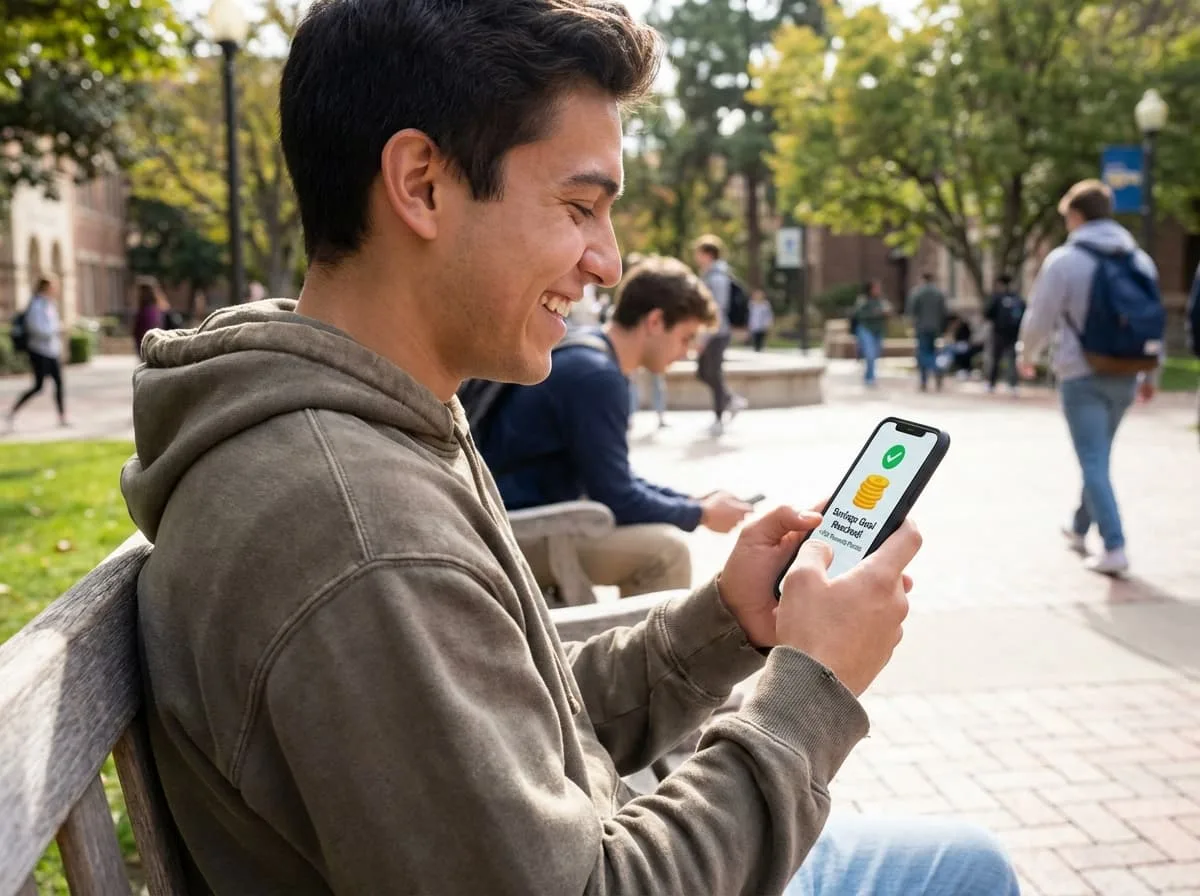
Turn Your Downtime Into Real Rewards
Between classes, waiting for the bus, or killing time before your next lecture, VISU lets you earn from moments that usually go to waste.
Student Discount Apps
Your student ID is worth more than library access. These apps unlock discounts most students don't know exist, and they work at hundreds of brands both online and in stores.
UNiDAYS
Verify your student status once and unlock discounts at hundreds of brands. Apple, Nike, Samsung, ASOS, and more. The app shows nearby deals and online codes. It's essential for any purchase over $50 because the savings often exceed 10-20%.
Student Beans
Similar to UNiDAYS but with different brand partnerships. Worth having both since they don't always overlap. Some stores offer exclusive discounts through one platform but not the other, so having both installed maximizes your options.
SheerID and ID.me
Many brands verify student status through these services directly. Having accounts ready means faster checkout when you find a student deal. They also work for alumni discounts at some retailers after you graduate.
For a deeper dive into maximizing student discounts and which apps have the best brand partnerships, check out our guide to best student discount apps.
Entertainment & Lifestyle
You can't study all the time. These apps make your downtime more affordable so you can actually enjoy college without going broke.
Spotify Student
Spotify Premium plus Hulu and Showtime for $5.99 per month. That's three streaming services for less than the price of one regular subscription. Verify with SheerID and enjoy ad-free music plus TV. It's probably the best student deal that exists.
Amazon Prime Student
Six-month free trial, then half-price Prime at $7.49 per month. Free shipping, Prime Video, Prime Reading, and exclusive student deals. If you order anything online regularly, this pays for itself within the first few orders.
Apple Music Student
$5.99 per month for Apple Music plus Apple TV+ included. If you're in the Apple ecosystem with an iPhone and Mac, this beats Spotify's offering since you get better integration with your devices for the same price.
Headspace
Many universities offer free Headspace subscriptions through student wellness programs. Check if yours does because meditation and sleep content can be genuinely helpful during stressful exam periods. Even if your school doesn't offer it, the student discount makes it affordable.
Tips for Maximizing These Apps
Having the apps is step one. Using them effectively is where the real value comes from, and most students leave money on the table by not optimizing their approach.
Start with just three or four apps. Adding twenty apps at once means you'll use none of them consistently. Pick one productivity app, one study app, one money app, and one discount app. Master those before adding more to your rotation.
Set up notifications strategically. Turn on deal alerts from UNiDAYS and Student Beans, but disable social notifications during study blocks. Your phone should help you, not distract you from the work that actually matters.
Stack your rewards whenever possible. Use Rakuten for online purchases, pay with a cashback credit card if you have one, and check UNiDAYS for a discount code before checkout. Triple-dipping like this is how you maximize savings on every purchase.
Schedule app time to avoid endless scrolling. Check reward apps during specific times like morning coffee, lunch break, or before bed. This prevents the "I'll just check one thing" spiral that kills productivity and wastes hours.
Track what actually works for you. After a month, evaluate which apps you actually use regularly. Delete the rest because a cluttered phone leads to a distracted mind. The best app setup is the one you'll actually use consistently.
For students serious about earning extra money, combining these apps with a strategic approach to making money in college can add hundreds of dollars per semester to your budget.
Ready to Make Your Phone Work For You?
Download the apps that fit your life. Start with the ones that save you money, then add the ones that make you money. Your future self will thank you for starting now.
FAQ
Are these apps really free?
Yes, all apps listed have free tiers that are fully functional for students. Some offer premium upgrades, but the free versions handle most student needs without any limitations that matter. Apps like VISU and Rakuten are completely free because they make money from advertisers and brands, not from you.
Which app should I download first?
Start with Google Calendar for organization, Quizlet for studying, and one reward app like VISU or Rakuten. These three cover the basics without overwhelming you, and you can add more once you've built the habit of using them consistently.
How much can I actually earn from reward apps?
Realistically, $50-150 per month if you're consistent with multiple apps. This won't replace a part-time job, but it covers textbooks, coffee, or a few nights out per semester. Check our guide on money apps for students for detailed earning breakdowns and strategies.
Do student discounts work for community college students?
Yes. UNiDAYS and Student Beans verify through .edu email addresses or enrollment documents. Community college, trade school, and part-time students all qualify for the same discounts as university students.
Will these apps drain my phone battery?
Most run in the background with minimal impact on battery life. Forest and focus apps only use significant battery while actively running a session. If battery is a concern, disable background refresh for apps you don't use daily in your phone settings.
Can international students use these apps?
Most productivity and study apps work globally without restrictions. Reward and discount apps vary by country. VISU works internationally, but Rakuten and Ibotta are US-focused. Check app availability in your region's app store before downloading.