

You close the sale, the customer leaves happy, thanks you, and says they will come back. A few days later, you check Google and nothing. No new reviews. Your rating stays the same. Meanwhile, a nearby store that you know is not even that great shows up first on the map.
In the daily routine of a local business, reviews are rarely a priority. The customer is in a rush, you are handling payments, invoices, inventory, deliveries. Asking for a review at checkout feels awkward and usually gets forgotten by both sides.
The issue is rarely bad service. Most of the time, the experience was good. What is missing is a simple process to turn a positive moment into a Google review. And without a process, reviews do not happen.
Why customers do not leave reviews even when satisfied
This is the part many store owners misunderstand. A satisfied customer is not the same as an engaged customer.
After leaving your store, the customer immediately switches focus to the rest of their day. They will not remember to search for your business on Google later. Even if they genuinely enjoyed the experience, routine takes over.
There is also the effort factor. Searching for the right profile, clicking review, typing something. Even if it sounds simple, each step creates friction. And friction kills action.
Most customers also do not realize how much reviews impact visibility and sales. Without understanding the benefit, there is no motivation to take time out of their day.
In short, it is not refusal. It is friction and forgetting.
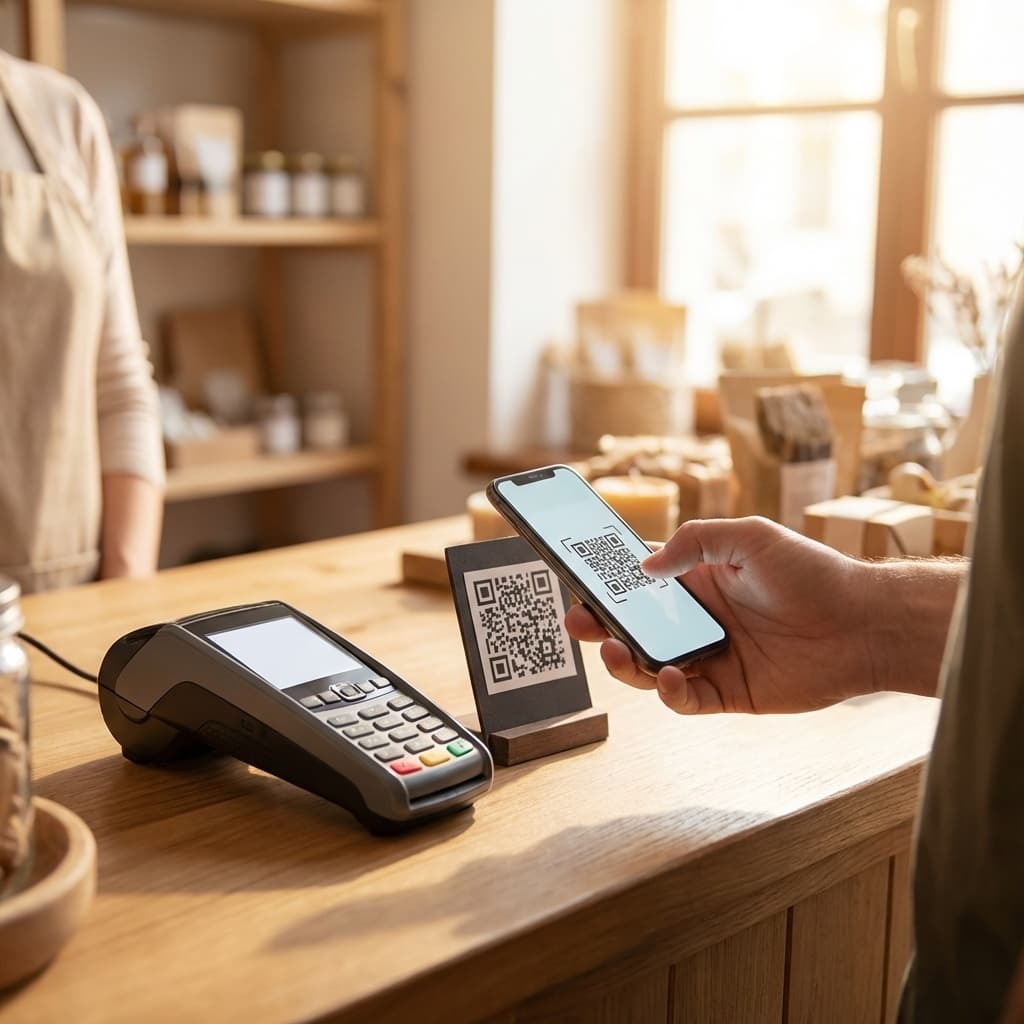
The simplest method: Google review QR codes
A Google review QR code removes friction completely. Instead of asking the customer to remember later, you give them the direct path right when satisfaction is highest.
The phone is already in their hand. The transaction just ended. The experience is still fresh. This is the perfect moment.
The customer scans the QR code, taps once, and lands directly on the Google review screen. No searching. No typing the business name. No chance for distraction.
Compared to sending links via text or asking verbally, QR codes perform significantly better because they eliminate both memory dependency and effort. The path from satisfaction to review becomes almost automatic.
Step by step: how to create your Google review QR code
There are two main ways to create a review QR code, and understanding the difference saves headaches later.
Option 1: Google direct link. You access your Google Business Profile, copy the review link, and generate a QR code using free online tools. It works, but requires attention. If the link changes, the QR breaks. If you print it wrong, you lose the opportunity.
Common mistakes include QR codes that are too small, have low contrast, or become unreadable on certain phone cameras. Each failed scan is a lost review.
Option 2: use a dedicated solution. In this case, the QR code comes optimized for physical use, with shortened links, better readability, and zero daily maintenance. You do not need to test or explain to customers how it works.
The real difference is not the QR itself. It is the operational effort over time. The less maintenance required, the more likely you are to use it consistently.
Where to place the QR code in your store
Placement matters as much as having the QR code. A hidden QR code is the same as no QR code.
The most common mistake is placing it behind the counter, too low, or too small for customers to notice naturally.
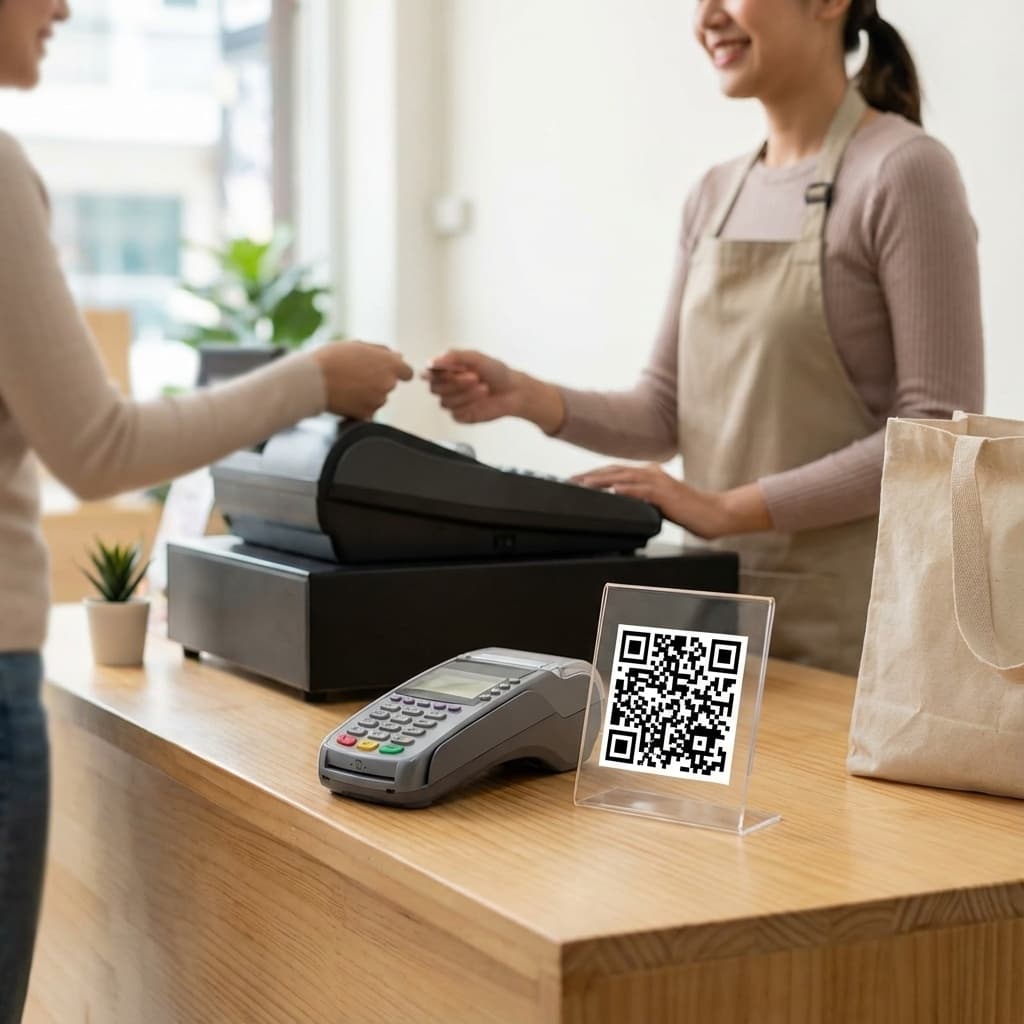
In retail, the locations that usually work best are checkout counters, payment terminal areas, waiting spots, or storefront windows. The QR code needs to be in the customer's line of sight when the experience ends.
In stores with waiting lines, making the QR visible while customers wait also helps. They can scan before even paying, while the positive impression is still forming.
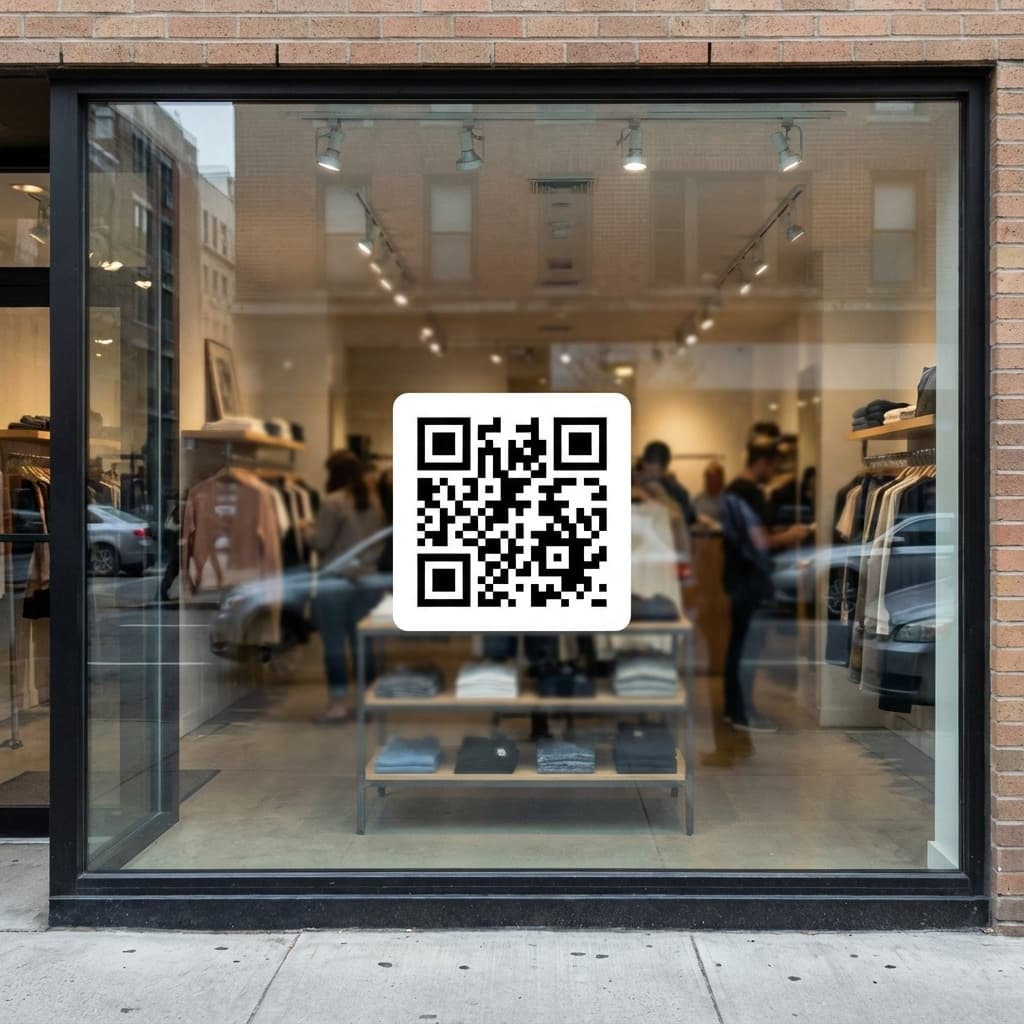
Reviews are not requested: they are facilitated.
How to respond to positive and negative reviews
Getting reviews is only part of the work. Responding to them also counts.
For positive reviews, a simple response already shows attention. Something like thanking the customer for their time and mentioning that the team appreciates the feedback.
For negative reviews, the rule is do not argue. Never respond impulsively. Acknowledge the issue, show that you understand the situation, and express openness to resolve it.
A simple example for a negative review response: "We are sorry about your experience. Our goal is to always improve. We will review what happened and hope to serve you better next time."
Human responses build trust with both Google's algorithm and future customers reading the reviews.
Stop losing reviews every day
You can keep asking at checkout or activate a simpler path with VISU.
Frequently Asked Questions About Google Reviews
Can I create my own Google review QR code for free?
Yes. You can copy your Google Business Profile review link and generate a QR code using free online tools. However, dedicated solutions reduce errors and increase the chance that customers complete the review.
How much does a Google review QR code cost?
There are free options like generating manually through Google, and more complete alternatives with tracking and better readability. The cost depends on the level of control and convenience you need.
How many reviews do I need to rank better on Google?
There is no fixed number. Google considers quantity, frequency, and quality of reviews. Businesses that receive reviews consistently tend to have more prominence on the map.
Does responding to reviews actually help my ranking?
Yes. Google tends to value active and well-managed profiles. Responding to reviews shows that you care about customers and keeps your profile updated.
Where should I place the QR code in my store?
At the final point of the customer experience: checkout counter, payment area, waiting spot, or storefront window. The key is visibility when satisfaction is still fresh.