

Choosing a QR code generator for business goes beyond creating a square that links to a website. The real decision involves brand consistency, editability without reprints, security, analytics, and smooth integrations with the tools you already use.
Understanding QR code marketing fundamentals and following best QR code practices will help you get the most from any platform you choose. Free generators create codes. Business-grade platforms create systems. The difference shows up in every campaign metric, every reprint avoided, and every lead captured instead of lost.
This guide covers must-have features, advanced capabilities that move the needle, and a practical checklist to help you pick the right solution for your team and budget. Consumers can even get paid for their attention when engaging with well-designed QR experiences.
Get Paid to Scan QR Codes
Turn your attention into real rewards. Scan, engage, earn.
Quick video. Earn your first reward.
Why Businesses Need More Than a Basic QR Code Maker
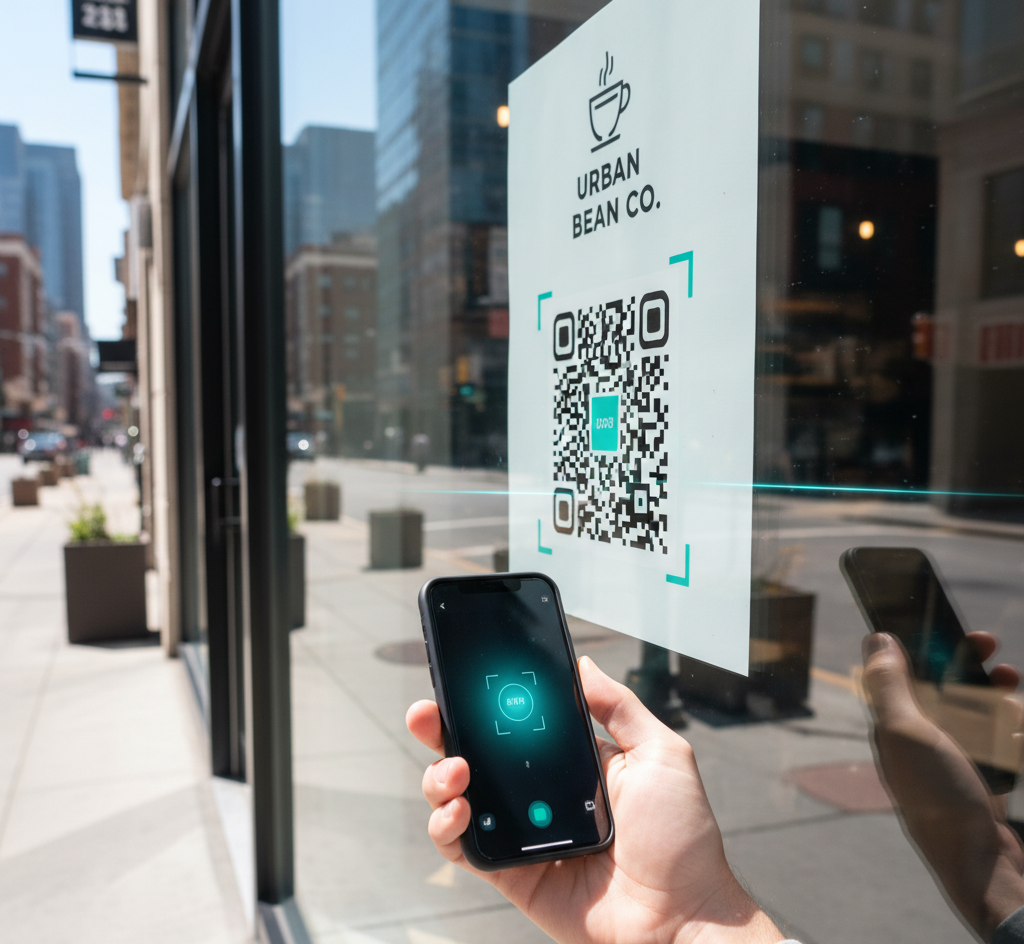
QR codes are now standard entry points to digital experiences: payments, product pages, apps, support, loyalty programs, and more. A business-grade generator turns this into a repeatable system with consistent design, dynamic redirects, analytics, and governance so teams stop creating codes ad hoc with zero oversight.
The right platform shortens time to launch, increases scan success, and protects your brand. Marketing teams get campaigns with branded codes, trackable scans, A/B tests, and post-scan routing. Retail and out-of-home teams get signage, packaging, receipts, and displays that move users from discovery to action.
Events teams simplify check-in, session materials, surveys, and lead capture into one scan. Operations teams digitize SOPs, inventory, returns, and support flows with dynamic links that update anytime without reprinting.
Core Features Every Business QR Code Generator Must Have
Branded Design That Scans Reliably
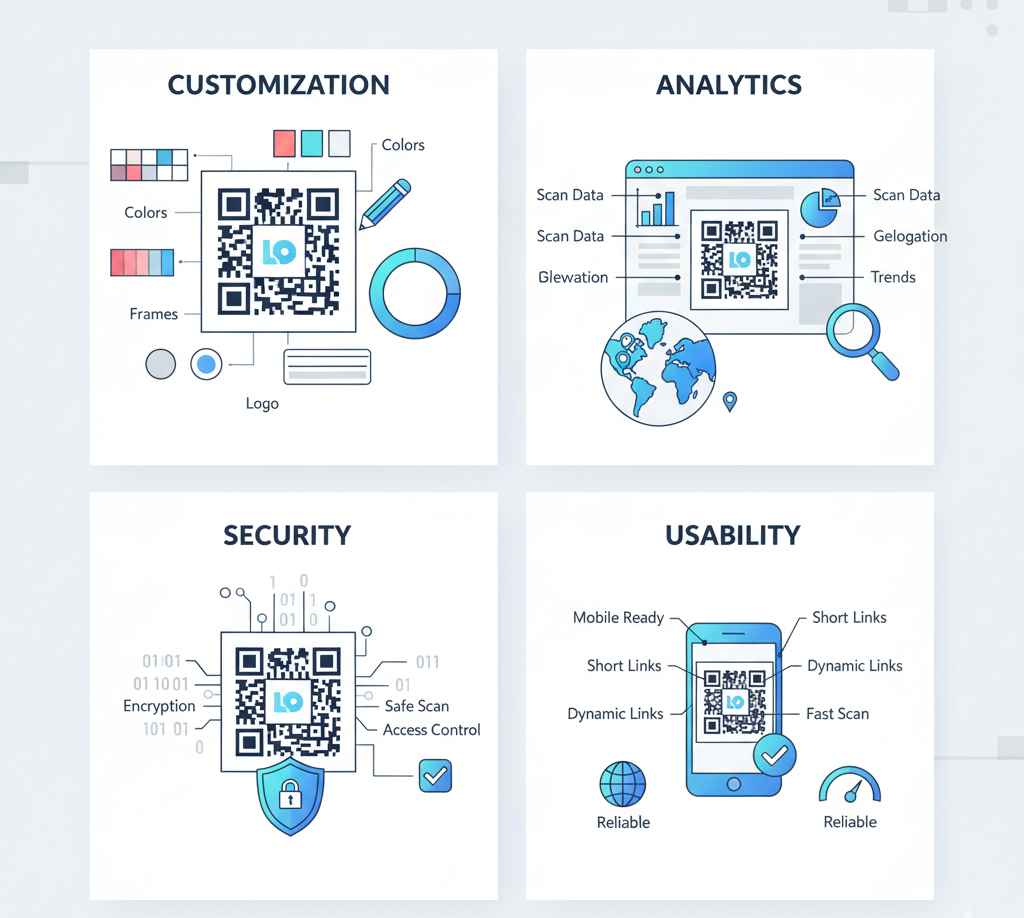
Your codes should look like your brand without breaking scanability. The tool must support custom colors, embedded logos, gradient palettes, and shape variations with automatic contrast checks and safe error correction (usually M or Q level). Good generators preview scan robustness and warn about risky designs before you print thousands of codes that fail in the field.
Dynamic QR Codes: Editable Without Reprinting
Dynamic QR codes let you update the destination, parameters, or routing rules after printing. That means fewer reprints, faster iteration, and the freedom to redirect traffic to promotions, localized pages, or app deep links as campaigns evolve. Static codes lock you into a single URL forever. For business use, dynamic is essential. Learn more in our dynamic vs static QR codes guide.
Analytics and Reporting You Can Trust
Bare-minimum analytics include scans over time, unique scans, location by country and city, device and OS breakdown, and referrer context when available. Better platforms support UTM tagging, cohort comparisons, and export to GA4 or BI tools. Some also detect bot scans and normalize time zones for cleaner reporting. See our QR code tracking guide for detailed analytics strategies.
Integrations and Automation
Look for native integrations with Shopify, HubSpot, Salesforce, Mailchimp, and WordPress, plus a clean API for bulk creation and lifecycle automation. Webhooks or event streams let you sync scans with CRM, CDP, and automations. Trigger emails, SMS, or support tasks after a scan without manual work.
Security and Governance
A generator must prevent phishing look-alikes and keep links trustworthy. Prioritize HTTPS enforcement, signed dynamic links, domain whitelisting, role-based access control, SSO/SAML, audit logs, and link-health monitoring. For teams, workspaces and folder-level permissions help avoid lost QR codes and unauthorized changes. For comprehensive security guidance, see our QR code security guide.

Design and Usability Considerations
Scannability is a design outcome, not an accident. Keep a proper quiet zone with no visual noise around the code. Maintain strong foreground and background contrast. Size the code appropriately for viewing distance: posters need codes of about 3 to 4 cm for scans at 1 to 2 meters.
Add a clear call-to-action like "Scan to get 10% off" and use short, branded domains to build trust. For print, generate vector files (SVG, PDF) and high-resolution raster versions at 2x or 3x for screens. Test codes before large-scale printing by scanning from different distances and angles.

Ready to Innovate Your Customer Experience?
See how businesses use VISU to turn QR scans into measurable engagement.
Advanced Features That Actually Drive ROI
Smart Routing and Personalization
Route by language, geography, device type, or campaign parameter. Light personalization like localized content by region increases conversion without adding friction for users. Deep linking sends people directly into your app with web fallback when needed. One code, multiple experiences.
A/B Testing and Experiments
Test CTAs, landing pages, and code visuals including frames and colors. A solid generator should let you split traffic and compare metrics in the dashboard. Combine with rollout rules to automatically promote the best-performing variant without manual intervention.
Bulk Operations and Templates
Teams need scale. Create hundreds of codes from spreadsheets, use campaign templates for colors, logo, and UTM parameters, and apply bulk updates like changing a short domain across many codes at once. Manual code creation does not scale.
Choosing the Right Tool: A Practical Checklist
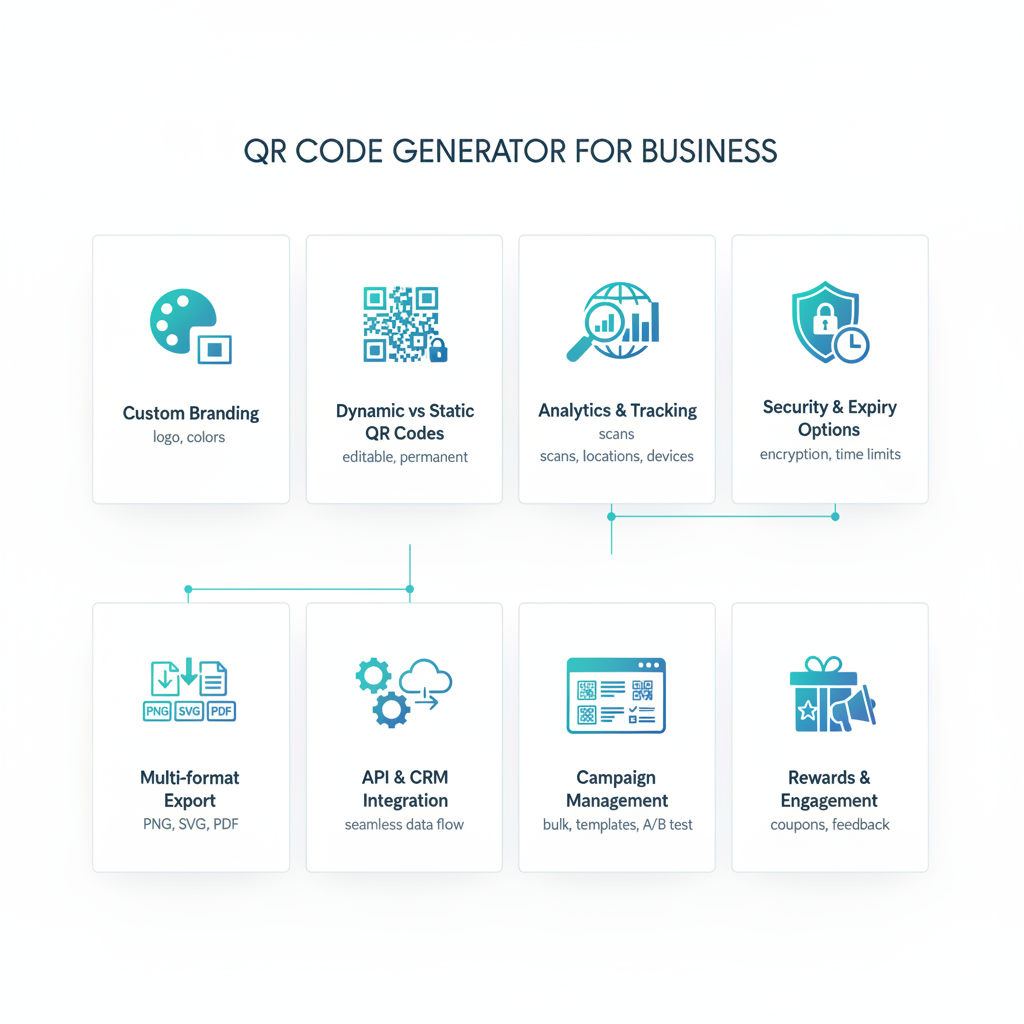
Use this checklist to compare vendors and avoid hidden costs. Branding capabilities should include colors, logo, frames, automatic contrast checks, and error-correction validation. Dynamic features should cover editable destinations, UTM updates after printing, rule-based routing, and deep links.
Analytics requirements include unique scans, time series, geography and device breakdown, UTM support, BI export, and bot filtering. Integrations should cover Shopify, HubSpot, Salesforce, GA4, Zapier, webhooks, and clean APIs.
Governance features need SSO/SAML, role-based access, folders, approval flows, audits, and dedicated domains. Format and QA capabilities should include SVG, PDF, PNG, preset sizes, and print-ready proofs. Scale and support require clear SLAs, enterprise support options, and transparent code and scan limits.
Security needs HTTPS enforcement, link verification, health monitoring, alerts, and anti-phishing checks. Pricing should clearly expose per-user, per-code, and per-scan costs, plus short-domain fees and add-ons.
The Business Case for Professional QR Management
A QR code generator for business should give you control, agility, and confidence. Branded design that actually scans, dynamic links you can update, analytics that inform decisions, and integrations that fit your stack.
With these core capabilities plus the extras that drive ROI like smart routing, A/B testing, and automation, you turn QR codes from isolated tactics into scalable acquisition and relationship systems. The codes become infrastructure, not one-off projects.
The question is not whether to invest in professional QR management. The question is how much longer you can afford scattered, untrackable, static codes that waste budget and miss opportunities.
Transform Every Scan Into Revenue
Join businesses already using VISU for gamified QR experiences.